

Hubdoc Document Automation Software for Accounting and Bookkeeping
Hubdoc is a cloud-based platform that automates the collection, extraction, and organization of financial documents to streamline bookkeeping and accounting workflows.
- Best for
- Automated Document Collection
- Key capability
- Automatic Document Fetching
Save Hubdoc, follow its updates and vote on it — everything stays in your account.
Sign in or create a free account
What is Hubdoc?
Hubdoc is a document capture tool from Xero that collects financial documents by snap, email or upload and integrates with Xero and QuickBooks Online. Automatic Document Fetching from bank and supplier portals was discontinued in 2022.
Key features of Hubdoc
Hubdoc offers automated document fetching, intelligent data extraction, seamless integration with accounting tools, secure cloud storage, and mobile capture capabilities to streamline financial document management for businesses and accounting professionals.
Automatic Document Fetching
Connects to over 700 online sources to automatically retrieve financial documents.
Optical Character Recognition (OCR)
Extracts critical data from documents to reduce manual entry.
Accounting Software Integration
Supports integration with QuickBooks Online, Xero, and other platforms.
Mobile App Capture
Allows users to capture receipts and documents on the go via iOS and Android apps.
Secure Cloud Storage
Stores documents securely with encryption and easy access.
Pros and cons of Hubdoc
Pros
- Automates tedious document collection and data entry
- Integrates well with popular accounting software
- Mobile app enables easy receipt capture
- Secure cloud storage ensures document safety
- Saves time for accountants and small businesses
Cons
- Pricing is not transparent and often bundled with other services
- Limited to English language support
- Some manual uploads may still be required for unsupported vendors
Key use cases for Hubdoc
Automated Document Collection
Automatically fetches bills, receipts, and statements from various online accounts and email inboxes to centralize financial documents.
Data Extraction and Organization
Extracts key data from uploaded documents using OCR technology and organizes it for easy bookkeeping and accounting.
Integration with Accounting Software
Seamlessly integrates with popular accounting platforms like QuickBooks Online and Xero to streamline bookkeeping workflows.
Expense Management
Helps businesses track and manage expenses by digitizing and categorizing receipts and invoices.
Financial Document Storage
Provides secure cloud storage for all financial documents, ensuring easy access and compliance.
How Hubdoc works
- 1
Connect Accounts
Link your online accounts such as banks, utilities, and vendors to Hubdoc for automatic document retrieval.
- 2
Upload Documents
Manually upload receipts or bills via the web or mobile app if needed.
- 3
Data Extraction
Hubdoc uses OCR to extract key data points like dates, amounts, and vendor names from documents.
- 4
Organize and Sync
Documents and extracted data are organized and synced automatically with your accounting software.
Who is using Hubdoc
Hubdoc pricing
Hubdoc
Subscription-based pricing
Pricing varies; typically bundled with accounting software subscriptions or available via accounting firms.
Plans and prices are as published by the vendor and can change. Check the official site before you buy. Open the pricing page (opens in a new tab)
Conclusion
Documents now reach Hubdoc by snap, email or upload, since automatic fetching from bank and supplier portals was discontinued in 2022. Receipts and bills can be uploaded through the web or captured with the iOS and Android apps. OCR then extracts key data points such as dates, amounts and vendor names. Documents and extracted data are organized and synced automatically with the accounting software, with integrations for Xero and QuickBooks Online.
Digitizing and categorizing receipts and invoices also helps businesses track and manage expenses. It is aimed at accountants and bookkeepers, accounting firms, and freelancers and self-employed professionals.
Sources
Sign in to review this tool.
Sign In to ReviewNo reviews yet
Be the first to share how this tool worked for you.
Ask about pricing, limits, or how it compares — or answer someone else.
Sign In to AskNo questions yet
Have a question about using or paying for this tool? Be the first to ask.
Featured on TiorAI



Alternative Tools
Explore similar AI tools that might fit your needs

Expensify
Expensify is an expense management tool that automates receipt scanning, expense tracking, and reporting for businesses and individuals, offering integrations and approval workflows.
More AI Workflow tools
Other tools in the same category, for when this one is not quite the fit.
Sococo
Sococo is a virtual office platform that provides remote teams with a visual workspace to collaborate via video, voice, and chat, simulating a physical office environment.

n8n
n8n is a workflow automation platform that combines AI capabilities with business process automation, giving technical teams the flexibility of code with the speed of no-code, with self-hosted and cloud deployment.

ThoughtSpot
ThoughtSpot is an AI-powered analytics platform that allows users to perform natural language searches on data to generate instant business insights and interactive dashboards without needing technical skills.
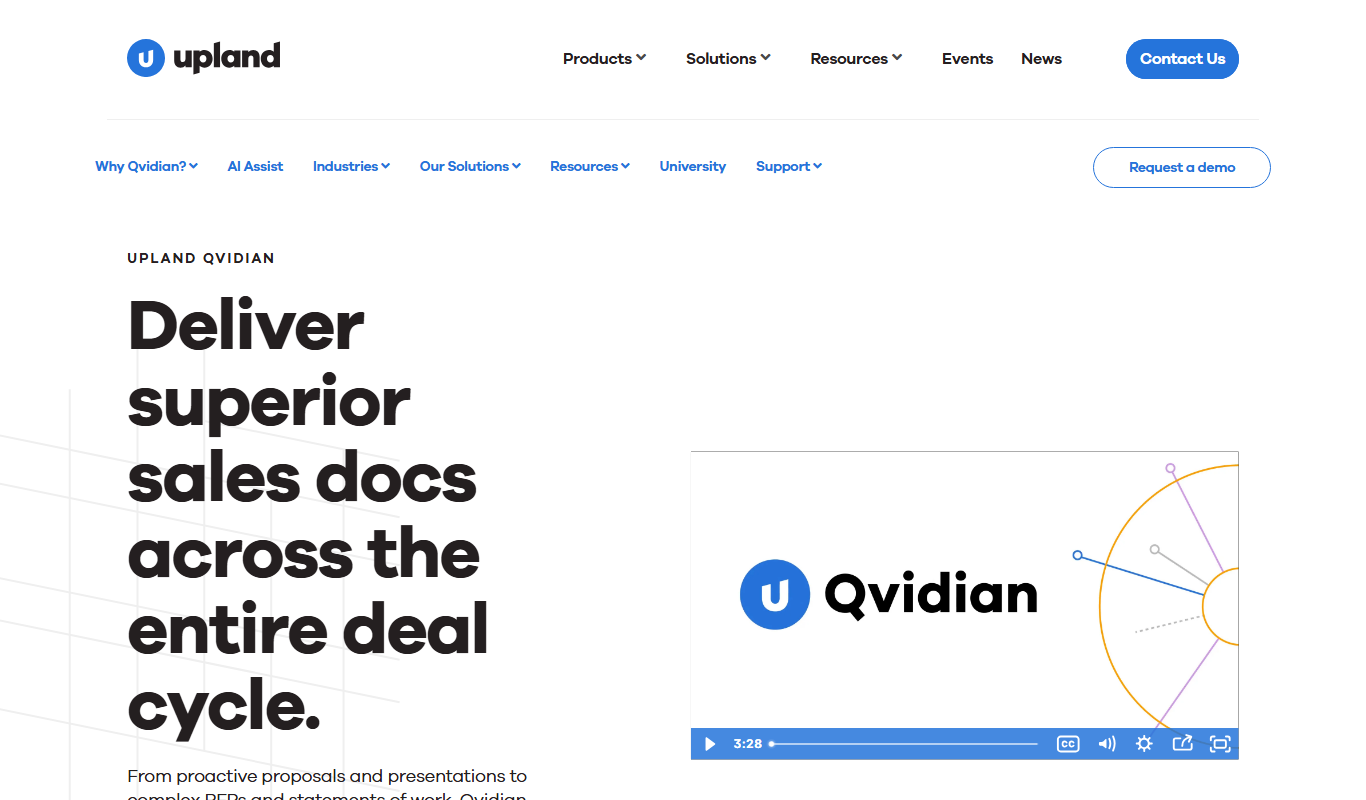
Qvidian
Qvidian is a cloud-based proposal automation software that helps sales and proposal teams create, manage, and deliver proposals and RFP responses efficiently by centralizing content and automating workflows.

Loopio
Loopio is a cloud platform that automates and streamlines RFP responses by providing a centralized content library, AI-powered answer suggestions, and collaborative workflows to improve proposal quality and speed.
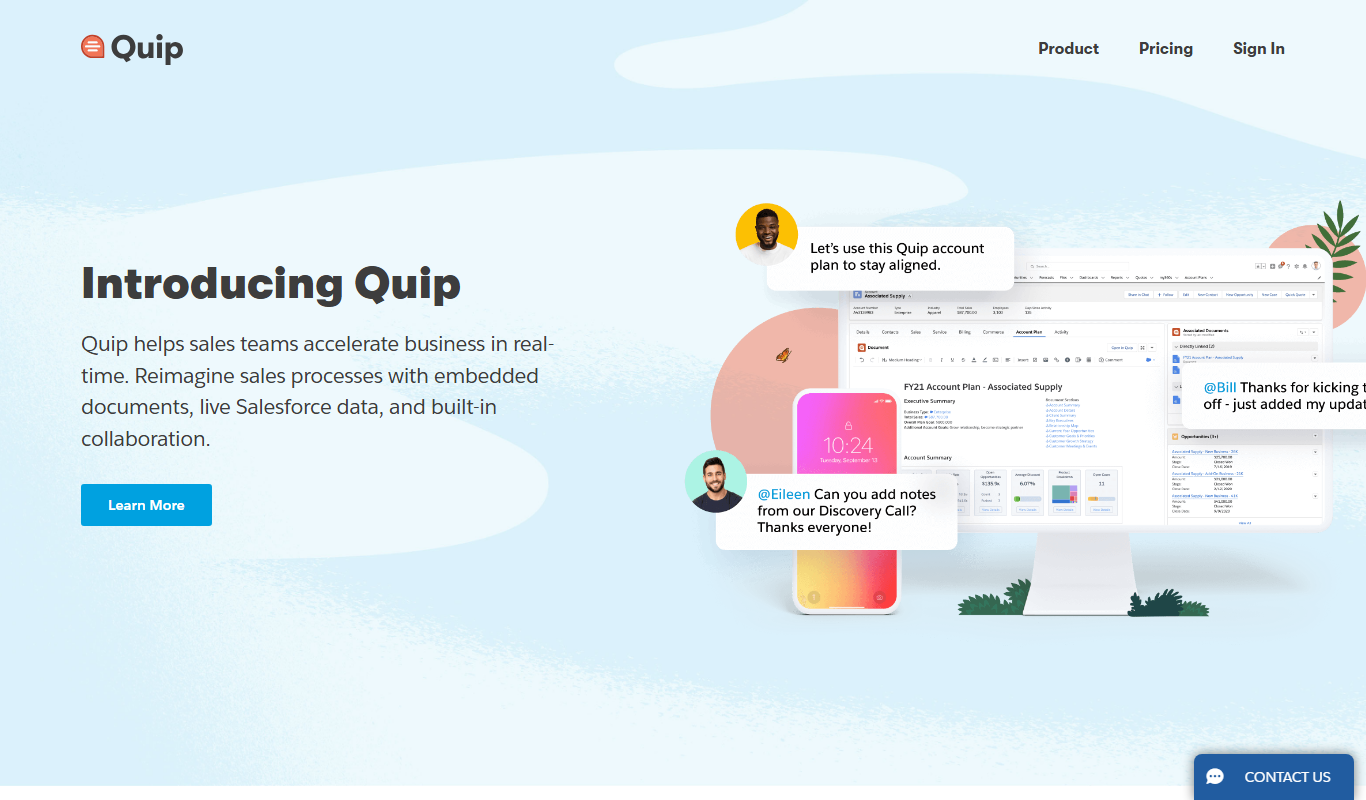
Quip
Quip is a cloud-based collaboration tool that integrates documents, spreadsheets, chat, and Salesforce CRM data to enable real-time team productivity and project management.

Appian
Appian is a low-code automation platform that helps organizations rapidly build enterprise applications, automate workflows, and integrate AI and RPA technologies.

Workato
Workato is a no-code integration and automation platform that connects multiple business applications to automate workflows and streamline processes without coding.