

From my experience with Handwriting OCR, I found it excels at quickly converting clear handwritten notes into editable text without requiring software installation. The web-based interface is straightforward, making it accessible for users with minimal technical skills. However, the accuracy can vary depending on handwriting legibility, which is a common limitation in handwriting OCR tools. Overall, if you need a simple and fast way to digitize handwritten documents online, this tool delivers practical results with an easy workflow.
Handwriting OCR Tool for Accurate Handwritten Text Recognition Online
Handwriting OCR is an online tool that converts images of handwritten text into editable digital text using optical character recognition technology.
- Best for
- Digitizing Handwritten Notes
- Key capability
- Handwriting Recognition
Your actions


Do you recommend this tool?
What is Handwriting OCR?
Handwriting OCR is an online optical character recognition tool specialized in converting handwritten text images into editable digital text. It supports various handwriting styles and aims to simplify the digitization of handwritten documents without the need for manual transcription.
Key features of Handwriting OCR
The tool offers easy image upload, fast processing, and accurate recognition of handwritten text. It supports multiple image formats and provides output in editable text formats, making it convenient for users to digitize handwritten content quickly.
Handwriting Recognition
Accurately converts various handwriting styles into digital text.
Image Format Support
Accepts common image formats such as JPG, PNG, and BMP for input.
Fast Processing
Quickly processes images to deliver text output within seconds.
User-Friendly Interface
Simple web-based interface requiring no software installation.
Pros and cons of Handwriting OCR
Pros
- Easy to use with no installation required
- Supports multiple image formats
- Fast text extraction from handwriting
Cons
- Accuracy depends on handwriting clarity
- Limited advanced editing features
- No dedicated mobile app
Key use cases for Handwriting OCR
Digitizing Handwritten Notes
Convert handwritten notes, letters, or memos into editable digital text for easier storage and sharing.
Archiving Historical Documents
Extract text from historical handwritten documents to preserve and analyze content digitally.
Automating Data Entry
Reduce manual data entry by automatically recognizing and converting handwritten forms or surveys.
Educational Use
Assist students and educators in converting handwritten assignments or lecture notes into digital formats.
How Handwriting OCR works
- 1
Upload Handwritten Image
Users upload an image containing handwritten text via the web interface.
- 2
Processing and Recognition
The tool processes the image using OCR algorithms to detect and convert handwriting into text.
- 3
Review and Download
Users review the extracted text and download it in editable formats for further use.
Who is using Handwriting OCR
Students and educators
Researchers and historians
Small businesses digitizing documents
Freelancers and writers
Handwriting OCR pricing
Free
$0/month
Basic access with limited daily conversions and standard accuracy.
Premium
$9.99/month
Higher daily limits, priority processing, and improved recognition accuracy.
Plans and prices are as published by the vendor and can change. Check the official site before you buy. Open the pricing page (opens in a new tab)
Frequently asked questions about Handwriting OCR
It supports a variety of handwriting styles but works best with clear and legible handwriting.
Yes, since it is a web-based tool, it can be accessed via mobile browsers.
Uploaded images are processed securely, but users should avoid uploading sensitive information.
It depends on your specific needs and how you plan to use the tool. The official website and documentation are the best sources for the latest details.
Yes, it can help with that use case depending on how you configure it and what features are available. You’ll get the best results with clear inputs and a defined goal.
Sign in to review this tool.
Sign In to ReviewNo reviews yet
Be the first to share how this tool worked for you.
Ask about pricing, limits, or how it compares — or answer someone else.
Sign In to AskNo questions yet
Have a question about using or paying for this tool? Be the first to ask.
Featured on TiorAI



More Handwriting tools
Other tools in the same category, for when this one is not quite the fit.
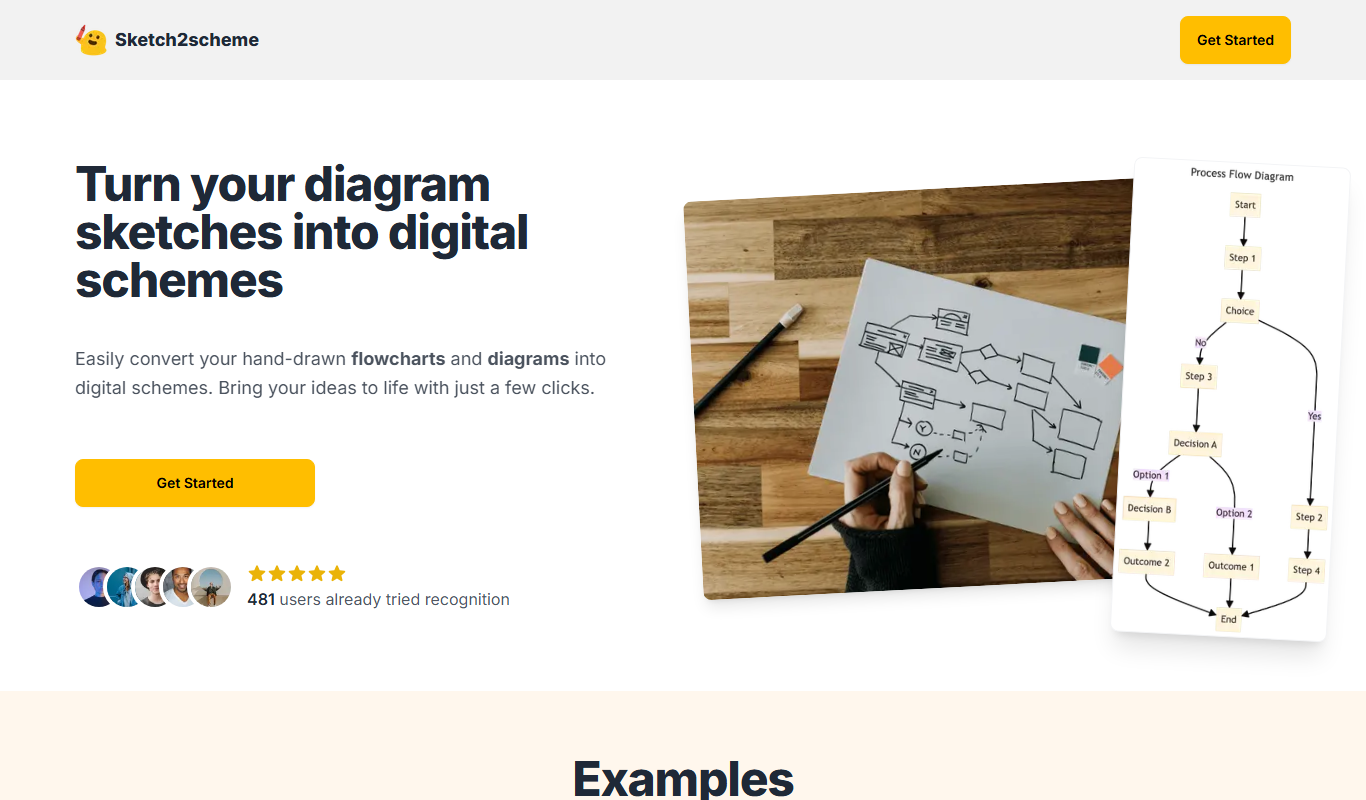
Free
Sketch2scheme
Sketch2scheme is a free web tool that uses AI to convert sketches into harmonious color schemes, helping designers quickly create palettes from their drawings.

Free
Papper: Scan Handwritten Todos
Papper is a mobile app that scans handwritten todo lists and converts them into editable digital tasks, helping users manage their daily tasks efficiently on iOS and Android devices.

Free
Notation
Notation is an open-source tool that validates structured data files against schemas such as JSON Schema and OpenAPI, and generates documentation to improve data quality and developer collaboration.

Free Trial
Cardamore AI
Cardamore AI is an AI-driven platform that automates customer support through intelligent chatbots, ticket classification, and multi-channel integration to improve service efficiency.
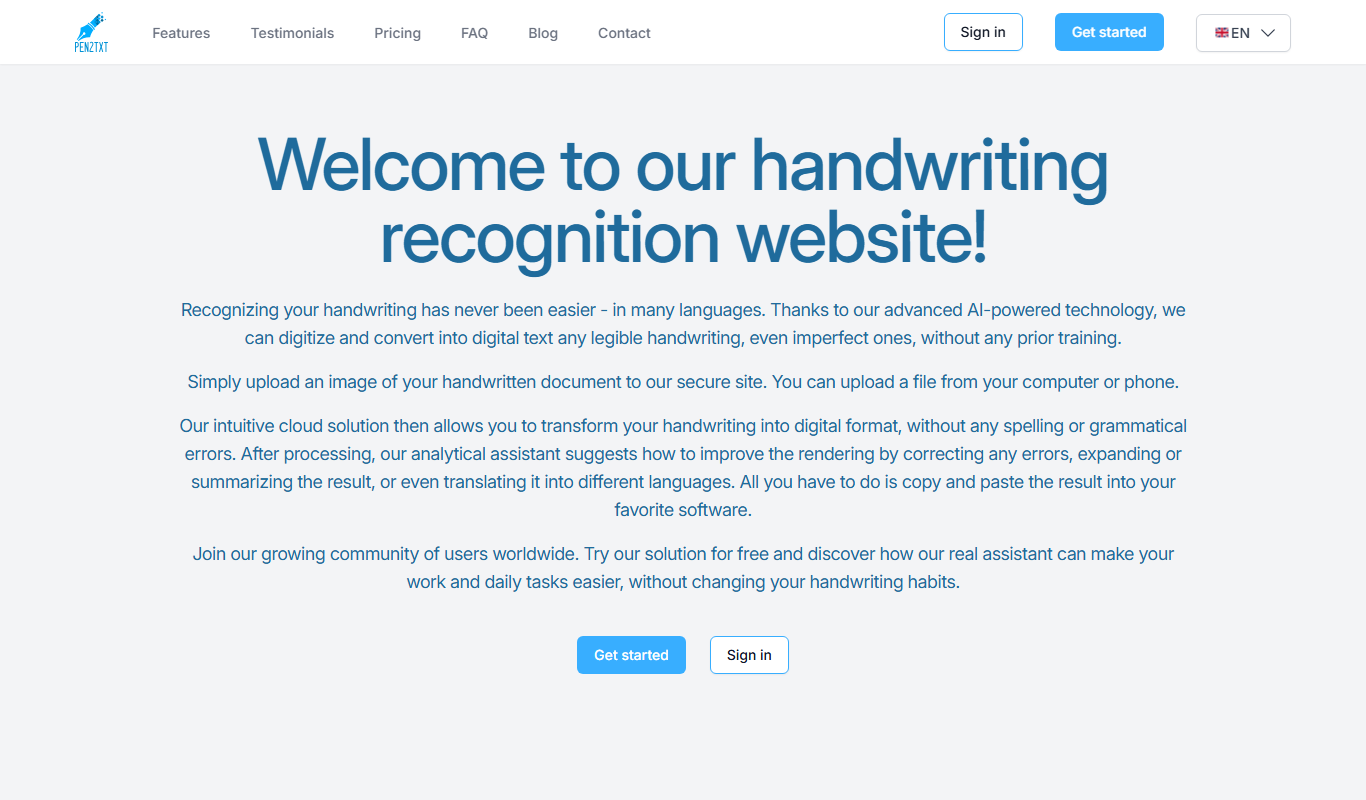
Free
Pen2txt
Pen2txt is a free web-based tool that converts handwritten notes into editable text using handwriting recognition technology.

Free
ProWritingAid
ProWritingAid is an AI-powered writing assistant that helps improve grammar, style, readability, and detects plagiarism, integrating with popular writing platforms.

Free Trial
Akiflow
Akiflow is a productivity software that combines task management, calendar integration, and workflow automation to help users organize and execute tasks efficiently across multiple platforms.

Free
Flashcard generator
Flashcard Generator is a free web-based tool that lets users create, review, and print custom flashcards for effective study and memorization.