

From my experience with Akiflow, I found it excels at integrating task management with calendar scheduling in a single, intuitive interface. The drag-and-drop scheduling and automation features genuinely help reduce the friction of organizing daily work. After spending time with the platform, I can say it’s particularly well-suited for busy professionals and small teams who want to streamline their workflows without juggling multiple apps. However, there’s a trade-off: the lack of a permanent free tier means casual users might hesitate before committing. Overall, if you need a unified productivity tool that combines tasks and calendar events with automation, Akiflow delivers solid results.
Akiflow Task Management Software for Productivity and Workflow Automation
Akiflow is a productivity software that combines task management, calendar integration, and workflow automation to help users organize and execute tasks efficiently across multiple platforms.
- Best for
- Task and To-Do List Management
- Key capability
- Unified Task and Calendar View

Do you recommend this tool?
What is Akiflow?
Akiflow is a productivity and task management software designed to help individuals and teams organize their work efficiently. It combines task lists, calendar scheduling, and workflow automation into a unified platform, enabling users to plan, prioritize, and execute tasks seamlessly. With integrations to popular calendar apps and productivity tools, Akiflow aims to reduce context switching and improve focus.
Key features of Akiflow
Akiflow offers a centralized dashboard for managing tasks and calendar events, smart scheduling with drag-and-drop functionality, deep calendar integrations, workflow automation capabilities, and collaboration features for teams. It also includes productivity tools like focus timers and reminders to keep users on track.
Unified Task and Calendar View
View and manage tasks alongside calendar events in a single interface to streamline planning.
Smart Scheduling
Drag-and-drop tasks into calendar slots with intelligent suggestions to optimize your day.
Workflow Automation
Automate repetitive task creation and scheduling to reduce manual workload.
Multi-Platform Support
Access Akiflow on web, desktop apps for Windows and Mac, and mobile apps for iOS and Android.
Focus Mode and Timers
Built-in focus timers help users concentrate on tasks without distractions.
Pros and cons of Akiflow
Pros
- Intuitive drag-and-drop scheduling interface
- Strong calendar integrations with popular platforms
- Cross-platform availability including desktop and mobile
- Automation features reduce repetitive work
- Focus tools help improve productivity
Cons
- No permanently free plan beyond trial period
- Limited language support (English only)
- Some advanced features require Pro subscription
Key use cases for Akiflow
Task and To-Do List Management
Organize daily tasks and to-do lists efficiently with intuitive scheduling and prioritization features.
Calendar Integration
Sync tasks seamlessly with Google Calendar, Outlook, and other calendar apps to keep all events and tasks in one place.
Workflow Automation
Automate repetitive task management processes to save time and reduce manual effort.
Team Collaboration
Share tasks and projects with team members to improve coordination and accountability.
Focus and Productivity Enhancement
Use built-in focus timers and distraction blockers to enhance concentration and productivity.
How Akiflow works
- 1
Sign Up and Connect Calendars
Create an Akiflow account and link your Google Calendar, Outlook, or other supported calendars.
- 2
Import and Organize Tasks
Import tasks from various sources or create new ones, then organize them with tags, priorities, and deadlines.
- 3
Schedule and Automate
Use drag-and-drop scheduling to assign tasks to specific time slots and set up automation rules for recurring tasks.
- 4
Collaborate and Track Progress
Share tasks with team members, assign responsibilities, and monitor progress through the dashboard.
Who is using Akiflow
Busy professionals managing multiple tasks
Small to medium-sized teams needing collaboration
Freelancers seeking integrated calendar and task management
Productivity enthusiasts looking for workflow automation
Project managers coordinating schedules and deadlines
Akiflow pricing
Free Trial
$0 for 14 days
Full access to all features during the trial period.
Pro
$15/month
Unlimited tasks, calendar integrations, automation, and priority support.
Plans and prices are as published by the vendor and can change. Check the official site before you buy. Open the pricing page (opens in a new tab)
Frequently asked questions about Akiflow
Yes, Akiflow offers seamless integration with Google Calendar to sync events and tasks.
Yes, Akiflow provides mobile apps for both iOS and Android devices.
Yes, Akiflow supports team collaboration features including task sharing and assignment.
Akiflow offers a 14-day free trial but does not have a permanently free tier.
This tool is designed to help users accomplish its core tasks more efficiently. It is typically used by individuals or teams looking to improve productivity and workflow.
Integration support depends on the tool and its available connectors or API. Check the official documentation or integrations page to confirm what is supported.
Some tools offer a free plan or trial with limited features. Availability can vary, so confirm on the official website.
Yes, it can help with that use case depending on how you configure it and what features are available. You’ll get the best results with clear inputs and a defined goal.
Sign in to review this tool.
Sign In to ReviewNo reviews yet
Be the first to share how this tool worked for you.
Ask about pricing, limits, or how it compares — or answer someone else.
Sign In to AskNo questions yet
Have a question about using or paying for this tool? Be the first to ask.
Featured on TiorAI



Alternative Tools
Explore similar AI tools that might fit your needs

Free
Todoist
Todoist is a cross-platform task management app designed to help users organize tasks, set priorities, collaborate on projects, and track productivity efficiently.

Free
TickTick
TickTick is a cross-platform task management app that helps users organize tasks, set reminders, track habits, and collaborate with others to improve productivity.
More AI Automation & Workflow Tools tools
Other tools in the same category, for when this one is not quite the fit.

Free Trial
Journeai
Journeai is an AI-powered software that automatically maps customer journeys across multiple marketing channels, providing real-time analytics and insights to optimize marketing strategies.

Freemium
Meoweler
Meoweler is an AI chatbot platform that helps businesses automate customer support and engagement through no-code chatbot creation and natural language processing.

Free
Momo
Momo is an AI-powered assistant that automates workflows, manages tasks, and enhances team collaboration by integrating with popular productivity tools.

Contact for pricing
QUINETICS
Quinetics is an AI platform that provides businesses with advanced data analytics, workflow automation, and custom machine learning model development to optimize operations and decision-making.
Free Trial
RobotaLife
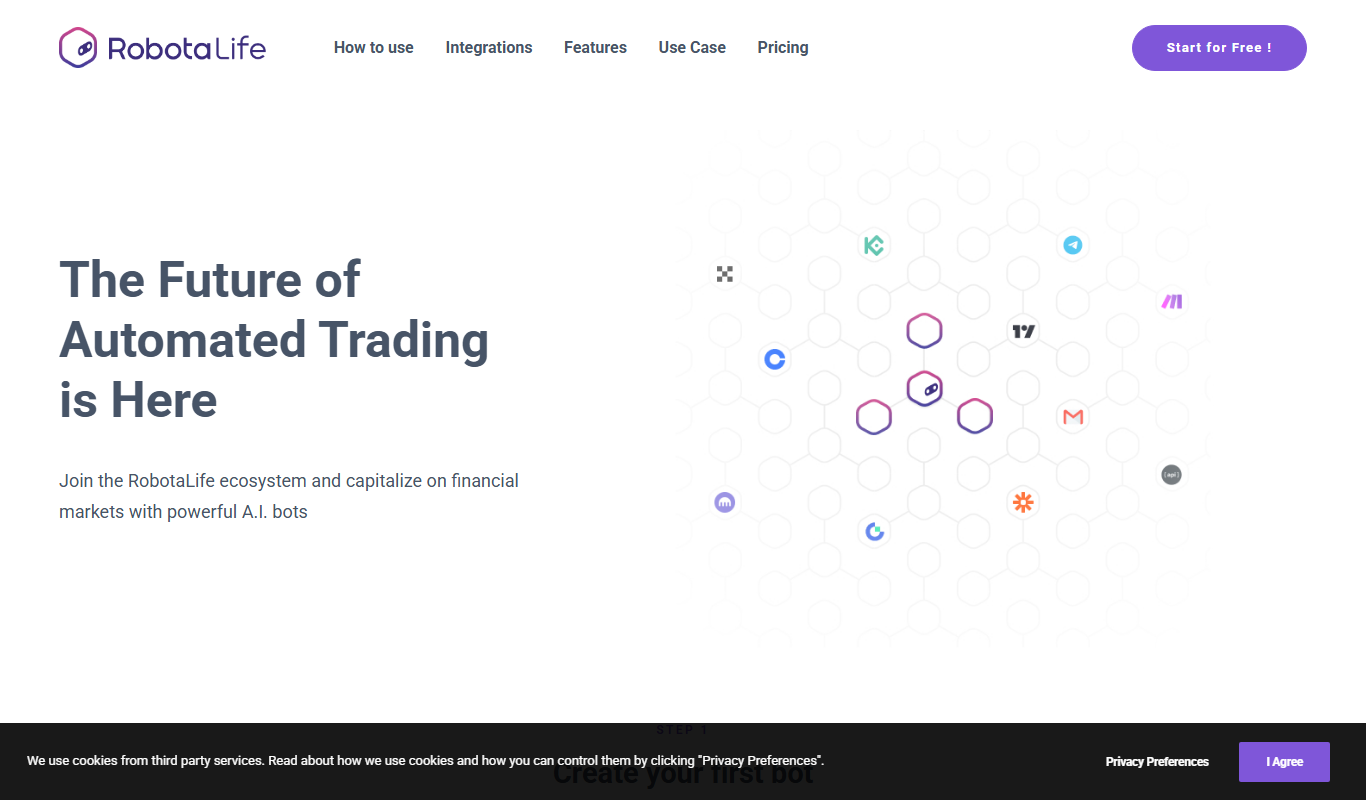
RobotaLife is an AI chatbot platform that enables businesses to automate customer interactions, generate leads, and improve support efficiency through customizable conversational agents.
Freemium
Ai & Stuff
Ai & Stuff is a web platform providing multiple AI-powered tools for generating text and images, automating content tasks, and assisting creative workflows.

Freemium
Saleswise | AI Tools for Real Estate Agents
Saleswise is an AI-driven sales assistant platform designed for real estate agents to automate lead qualification, follow-ups, and pipeline management, improving sales efficiency.

Free
ChatGBT
ChatGBT is an AI chatbot platform that helps businesses automate customer support and engagement through customizable chatbots integrated on websites.