

From my experience with Grain.co, I found it excels at simplifying the process of capturing and sharing key moments from Zoom meetings. The automatic transcription and highlight clip features save significant time on note-taking and help teams stay aligned without replaying entire calls. It’s particularly well-suited for remote teams and sales professionals who rely on detailed meeting records. However, the tool’s dependence on Zoom integration limits its use for teams on other platforms, and transcription accuracy can vary with audio quality. Overall, if your workflow centers around Zoom meetings, Grain.co offers a streamlined, user-friendly solution for meeting documentation and collaboration.
Grain.co Meeting Recording and Transcription Software for Teams
Grain.co is a Zoom-integrated meeting recording and transcription tool that automatically captures, transcribes, and allows sharing of video highlights to improve team collaboration.
- Best for
- Meeting Recording
- Key capability
- Automatic Zoom Integration
Your actions
Save grain.co, follow its updates and vote on it — everything stays in your account.
Sign in or create a free account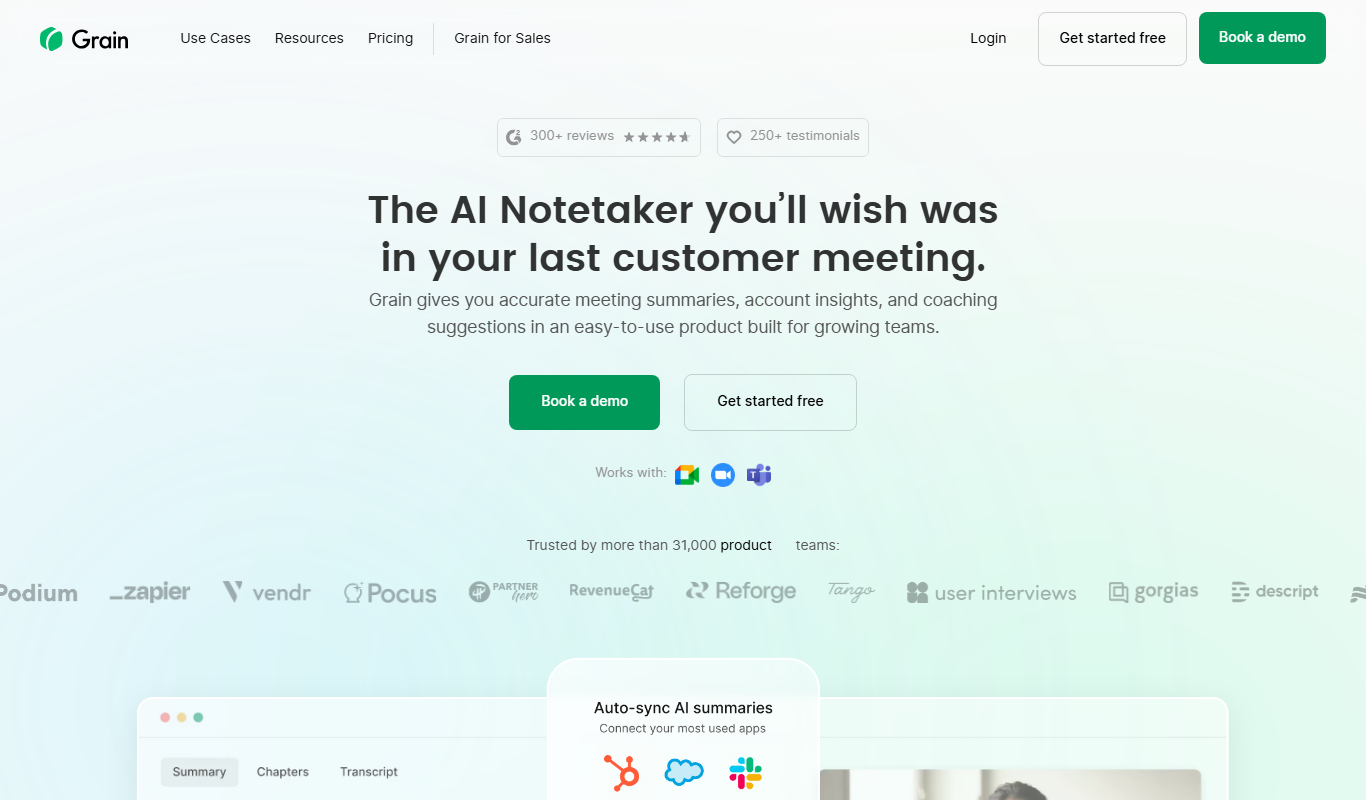

What is grain.co?
Grain.co is a meeting recording and transcription platform designed to capture, transcribe, and share video meetings seamlessly. It integrates primarily with Zoom to automatically record meetings, generate searchable transcripts, and enable users to create highlight clips. This helps teams save time on note-taking, improve communication, and retain important meeting insights.
Key features of grain.co
Grain offers automatic meeting recording, real-time transcription, highlight clip creation, and easy sharing options. It supports collaboration by allowing teams to comment on and organize meeting content efficiently.
Automatic Zoom Integration
Seamlessly connects with Zoom to record and transcribe meetings without manual setup.
Real-Time Transcription
Provides live captions and post-meeting transcripts for easy reference.
Highlight Clips
Create and share short video snippets of key meeting moments.
Searchable Meeting Library
Organize and search past meetings and transcripts for quick access.
Collaboration Tools
Comment on clips and transcripts to facilitate team discussions.
Pros and cons of grain.co
Pros
- Seamless Zoom integration for automatic recording
- Easy creation of shareable video highlights
- Searchable transcripts improve meeting documentation
Cons
- Limited to Zoom integration, no native support for other platforms
- Transcription accuracy depends on audio quality
- Free plan has limited meeting hours
Key use cases for grain.co
Meeting Recording
Automatically record and save video meetings for later review and sharing.
Transcription and Notes
Generate accurate transcripts and searchable notes from meetings to improve documentation.
Video Highlights
Create and share short video clips of important moments from meetings to streamline communication.
Team Collaboration
Share meeting recordings and highlights with team members to enhance collaboration and alignment.
Sales and Customer Calls
Capture key moments from sales calls or customer meetings to improve follow-up and training.
How grain.co works
- 1
Connect Zoom Account
Authorize Grain to access your Zoom meetings for automatic recording and transcription.
- 2
Record Meetings
Grain automatically records your Zoom meetings and captures audio and video.
- 3
Generate Transcripts
After the meeting, Grain produces a searchable transcript with timestamps.
- 4
Create Highlights
Select important moments to create short video clips for easy sharing.
- 5
Share and Collaborate
Share recordings and highlights with your team to improve communication and follow-up.
Who is using grain.co
Remote teams
Sales professionals
Customer success teams
Product managers
Content creators
grain.co pricing
Free
$0/month
Basic recording and transcription features with limited meeting hours.
Pro
$12/month
Extended meeting hours, advanced features, and priority support.
Plans and prices are as published by the vendor and can change. Check the official site before you buy. Open the pricing page (opens in a new tab)
Frequently asked questions about grain.co
Currently, Grain primarily integrates with Zoom for automatic recording and transcription.
Grain uses advanced speech recognition technology to provide high-quality transcripts, though accuracy may vary with audio quality.
Yes, you can share highlight clips via links that do not require recipients to have a Grain account.
Integration support depends on the tool and its available connectors or API. Check the official documentation or integrations page to confirm what is supported.
Yes, it can help with that use case depending on how you configure it and what features are available. You’ll get the best results with clear inputs and a defined goal.
Some tools offer a free plan or trial with limited features. Availability can vary, so confirm on the official website.
Sign in to review this tool.
Sign In to ReviewNo reviews yet
Be the first to share how this tool worked for you.
Ask about pricing, limits, or how it compares — or answer someone else.
Sign In to AskNo questions yet
Have a question about using or paying for this tool? Be the first to ask.
Featured on TiorAI



More AI Collaboration & Team Tools tools
Other tools in the same category, for when this one is not quite the fit.

Free
edraw ai
Edraw AI is an AI-powered diagramming tool by EdrawSoft that helps users create flowcharts, mind maps, and business diagrams efficiently with AI-assisted features and real-time collaboration.

Custom Pricing
FikraHub
FikraHub is a cloud-based innovation management platform that enables organizations to crowdsource ideas, run innovation challenges, and collaborate effectively to foster innovation.

Free
Alian hub – Project Management System
AlianHub is an open-source, self-hosted project management platform with boards, sprints, time tracking, chat and AI, free with unlimited users or hosted in the Cloud.

Free
Walling AI
Walling AI is a visual project management and idea organization platform that uses AI to help users organize tasks, notes, and files on flexible boards, supporting collaboration across web and mobile devices.

Freemium
MeetingCulture.ai from Decisions
MeetingCulture.ai by Decisions is an AI-powered platform that enhances meeting productivity by providing analytics, automated summaries, decision tracking, and integrations with Microsoft Teams, Outlook, and Slack.

Free
Miro
Miro is a cloud-based collaborative whiteboard platform that enables teams to brainstorm, plan, and collaborate visually in real time with an infinite canvas, templates, and integrations.

Free Trial
shufflrr.com
Shufflrr is a presentation management tool that centralizes PowerPoint slides, enabling teams to organize, collaborate, and deliver presentations efficiently with version control and analytics.

Free
Swift Board
Swift Board is a free, anonymous whiteboard for sprint retrospectives and team brainstorming that needs no sign-up and adds an instant AI-generated summary.