

From my experience with GoodNotes, it excels at providing a smooth and natural handwriting experience that closely mimics writing on paper. The app’s ability to organize notes efficiently and annotate PDFs makes it a versatile tool for students and professionals alike. However, its limitation to Apple devices means users outside the Apple ecosystem cannot benefit from it. Also, the lack of real-time collaboration features might be a drawback for teams. Overall, if you are deeply invested in Apple hardware and want a reliable digital notebook replacement, GoodNotes delivers excellent performance and usability.
GoodNotes Digital Note-Taking App for iPad, Mac, and iPhone Users
GoodNotes is a digital note-taking app for iPad, iPhone, and Mac that allows users to create handwritten notes, annotate PDFs, organize notebooks, and sync across devices using iCloud.
- Best for
- Digital Note-Taking
- Key capability
- Handwriting Recognition

Do you recommend this tool?
What is Goodnotes?
GoodNotes is a digital note-taking application designed primarily for Apple devices. It allows users to create, edit, and organize handwritten notes, annotate PDFs, and manage digital notebooks with a natural writing experience using the Apple Pencil or touch input. The app aims to replace traditional paper notebooks by providing a versatile and searchable digital alternative.
Key features of Goodnotes
GoodNotes offers features such as smooth handwriting recognition, extensive template options, PDF import and annotation, powerful organization tools including folders and tags, and seamless syncing across iPhone, iPad, and Mac devices via iCloud.
Handwriting Recognition
Convert handwritten notes into searchable text with high accuracy.
PDF Annotation
Import PDFs to highlight, underline, and add handwritten notes.
Customizable Templates
Choose from various paper styles like lined, grid, music sheets, and planners.
Organizational Tools
Use folders, bookmarks, and tags to keep notes well organized.
Multi-Device Sync
Sync notes across Apple devices via iCloud for continuous workflow.
Pros and cons of Goodnotes
Pros
- Natural and responsive handwriting experience
- Robust PDF annotation tools
- Organizational features like folders and tags
- One-time purchase with no subscription
- Seamless syncing across Apple devices
Cons
- Limited to Apple ecosystem only
- No collaboration or real-time sharing features
- No Android or Windows support
Key use cases for Goodnotes
Digital Note-Taking
Users can create, organize, and customize handwritten notes using Apple Pencil or finger input.
PDF Annotation
Annotate PDFs directly within the app for study, work, or collaboration purposes.
Lecture and Meeting Notes
Ideal for students and professionals to capture and organize notes during lectures or meetings.
Document Organization
Organize notes and documents into folders and notebooks with customizable covers and templates.
Digital Planning
Use planners and templates to manage schedules, tasks, and projects digitally.
How Goodnotes works
- 1
Create a Notebook
Start by creating a new notebook with customizable paper templates and covers.
- 2
Write or Import Content
Use Apple Pencil or finger to write notes or import PDFs and images to annotate.
- 3
Organize Notes
Arrange notebooks into folders and use tags for easy retrieval.
- 4
Sync Across Devices
Enable iCloud sync to access notes seamlessly on iPhone, iPad, and Mac.
Who is using Goodnotes
Students
Educators
Professionals taking meeting notes
Digital planners and organizers
Creative users who prefer handwriting
Goodnotes pricing
GoodNotes 5
$7.99 one-time purchase
Full access to all features with no subscription required.
Plans and prices are as published by the vendor and can change. Check the official site before you buy. Open the pricing page (opens in a new tab)
Frequently asked questions about Goodnotes
No, GoodNotes is currently only available on iOS, iPadOS, and macOS.
Yes, GoodNotes supports handwriting recognition and can convert notes to searchable text.
Yes, it uses iCloud to sync notes across Apple devices.
Yes, you can import and annotate PDFs directly within the app.
Yes, it can help with that use case depending on how you configure it and what features are available. You’ll get the best results with clear inputs and a defined goal.
Yes, it can help with that use case depending on how you configure it and what features are available. You’ll get the best results with clear inputs and a defined goal.
Some tools offer a free plan or trial with limited features. Availability can vary, so confirm on the official website.
Yes, it can help with that use case depending on how you configure it and what features are available. You’ll get the best results with clear inputs and a defined goal.
Sign in to review this tool.
Sign In to ReviewNo reviews yet
Be the first to share how this tool worked for you.
Ask about pricing, limits, or how it compares — or answer someone else.
Sign In to AskNo questions yet
Have a question about using or paying for this tool? Be the first to ask.
Featured on TiorAI



More AI Education & Learning Tools tools
Other tools in the same category, for when this one is not quite the fit.

Free
bentolingo
BentoLingo is an AI-driven language learning platform that provides personalized speaking practice and real-time feedback to help users improve fluency in multiple languages.

Free Trial
Testnut
Testnut is an online exam platform that enables secure, scalable assessments with remote proctoring, automated grading, and detailed analytics, suitable for education and corporate use.

Freemium
Testbook.ai
Testbook.ai is an AI-driven platform offering personalized study plans, mock tests, and live classes to help students prepare effectively for competitive exams.

Free
AICamp
AICamp is an AI education platform offering project-based learning to teach AI, machine learning, and data science through hands-on projects and community mentorship.
Free
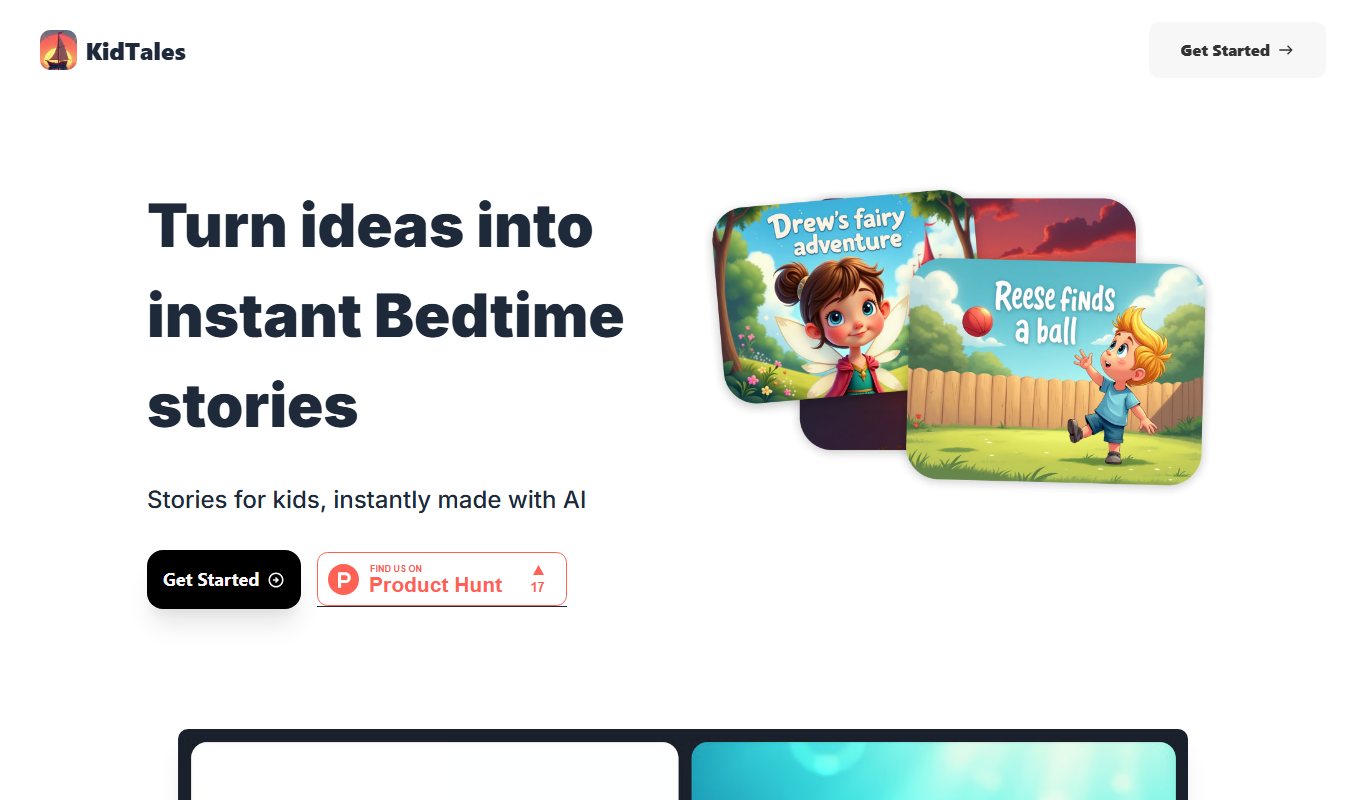
KidTales
KidTales AI is an online tool that generates personalized, age-appropriate stories for children to support creativity and learning.

Freemium
Mi Cuento Digital
Mi Cuento Digital is an online platform that lets you create personalized digital storybooks for children by adding names, photos, and custom details to engage young readers.

Free
Kidgeni
Kidgeni is an AI-powered tutoring platform designed to provide personalized learning and homework help for children, focusing on core subjects like math and reading through interactive sessions.

Freemium
flAI
flAI is an AI-driven language learning app that provides personalized speaking and writing practice with real-time feedback to help users improve fluency and confidence in multiple languages.