

Genesys Cloud Contact Center Software for AI Customer Service Solutions
Genesys Cloud is a cloud-based contact center platform that uses AI to provide omnichannel customer service, workforce engagement, and real-time analytics for businesses of all sizes.
- Best for
- Omnichannel Customer Support
- Key capability
- Omnichannel Routing
Save Genesys Cloud, follow its updates and vote on it — everything stays in your account.
Sign in or create a free account
What is Genesys Cloud?
Genesys Cloud is a comprehensive cloud-based contact center platform designed to deliver exceptional customer experiences through AI-powered omnichannel communication, workforce engagement, and analytics. It enables businesses to manage customer interactions across multiple channels including voice, chat, email, and social media, while leveraging AI to automate and optimize service delivery.
Key features of Genesys Cloud
Genesys Cloud offers omnichannel routing, AI virtual assistants, workforce management, real-time analytics, and seamless integrations with CRM and business tools, all accessible via a scalable cloud platform.
Omnichannel Routing
Route customer interactions intelligently across voice, chat, email, and social media channels.
AI Virtual Assistants
Leverage AI-powered chatbots and voice bots to automate customer service and reduce agent workload.
Workforce Engagement Management
Tools for agent scheduling, quality management, and performance analytics.
Real-Time Analytics
Dashboards and reports providing insights into customer interactions and agent productivity.
CRM and Business System Integration
Seamless integration with popular CRM platforms and enterprise applications.
Pros and cons of Genesys Cloud
Pros
- Comprehensive omnichannel customer engagement
- Robust AI capabilities for automation
- Scalable cloud infrastructure
- Strong workforce management tools
- Extensive integration options
Cons
- Prices shown are per user per month based on an annual commitment, and usage-based pricing may apply.
- Learning curve for advanced features
- Some integrations require technical setup
Key use cases for Genesys Cloud
Omnichannel Customer Support
Manage customer interactions across voice, chat, email, social media, and messaging apps seamlessly.
Workforce Engagement Management
Optimize agent scheduling, performance, and training with AI-driven analytics and tools.
AI-Powered Virtual Assistants
Deploy AI chatbots and voice bots to automate routine inquiries and improve customer self-service.
Real-Time Analytics and Reporting
Gain insights into customer interactions and agent performance to drive continuous improvement.
Integration with CRM and Business Systems
Connect Genesys Cloud with existing CRM, ERP, and other enterprise applications for unified workflows.
How Genesys Cloud works
- 1
Sign Up and Onboard
Create an account and configure your contact center environment tailored to your business needs.
- 2
Integrate Channels and Systems
Connect communication channels and integrate with CRM or other enterprise systems.
- 3
Deploy AI Assistants
Set up AI chatbots and voice bots to handle common customer inquiries and automate workflows.
- 4
Manage Workforce
Schedule agents, monitor performance, and provide training using workforce engagement tools.
- 5
Analyze and Optimize
Use real-time analytics and reporting to improve customer service and operational efficiency.
Who is using Genesys Cloud
Genesys Cloud pricing
Genesys Cloud CX 1
$75 USD per user/month billed annually
For voice contact centers and associate users: voice channel, call routing, speech-enabled IVR, outbound campaigns, analytics and reporting, and unified communications.
Genesys Cloud CX 2
$115 USD per user/month billed annually
For omnichannel contact centers with quality assurance and compliance built in: digital and voice channels, omnichannel routing, speech-enabled IVR and outbound campaigns.
Genesys Cloud CX 3
$155 USD per user/month billed annually
For omnichannel contact centers with full WEM capabilities: adds employee performance, workforce management, and forecasting and scheduling.
Genesys Cloud CX 4
$240 USD per user/month billed annually
For omnichannel contact centers that want more AI experience: includes Agent Copilot, journey management and 30 AI Experience tokens per named agent.
Plans and prices are as published by the vendor and can change. Check the official site before you buy. Open the pricing page (opens in a new tab)
Frequently asked questions about Genesys Cloud
Yes, Genesys Cloud offers scalable solutions that can be tailored to small, medium, and large enterprises.
Yes, it includes AI-powered virtual assistants for automating customer interactions.
Yes, it supports integration with many popular CRM and business applications.
It supports voice, chat, email, SMS, social media, and messaging apps.
This tool is designed to help users accomplish its core tasks more efficiently. It is typically used by individuals or teams looking to improve productivity and workflow.
Pricing depends on the plan and included features. For the most accurate and up-to-date details, check the official pricing page.
Integration support depends on the tool and its available connectors or API. Check the official documentation or integrations page to confirm what is supported.
Conclusion
A contact center is configured by connecting its communication channels, linking CRM or other enterprise systems and adding chatbots and voice bots for common inquiries. Interactions are routed across voice, chat, email and social media, while workforce engagement tools cover agent scheduling, quality management and performance analytics. Dashboards and reports give insight into customer interactions and agent productivity.
The platform serves contact centers and customer service teams, especially enterprises requiring omnichannel support. Four editions are published: CX 1 for voice contact centers, CX 2 with digital channels plus quality assurance and compliance, CX 3 with full WEM capabilities and CX 4 with more AI features such as Agent Copilot. Published prices are per user per month on an annual commitment, and usage-based pricing may apply on top. Besides named and concurrent licenses, an hourly interacting license charges only for time spent handling interactions.
Sources
Sign in to review this tool.
Sign In to ReviewNo reviews yet
Be the first to share how this tool worked for you.
Ask about pricing, limits, or how it compares — or answer someone else.
Sign In to AskNo questions yet
Have a question about using or paying for this tool? Be the first to ask.
Featured on TiorAI



Alternative Tools
Explore similar AI tools that might fit your needs

Five9
Five9 is a cloud-based contact center software that uses AI to optimize customer interactions across voice, chat, email, and social media, integrating with CRM systems and providing tools for workforce management and analytics.

Talkdesk
Talkdesk is a cloud-based AI call center software that automates customer service through intelligent routing, virtual agents, and omnichannel support, integrating seamlessly with CRM systems to enhance agent productivity and customer satisfaction.
More AI CRM tools
Other tools in the same category, for when this one is not quite the fit.
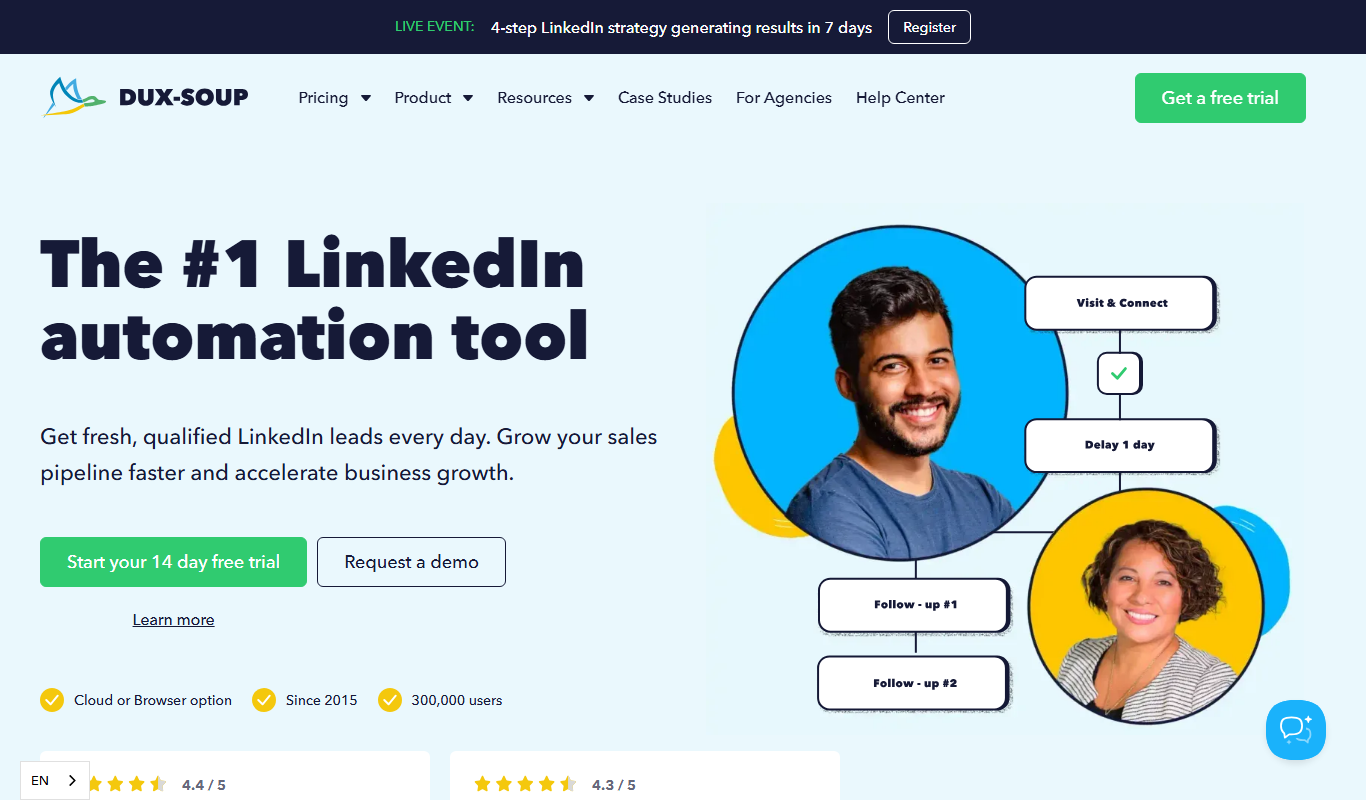
Dux-Soup
Dux-Soup is a LinkedIn automation tool that helps users automate profile visits, connection requests, and messaging to generate leads and streamline outreach.

Expandi
Expandi is a LinkedIn automation tool designed to automate personalized outreach and lead generation campaigns safely, helping sales and marketing teams scale their LinkedIn prospecting efforts.

Loxo
Loxo is an AI-driven recruiting software that automates candidate sourcing, applicant tracking, and CRM to streamline hiring processes.

SeekOut
SeekOut is an AI-driven recruiting platform that enables talent acquisition teams to source candidates efficiently, focus on diversity hiring, and manage recruitment pipelines with analytics and engagement tools.

HireEZ
HireEZ is an AI-driven recruiting platform that streamlines talent sourcing and candidate engagement through advanced search, automated outreach, and recruitment analytics.

Bonjoro
Bonjoro is a platform that enables businesses to send personalized video messages to customers, enhancing engagement and sales through authentic communication.

Pipedrive
Pipedrive is a CRM software that helps sales teams visualize and manage their sales pipelines, automate repetitive tasks, and analyze sales performance to close deals faster.

Little Hotelier
Little Hotelier is a cloud-based property management system tailored for small hotels and bed & breakfasts, combining booking engine, channel manager, and front desk management into one platform.