

From my experience with ganttLify, I found it excels at providing a clean, interactive Gantt chart interface that simplifies project scheduling and progress tracking. Its real-time collaboration features make it easy for teams to stay aligned without overwhelming complexity. However, the platform currently lacks mobile apps and deeper integrations, which might limit its use for teams relying heavily on other tools. Overall, if you need straightforward Gantt chart-based project management with an intuitive web interface, ganttLify delivers solid value, especially for small to medium-sized teams.
ganttLify Project Management Software with Interactive Gantt Charts
ganttLify is a web-based project management software that provides interactive Gantt charts for planning, scheduling, and collaborating on projects in real time.
- Best for
- Project Scheduling
- Key capability
- Interactive Gantt Charts

Do you recommend this tool?
What is ganttLify?
ganttLify is a web-based project management tool focused on providing interactive Gantt charts for efficient project planning and tracking. It enables teams to visualize project timelines, manage tasks, and collaborate in real time to keep projects on schedule.
Key features of ganttLify
ganttLify offers interactive Gantt charts, task scheduling, drag-and-drop timeline adjustments, real-time collaboration, and progress tracking to streamline project management workflows.
Interactive Gantt Charts
Drag-and-drop interface to easily adjust task schedules and dependencies.
Task Dependencies
Define relationships between tasks to reflect project workflow accurately.
Real-Time Collaboration
Multiple users can view and update project data simultaneously.
Progress Indicators
Visual cues to track task completion and overall project status.
Export Options
Export project timelines and data for reporting or sharing outside the platform.
Pros and cons of ganttLify
Pros
- User-friendly interactive Gantt chart interface
- Real-time collaboration capabilities
- Affordable pricing with a free tier
Cons
- Limited integrations with other tools
- No mobile app available
Key use cases for ganttLify
Project Scheduling
Plan and visualize project timelines with interactive Gantt charts to track progress and deadlines.
Task Management
Organize tasks, assign responsibilities, and monitor task completion within projects.
Team Collaboration
Facilitate communication and coordination among team members through shared project views.
Resource Allocation
Manage and allocate resources effectively by visualizing workload and timelines.
Progress Tracking
Monitor project milestones and overall progress to ensure timely delivery.
How ganttLify works
- 1
Create a Project
Start by setting up a new project and defining its timeline.
- 2
Add Tasks
Input tasks with start and end dates, dependencies, and assign team members.
- 3
Visualize Timeline
Use the interactive Gantt chart to see the project schedule and adjust tasks as needed.
- 4
Collaborate
Share the project with your team to update progress and communicate.
- 5
Track Progress
Monitor task completion and project milestones to stay on track.
Who is using ganttLify
Project managers
Small to medium-sized teams
Freelancers managing multiple projects
Product development teams
Marketing agencies
ganttLify pricing
Free
$0/month
Basic access with limited projects and features.
Pro
$9/month
Full feature access with unlimited projects and priority support.
Plans and prices are as published by the vendor and can change. Check the official site before you buy. Open the pricing page (opens in a new tab)
Frequently asked questions about ganttLify
Yes, ganttLify offers a free plan with limited features suitable for small projects.
Yes, it allows multiple users to collaborate in real time on project timelines.
Yes, ganttLify provides export options for project timelines and reports.
This tool is designed to help users accomplish its core tasks more efficiently. It is typically used by individuals or teams looking to improve productivity and workflow.
Some tools offer a free plan or trial with limited features. Availability can vary, so confirm on the official website.
Yes, it can help with that use case depending on how you configure it and what features are available. You’ll get the best results with clear inputs and a defined goal.
Sign in to review this tool.
Sign In to ReviewNo reviews yet
Be the first to share how this tool worked for you.
Ask about pricing, limits, or how it compares — or answer someone else.
Sign In to AskNo questions yet
Have a question about using or paying for this tool? Be the first to ask.
Featured on TiorAI



Alternative Tools
Explore similar AI tools that might fit your needs

Free
TeamGantt
TeamGantt is a web-based project management tool that uses interactive Gantt charts to help teams plan, schedule, and collaborate on projects efficiently.

Business
Asana
Asana is a cloud-based project management platform that enables teams to organize tasks, track progress, automate workflows, and collaborate effectively across projects.
More AI Banner Generator tools
Other tools in the same category, for when this one is not quite the fit.

Free Trial
CorelDRAW
CorelDRAW is a professional graphic design software suite used for vector illustration, page layout, photo editing, and typography, available on Windows and Mac platforms.
Free
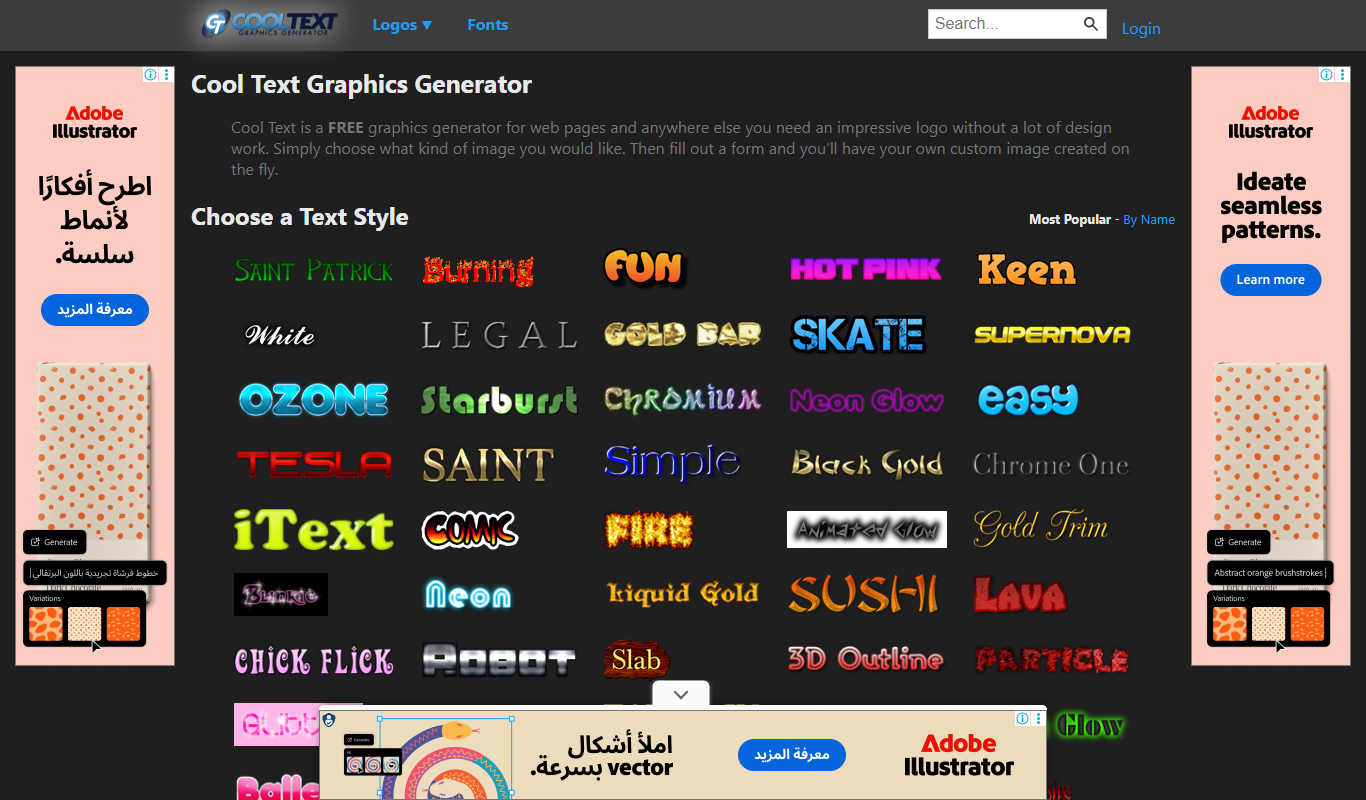
CoolText
CoolText is a free online tool for creating custom logos and graphic text designs with various fonts and effects, ideal for quick branding needs.
Freemium
Bannersnack
Bannersnack is a web-based banner maker that allows users to create static and animated banners for digital marketing campaigns with customizable templates and collaboration features.

Free
Pablo by Buffer
Pablo by Buffer is a free web-based tool that helps users create social media images quickly by adding text overlays to photos with preset sizes and easy customization.

Free
minimaxme
Minimaxme is an AI chatbot platform that enables users to build and deploy personalized conversational bots for customer support, lead generation, and engagement without coding.
Custom Pricing
Brella
Brella is an AI-driven event networking platform that facilitates meaningful connections and engagement for virtual, hybrid, and in-person events through personalized matchmaking and scheduling.

Contact Sales
binarly.io
Binarly.io is a cybersecurity platform specializing in automated firmware vulnerability detection and binary analysis to protect embedded and IoT devices from security threats.

Free
AI LinkedIn Banners
AI LinkedIn Banners is a web tool that uses AI to generate and customize LinkedIn banner images, helping users create professional profile headers quickly without design skills.