

From my experience with Gantt Chart AI, I found it excels at simplifying complex project scheduling through its AI-powered automation. The intuitive drag-and-drop interface combined with real-time collaboration makes it practical for small to medium teams who want to save time on manual timeline adjustments. However, the lack of mobile apps and limited integrations might be a drawback for users needing more connectivity with other tools. Overall, if you need an easy-to-use, AI-driven Gantt chart solution for efficient project planning, Gantt Chart AI delivers solid and reliable results.
Gantt Chart AI Project Planning Software with Automated Scheduling Features
Gantt Chart AI is a web-based project management tool that uses artificial intelligence to automatically create and adjust Gantt charts, helping teams optimize project schedules and manage tasks efficiently.
- Best for
- Project Scheduling
- Key capability
- AI-Powered Automatic Scheduling
Your actions
Save Gantt Chart AI, follow its updates and vote on it — everything stays in your account.
Sign in or create a free account
What is Gantt Chart AI?
Gantt Chart AI is a web-based project management tool that leverages artificial intelligence to automate the creation and adjustment of Gantt charts. It helps teams visualize project timelines, manage tasks, and optimize scheduling by understanding task dependencies and durations.
Key features of Gantt Chart AI
The tool offers AI-powered automatic scheduling, intuitive drag-and-drop timeline editing, task dependency management, and real-time collaboration features designed to streamline project planning and execution.
AI-Powered Automatic Scheduling
Automatically creates and updates project timelines based on task inputs and dependencies.
Interactive Gantt Chart Editor
Drag-and-drop interface to easily modify task durations and dependencies.
Task Dependency Management
Define and visualize relationships between tasks to prevent scheduling conflicts.
Real-Time Collaboration
Multiple users can access and edit project plans simultaneously.
Deadline and Milestone Tracking
Keep track of critical dates to ensure timely project delivery.
Pros and cons of Gantt Chart AI
Pros
- Automates complex project scheduling with AI
- User-friendly drag-and-drop interface
- Supports real-time team collaboration
- Helps visualize task dependencies clearly
Cons
- Limited integrations with other project management tools
- No dedicated mobile app available
Key use cases for Gantt Chart AI
Project Scheduling
Automatically generate and adjust project timelines based on task dependencies and durations.
Task Management
Organize and prioritize tasks within projects to ensure efficient workflow and resource allocation.
Team Collaboration
Share project plans with team members to improve communication and track progress.
Deadline Tracking
Monitor upcoming deadlines and milestones to keep projects on schedule.
How Gantt Chart AI works
- 1
Create Project
Start by entering your project details and defining tasks with estimated durations.
- 2
AI Scheduling
The AI engine automatically generates a Gantt chart by calculating task dependencies and optimal timelines.
- 3
Customize Timeline
Adjust tasks and dependencies manually using drag-and-drop features to fine-tune your schedule.
- 4
Collaborate and Share
Invite team members to view or edit the project plan, ensuring everyone stays aligned.
Who is using Gantt Chart AI
Project managers
Small to medium-sized teams
Freelancers managing multiple projects
Product development teams
Marketing agencies
Gantt Chart AI pricing
Free
$0/month
Basic features with limited projects and collaborators.
Pro
$15/month
Unlimited projects, advanced AI scheduling, and priority support.
Plans and prices are as published by the vendor and can change. Check the official site before you buy. Open the pricing page (opens in a new tab)
Frequently asked questions about Gantt Chart AI
Yes, there is a free plan with limited features suitable for small projects.
Yes, it allows multiple users to collaborate on project plans in real time.
You can manually adjust the AI-generated schedule using the interactive editor.
It is a web-based tool accessible via modern browsers.
It depends on your specific needs and how you plan to use the tool. The official website and documentation are the best sources for the latest details.
It depends on your specific needs and how you plan to use the tool. The official website and documentation are the best sources for the latest details.
Yes, it can help with that use case depending on how you configure it and what features are available. You’ll get the best results with clear inputs and a defined goal.
Pricing depends on the plan and included features. For the most accurate and up-to-date details, check the official pricing page.
Sign in to review this tool.
Sign In to ReviewNo reviews yet
Be the first to share how this tool worked for you.
Ask about pricing, limits, or how it compares — or answer someone else.
Sign In to AskNo questions yet
Have a question about using or paying for this tool? Be the first to ask.
Featured on TiorAI



Alternative Tools
Explore similar AI tools that might fit your needs

Free Trial
Smartsheet
Smartsheet is a cloud-based project management and collaboration platform that helps teams plan, track, automate workflows, and manage resources efficiently.

Free
TeamGantt
TeamGantt is a web-based project management tool that uses interactive Gantt charts to help teams plan, schedule, and collaborate on projects efficiently.
More AI Ai Tools tools
Other tools in the same category, for when this one is not quite the fit.
Free
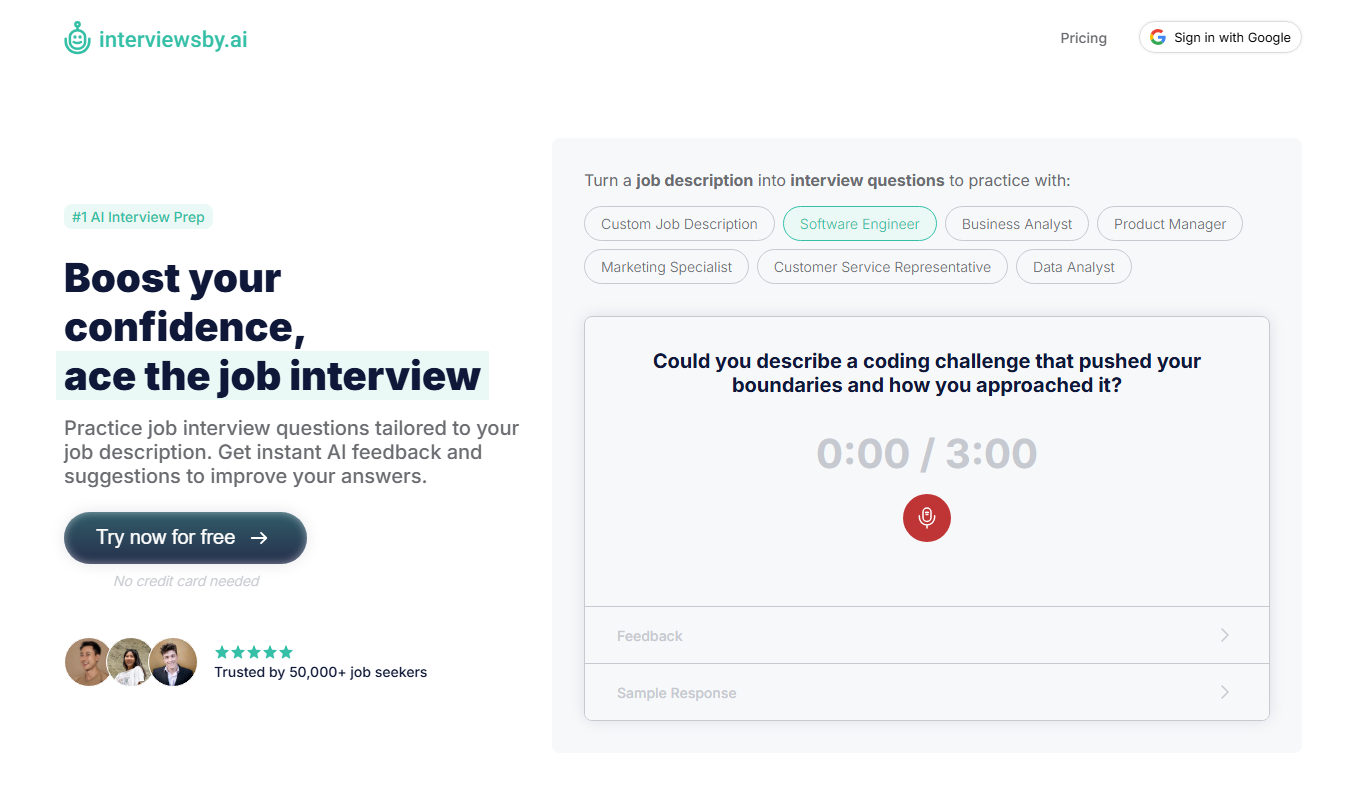
Interviews by AI
Interviews by AI is a web-based platform that uses artificial intelligence to simulate job interviews by generating tailored questions and providing personalized feedback to help users improve their interview skills.

Freemium
Wonderin Resume AI
Wonderin Resume AI is an AI-powered resume builder that helps job seekers create professional, ATS-optimized resumes quickly using customizable templates and intelligent content suggestions.

Free Trial
Recruitcrafts
Recruitcrafts is an AI-driven recruitment platform that automates candidate sourcing, resume screening, and interview scheduling to help recruiters hire faster and more efficiently.

Freemium
Sage Cooking
Sage Cooking is an AI-powered web tool that generates personalized recipes based on your dietary preferences, restrictions, and available ingredients to simplify meal planning and inspire cooking creativity.

Free
Infinite Meals
Infinite Meals is a free AI-based meal planner that generates personalized healthy meal plans tailored to your dietary preferences, allergies, and nutritional goals.

Freemium
REimagine Home
REimagine Home is an AI-driven platform that transforms your room photos into virtual interior design makeovers, helping you visualize new furniture and decor styles quickly and easily.

Subscription
Free AI QR Code Generator by MyQRCode
MyQRCode is a web-based QR code generator for restaurants, vCards, events and businesses, with custom designs, editable links, logos and colors.

Free
AIQRHub
AIQRHub is an online tool that uses AI to turn the QR code for a URL into an artistic QR code in a preset style.