

From my experience with Deepgram’s Free Transcription Tool, it stands out for its high accuracy and ease of use, especially for pre-recorded audio and video files. The ability to distinguish speakers and support multiple languages makes it versatile for various professional needs. While the free tier limits monthly minutes, it provides a solid introduction to AI transcription technology. For developers and businesses requiring scalable solutions, Deepgram’s API and enterprise plans offer robust options. Overall, if you need reliable, fast transcription without complex setup, this tool delivers dependable results.
Free Transcription Tool by Deepgram for Accurate Speech-to-Text Conversion
Deepgram's Free Transcription Tool provides accurate, AI-powered speech-to-text conversion for audio and video files with multi-language support and speaker diarization.
- Best for
- Audio and Video Transcription
- Key capability
- High Accuracy Speech Recognition

Do you recommend this tool?
What is Free Transcription Tool Deepgram?
Deepgram’s Free Transcription Tool is an AI-powered speech-to-text service that allows users to upload audio or video files and receive accurate, automated transcriptions quickly. It leverages deep learning models optimized for various audio types and accents, providing a scalable and easy-to-use solution for converting spoken language into text.
Key features of Free Transcription Tool Deepgram
The tool offers fast, high-accuracy transcription with support for multiple languages, speaker diarization, and punctuation. It includes a user-friendly web interface for quick uploads and an API for developers to integrate transcription capabilities into their applications.
High Accuracy Speech Recognition
Utilizes deep neural networks trained on diverse datasets to deliver precise transcriptions.
Multi-language Support
Supports transcription in multiple languages including English, Spanish, French, and more.
Speaker Diarization
Automatically distinguishes and labels different speakers in the audio.
Punctuation and Formatting
Adds natural punctuation and formatting to improve transcript readability.
API Access
Provides a robust API for developers to integrate transcription into custom workflows.
Pros and cons of Free Transcription Tool Deepgram
Pros
- High transcription accuracy with advanced AI models
- Free tier available for testing and light use
- Supports multiple languages and speaker diarization
- Easy-to-use web interface and developer-friendly API
Cons
- Free tier has limited monthly minutes
- Real-time transcription requires API integration and is not free
- Advanced features reserved for paid plans
Key use cases for Free Transcription Tool Deepgram
Audio and Video Transcription
Convert audio and video files into accurate text transcripts for documentation or content creation.
Meeting and Conference Transcripts
Generate transcripts from meetings or conferences to improve accessibility and record keeping.
Podcast and Media Captioning
Create captions and subtitles for podcasts and media content to enhance audience engagement.
Customer Support Analysis
Transcribe customer support calls to analyze interactions and improve service quality.
Voice Data for AI Training
Use transcriptions as labeled data to train and improve other AI models.
How Free Transcription Tool Deepgram works
- 1
Upload Audio or Video
Users upload their media files directly through the web interface or via API.
- 2
AI Processing
Deepgram’s AI models analyze the audio to identify speech patterns, accents, and context.
- 3
Receive Transcription
The tool generates a text transcript with speaker labels and punctuation, available for download or API retrieval.
Who is using Free Transcription Tool Deepgram
Content creators and podcasters
Businesses needing meeting transcripts
Developers integrating speech-to-text
Customer support teams
Researchers and academics
Free Transcription Tool Deepgram pricing
Free
$0/month
Limited free transcription minutes per month with access to core features.
Enterprise
Custom pricing
Scalable transcription with advanced features, dedicated support, and SLAs.
Plans and prices are as published by the vendor and can change. Check the official site before you buy. Open the pricing page (opens in a new tab)
Frequently asked questions about Free Transcription Tool Deepgram
Deepgram supports common audio and video formats including MP3, WAV, MP4, and more.
Accuracy varies by audio quality but generally ranges above 90% with clear recordings.
Deepgram offers real-time transcription via its API, but the free tool is for pre-recorded files.
Deepgram follows industry-standard security practices to protect user data and privacy.
It depends on your specific needs and how you plan to use the tool. The official website and documentation are the best sources for the latest details.
Yes, it can help with that use case depending on how you configure it and what features are available. You’ll get the best results with clear inputs and a defined goal.
Yes, it can help with that use case depending on how you configure it and what features are available. You’ll get the best results with clear inputs and a defined goal.
Some tools offer a free plan or trial with limited features. Availability can vary, so confirm on the official website.
Sign in to review this tool.
Sign In to ReviewNo reviews yet
Be the first to share how this tool worked for you.
Ask about pricing, limits, or how it compares — or answer someone else.
Sign In to AskNo questions yet
Have a question about using or paying for this tool? Be the first to ask.
Featured on TiorAI



Alternative Tools
Explore similar AI tools that might fit your needs

Free Trial
Sonix
Sonix is an AI transcription software that automatically converts audio and video files into accurate, editable text transcripts supporting multiple languages and offering features like speaker labeling and export options.
More AI Transcription tools
Other tools in the same category, for when this one is not quite the fit.

Free Trial
Transcriptal
Transcriptal is a web-based AI transcription tool that converts audio and video files into accurate text transcripts with editing and export features.

Freemium
Transkriptor
Transkriptor is an AI-driven transcription tool that converts audio and video files into editable text with multi-language support and speaker identification, accessible via web and API.

Free Trial
Transcripo
Transcripo is an AI-driven transcription tool that converts audio and video files into accurate, editable text transcripts via a secure web platform.

Freemium
transkrip.xyz
transkrip.xyz is an AI-driven online platform that converts audio and video files into text transcripts and subtitles quickly and accurately, supporting multiple languages including English and Indonesian.

Free
PodTextify
PodTextify is a web-based tool that automatically transcribes podcast audio into text and generates episode summaries, helping podcasters improve accessibility and SEO.

Freemium
Audio Notes AI
Audio Notes AI is a web-based tool that uses artificial intelligence to transcribe audio recordings into editable text notes, helping users save time and organize spoken information efficiently.

Freemium
FileSpeech
FileSpeech is an AI-powered transcription tool that converts audio and video files into text quickly and accurately, supporting multiple formats and offering editing features.
Free Trial
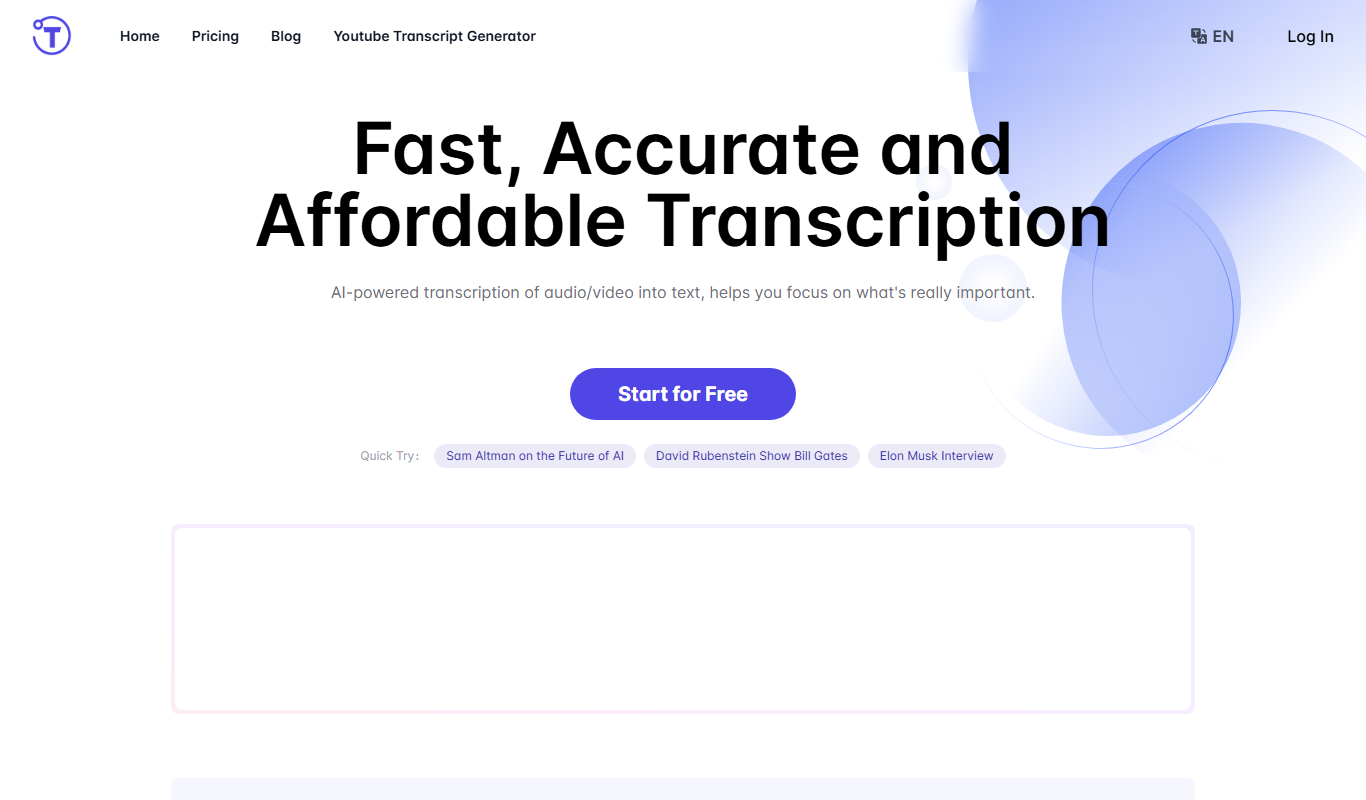
Yescribe.ai: Convert Audio&Video to Text
Yescribe.ai is an AI-driven transcription tool that converts audio and video files into editable text transcripts quickly and accurately through a web platform.