

From my experience with PodTextify, it stands out as a practical solution for podcasters seeking to automate transcription and generate episode summaries without complex setups. The platform’s straightforward interface makes it easy to convert audio into text and repurpose content efficiently, which is especially valuable for creators aiming to boost SEO and accessibility. While it currently supports only English and may require some manual transcript corrections, its affordability and focused feature set make it a strong choice for small to medium podcast producers. Overall, PodTextify delivers solid value for those wanting to streamline their podcast content workflow.
PodTextify Podcast Transcription & Summarization Tool for Creators
PodTextify is a web-based tool that automatically transcribes podcast audio into text and generates episode summaries, helping podcasters improve accessibility and SEO.
- Best for
- Podcast Transcription
- Key capability
- AI-Powered Transcription


What is PodTextify?
PodTextify is a web-based platform designed to automatically transcribe podcast audio into text and generate episode summaries. It helps podcasters and content creators save time by converting spoken content into readable formats that can be used for SEO, accessibility, and content marketing purposes.
Key features of PodTextify
PodTextify offers automated transcription, AI-powered episode summarization, easy export options, and a user-friendly interface tailored for podcasters looking to repurpose their audio content efficiently.
AI-Powered Transcription
High-quality, automated transcription of podcast audio into text.
Episode Summarization
Concise summaries generated to capture the essence of each episode.
Easy Export Options
Export transcripts and summaries in multiple formats for various uses.
User-Friendly Interface
Simple and intuitive platform designed specifically for podcasters.
SEO and Accessibility Focus
Helps improve podcast SEO and accessibility through text content.
Pros and cons of PodTextify
Pros
- Automates time-consuming transcription tasks
- Generates useful episode summaries
- Improves podcast SEO and accessibility
- User-friendly and tailored for podcasters
- Affordable pricing with a free tier
Cons
- Limited language support (English only)
- No mobile app available
- Some manual editing may be required for perfect accuracy
Key use cases for PodTextify
Podcast Transcription
Automatically convert podcast audio into accurate, readable text transcripts for accessibility and SEO.
Episode Summarization
Generate concise summaries of podcast episodes to quickly convey key points and attract listeners.
Content Repurposing
Use transcripts and summaries to create blog posts, social media content, and show notes efficiently.
SEO Enhancement
Improve podcast discoverability by providing text content that search engines can index.
Accessibility Improvement
Make podcast content accessible to hearing-impaired audiences through accurate transcripts.
How PodTextify works
-
1
Upload or Link Podcast Episode
Users upload their podcast audio file or provide a link to the episode.
-
2
Automatic Transcription
The platform processes the audio and generates a text transcript using AI.
-
3
Generate Summary
An AI-powered summary of the episode is created to highlight key points.
-
4
Review and Edit
Users can review, edit, and format the transcript and summary as needed.
-
5
Export and Use
Final transcripts and summaries can be exported for use in blogs, show notes, or social media.
Who is using PodTextify
Podcasters
Content marketers
Podcast production agencies
Bloggers repurposing audio content
SEO specialists focusing on podcasts
PodTextify pricing
Free
$0/month
Limited transcription minutes and basic features for casual users.
Pro
$19/month
Expanded transcription minutes, full access to summaries, and priority support.
Plans and prices are as published by the vendor and can change. Check the official site before you buy. Open the pricing page (opens in a new tab)
Frequently asked questions about PodTextify
PodTextify supports common podcast audio formats such as MP3, WAV, and M4A.
Transcriptions are generated using advanced AI models and typically achieve high accuracy, though some manual editing may be needed.
Yes, users can review and edit both transcripts and summaries within the platform before exporting.
The free plan has limits on transcription minutes per month; the Pro plan offers higher limits suitable for longer episodes.
It depends on your specific needs and how you plan to use the tool. The official website and documentation are the best sources for the latest details.
Yes, it can help with that use case depending on how you configure it and what features are available. You’ll get the best results with clear inputs and a defined goal.
Yes, it can help with that use case depending on how you configure it and what features are available. You’ll get the best results with clear inputs and a defined goal.
Sign in to review this tool.
Sign In to ReviewNo reviews yet
Be the first to share how this tool worked for you.
Ask about pricing, limits, or how it compares — or answer someone else.
Sign In to AskNo questions yet
Have a question about using or paying for this tool? Be the first to ask.
Featured on TiorAI



More AI Podcast Assistant Lite tools
Other tools in the same category, for when this one is not quite the fit.

Subscription
Anycast+
Anycast+ is a web hosting and CDN platform that uses Anycast routing to deliver fast, secure websites globally with integrated DDoS protection and traffic load balancing.

Freemium
Audiolabs
Audiolabs is an AI-powered text-to-speech platform that creates realistic voice audio from text, supporting custom voice cloning and multiple languages.
Free Trial
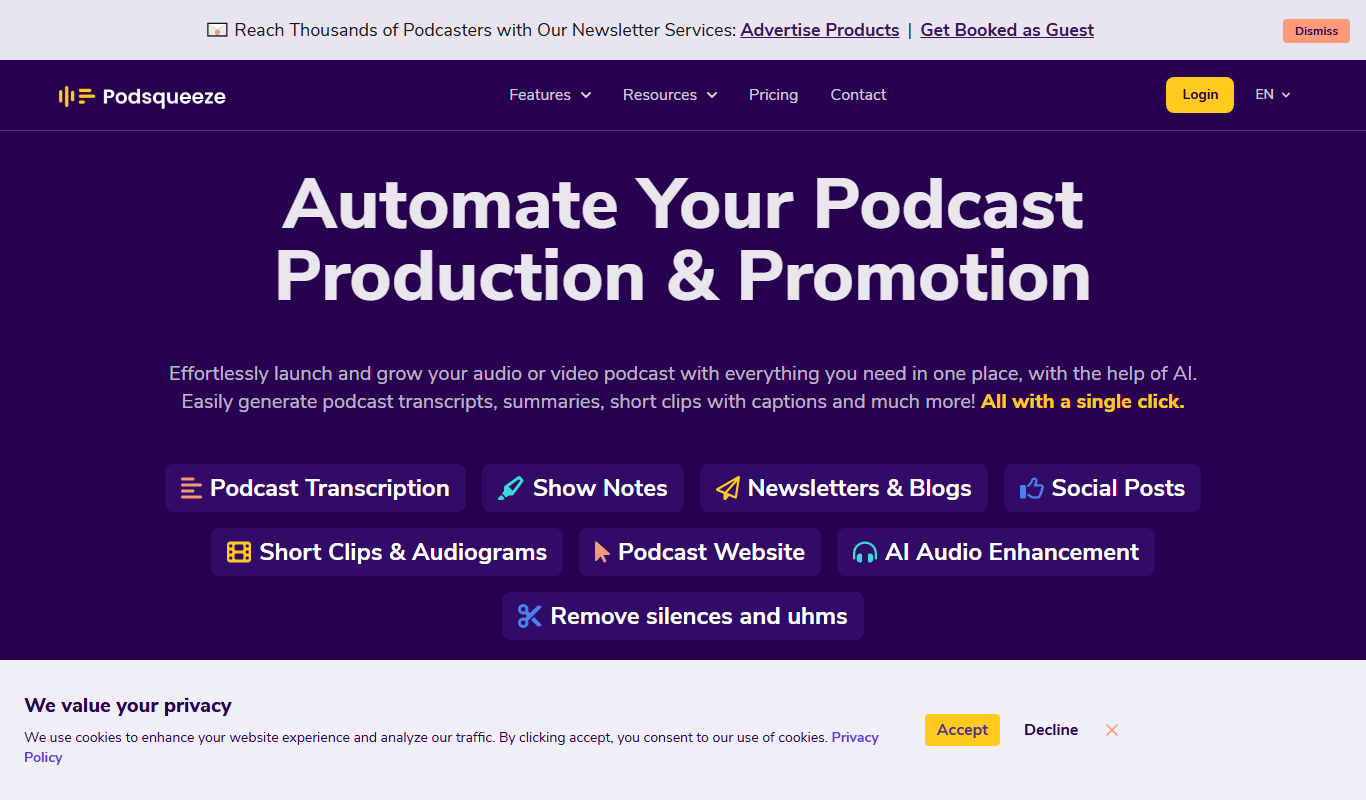
Podsqueeze
Podsqueeze is an AI-driven platform that transcribes podcast audio and repurposes it into social media clips, audiograms, and blog posts to enhance podcast marketing.
Custom Pricing
Syft
Syft is an AI-powered data annotation platform that supports image, video, and text labeling with customizable workflows and team collaboration features, designed to streamline the creation of high-quality training datasets for machine learning.

Free
Accha FM
Accha FM is an online platform that enables users to broadcast live radio shows and host podcasts with multilingual support and community features.

Freemium
Podwise AI
Podwise AI is a web-based tool that uses AI to transcribe, summarize, and extract key content from podcasts, helping creators save time and improve audience engagement.
Free
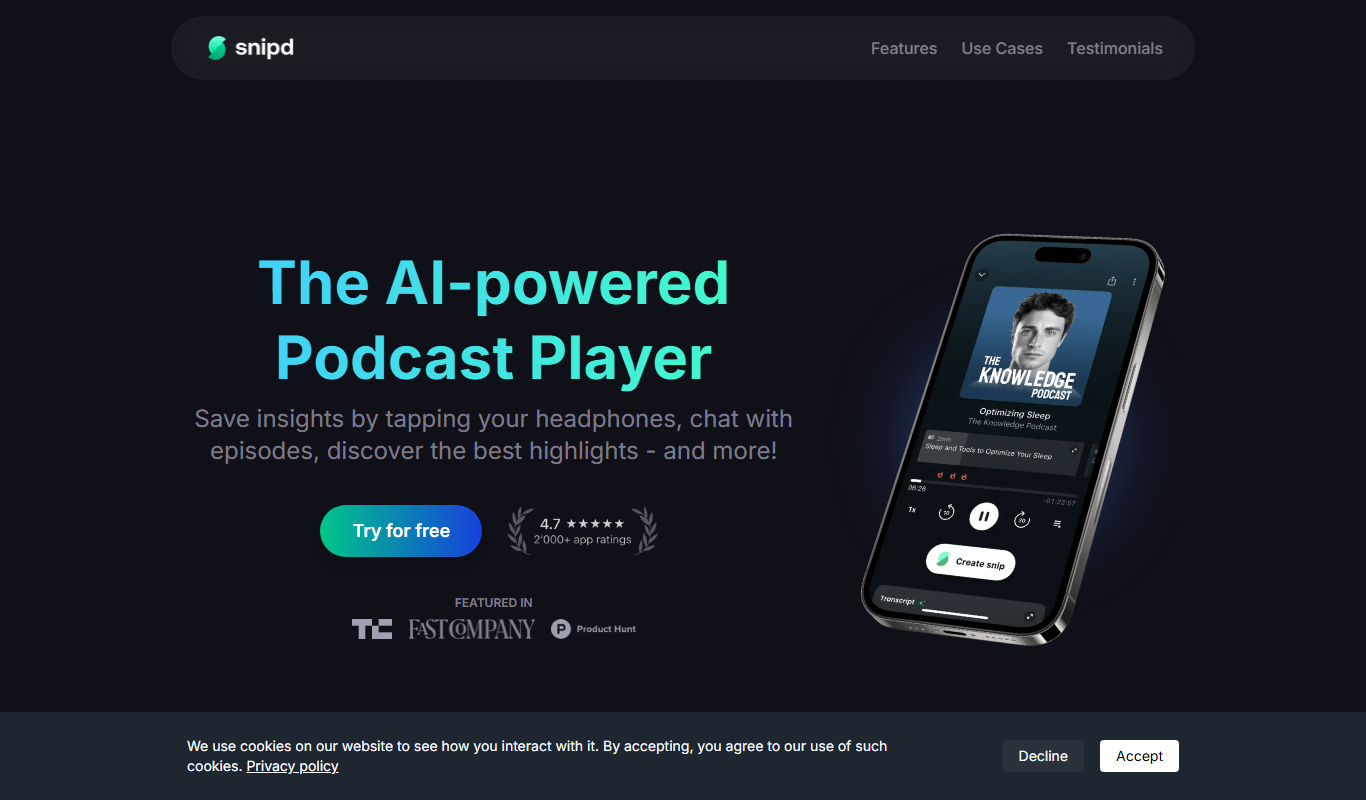
Snipd
Snipd is an AI-powered podcast player that provides automatic transcripts, smart highlights, and clip creation to help users quickly find and share important podcast moments.

Free
Coggler
Coggler is a web-based collaborative mind mapping tool designed for teams and individuals to visually organize ideas, brainstorm, and plan projects in real-time with features like unlimited map size, version history, and export options.