

From my experience exploring Anycast+, I found it excels at providing a streamlined way to enhance website speed and security globally through Anycast routing and integrated DDoS protection. The platform is particularly well-suited for businesses and developers who need reliable CDN services combined with robust traffic management. However, the lack of publicly available pricing and limited language support may require direct contact for detailed evaluation. Overall, if your priority is fast, secure hosting with global reach, Anycast+ offers a solid solution worth considering.
Anycast+ Website Hosting with Global CDN and DDoS Protection Features
Anycast+ is a web hosting and CDN platform that uses Anycast routing to deliver fast, secure websites globally with integrated DDoS protection and traffic load balancing.
- Best for
- Global Website Hosting
- Key capability
- Anycast Routing
Your actions
Save Anycast+, follow its updates and vote on it — everything stays in your account.
Sign in or create a free account
What is Anycast+?
Anycast+ is a website hosting and content delivery platform that uses Anycast routing technology to provide fast, reliable, and secure web presence globally. It combines CDN services with DDoS protection and traffic load balancing to optimize website performance and security.
Key features of Anycast+
Anycast+ offers global CDN acceleration, DDoS mitigation, traffic load balancing, and enhanced security features to ensure websites remain fast, available, and protected against cyber threats.
Anycast Routing
Routes user requests to the nearest data center for reduced latency and improved speed.
Global CDN
Caches website content at edge locations worldwide to accelerate delivery.
DDoS Protection
Detects and mitigates large-scale attacks to keep websites online.
Traffic Load Balancing
Distributes incoming traffic efficiently across multiple servers.
Real-Time Analytics
Provides insights into traffic patterns and security incidents.
Pros and cons of Anycast+
Pros
- Improves website speed globally with Anycast routing
- Integrated DDoS protection enhances security
- Simplifies traffic management with load balancing
Cons
- Pricing details are not publicly available
- Limited language support (English only)
- No disclosed mobile or desktop apps
Key use cases for Anycast+
Global Website Hosting
Host websites with a global presence using Anycast+’s distributed network to ensure fast load times worldwide.
Content Delivery Network (CDN)
Accelerate website content delivery by caching static assets closer to end users through Anycast+’s CDN infrastructure.
DDoS Protection
Protect websites from distributed denial-of-service attacks by leveraging Anycast+’s network-level mitigation and filtering.
Traffic Load Balancing
Distribute incoming traffic across multiple servers or data centers to improve reliability and uptime.
Improved Website Security
Enhance security posture with integrated firewall and traffic filtering capabilities.
How Anycast+ works
- 1
Sign Up
Create an account on the Anycast+ platform to access hosting and CDN services.
- 2
Configure Domain
Point your domain’s DNS to Anycast+ to route traffic through their global network.
- 3
Enable Features
Activate CDN caching, DDoS protection, and load balancing as needed for your website.
- 4
Monitor and Optimize
Use the dashboard to monitor traffic, performance, and security events, adjusting settings to optimize your site.
Who is using Anycast+
Website owners with global audiences
Businesses requiring DDoS protection
Developers needing CDN and load balancing
E-commerce platforms
Digital agencies managing multiple sites
Anycast+ pricing
Basic
Contact for pricing
Entry-level plan with essential CDN and DDoS protection features.
Pro
Contact for pricing
Advanced plan with enhanced security and performance options.
Plans and prices are as published by the vendor and can change. Check the official site before you buy. Open the pricing page (opens in a new tab)
Frequently asked questions about Anycast+
Anycast routing directs user requests to the nearest or best-performing server in a network, reducing latency and improving speed.
Yes, Anycast+ includes network-level DDoS mitigation to protect websites from large-scale attacks.
It depends on your specific needs and how you plan to use the tool. The official website and documentation are the best sources for the latest details.
Data handling and security practices vary by provider. Review the official privacy policy to understand how your data is stored and used.
Sign in to review this tool.
Sign In to ReviewNo reviews yet
Be the first to share how this tool worked for you.
Ask about pricing, limits, or how it compares — or answer someone else.
Sign In to AskNo questions yet
Have a question about using or paying for this tool? Be the first to ask.
Featured on TiorAI



Alternative Tools
Explore similar AI tools that might fit your needs
Free
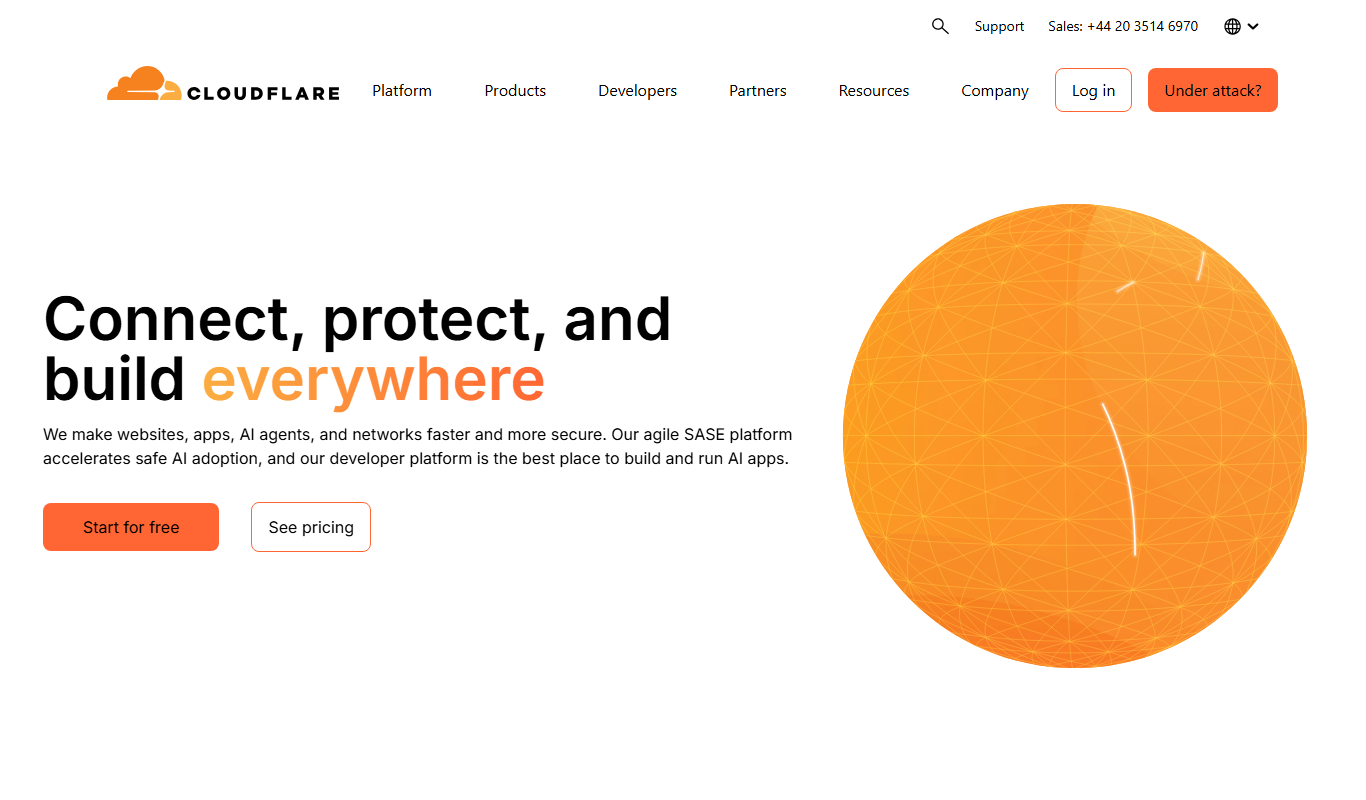
Cloudflare
Cloudflare is a web infrastructure platform offering CDN, security, DNS, and SSL services to improve website speed and protect against cyber threats.

Pay As You Go
Fastly
Fastly is a cloud-based content delivery network and edge computing platform that accelerates websites, APIs, and applications by caching content at edge locations worldwide and enabling custom code execution near users to reduce latency and improve security.
More AI Podcast Assistant Lite tools
Other tools in the same category, for when this one is not quite the fit.
Free Trial
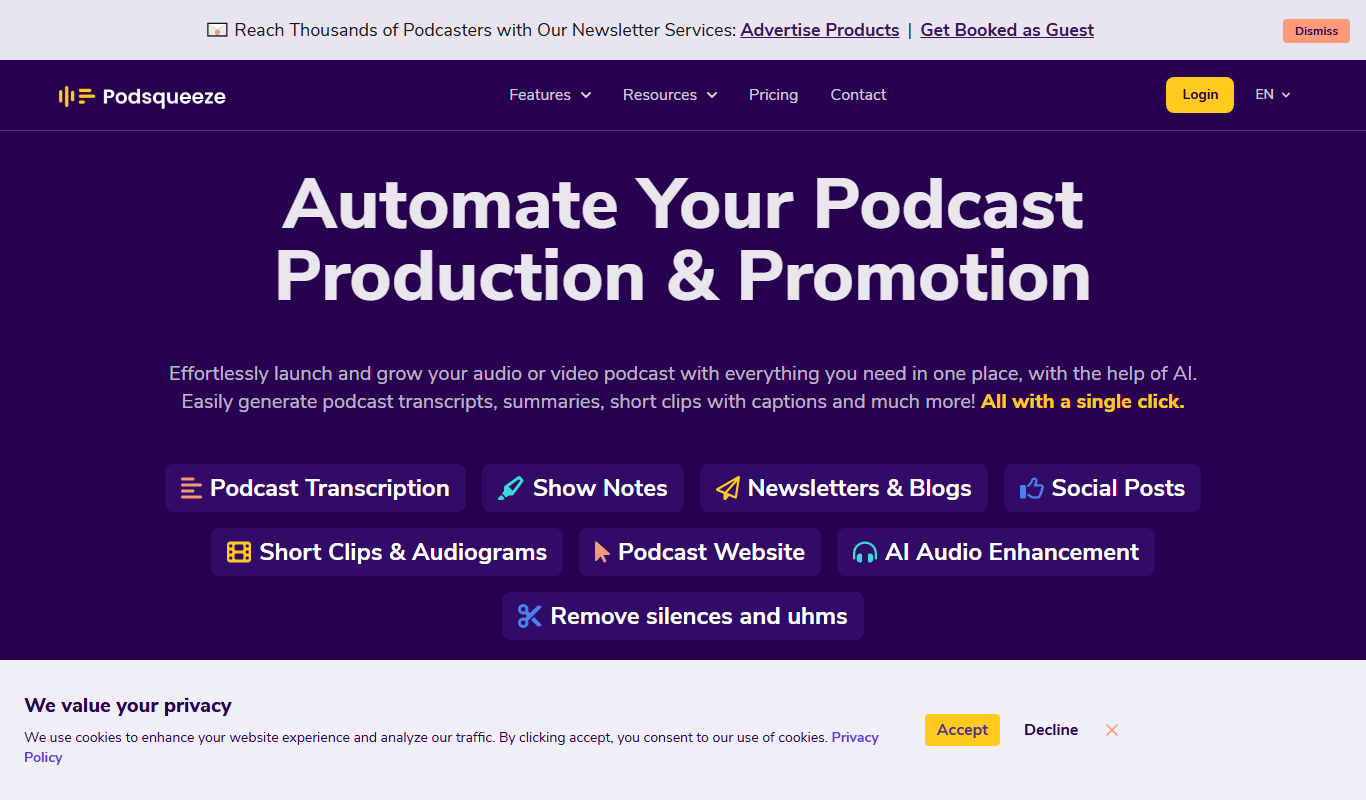
Podsqueeze
Podsqueeze is an AI-driven platform that transcribes podcast audio and repurposes it into social media clips, audiograms, and blog posts to enhance podcast marketing.

Free
Accha FM
Accha FM is an online platform that enables users to broadcast live radio shows and host podcasts with multilingual support and community features.

Freemium
Podwise AI
Podwise AI is a web-based tool that uses AI to transcribe, summarize, and extract key content from podcasts, helping creators save time and improve audience engagement.
Free
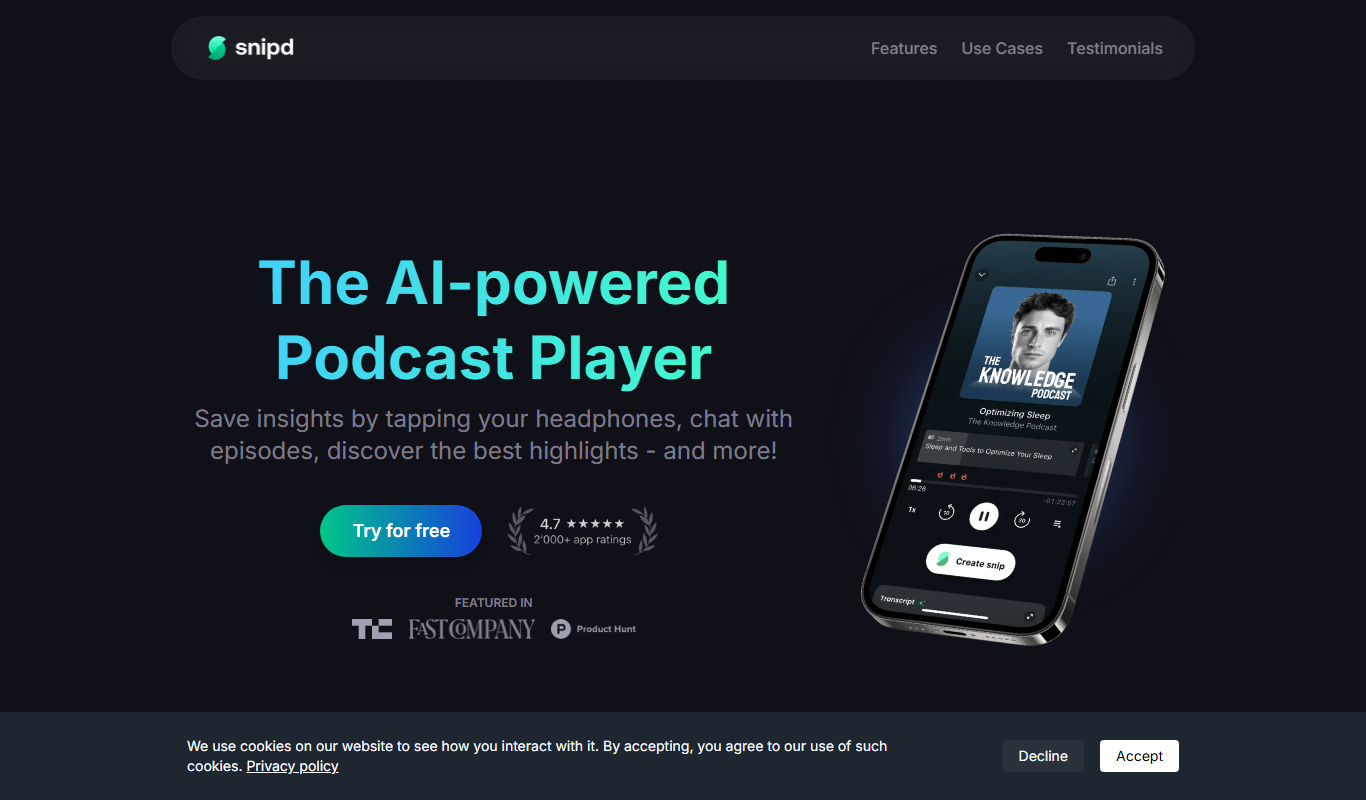
Snipd
Snipd is an AI-powered podcast player that provides automatic transcripts, smart highlights, and clip creation to help users quickly find and share important podcast moments.

Free
Coggler
Coggler is a web-based collaborative mind mapping tool designed for teams and individuals to visually organize ideas, brainstorm, and plan projects in real-time with features like unlimited map size, version history, and export options.
Free
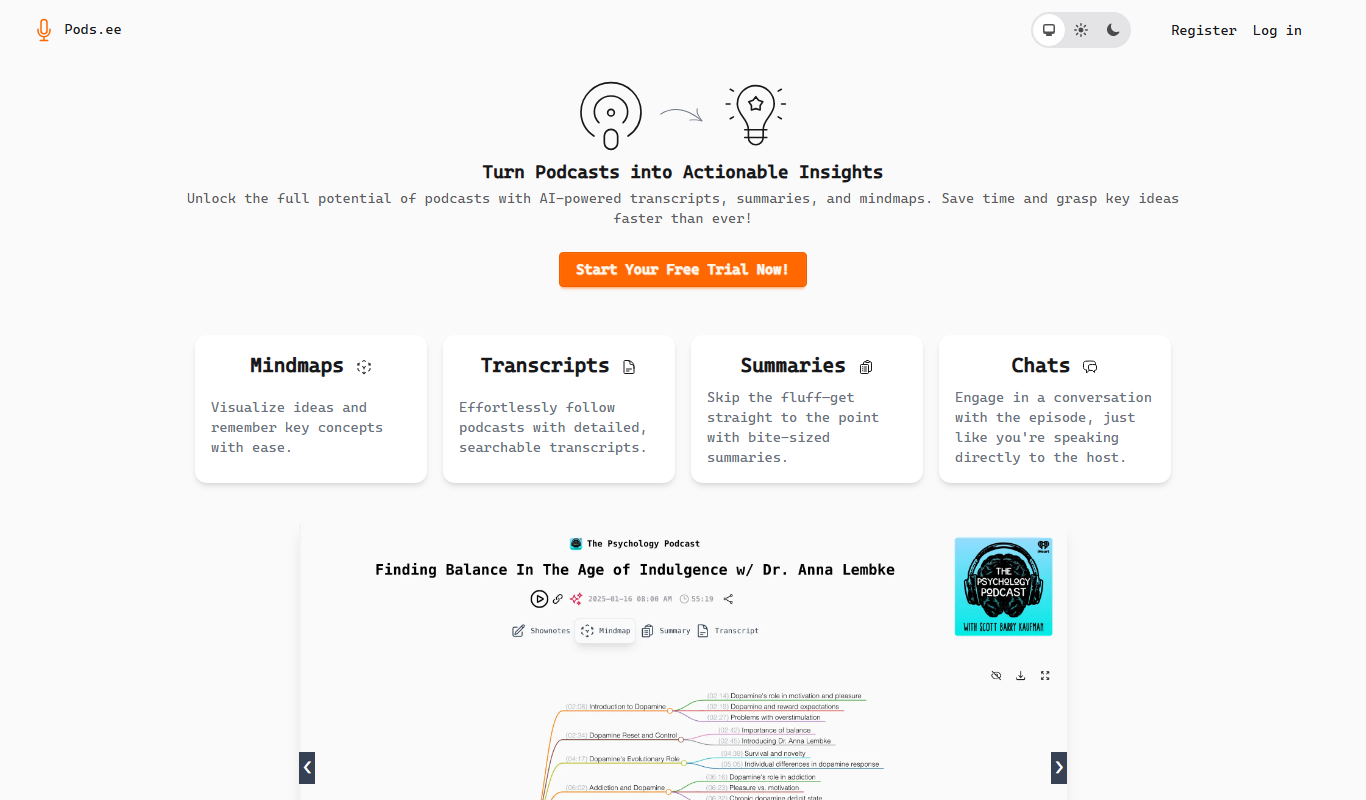
Podsee
Podsee is a podcast hosting platform from Estonia that provides hosting, analytics, monetization, and automatic distribution to major podcast directories.

Free Trial
PodSnap.AI
PodSnap.AI is an AI-driven podcast editing platform that automates filler word removal, generates accurate transcripts, and creates highlight clips to simplify podcast post-production.
Free
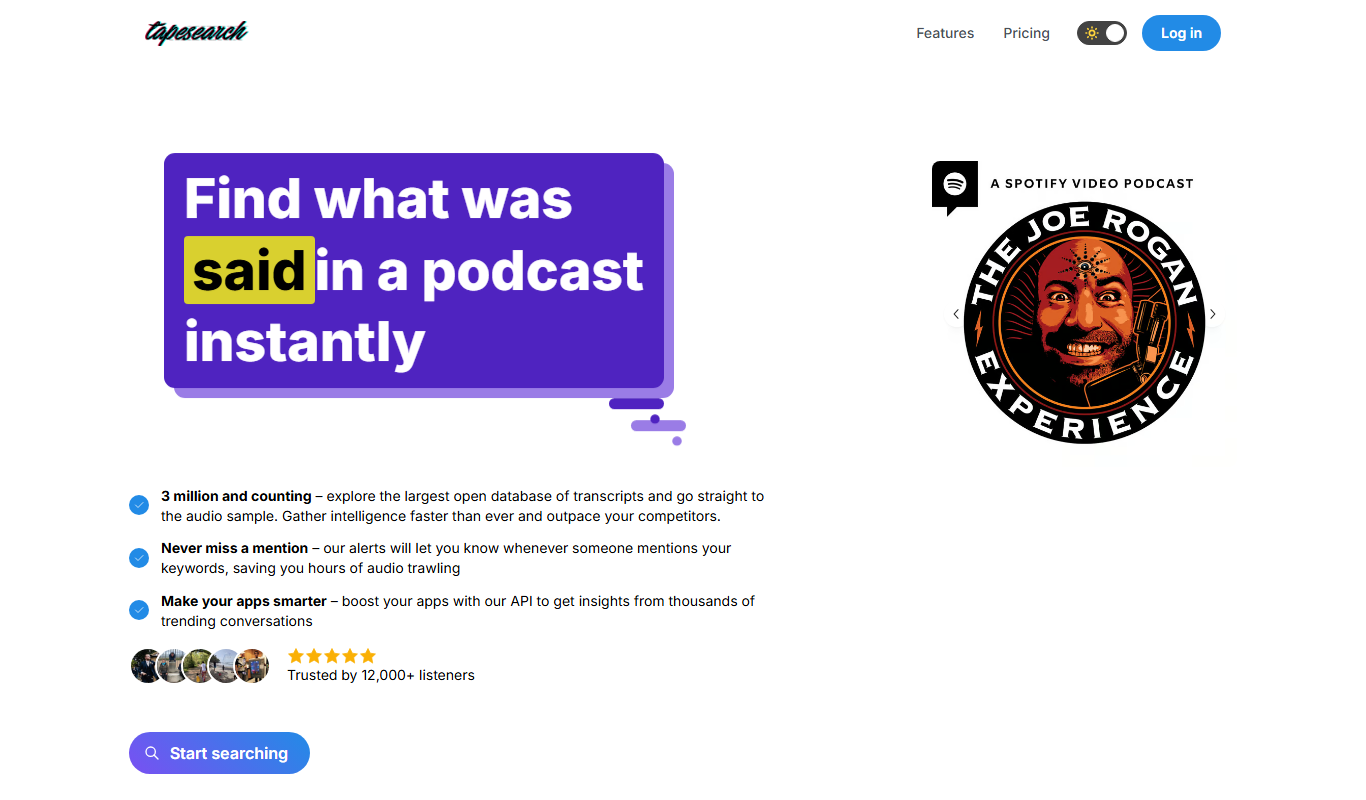
Tapesearch
Tapesearch is an AI-driven transcription tool that converts audio recordings into accurate, searchable text transcripts via a user-friendly web platform.