

From my experience with Formshare, I found it excels at simplifying complex form creation through its AI-powered no-code builder. The platform’s ability to integrate workflow automation directly with form submissions makes it particularly well-suited for businesses looking to streamline data collection and internal processes without technical overhead. However, the lack of a dedicated mobile app and the need to contact sales for enterprise pricing can be limiting for some users. Overall, if you need a secure, flexible form solution that supports automation, Formshare delivers solid results.
Formshare AI Form Builder for Data Collection and Workflow Automation
Formshare is an AI-powered no-code form builder designed to simplify data collection and automate workflows securely.
- Best for
- Data Collection
- Key capability
- AI-Powered Form Builder
Your actions
Save Formshare, follow its updates and vote on it — everything stays in your account.
Sign in or create a free account
What is Formshare?
Formshare is an AI-powered form builder platform designed to simplify data collection and automate workflows. It enables users to create dynamic, intelligent forms without coding, integrating seamlessly with business systems to streamline processes and improve data accuracy.
Key features of Formshare
Formshare offers AI-driven form creation, conditional logic, workflow automation, secure data handling, and integrations with popular business tools, making it a versatile solution for organizations seeking efficient data capture and process automation.
AI-Powered Form Builder
Leverages AI to simplify form creation with smart suggestions and adaptive fields.
Conditional Logic
Create forms that dynamically change based on user inputs to enhance user experience.
Workflow Automation
Automate approvals, notifications, and data routing based on form submissions.
Secure Data Handling
Ensures data privacy and compliance with encryption and access controls.
Third-Party Integrations
Connect with CRM, email marketing, and other business tools to streamline operations.
Pros and cons of Formshare
Pros
- User-friendly AI-powered form builder
- Strong workflow automation capabilities
- Secure and compliant data handling
- Flexible integrations with business tools
Cons
- Limited mobile app support
- Pricing details for enterprise plans require contact
Key use cases for Formshare
Data Collection
Create intelligent forms to collect structured data efficiently from customers, employees, or partners.
Workflow Automation
Automate business processes by integrating form submissions with backend workflows and approvals.
Survey and Feedback
Design surveys and feedback forms that adapt dynamically to user responses for better insights.
Lead Generation
Capture and qualify leads through customizable forms integrated with CRM systems.
Compliance and Security
Collect sensitive information securely with compliance features suitable for regulated industries.
How Formshare works
- 1
Sign Up
Create an account on the Formshare platform to access the form builder.
- 2
Build Forms
Use the AI-powered interface to design dynamic forms with conditional logic and custom fields.
- 3
Integrate Workflows
Connect forms to backend workflows, approvals, or third-party applications to automate processes.
- 4
Deploy and Collect Data
Publish forms on websites or share links to start collecting data securely.
- 5
Analyze and Export
Review submissions, generate reports, and export data for further analysis.
Who is using Formshare
Small to medium businesses
Marketing teams
HR departments
Customer support teams
Compliance officers
Formshare pricing
Free
$0/month
Basic form creation with limited submissions and features.
Pro
$29/month
Advanced features including workflow automation and increased submission limits.
Enterprise
Custom pricing
Tailored solutions with premium support, integrations, and compliance features.
Plans and prices are as published by the vendor and can change. Check the official site before you buy. Open the pricing page (opens in a new tab)
Frequently asked questions about Formshare
Yes, Formshare is designed as a no-code platform with an intuitive AI-powered form builder.
Formshare includes features like encryption and access controls to help meet data security standards.
Yes, Formshare supports integrations with popular CRM and workflow applications.
Formshare offers a free plan with basic features to get started.
This tool is designed to help users accomplish its core tasks more efficiently. It is typically used by individuals or teams looking to improve productivity and workflow.
Yes, it can help with that use case depending on how you configure it and what features are available. You’ll get the best results with clear inputs and a defined goal.
Data handling and security practices vary by provider. Review the official privacy policy to understand how your data is stored and used.
Sign in to review this tool.
Sign In to ReviewNo reviews yet
Be the first to share how this tool worked for you.
Ask about pricing, limits, or how it compares — or answer someone else.
Sign In to AskNo questions yet
Have a question about using or paying for this tool? Be the first to ask.
Featured on TiorAI



Alternative Tools
Explore similar AI tools that might fit your needs
Free
Typeform
Typeform is an online platform that enables users to create interactive, conversational forms and surveys to collect data, feedback, and leads with customizable templates and logic jumps.

Free
JotForm
JotForm is an online form builder that allows users to create customizable forms for surveys, registrations, payments, and data collection without coding. It supports payment integrations, conditional logic, and workflow automation.
More AI Automation & Workflow Tools tools
Other tools in the same category, for when this one is not quite the fit.

Free Trial
RADAAR
RADAAR is a social media management tool that helps businesses schedule posts, collaborate with teams, manage messages, and analyze social media performance from one platform.

Free Trial
Webs-Automation Job Application Bots
AI Jobs Automation is a web-based tool that automates filling and submitting job applications across multiple portals, helping job seekers save time and increase efficiency.

Custom Pricing
ocrolus.com
Ocrolus is an AI-driven platform that automates the extraction and validation of data from financial documents like bank statements and pay stubs, combining OCR technology with human review to ensure accuracy and compliance.

Freemium
DocumentPro
DocumentPro is an AI-driven document automation platform that extracts and processes data from documents to streamline business workflows.
Free Trial
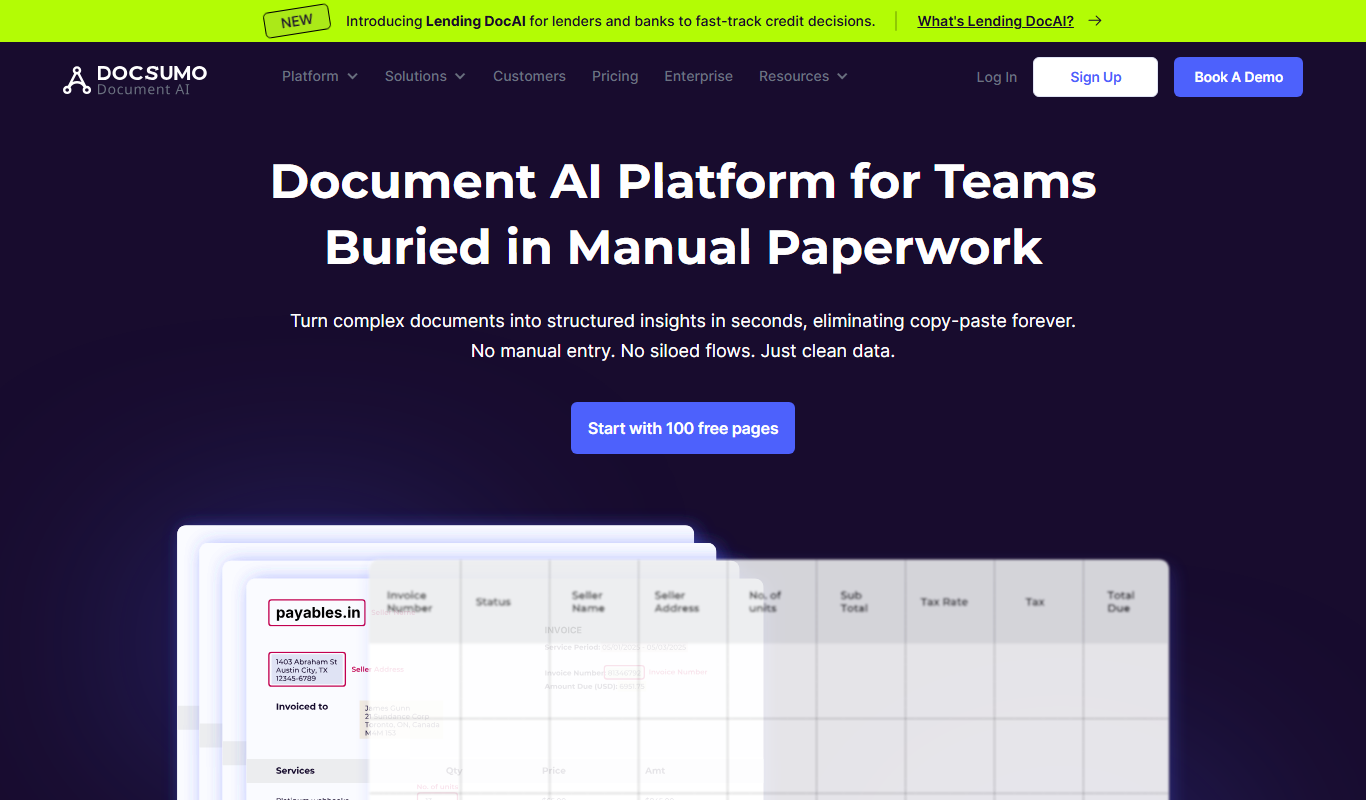
Docsumo
Docsumo is an AI-driven document processing platform that automates extraction of data from scanned documents, PDFs, and images using OCR and machine learning, helping businesses digitize workflows and reduce manual data entry.

Free Trial
Quiksbot
Quiksbot is an AI-powered no-code chatbot platform designed to automate customer support and lead generation on websites.

Free Trial
CryptoMatic Bot
CryptoMatic Bot is a web-based automated cryptocurrency trading platform that allows users to create, customize, and deploy trading bots with backtesting and multi-exchange support.
Enterprise Licensing
Pega Systems
Pega Systems is an enterprise software platform specializing in business process management, customer relationship management, and intelligent automation with AI-powered decisioning and low-code development.