

From my experience with Flux-Pro.net, I found it excels at providing a balanced platform that caters to both beginners and experienced web designers through its drag-and-drop editor combined with code editing capabilities. After spending time with the platform, I can say it’s particularly well-suited for small businesses and freelancers who want to build responsive websites with e-commerce features without steep learning curves. However, the free plan is somewhat limited, and pricing details could be clearer, which might require users to explore paid plans for full functionality. Overall, if you need a versatile web design tool that supports growth from simple sites to online stores, Flux-Pro.net delivers solid results.
Flux-Pro.net Review: Advanced Web Design and Development Platform Features
Flux-Pro.net is an online platform for building responsive websites using drag-and-drop tools and code editing, suitable for beginners and professionals.
- Best for
- Responsive Website Design
- Key capability
- Responsive Templates
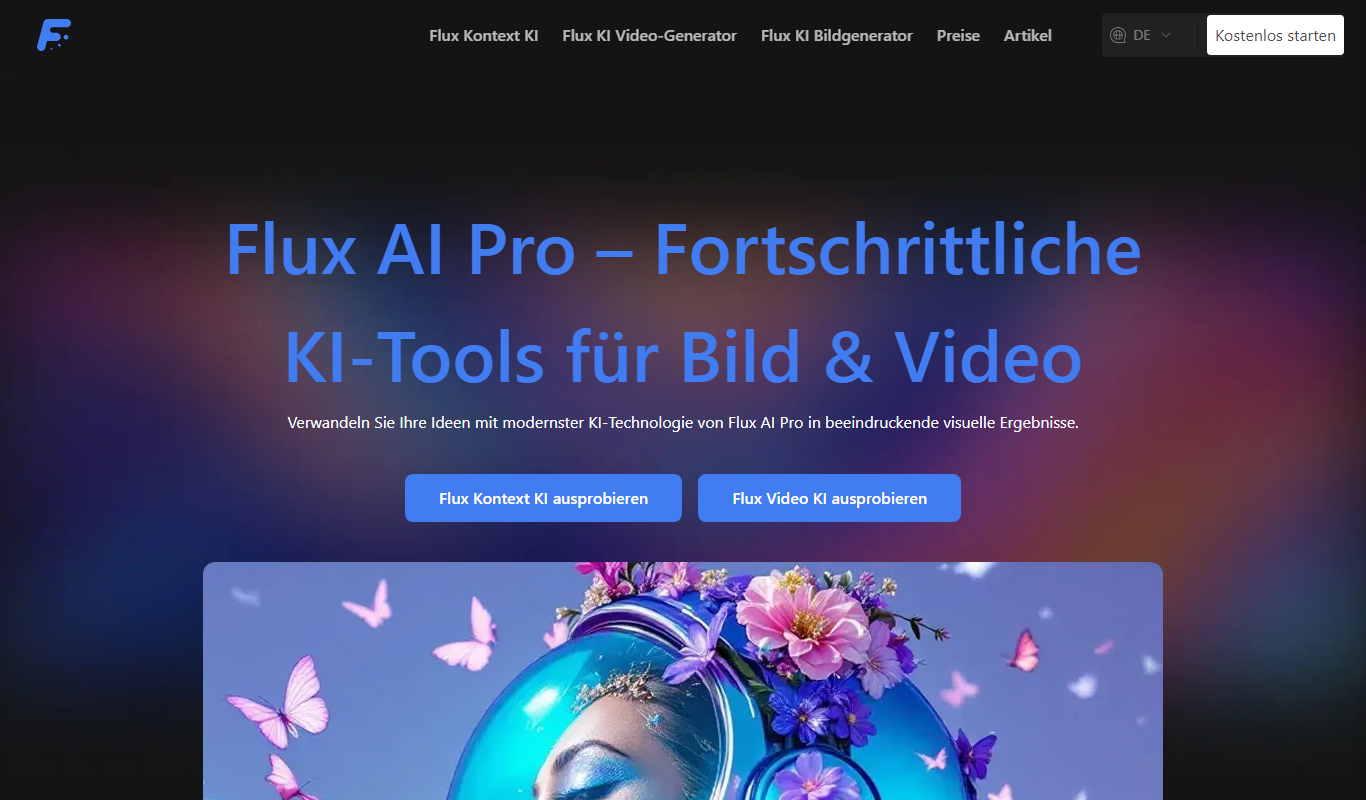

Do you recommend this tool?
What is flux-pro.net?
Flux-Pro.net is an online web design and development platform that enables users to create professional websites through a combination of visual design tools and code editing capabilities. It caters to both beginners and experienced developers by offering drag-and-drop functionality alongside advanced customization options.
Key features of flux-pro.net
The platform offers responsive design templates, a drag-and-drop editor, integrated HTML/CSS editing, e-commerce support, and SEO tools, making it a versatile solution for building modern websites.
Responsive Templates
Pre-built templates that adapt to various devices and screen sizes.
Drag-and-Drop Editor
Visual interface for building pages without coding.
Code Editor
Direct access to HTML, CSS, and JavaScript for advanced customization.
E-commerce Integration
Tools to create and manage online stores with payment processing.
SEO Tools
Features to optimize website content and structure for search engines.
Pros and cons of flux-pro.net
Pros
- User-friendly drag-and-drop interface
- Responsive design templates included
- Code editor for advanced customization
- E-commerce features on paid plans
- SEO optimization tools
Cons
- Limited free plan features
- No mobile app available
- Pricing details not fully transparent on website
Key use cases for flux-pro.net
Responsive Website Design
Create websites that automatically adjust to different screen sizes and devices using Flux-Pro.net's design tools.
Drag-and-Drop Website Building
Build websites visually without coding by using the intuitive drag-and-drop interface.
Custom HTML and CSS Editing
Edit and customize website code directly for advanced design control.
E-commerce Site Creation
Develop online stores with integrated payment and product management features.
SEO Optimization
Optimize website structure and content for better search engine rankings.
How flux-pro.net works
- 1
Sign Up
Register for a free account on the Flux-Pro.net website to access the platform.
- 2
Choose a Template
Select from a variety of responsive templates to start your website project.
- 3
Customize Design
Use the drag-and-drop editor or code editor to tailor the website to your needs.
- 4
Add Features
Integrate e-commerce, SEO, and other functionalities as required.
- 5
Publish Website
Launch your website directly from the platform to a custom domain or subdomain.
Who is using flux-pro.net
Small business owners
Freelance web designers
E-commerce entrepreneurs
Marketing agencies
Content creators
flux-pro.net pricing
Free
$0/month
Basic website building features with limited templates and storage.
Pro
$15/month
Access to premium templates, increased storage, and e-commerce capabilities.
Business
$30/month
Advanced features including SEO tools, priority support, and custom domain hosting.
Plans and prices are as published by the vendor and can change. Check the official site before you buy. Open the pricing page (opens in a new tab)
Frequently asked questions about flux-pro.net
Yes, the drag-and-drop editor allows users with no coding skills to build websites easily.
Yes, paid plans include tools to create and manage online stores.
Custom domain connection is available on Pro and Business plans.
Yes, the platform provides SEO optimization features to improve search rankings.
It depends on your specific needs and how you plan to use the tool. The official website and documentation are the best sources for the latest details.
Pricing depends on the plan and included features. For the most accurate and up-to-date details, check the official pricing page.
Yes, it can help with that use case depending on how you configure it and what features are available. You’ll get the best results with clear inputs and a defined goal.
Sign in to review this tool.
Sign In to ReviewNo reviews yet
Be the first to share how this tool worked for you.
Ask about pricing, limits, or how it compares — or answer someone else.
Sign In to AskNo questions yet
Have a question about using or paying for this tool? Be the first to ask.
Featured on TiorAI



Alternative Tools
Explore similar AI tools that might fit your needs

Free
Weebly
Weebly is a drag-and-drop website builder platform that enables users to create professional websites and online stores without coding skills, offering customizable templates, ecommerce tools, and hosting.
More AI Web Design Tools tools
Other tools in the same category, for when this one is not quite the fit.

Free
Comfy Directory
Comfy Directory is a no-code online directory builder that helps users create customizable, mobile-friendly directories for local businesses, communities, and events with features like user submissions and monetization options.

Free
Webo.AI
Webo.AI is an AI-powered no-code website builder that automates website design and content creation, enabling users to launch responsive websites quickly without coding skills.

Freemium
10Web
10Web is an AI-powered platform that provides managed WordPress hosting combined with an AI-assisted website builder, automated backups, security, and performance optimization on Google Cloud infrastructure.

Free Trial
Billy
Billy is an AI-driven website builder designed for small businesses and entrepreneurs to create customized websites quickly without coding skills.

Free
BuilderKit
BuilderKit is an AI-driven no-code website builder that enables users to quickly create professional and responsive websites without any coding skills.

Freemium
pineapplebuilder.com
Pineapple Builder is a WordPress plugin that enables users to build websites visually using drag-and-drop tools, with responsive design and WooCommerce integration.
Free Trial
BuildMyStores
BuildMyStores is an AI-driven ecommerce website builder that enables users to quickly create and customize online stores without coding, featuring automated product imports and dropshipping integration.

Freemium
PageGenie
PageGenie is an AI-powered landing page builder that helps users create optimized, professional landing pages quickly without coding.