

From my experience with Comfy Directory, I found it excels at enabling users with no technical background to quickly build and manage professional-looking online directories. The platform’s intuitive interface and customizable templates make it straightforward to create directories for local businesses, communities, or events. However, the lack of a dedicated mobile app and some advanced customization options only available on higher-tier plans are trade-offs to consider. Overall, if you need a simple yet effective directory builder that supports user submissions and monetization, Comfy Directory delivers solid results.
Comfy Directory - Easy Online Directory Builder for Local Businesses
Comfy Directory is a no-code online directory builder that helps users create customizable, mobile-friendly directories for local businesses, communities, and events with features like user submissions and monetization options.
- Best for
- Create Local Business Directories
- Key capability
- No-Code Directory Builder


Do you recommend this tool?
What is Comfy Directory?
Comfy Directory is a web-based platform that enables users to easily create, customize, and manage online directories without needing coding skills. It is designed to help businesses, communities, and organizations build searchable, user-friendly directories to showcase listings such as local businesses, services, events, and resources.
Key features of Comfy Directory
The platform offers customizable directory templates, easy listing management, search and filter capabilities, and responsive design to ensure directories look great on all devices. It also supports user submissions and integrates with payment gateways for monetization.
No-Code Directory Builder
Build directories without any programming knowledge using an intuitive interface.
Customizable Templates
Choose and tailor templates to match your directory’s purpose and style.
Search and Filter
Enable users to quickly find listings through powerful search and filtering options.
Responsive Design
Directories are optimized for viewing on desktops, tablets, and mobile devices.
User Submission Support
Allow users to submit their own listings for approval and inclusion.
Monetization Options
Integrate payment gateways to charge for premium listings or advertising.
Pros and cons of Comfy Directory
Pros
- User-friendly no-code interface
- Customizable templates for various directory types
- Responsive design ensures mobile compatibility
- Supports user-generated listings
- Monetization options available
Cons
- Limited advanced customization without higher-tier plans
- No dedicated mobile app, web-only platform
Key use cases for Comfy Directory
Create Local Business Directories
Build and manage online directories to showcase local businesses, services, or organizations.
Community Resource Listings
Provide a centralized platform for community resources, events, and contacts.
Niche Marketplaces
Develop specialized directories for niche industries or interest groups.
Event and Venue Listings
List events, venues, and related services in an organized directory format.
How Comfy Directory works
- 1
Sign Up
Create an account on Comfy Directory’s website to access the directory builder.
- 2
Choose a Template
Select from pre-designed directory templates tailored for various use cases.
- 3
Customize Your Directory
Add categories, listings, and customize the appearance to fit your brand.
- 4
Publish and Share
Launch your directory online and share it with your audience.
- 5
Manage Listings
Easily add, edit, or remove listings and moderate user submissions.
Who is using Comfy Directory
Local business owners
Community organizers
Event planners
Niche market entrepreneurs
Nonprofit organizations
Comfy Directory pricing
Free
$0/month
Basic directory features with limited listings and customization.
Pro
$29/month
Advanced features including more listings, payment integration, and priority support.
Plans and prices are as published by the vendor and can change. Check the official site before you buy. Open the pricing page (opens in a new tab)
Frequently asked questions about Comfy Directory
Yes, Comfy Directory is designed for users with no coding experience using an easy drag-and-drop interface.
Yes, all directories created are fully responsive and work well on smartphones and tablets.
Yes, the platform supports user submissions which can be moderated before publishing.
Yes, there is a free plan with basic features and limited listings.
It depends on your specific needs and how you plan to use the tool. The official website and documentation are the best sources for the latest details.
Yes, it can help with that use case depending on how you configure it and what features are available. You’ll get the best results with clear inputs and a defined goal.
Yes, it can help with that use case depending on how you configure it and what features are available. You’ll get the best results with clear inputs and a defined goal.
Sign in to review this tool.
Sign In to ReviewNo reviews yet
Be the first to share how this tool worked for you.
Ask about pricing, limits, or how it compares — or answer someone else.
Sign In to AskNo questions yet
Have a question about using or paying for this tool? Be the first to ask.
Featured on TiorAI



Alternative Tools
Explore similar AI tools that might fit your needs
One-time License
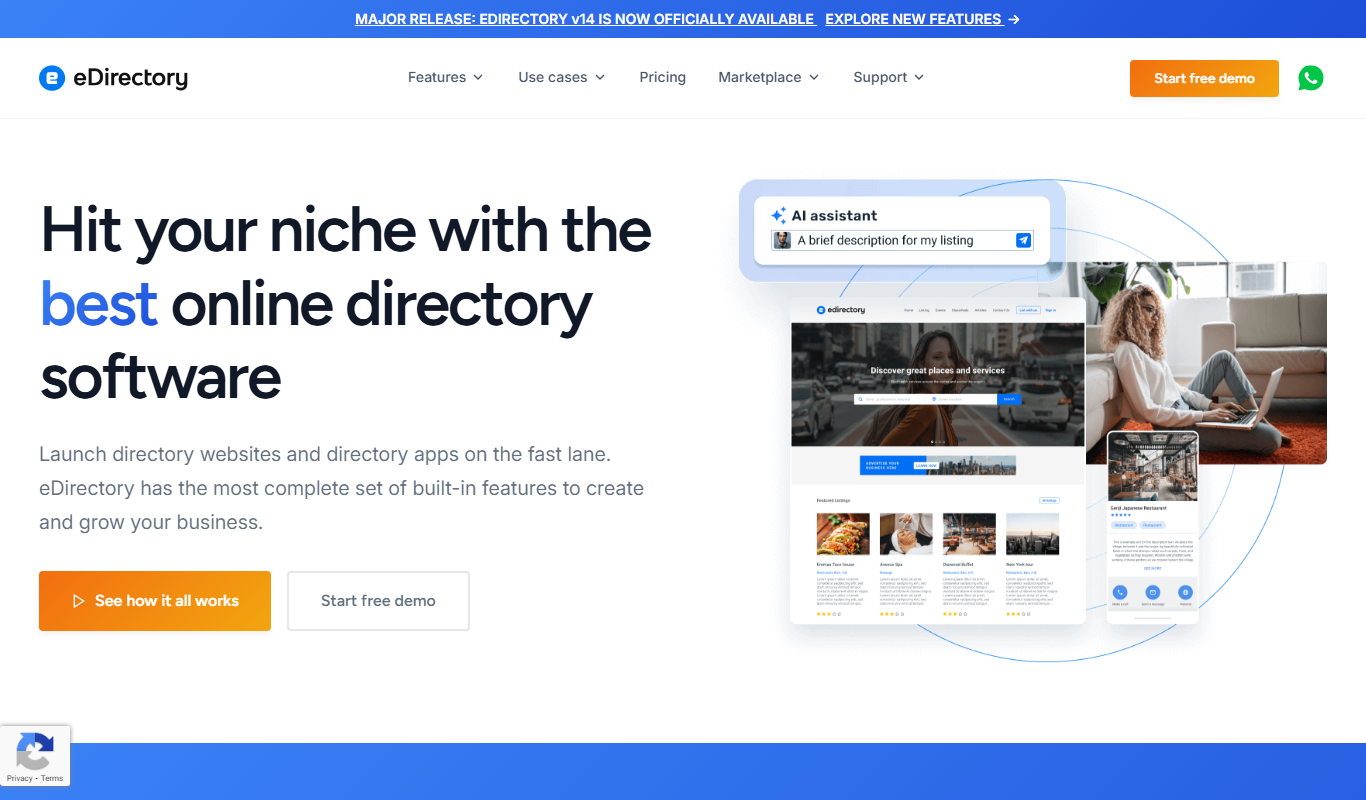
eDirectory
eDirectory is a software platform that enables users to create and manage online business directories with features like customizable templates, membership management, payment integration, and support for events and classifieds.

One-time License
SkaDate Directory
SkaDate Directory is a dating site software platform that enables users to create customizable and mobile-friendly online dating websites with features like user profiles, messaging, membership plans, and payment integration.
More AI Local Business Tools tools
Other tools in the same category, for when this one is not quite the fit.

Free
Roast My Spot
Roast My Spot is a free web platform where customers can leave honest reviews about local businesses, helping communities share candid feedback and aiding business owners in reputation management.

Free
listen411.com
Listen411 is a free online directory providing detailed local business listings across the United States, useful for marketing, SEO, and lead generation.
Free
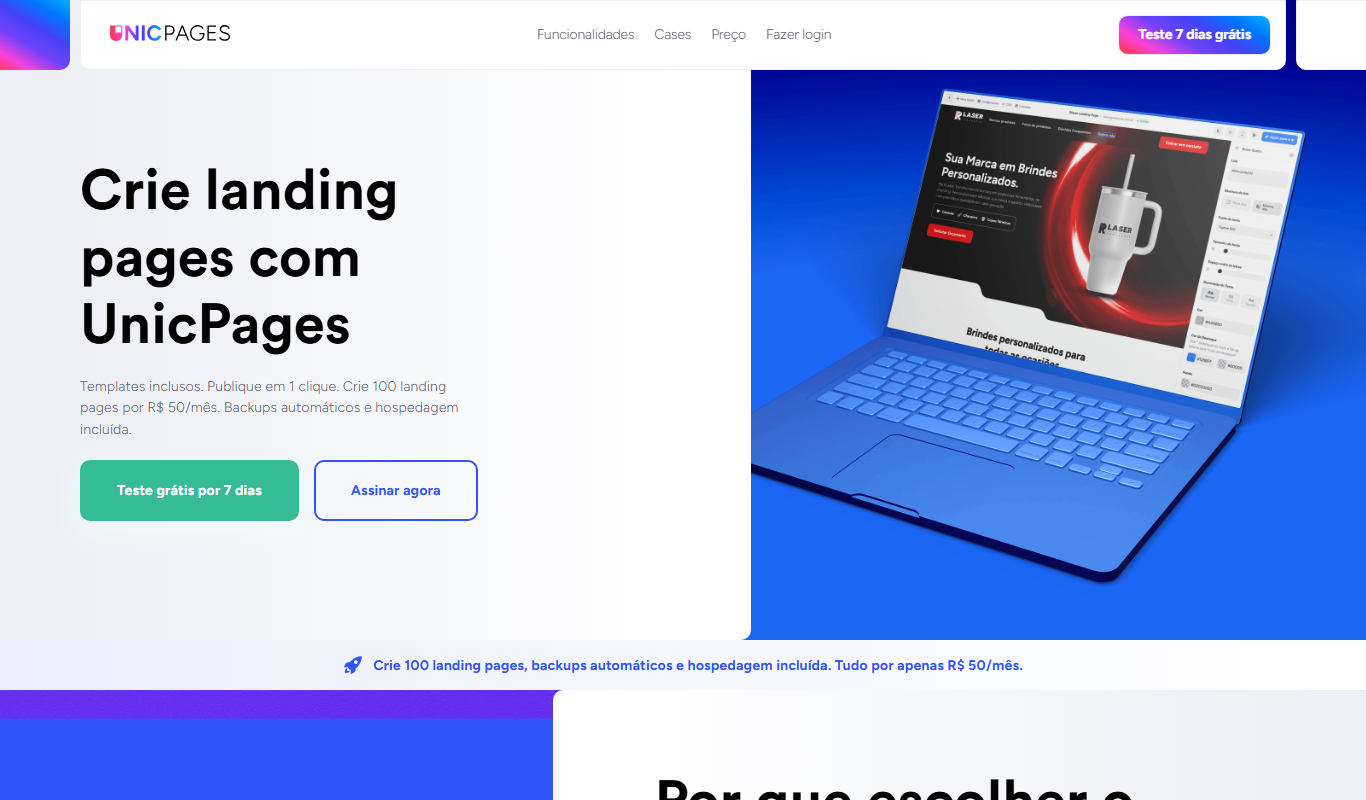
UnicPages
UnicPages is a local business directory platform that enables businesses to create listings, manage customer reviews, and improve local SEO to attract more local customers.