

From my experience with FluentPal, I found it excels at providing interactive, AI-driven conversation practice that feels natural and engaging. The instant pronunciation feedback is particularly helpful for learners aiming to improve their speaking clarity. After spending time with the app, I can say it’s well-suited for English learners who want flexible, daily practice without needing a human tutor. However, the reliance on internet connectivity for most features and the absence of live tutoring might limit those seeking more personalized human interaction. Overall, if you want to build speaking confidence through realistic dialogues, FluentPal delivers solid results.
FluentPal Language Learning App for Effective English Practice and Fluency
FluentPal is a mobile app that uses AI chatbots to help users practice English speaking, improve pronunciation, and build vocabulary through interactive daily conversations.
- Best for
- English Speaking Practice
- Key capability
- AI-Powered Conversational Practice

Do you recommend this tool?
What is FluentPal?
FluentPal is a mobile language learning app designed to help users improve their English speaking skills through AI-powered conversations. It simulates real-life dialogues, allowing learners to practice speaking, listening, and vocabulary in an interactive and engaging way. The app focuses on building fluency by encouraging daily practice and providing instant feedback on pronunciation and usage.
Key features of FluentPal
FluentPal offers AI-driven conversational practice, personalized feedback, vocabulary enhancement, and cultural context learning. It supports multiple languages and is accessible on iOS and Android devices, making language learning flexible and convenient.
AI-Powered Conversational Practice
Engage in realistic dialogues with AI chatbots to simulate real-world conversations.
Pronunciation Feedback
Receive detailed feedback to help improve your accent and clarity.
Vocabulary and Phrase Learning
Learn new words and phrases in context to enhance retention and practical use.
Daily Practice Reminders
Stay consistent with scheduled reminders encouraging daily language practice.
Multilingual Support
Supports multiple languages for learners worldwide.
Pros and cons of FluentPal
Pros
- Interactive AI-driven conversation practice
- Personalized pronunciation feedback
- Supports multiple languages
- User-friendly mobile app interface
- Encourages daily language practice
Cons
- Limited offline functionality
- No live human tutoring available
- Some advanced features require subscription
Key use cases for FluentPal
English Speaking Practice
Users can practice speaking English through interactive conversations with AI-powered chatbots.
Vocabulary Building
The app helps learners expand their vocabulary with contextual examples and usage.
Pronunciation Improvement
FluentPal offers feedback on pronunciation to help users speak more clearly and confidently.
Daily Language Practice
Users can engage in daily exercises and conversations to build consistent language habits.
Cultural Context Learning
The app includes cultural notes and real-life scenarios to enhance practical language use.
How FluentPal works
- 1
Download and Install
Get FluentPal from the App Store or Google Play and install it on your device.
- 2
Create an Account
Sign up using your email or social media accounts to start your learning journey.
- 3
Select Language and Level
Choose the language you want to learn and your proficiency level for tailored lessons.
- 4
Engage in Conversations
Practice speaking by interacting with AI chatbots simulating real-life scenarios.
- 5
Receive Feedback
Get instant feedback on your pronunciation and vocabulary usage to improve continuously.
Who is using FluentPal
English language learners
Students preparing for speaking exams
Travelers seeking conversational skills
Professionals improving communication
Language enthusiasts
FluentPal pricing
Free
$0/month
Access to basic lessons and limited daily conversations.
Premium
$9.99/month
Unlimited conversations, advanced lessons, and personalized feedback.
Plans and prices are as published by the vendor and can change. Check the official site before you buy. Open the pricing page (opens in a new tab)
Frequently asked questions about FluentPal
Yes, FluentPal offers lessons tailored to all proficiency levels, including beginners.
Some features require an internet connection, but certain lessons can be accessed offline.
No, FluentPal uses AI chatbots for conversation practice rather than live tutors.
The app analyzes your speech and provides instant feedback to improve your pronunciation.
It depends on your specific needs and how you plan to use the tool. The official website and documentation are the best sources for the latest details.
Some tools offer a free plan or trial with limited features. Availability can vary, so confirm on the official website.
Yes, it can help with that use case depending on how you configure it and what features are available. You’ll get the best results with clear inputs and a defined goal.
Yes, it can help with that use case depending on how you configure it and what features are available. You’ll get the best results with clear inputs and a defined goal.
Sign in to review this tool.
Sign In to ReviewNo reviews yet
Be the first to share how this tool worked for you.
Ask about pricing, limits, or how it compares — or answer someone else.
Sign In to AskNo questions yet
Have a question about using or paying for this tool? Be the first to ask.
Featured on TiorAI



Alternative Tools
Explore similar AI tools that might fit your needs
Free
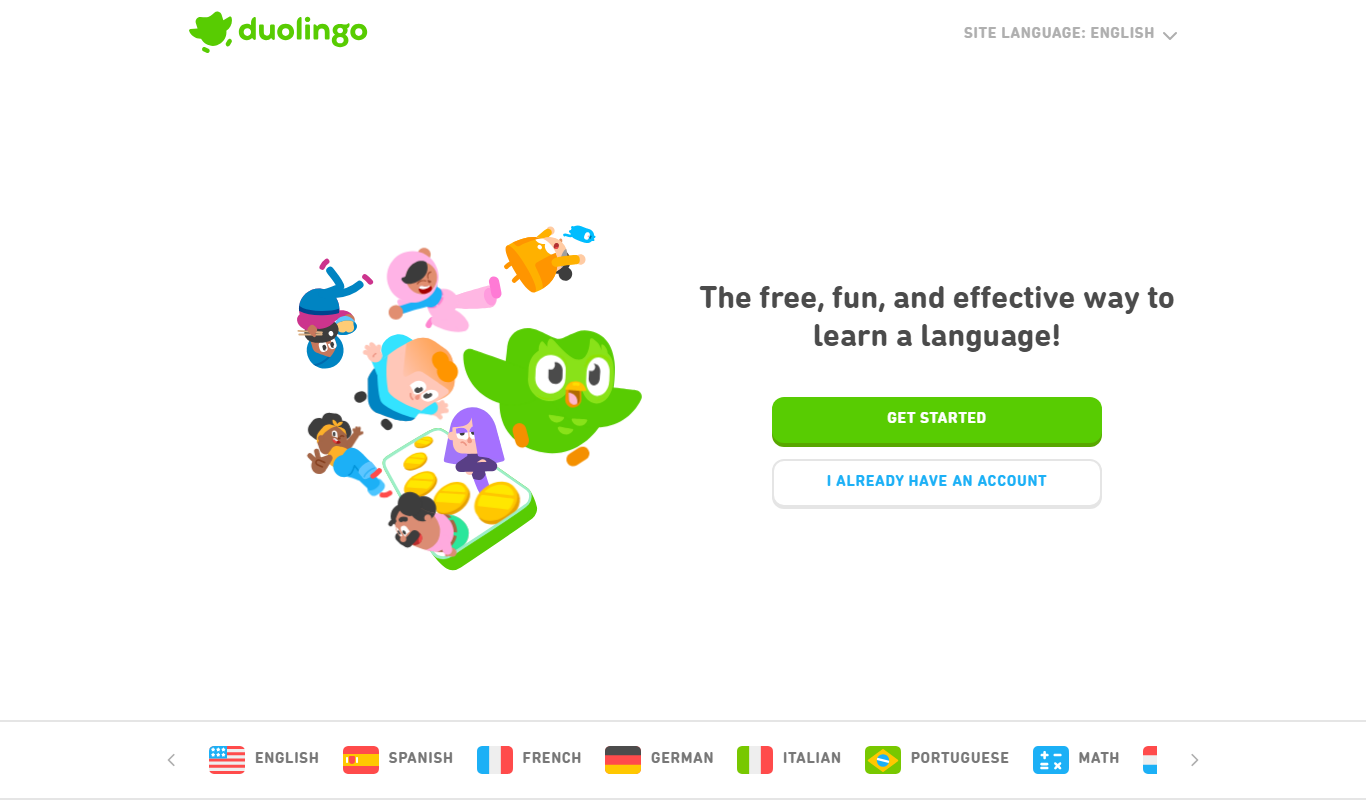
Duolingo
Duolingo is a free and subscription-based language learning app that uses gamified lessons and speech recognition to help users learn and practice multiple languages on web and mobile platforms.

Subscription
Babbel
Babbel is a subscription-based language learning app offering interactive lessons, speech recognition for pronunciation, and cultural insights to help users learn new languages effectively on web and mobile platforms.
Free
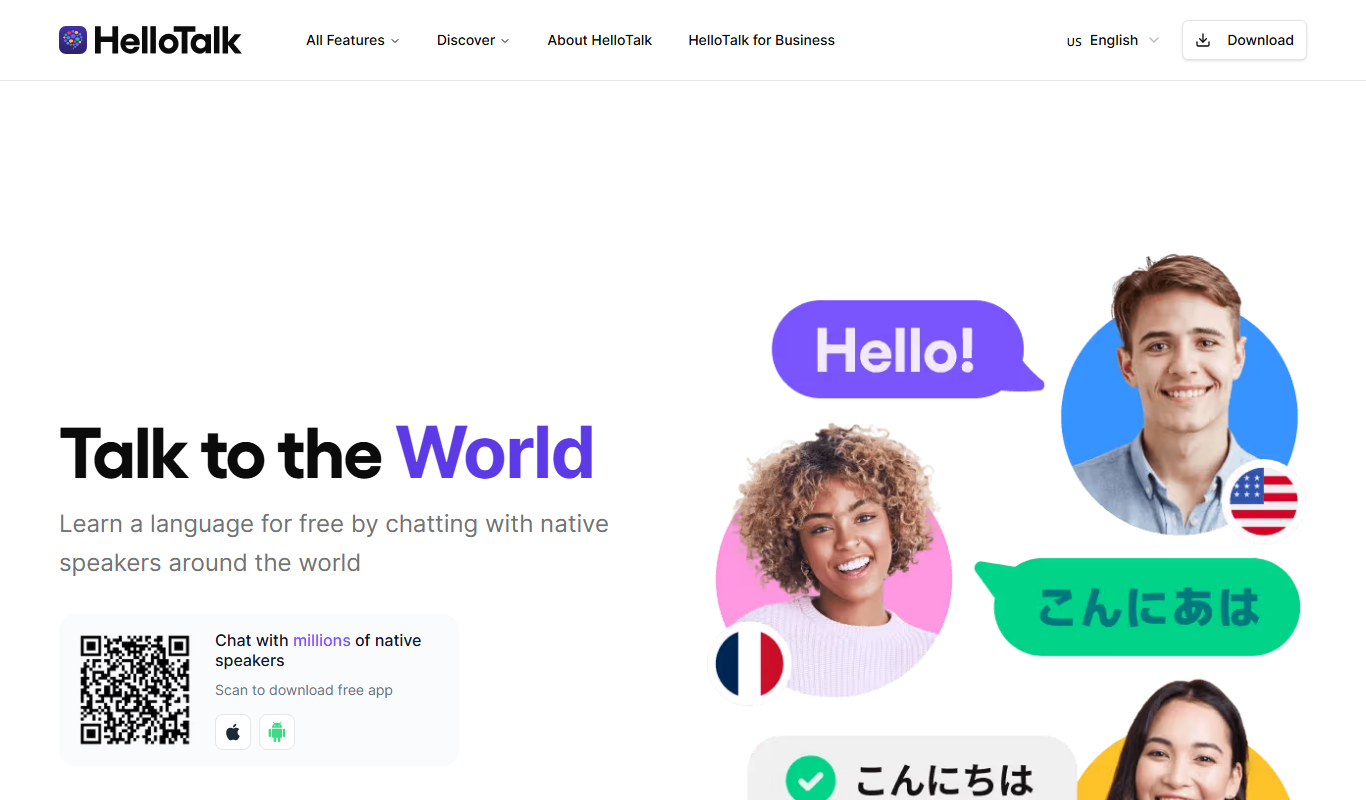
HelloTalk
HelloTalk is a social language learning app that connects users with native speakers globally to practice languages through text, voice, and video chats, supported by translation and correction tools.
More AI Education & Learning Tools tools
Other tools in the same category, for when this one is not quite the fit.

Free
bentolingo
BentoLingo is an AI-driven language learning platform that provides personalized speaking practice and real-time feedback to help users improve fluency in multiple languages.

Free Trial
Testnut
Testnut is an online exam platform that enables secure, scalable assessments with remote proctoring, automated grading, and detailed analytics, suitable for education and corporate use.

Freemium
Testbook.ai
Testbook.ai is an AI-driven platform offering personalized study plans, mock tests, and live classes to help students prepare effectively for competitive exams.

Free
AICamp
AICamp is an AI education platform offering project-based learning to teach AI, machine learning, and data science through hands-on projects and community mentorship.
Free
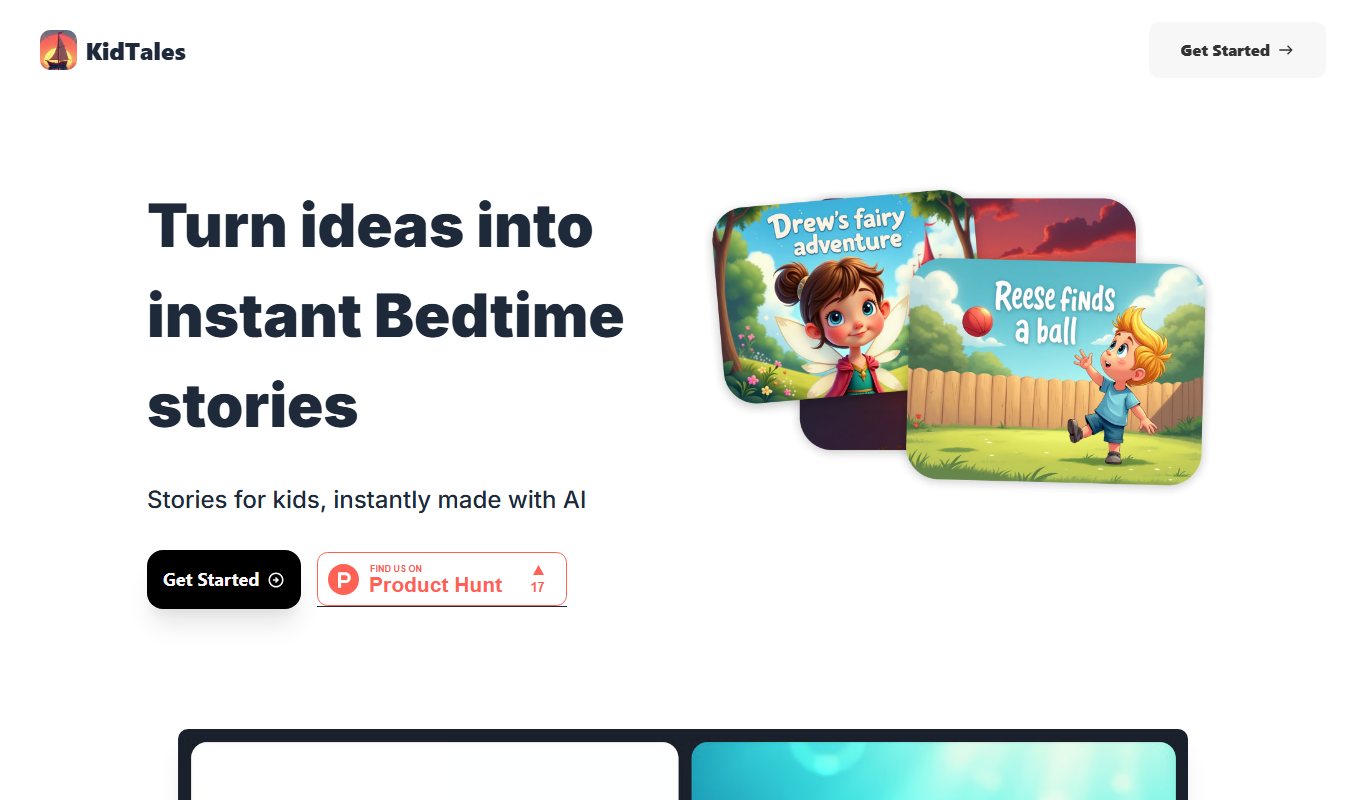
KidTales
KidTales AI is an online tool that generates personalized, age-appropriate stories for children to support creativity and learning.

Freemium
Mi Cuento Digital
Mi Cuento Digital is an online platform that lets you create personalized digital storybooks for children by adding names, photos, and custom details to engage young readers.

Free
Kidgeni
Kidgeni is an AI-powered tutoring platform designed to provide personalized learning and homework help for children, focusing on core subjects like math and reading through interactive sessions.

Freemium
flAI
flAI is an AI-driven language learning app that provides personalized speaking and writing practice with real-time feedback to help users improve fluency and confidence in multiple languages.