

From my experience with HelloTalk, I found it excels at connecting language learners with native speakers globally in a user-friendly social environment. The app’s combination of text, voice, and video chat, along with instant translation and correction tools, makes practicing languages accessible and interactive. It’s particularly well-suited for learners who want real conversational practice and cultural exchange rather than formal lessons. However, some advanced features require a VIP subscription, and the quality of language partners can vary. Overall, if you want to improve your language skills through authentic communication, HelloTalk delivers a practical and engaging platform.
HelloTalk Language Exchange App for Learning and Practicing Languages
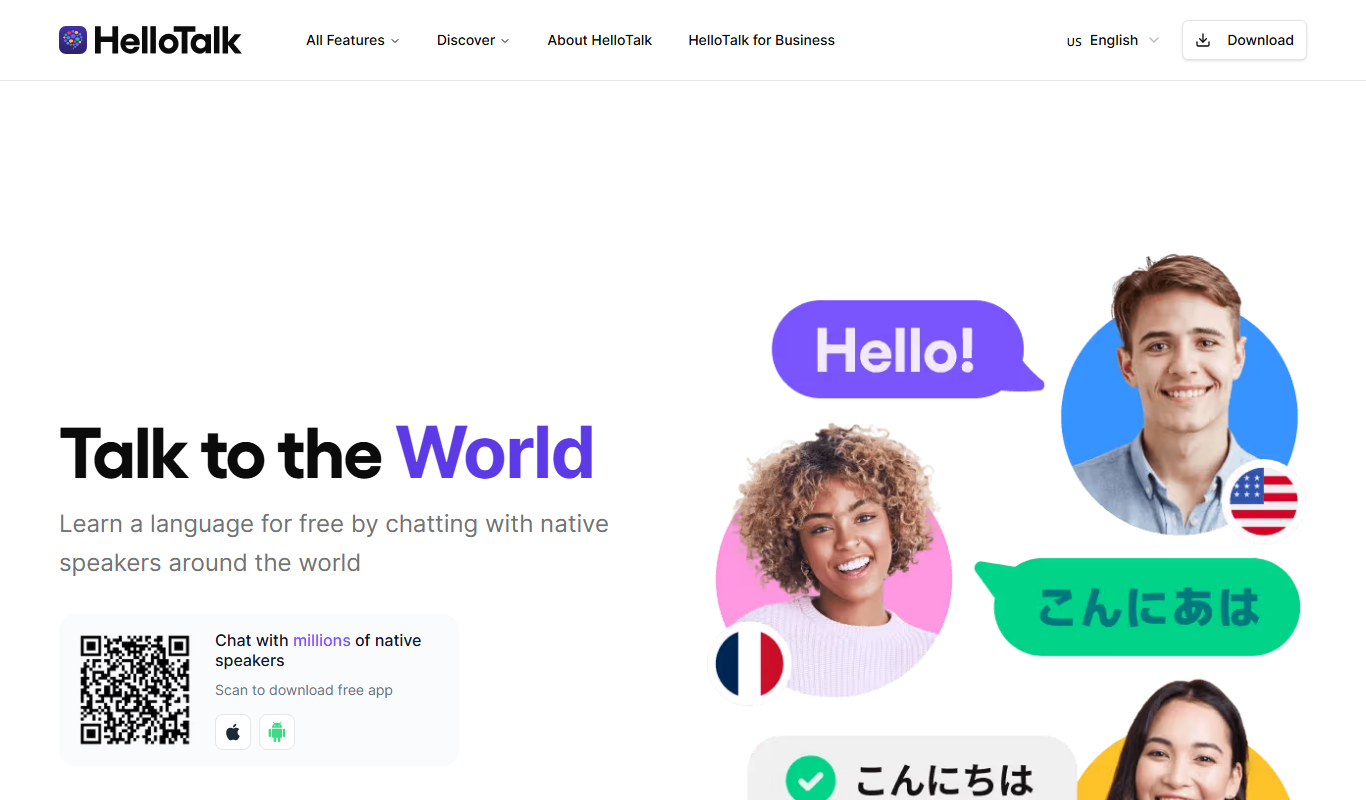
HelloTalk is a social language learning app that connects users with native speakers globally to practice languages through text, voice, and video chats, supported by translation and correction tools.
- Best for
- Language Exchange
- Key capability
- Language Exchange Chat
Do you recommend this tool?
What is HelloTalk?
HelloTalk is a social language learning app designed to connect language learners with native speakers around the world. It facilitates language exchange through text, voice, and video chats, allowing users to practice real-life conversations. The app includes helpful tools such as translation, pronunciation guides, and grammar correction to support language acquisition. It aims to create a global community where users can learn languages naturally by interacting with native speakers and immersing themselves in cultural exchange.
Key features of HelloTalk
HelloTalk offers a comprehensive platform for language learners to practice speaking, writing, and listening skills. Key features include instant translation, voice-to-text messaging, language correction by native speakers, and voice calls. The app supports over 150 languages and provides a social network environment to find language partners based on interests and language goals.
Language Exchange Chat
Real-time text and voice messaging with native speakers worldwide.
Instant Translation
Translate messages instantly to overcome language barriers during conversations.
Grammar and Pronunciation Correction
Native speakers can correct your messages to improve accuracy.
Voice and Video Calls
Practice speaking skills through voice and video conversations.
Moments Feed
Share and view posts to engage with the community and learn in context.
Pros and cons of HelloTalk
Pros
- Connects learners with native speakers globally
- Supports text, voice, and video communication
- Built-in translation and correction tools
- Large community with diverse languages
- Free to start with optional affordable upgrades
Cons
- Some features require VIP subscription
- Quality of language partners can vary
- Limited formal lesson structure
Key use cases for HelloTalk
Language Exchange
Connect with native speakers worldwide to practice speaking and writing in your target language.
Language Learning Support
Use built-in translation, pronunciation, and correction tools to improve language skills.
Cultural Exchange
Engage with people from different cultures to gain cultural insights and language context.
Voice and Text Chat
Practice conversational skills through voice messages, calls, and text chats.
Community Interaction
Participate in language learning communities and group chats for collaborative learning.
How HelloTalk works
- 1
Create an Account
Sign up using email or social media accounts to start your language learning journey.
- 2
Set Language Preferences
Choose your native language and the language(s) you want to learn.
- 3
Find Language Partners
Browse profiles and connect with native speakers interested in language exchange.
- 4
Start Chatting
Use text, voice messages, or calls to practice and improve your language skills.
- 5
Use Learning Tools
Leverage translation, pronunciation, and correction features to enhance understanding.
Who is using HelloTalk
Language learners of all levels
Travelers seeking language practice
Expats and immigrants
Language teachers and tutors
Cultural exchange enthusiasts
HelloTalk pricing
Free
$0/month
Basic access with language exchange, limited translations, and standard features.
VIP
$6.99/month
Unlimited translations, advanced search filters, and ad-free experience.
VIP Annual
$39.99/year
Annual subscription with all VIP benefits at a discounted rate.
Plans and prices are as published by the vendor and can change. Check the official site before you buy. Open the pricing page (opens in a new tab)
Frequently asked questions about HelloTalk
Yes, HelloTalk offers a free plan with basic features, but also has VIP subscriptions for additional benefits.
Yes, you can set multiple target languages and connect with native speakers for each.
HelloTalk focuses on language exchange and practice rather than formal lessons.
HelloTalk has privacy settings and moderation to protect user data and interactions.
It depends on your specific needs and how you plan to use the tool. The official website and documentation are the best sources for the latest details.
Some tools offer a free plan or trial with limited features. Availability can vary, so confirm on the official website.
Yes, it can help with that use case depending on how you configure it and what features are available. You’ll get the best results with clear inputs and a defined goal.
Sign in to review this tool.
Sign In to ReviewNo reviews yet
Be the first to share how this tool worked for you.
Ask about pricing, limits, or how it compares — or answer someone else.
Sign In to AskNo questions yet
Have a question about using or paying for this tool? Be the first to ask.
Featured on TiorAI



Alternative Tools
Explore similar AI tools that might fit your needs
Credit-based
Lingbe
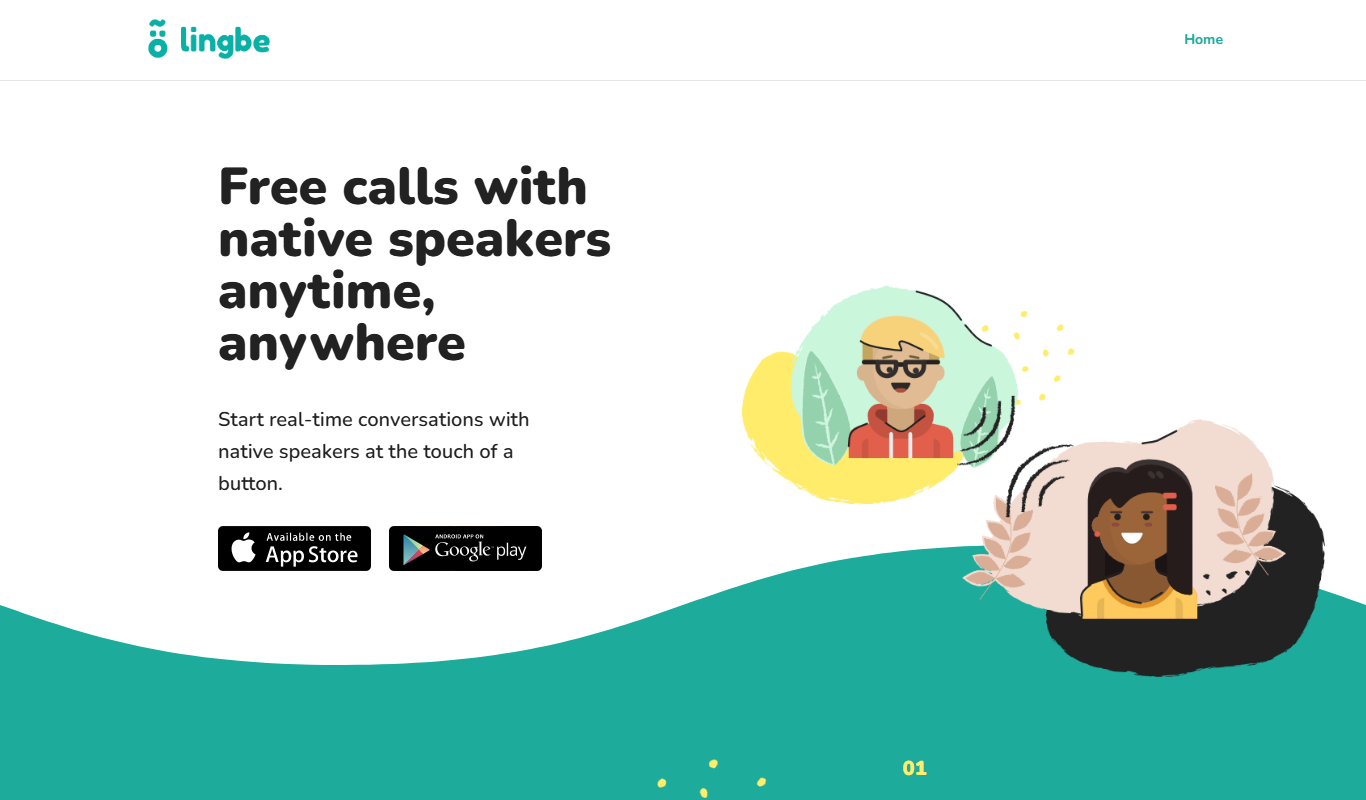
Lingbe is a language exchange app that enables users to practice languages through instant voice calls with native speakers using a credit-based system.
More AI Voice Assistants tools
Other tools in the same category, for when this one is not quite the fit.

Freemium
Komoot
Komoot is an outdoor navigation app that helps users plan and follow hiking, cycling, and other adventure routes with detailed maps, offline access, and voice guidance.

Pay Per Session
GoStudent
GoStudent is an online tutoring platform providing personalized, live one-on-one lessons to help students improve academically across various subjects and languages.
Freemium
AskCleo
AskCleo is an AI chat generator that provides natural, multi-turn conversations for personal assistance and customer service automation.

Free
Viveport
Viveport is HTC's virtual reality content platform providing access to VR games and experiences, including a subscription service called Viveport Infinity for unlimited VR content.

Free
Modulate AI
Modulate AI is a real-time voice modulation tool that uses AI to transform and disguise voices for gaming, streaming, and privacy purposes.
Freemium
Tactus Therapy
Tactus Therapy is a mobile app designed to help children with speech delays improve their articulation through interactive exercises and progress tracking.
Free
HowToPronounce
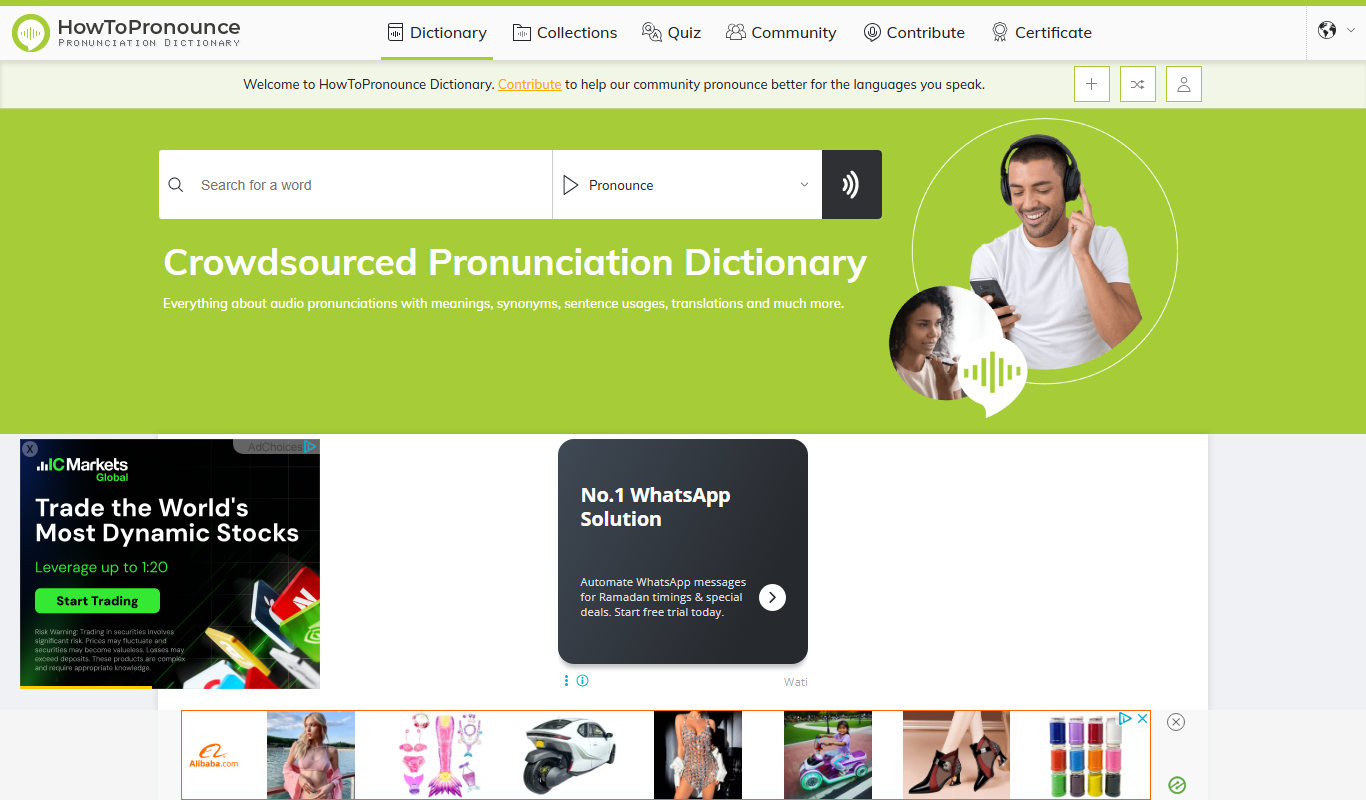
HowToPronounce is a free online tool that provides audio pronunciations and phonetic spellings for words in multiple languages, helping users learn correct pronunciation through native and expert recordings.

Free
EnglishCentral
EnglishCentral is an online English learning platform that uses video lessons and AI-powered speech recognition to help users improve their English speaking and listening skills through interactive practice and instant feedback.