

From my experience with Fluento, I found it excels at providing personalized, AI-driven language practice that adapts to individual learner needs. The real-time feedback on pronunciation and grammar makes it a practical tool for building conversational fluency. After spending time with the platform, I can say it’s particularly well-suited for language learners who want flexible, interactive practice without a traditional classroom setting. However, the limited language options and lack of offline access might be a drawback for some users. Overall, if you need a focused tool for improving spoken language skills with AI assistance, Fluento delivers solid results.
Fluento AI Language Learning Platform for Personalized Fluency Practice
Fluento is an AI-driven language learning platform that provides personalized speaking practice with real-time feedback to help users improve fluency in multiple languages.
- Best for
- Personalized Language Practice
- Key capability
- AI-Powered Speech Recognition
Your actions
Save Fluento, follow its updates and vote on it — everything stays in your account.
Sign in or create a free account
What is Fluento?
Fluento is an AI-powered language learning platform designed to help users achieve fluency through personalized practice sessions. It leverages advanced speech recognition and natural language processing to provide real-time feedback on pronunciation, grammar, and vocabulary. The platform adapts to individual learning styles and proficiency levels, making language acquisition more efficient and engaging.
Key features of Fluento
Fluento offers interactive AI conversations, personalized feedback, progress tracking, and adaptive lesson plans to enhance language learning. Its speech recognition technology enables accurate assessment and correction, helping users build confidence and fluency.
AI-Powered Speech Recognition
Accurately analyzes spoken language to provide detailed feedback on pronunciation and fluency.
Personalized Learning Paths
Adapts lessons and practice sessions based on user performance and goals.
Interactive Conversational Practice
Simulates real-life conversations to improve practical language skills.
Progress Tracking Dashboard
Visualizes learning milestones and areas needing improvement.
Multilingual Support
Supports multiple languages including English, Spanish, French, German, and Chinese.
Pros and cons of Fluento
Pros
- Personalized AI-driven language practice
- Real-time pronunciation and grammar feedback
- Supports multiple popular languages
- User-friendly interface with progress tracking
- Flexible learning pace and schedule
Cons
- Limited language options compared to some competitors
- Premium features require subscription
- No offline mode currently available
Key use cases for Fluento
Personalized Language Practice
Users can practice speaking and listening skills tailored to their proficiency and learning goals.
Fluency Improvement
The AI provides real-time feedback to help improve pronunciation, vocabulary, and conversational skills.
Language Assessment
Learners receive personalized assessments to identify strengths and areas for improvement.
Interactive Learning Sessions
Engaging AI-driven conversations simulate real-life scenarios for practical language use.
Self-paced Learning
Users can learn at their own pace with flexible scheduling and adaptive lesson plans.
How Fluento works
- 1
Create an Account
Sign up on Fluento’s website or app to start your language learning journey.
- 2
Set Your Language Goals
Choose the language you want to learn and specify your proficiency level and objectives.
- 3
Engage in AI Conversations
Practice speaking with the AI tutor through interactive dialogues tailored to your skill level.
- 4
Receive Real-Time Feedback
Get instant corrections and suggestions on pronunciation, grammar, and vocabulary.
- 5
Track Your Progress
Monitor your improvements and adjust your learning plan as needed.
Who is using Fluento
Language learners seeking personalized practice
Students preparing for language proficiency exams
Professionals improving communication skills
Educators looking for AI-assisted teaching tools
Travelers wanting conversational fluency
Fluento pricing
Free
$0/month
Access to basic lessons and limited AI conversation sessions.
Premium
$19.99/month
Unlimited AI conversations, advanced feedback, and personalized lesson plans.
Plans and prices are as published by the vendor and can change. Check the official site before you buy. Open the pricing page (opens in a new tab)
Frequently asked questions about Fluento
Fluento currently supports English, Spanish, French, German, and Chinese.
Yes, Fluento is accessible via both web and mobile platforms.
Yes, the AI analyzes your speech in real-time and offers corrections.
Fluento offers a freemium model with basic features free; details on premium trials can be found on their website.
It depends on your specific needs and how you plan to use the tool. The official website and documentation are the best sources for the latest details.
Yes, it can help with that use case depending on how you configure it and what features are available. You’ll get the best results with clear inputs and a defined goal.
Some tools offer a free plan or trial with limited features. Availability can vary, so confirm on the official website.
It depends on your specific needs and how you plan to use the tool. The official website and documentation are the best sources for the latest details.
Sign in to review this tool.
Sign In to ReviewNo reviews yet
Be the first to share how this tool worked for you.
Ask about pricing, limits, or how it compares — or answer someone else.
Sign In to AskNo questions yet
Have a question about using or paying for this tool? Be the first to ask.
Featured on TiorAI



Alternative Tools
Explore similar AI tools that might fit your needs
Free
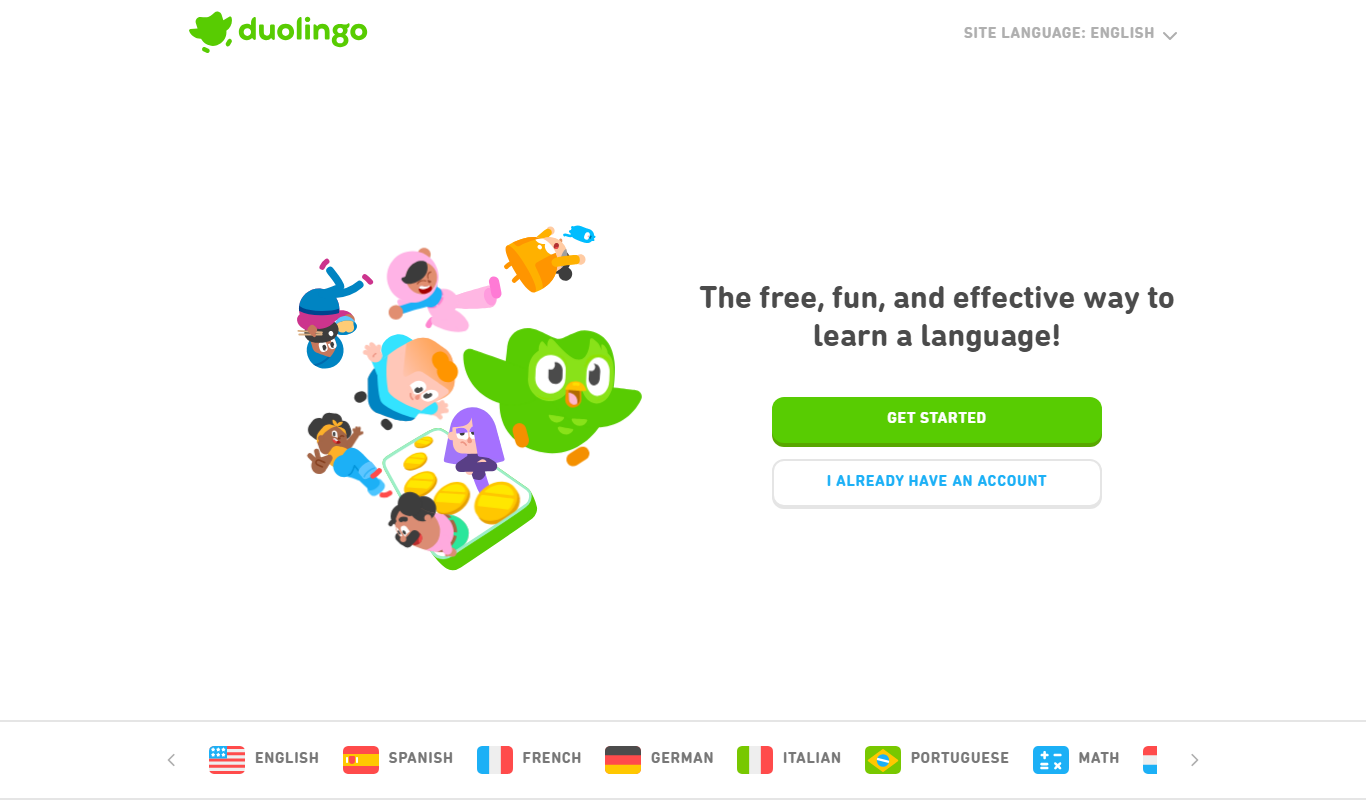
Duolingo
Duolingo is a free and subscription-based language learning app that uses gamified lessons and speech recognition to help users learn and practice multiple languages on web and mobile platforms.

Subscription
Babbel
Babbel is a subscription-based language learning app offering interactive lessons, speech recognition for pronunciation, and cultural insights to help users learn new languages effectively on web and mobile platforms.
More AI Education & Learning Tools tools
Other tools in the same category, for when this one is not quite the fit.
Free
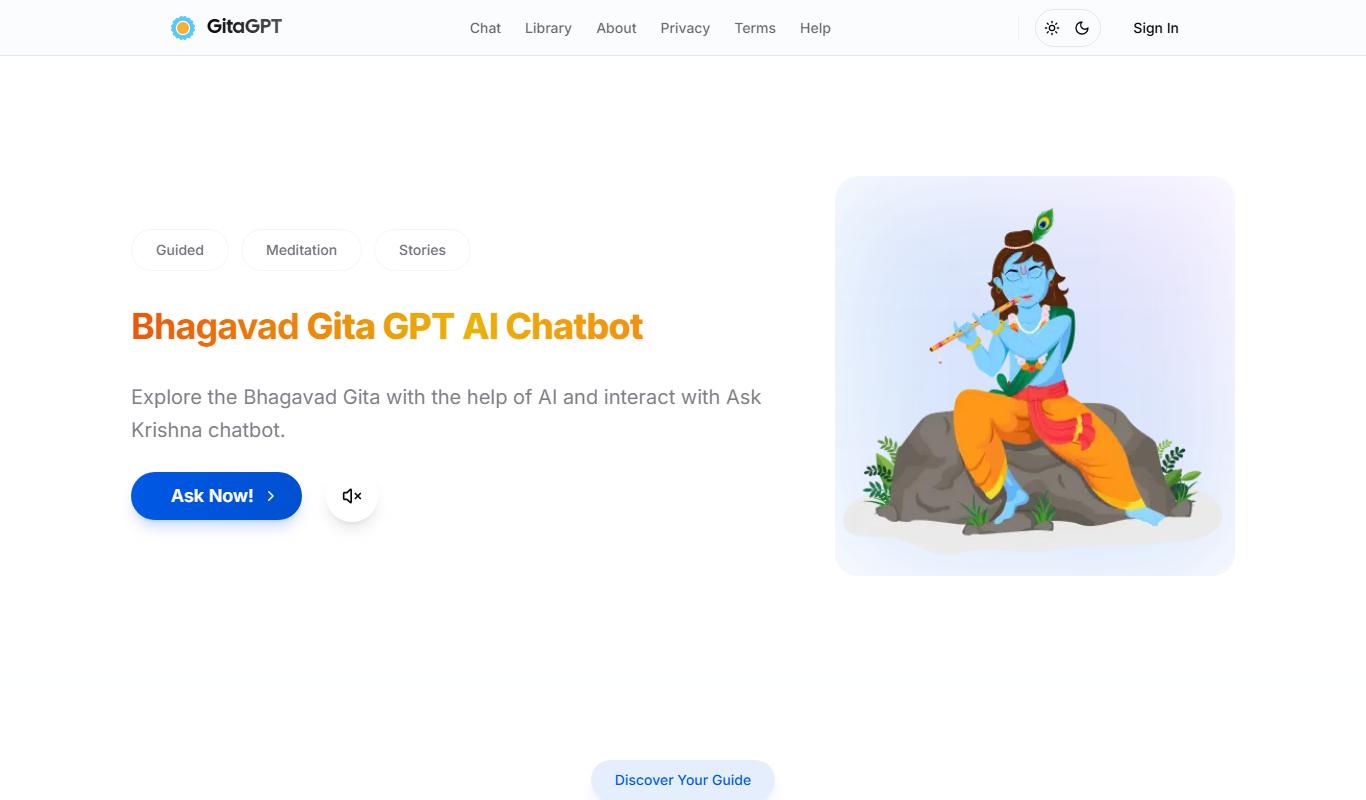
Gita GPT
GitaGPT is an AI spiritual companion that answers life questions with Bhagavad Gita shlokas through 10 spiritual guides in 22+ Indian languages, with a free plan and paid upgrades.

Free
Accent Guesser
Accent Guesser is a free online AI tool that identifies English accents from voice recordings by analyzing speech patterns and matching them to known regional accents.

Free
TajweedMate
TajweedMate is a free AI tajweed app for iOS and Android that teaches Tajweed rules and gives instant AI feedback on recorded Quran recitation.

Free
Essay-Grader.ai – Grade essays in seconds using AI
Essay-Grader.ai is an AI-based online tool that grades essays quickly and provides detailed feedback on grammar, coherence, and content quality to help educators and students save time and improve writing.
Freemium
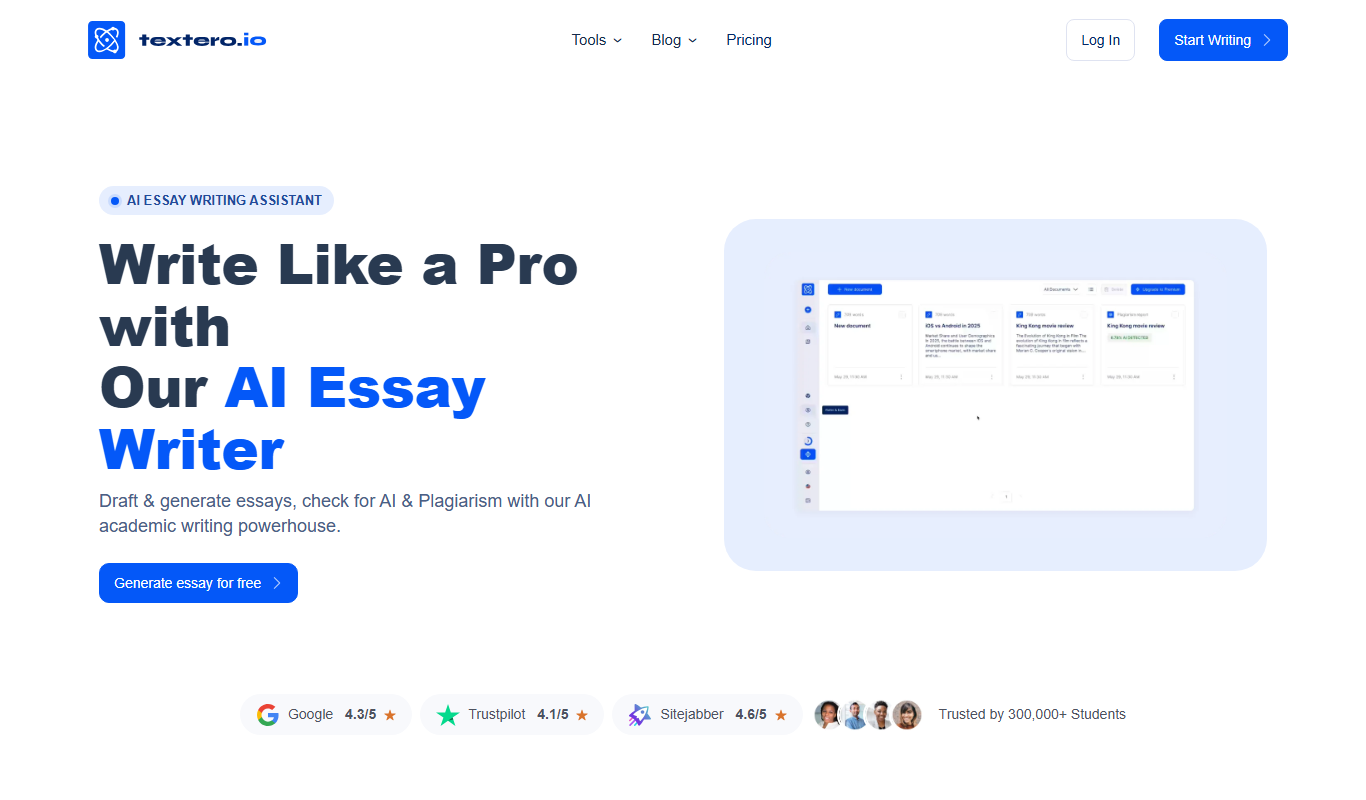
Textero.ai Essay Writer
Textero.ai Essay Writer is an AI-based platform that generates structured essays from user prompts, designed to assist students and writers in producing academic content efficiently.

Freemium
tutorocean.com
TutorOcean is an online platform that connects students and tutors globally for live, interactive tutoring sessions with tools like video, whiteboard, and chat.
Contact for pricing
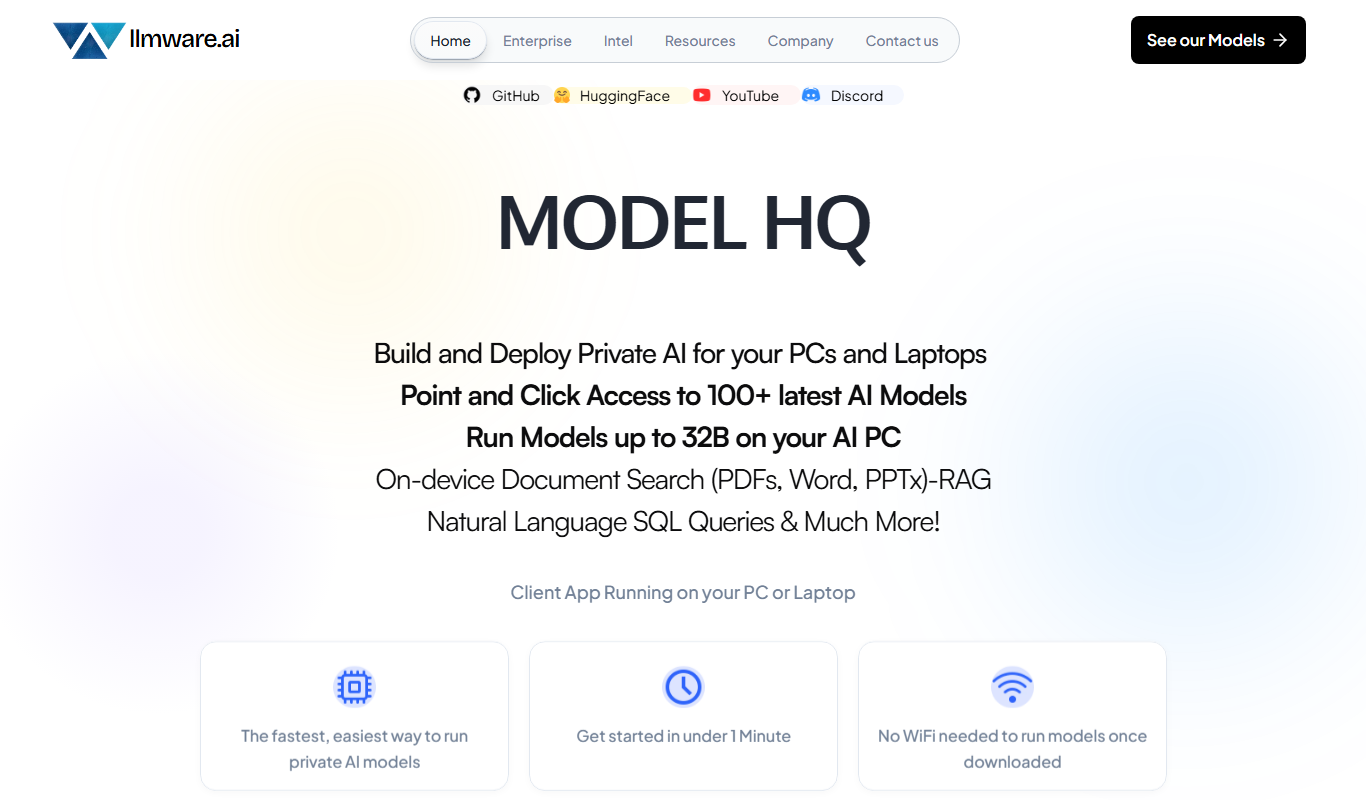
LLMWare
LLMWare is an AI platform that enables enterprises to deploy, manage, and scale large language models securely with flexible infrastructure and integration options.

Free
Lingogo – AI tutor to practice English
Lingogo is an AI-powered English tutor that helps learners practice speaking through real-time conversations and provides instant pronunciation feedback to improve fluency and clarity.