

From my experience with TutorOcean, I found it excels at providing a comprehensive and user-friendly platform for connecting students with qualified tutors worldwide. The integrated virtual classroom with interactive tools like whiteboard and session recording enhances the learning experience significantly. After spending time exploring the platform, I can say it’s particularly well-suited for students seeking personalized academic support and tutors looking to expand their reach. However, the platform is primarily web-based with limited mobile app support, which may affect users who prefer mobile learning. Overall, if you need flexible, live online tutoring with a wide subject range, TutorOcean delivers solid results.
Tutorocean Online Tutoring Platform for Personalized Learning and Teaching
TutorOcean is an online platform that connects students and tutors globally for live, interactive tutoring sessions with tools like video, whiteboard, and chat.
- Best for
- One-on-One Tutoring
- Key capability
- Tutor Marketplace

Do you recommend this tool?
What is tutorocean.com?
TutorOcean is an online tutoring platform that connects students and tutors worldwide for live, interactive learning sessions. It offers a marketplace where tutors can create profiles and students can find experts across various subjects. The platform supports personalized one-on-one tutoring, group classes, homework help, and test preparation, all delivered through an integrated virtual classroom.
Key features of tutorocean.com
TutorOcean’s main features include a searchable tutor marketplace, scheduling and booking tools, a built-in video classroom with whiteboard and chat, session recording, and flexible payment options. These features facilitate seamless communication and effective learning experiences.
Tutor Marketplace
A comprehensive directory of tutors with profiles, reviews, and ratings to help students find the right match.
Virtual Classroom
Integrated video conferencing with tools like whiteboard, screen sharing, and chat to enhance teaching.
Flexible Scheduling
Easy-to-use calendar and booking system to manage tutoring sessions efficiently.
Session Recording
Allows students to review past sessions for better retention and study.
Secure Payments
Supports multiple payment options with secure processing for both tutors and students.
Pros and cons of tutorocean.com
Pros
- Wide variety of tutors and subjects available
- Integrated virtual classroom with interactive tools
- Flexible scheduling and booking system
- Session recording for review
- Secure and convenient payment processing
Cons
- Limited mobile app support; primarily web-based
- Subscription pricing details are not fully transparent upfront
Key use cases for tutorocean.com
One-on-One Tutoring
Connects students with expert tutors for personalized, live sessions tailored to individual learning needs.
Group Classes
Offers group learning sessions allowing multiple students to learn collaboratively under a tutor’s guidance.
Homework Help
Provides on-demand assistance for students struggling with homework or specific academic problems.
Test Preparation
Helps students prepare for standardized tests and exams with targeted tutoring and practice.
Tutor Marketplace
Enables tutors to create profiles, set rates, and offer their services to a global student base.
How tutorocean.com works
- 1
Create an Account
Sign up as a student or tutor on the TutorOcean platform.
- 2
Find or List Tutors
Students search for tutors by subject, availability, and ratings; tutors create profiles showcasing their expertise.
- 3
Schedule Sessions
Book one-on-one or group sessions using the integrated calendar and scheduling tools.
- 4
Attend Live Classes
Join interactive video sessions with whiteboard and chat features for real-time learning.
- 5
Make Payments
Complete payments securely through the platform using various payment methods.
Who is using tutorocean.com
Students seeking personalized tutoring
Professional tutors looking for a marketplace
Parents wanting academic support for children
Adult learners pursuing skill development
Test preparation candidates
tutorocean.com pricing
Free
$0/month
Basic access to browse tutors and book sessions with standard platform fees.
Subscription
Varies
Monthly subscription plans offering discounted rates and priority booking.
Plans and prices are as published by the vendor and can change. Check the official site before you buy. Open the pricing page (opens in a new tab)
Frequently asked questions about tutorocean.com
You can sign up on the platform, create a detailed profile, and set your availability and rates.
TutorOcean offers tutoring across a wide range of subjects including math, science, languages, test prep, and more.
Yes, the platform allows session recording so students can revisit lessons anytime.
TutorOcean supports major credit cards and other secure online payment options.
It depends on your specific needs and how you plan to use the tool. The official website and documentation are the best sources for the latest details.
Yes, it can help with that use case depending on how you configure it and what features are available. You’ll get the best results with clear inputs and a defined goal.
Some tools offer a free plan or trial with limited features. Availability can vary, so confirm on the official website.
It depends on your specific needs and how you plan to use the tool. The official website and documentation are the best sources for the latest details.
Sign in to review this tool.
Sign In to ReviewNo reviews yet
Be the first to share how this tool worked for you.
Ask about pricing, limits, or how it compares — or answer someone else.
Sign In to AskNo questions yet
Have a question about using or paying for this tool? Be the first to ask.
Featured on TiorAI



Alternative Tools
Explore similar AI tools that might fit your needs

Freemium
Preply
Preply is an online platform connecting language learners with professional tutors for personalized one-on-one lessons via video chat.
More AI Education & Learning Tools tools
Other tools in the same category, for when this one is not quite the fit.

Free
bentolingo
BentoLingo is an AI-driven language learning platform that provides personalized speaking practice and real-time feedback to help users improve fluency in multiple languages.

Free Trial
Testnut
Testnut is an online exam platform that enables secure, scalable assessments with remote proctoring, automated grading, and detailed analytics, suitable for education and corporate use.

Freemium
Testbook.ai
Testbook.ai is an AI-driven platform offering personalized study plans, mock tests, and live classes to help students prepare effectively for competitive exams.

Free
AICamp
AICamp is an AI education platform offering project-based learning to teach AI, machine learning, and data science through hands-on projects and community mentorship.
Free
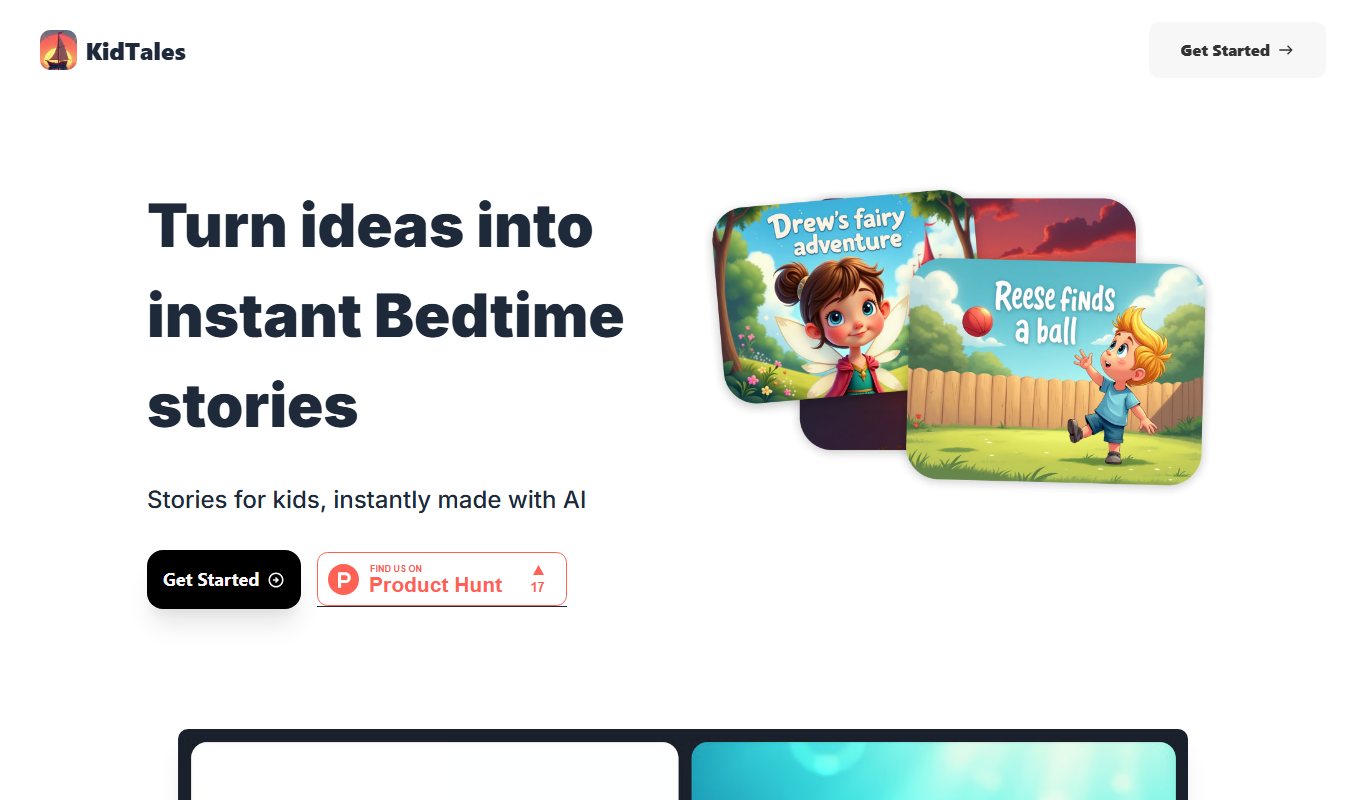
KidTales
KidTales AI is an online tool that generates personalized, age-appropriate stories for children to support creativity and learning.

Freemium
Mi Cuento Digital
Mi Cuento Digital is an online platform that lets you create personalized digital storybooks for children by adding names, photos, and custom details to engage young readers.

Free
Kidgeni
Kidgeni is an AI-powered tutoring platform designed to provide personalized learning and homework help for children, focusing on core subjects like math and reading through interactive sessions.

Freemium
flAI
flAI is an AI-driven language learning app that provides personalized speaking and writing practice with real-time feedback to help users improve fluency and confidence in multiple languages.