

From my experience with Flawless AI, I found it excels at automating intricate visual effects tasks like face replacement and lip-sync correction, which are traditionally time-consuming in film post-production. The tool’s AI-driven approach significantly reduces manual editing effort, making it a valuable asset for post-production studios and localization teams. However, the lack of publicly available pricing and limited platform details means it may require direct consultation to assess fit for smaller creators. Overall, if your workflow involves dubbing or visual effects that demand precision and efficiency, Flawless AI offers a compelling solution.
Flawless AI for Visual Effects and Film Post-Production Automation
Flawless AI is a visual effects tool that automates face replacement and lip-sync correction to enhance film post-production workflows.
- Best for
- Visual Effects Automation
- Key capability
- AI-Powered Face Replacement

Do you recommend this tool?
What is Flawless?
Flawless AI is an advanced visual effects software designed to automate and enhance film post-production tasks. It leverages artificial intelligence to perform complex video editing functions such as face replacement, lip-sync correction, and video quality enhancement. This tool is particularly useful for filmmakers, post-production studios, and localization teams aiming to improve efficiency and output quality.
Key features of Flawless
Flawless AI offers features like AI-driven face replacement, precise lip-sync adjustments for dubbing, video frame enhancement, and seamless integration into existing post-production workflows to accelerate editing and reduce manual labor.
AI-Powered Face Replacement
Automatically replace faces in video footage with high accuracy, preserving natural expressions.
Lip-Sync Correction for Dubbing
Adjust actors’ lip movements to match dubbed audio tracks, improving localization authenticity.
Video Frame Enhancement
Enhance video quality by correcting visual inconsistencies and improving frame coherence.
API Integration
Integrate Flawless AI capabilities into custom workflows via API for automation and scalability.
Pros and cons of Flawless
Pros
- Automates complex visual effects tasks efficiently
- Improves dubbing quality with precise lip-sync adjustments
- Reduces manual editing time in post-production
- API available for custom workflow integration
Cons
- Pricing details are not publicly available
- Primarily designed for post-production, not real-time editing
- Limited information on supported platforms beyond desktop and API
Key use cases for Flawless
Visual Effects Automation
Automate complex visual effects tasks such as face replacement and lip-sync correction to save time in post-production.
Film Dubbing and Localization
Seamlessly adjust actors’ lip movements to match dubbed dialogue in different languages, improving localization quality.
Video Quality Enhancement
Enhance video frames by correcting visual inconsistencies and improving overall footage quality.
Post-Production Workflow Optimization
Integrate AI-powered tools to streamline and accelerate post-production processes, reducing manual editing effort.
How Flawless works
- 1
Upload Footage
Import your raw video footage into the Flawless AI platform or API.
- 2
Select Desired Effects
Choose from options such as face replacement or lip-sync correction based on your project needs.
- 3
AI Processing
The AI analyzes the footage and applies the selected visual effects automatically.
- 4
Review and Export
Preview the enhanced video, make any necessary adjustments, and export the final output.
Who is using Flawless
Film and video post-production studios
Visual effects artists
Localization and dubbing teams
Independent filmmakers
Content creators requiring video enhancement
Flawless pricing
Contact for Pricing
Custom pricing
Pricing available upon request tailored to project scope and usage.
Plans and prices are as published by the vendor and can change. Check the official site before you buy. Open the pricing page (opens in a new tab)
Frequently asked questions about Flawless
Flawless AI supports common professional video formats used in film and post-production workflows.
Yes, Flawless AI offers API access to integrate its features into custom post-production pipelines.
Currently, Flawless AI is optimized for post-production rather than real-time editing.
It depends on your specific needs and how you plan to use the tool. The official website and documentation are the best sources for the latest details.
Yes, it can help with that use case depending on how you configure it and what features are available. You’ll get the best results with clear inputs and a defined goal.
It depends on your specific needs and how you plan to use the tool. The official website and documentation are the best sources for the latest details.
Sign in to review this tool.
Sign In to ReviewNo reviews yet
Be the first to share how this tool worked for you.
Ask about pricing, limits, or how it compares — or answer someone else.
Sign In to AskNo questions yet
Have a question about using or paying for this tool? Be the first to ask.
Featured on TiorAI



Alternative Tools
Explore similar AI tools that might fit your needs

Free
Runway ML
Runway ML is a cloud platform offering AI-powered video and image editing tools, enabling creators to automate complex tasks like green screen removal and style transfer, with real-time collaboration and API integration.

Custom Pricing
Deepdub
Deepdub is an AI dubbing platform that uses voice cloning and lip-sync technology to create multilingual dubbed videos preserving original actors' voices and emotions.
More AI Landing Page Builder tools
Other tools in the same category, for when this one is not quite the fit.

Free
Free Landing Page Generator
Free Landing Page Generator by GPT Console is a web tool that uses AI to create customizable, mobile-responsive landing pages quickly and without coding, ideal for marketers and small businesses.

Custom Pricing
Meiro
Meiro is a Customer Data Platform that helps businesses unify customer data from multiple sources, perform advanced analytics, and manage data governance to improve marketing personalization and compliance.

Freemium
TeamSmart AI
TeamSmart AI is an AI-powered collaboration platform that automates task management, provides meeting summaries, and optimizes team productivity through workflow analytics.

Free Trial
Entry Point AI
Entry Point AI is an AI-driven platform that automates customer support using conversational chatbots, lead qualification, and ticket routing to improve efficiency and customer experience.

Free
Studio
Studio is a collaborative design platform that enables UI/UX designers to create interactive prototypes with vector-based tools and timeline animations, supporting real-time team collaboration.

Free Trial
Sitekick
Sitekick is an AI-driven website builder that helps users create professional, responsive websites quickly without coding, featuring drag-and-drop editing and SEO optimization.
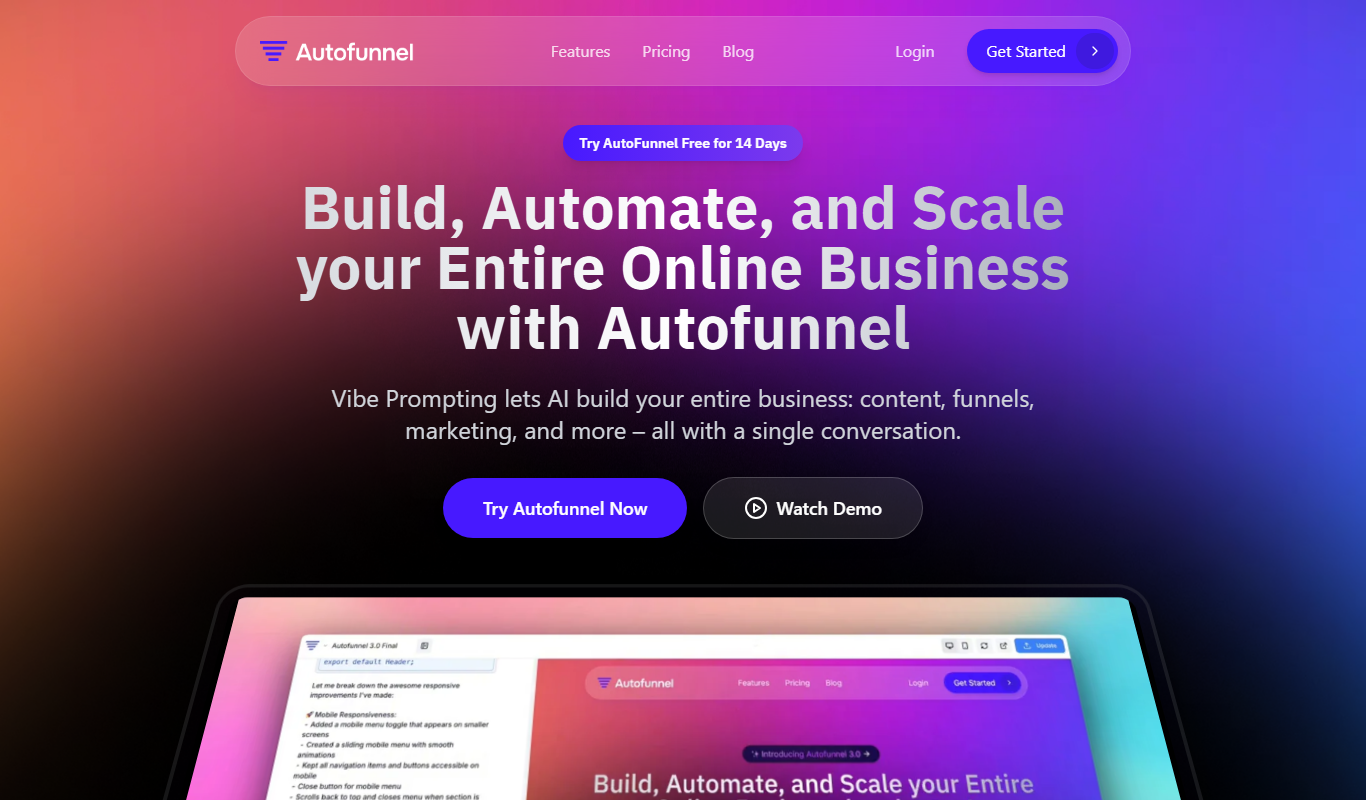
Freemium
AutoFunnel
AutoFunnel is an AI-driven platform that helps marketers build and automate sales funnels, capture leads, and optimize conversions with ease.
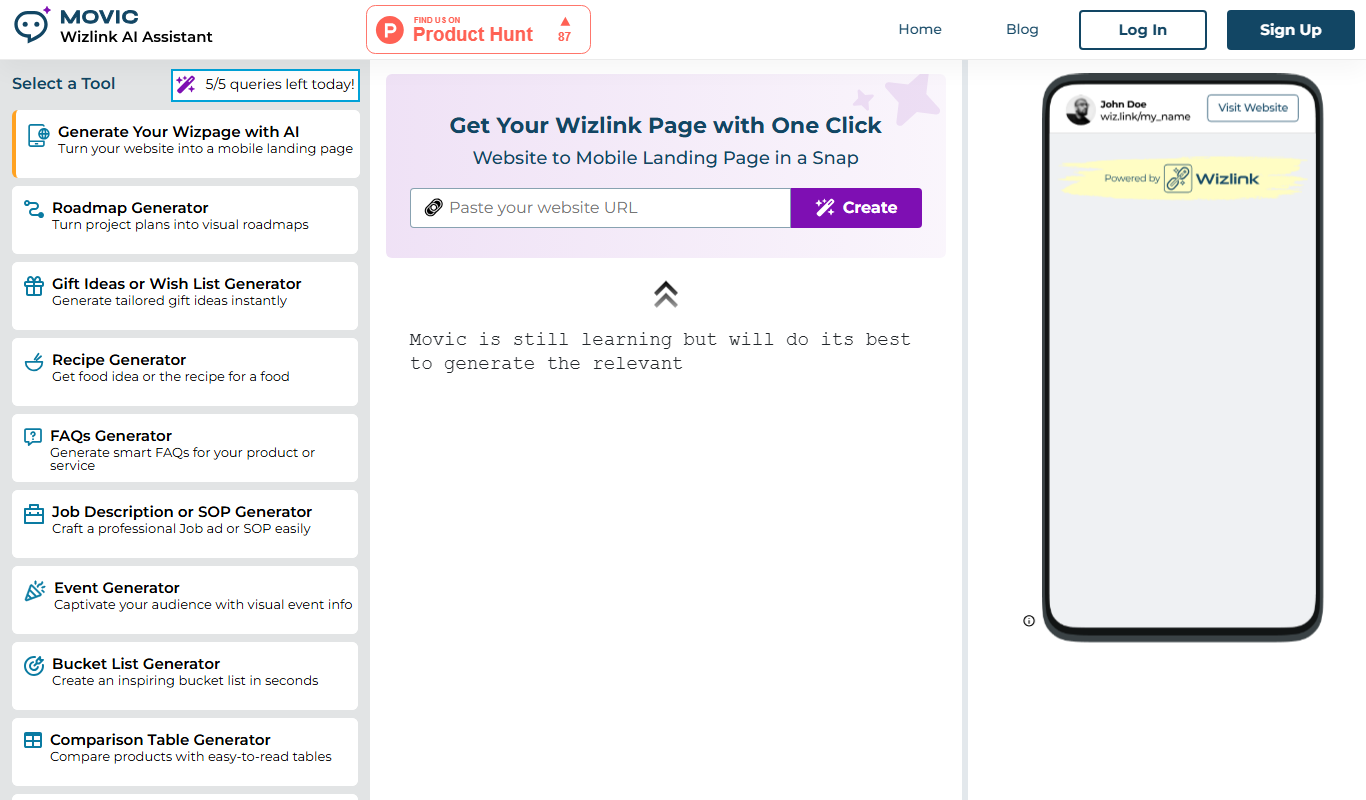
Freemium
Wizlink AI
Wizlink AI is an AI-driven link management tool that offers smart URL shortening, branded links, and detailed analytics to optimize link performance for marketers and businesses.