

From my experience with Finroo, I found it excels at automating the tedious process of expense tracking by leveraging AI to categorize transactions accurately. The platform’s ability to integrate multiple data sources and generate insightful financial reports makes it particularly well-suited for freelancers, small business owners, and individuals aiming to gain better control over their finances. However, the limitation to English language support and the need for a paid subscription to access advanced features may restrict some users. Overall, if you want a streamlined, AI-powered tool to simplify your financial management, Finroo delivers reliable and practical solutions.
Finroo AI Financial Assistant for Automated Expense Tracking & Insights
Finroo is an AI-driven financial assistant that automates expense tracking, categorizes transactions, generates financial insights, and supports budget planning through web and mobile platforms.

Do you recommend this tool?
What is Finroo?
Finroo is an AI-powered financial assistant designed to automate expense tracking, financial data organization, and provide insightful analytics. It leverages artificial intelligence to simplify personal and business finance management by automatically extracting data from bank statements, receipts, and invoices, categorizing expenses, and generating reports to help users make informed financial decisions.
Key use cases for Finroo
Automated Expense Tracking
Automatically track and categorize expenses from bank statements and receipts using AI.
Financial Insights
Generate actionable insights and reports to understand spending patterns and optimize budgets.
Invoice and Bill Management
Manage and organize invoices and bills digitally to streamline financial record keeping.
Budget Planning
Plan and monitor budgets with AI-driven suggestions based on historical spending.
Tax Preparation Assistance
Prepare financial data for tax filing with organized expense reports and summaries.
How Finroo works
- 1
Connect Financial Accounts
Securely link your bank accounts or upload financial documents to Finroo.
- 2
AI Data Extraction
Finroo uses AI to extract and categorize expenses from your statements and receipts.
- 3
Review and Customize
Review categorized expenses and customize categories or tags as needed.
- 4
Generate Reports
Access detailed financial reports and insights to understand your spending.
- 5
Plan Budgets and Taxes
Use the insights to plan budgets and prepare for tax filing efficiently.
Who is using Finroo
Freelancers and self-employed professionals
Small business owners
Individuals seeking better personal finance management
Accountants and financial advisors
Startups looking for automated expense solutions
Finroo pricing
Free
$0/month
Basic expense tracking and limited reports with monthly data upload limits.
Pro
$15/month
Unlimited data uploads, advanced analytics, priority support, and budget planning features.
Business
Custom pricing
Tailored solutions for businesses with multi-user access and enhanced integrations.
Plans and prices are as published by the vendor and can change. Check the official site before you buy. Open the pricing page (opens in a new tab)
Sign in to review this tool.
Sign In to ReviewNo reviews yet
Be the first to share how this tool worked for you.
Ask about pricing, limits, or how it compares — or answer someone else.
Sign In to AskNo questions yet
Have a question about using or paying for this tool? Be the first to ask.
Featured on TiorAI



Alternative Tools
Explore similar AI tools that might fit your needs

Free
Expensify
Expensify is an expense management tool that automates receipt scanning, expense tracking, and reporting for businesses and individuals, offering integrations and approval workflows.

Free
Mint
Mint is a free personal finance app by Intuit that helps users manage budgets, track expenses, monitor credit scores, and receive bill reminders through web and mobile platforms.
More AI Assistant tools
Other tools in the same category, for when this one is not quite the fit.

Free Trial
PagerGPT
PagerGPT is an AI assistant that integrates with PagerDuty to automate incident triage, provide contextual summaries, and assist engineers in resolving incidents faster.

Freemium
Phew AI Tab
Phew AI Tab is a Chrome browser extension that integrates AI-powered research, note-taking, and summarization tools directly into your browsing experience to enhance productivity and streamline information management.

Freemium
Owl at Work – AI Companion for Businesses
Owl at Work is an AI-powered business companion that automates workflows, manages tasks, and improves team collaboration through intelligent automation and integrations.

Freemium
Vivas.AI
Vivas.AI is an AI meeting assistant that transcribes meetings in real time, extracts action items, and generates summaries to improve team productivity.
Free
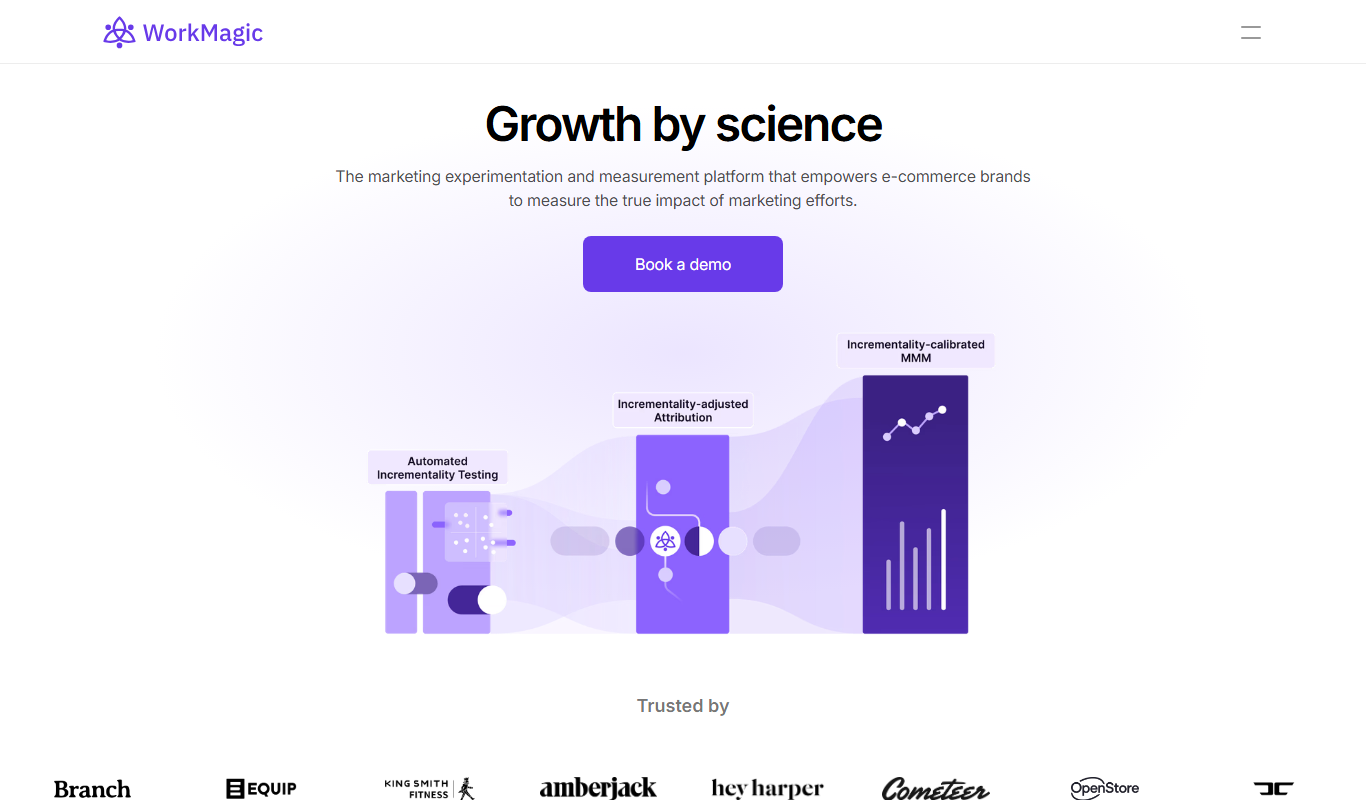
WorkMagic
WorkMagic is an AI-powered productivity assistant that automates tasks, manages workflows, and supports team collaboration through a web platform.

Free
Blue Bot
Blue Bot is a free web-based AI chatbot designed for fun and casual conversations, offering instant chat without registration.

Free Trial
Voxpad
Voxpad is an AI voice assistant that transcribes meetings in real-time and generates summaries to improve productivity and collaboration.

Free Trial
HubbleIQ
HubbleIQ is an AI meeting assistant that automates transcription, action item detection, and meeting summaries to enhance team collaboration.