

From my experience with Filmora, I found it excels at providing an accessible yet feature-rich video editing environment suitable for both beginners and casual professionals. The intuitive drag-and-drop interface combined with a robust effects library makes it straightforward to produce polished videos without a steep learning curve. However, the free version’s watermark can be limiting for users unwilling to upgrade, and some advanced editing features are reserved for paid plans. Overall, if you need a reliable, cross-platform video editor that balances ease of use with powerful tools, Filmora delivers solid results.
Filmora Video Editor Software for Beginners and Professionals
Filmora is a versatile video editing software by Wondershare that offers an intuitive interface, extensive effects, and 4K support, suitable for beginners and professionals alike.
- Best for
- Video Editing for Social Media
- Key capability
- Drag-and-Drop Interface
Your actions
Save Filmora, follow its updates and vote on it — everything stays in your account.
Sign in or create a free account
What is Filmora?
Filmora is a user-friendly video editing software developed by Wondershare Technology Co., Ltd. It offers a wide range of editing tools, effects, and templates designed to help both beginners and professionals create polished videos. Filmora supports multiple platforms including Windows, macOS, iOS, and Android, making video editing accessible across devices.
Key features of Filmora
Filmora provides an intuitive interface with drag-and-drop editing, a rich library of effects, transitions, and titles, as well as advanced features like green screen, audio editing, and motion tracking. It supports 4K editing and exports videos in various formats suitable for social media and professional use.
Drag-and-Drop Interface
Simplifies video editing with an easy-to-use timeline and media management.
Extensive Effects Library
Includes filters, overlays, transitions, and titles to enhance video creativity.
4K Video Support
Enables editing and exporting of high-resolution videos for professional quality.
Green Screen and Motion Tracking
Advanced tools for compositing and tracking objects within videos.
Audio Editing Tools
Features noise removal, equalizer, and audio mixing for clear sound.
Pros and cons of Filmora
Pros
- User-friendly interface suitable for all skill levels
- Wide range of creative effects and templates
- Supports 4K video editing and export
- Cross-platform availability
- Affordable pricing with flexible plans
Cons
- Free version exports videos with watermark
- Some advanced features require paid plans
- Limited customization compared to professional-grade editors
Key use cases for Filmora
Video Editing for Social Media
Create engaging videos with effects and transitions optimized for platforms like YouTube, Instagram, and TikTok.
Educational Content Creation
Produce tutorials, lectures, and presentations with easy-to-use editing tools and screen recording features.
Marketing and Promotional Videos
Design professional marketing videos with customizable templates and overlays to boost brand visibility.
Personal Video Projects
Edit family videos, travel vlogs, and personal memories with intuitive drag-and-drop editing.
Small Business Video Production
Create product demos and explainer videos without needing advanced technical skills.
How Filmora works
- 1
Download and Install
Download Filmora from the official website and install it on your device.
- 2
Import Media
Add video clips, images, and audio files to the media library for your project.
- 3
Edit Video
Use the timeline to trim, split, and arrange clips; apply effects, transitions, and titles.
- 4
Preview and Adjust
Preview your video in real-time and make adjustments to audio levels, colors, and effects.
- 5
Export and Share
Export the finished video in your preferred format and share it directly to social media or save locally.
Who is using Filmora
Beginner video editors
Content creators and vloggers
Small business marketers
Educators and trainers
Social media managers
Filmora pricing
Free
$0
Basic editing features with watermark on exported videos.
Annual Plan
$39.99/year
Full features without watermark, includes updates and support.
Perpetual Plan
$69.99 one-time
Lifetime access to Filmora with all features and updates.
Plans and prices are as published by the vendor and can change. Check the official site before you buy. Open the pricing page (opens in a new tab)
Frequently asked questions about Filmora
Yes, Filmora is designed with an intuitive interface that makes it easy for beginners to start editing videos quickly.
Watermarks are removed when you purchase a paid plan; the free version exports videos with a watermark.
Yes, Filmora supports editing and exporting videos in 4K resolution.
Filmora is available on Windows, macOS, iOS, and Android devices.
It depends on your specific needs and how you plan to use the tool. The official website and documentation are the best sources for the latest details.
Yes, it can help with that use case depending on how you configure it and what features are available. You’ll get the best results with clear inputs and a defined goal.
Pricing depends on the plan and included features. For the most accurate and up-to-date details, check the official pricing page.
Sign in to review this tool.
Sign In to ReviewNo reviews yet
Be the first to share how this tool worked for you.
Ask about pricing, limits, or how it compares — or answer someone else.
Sign In to AskNo questions yet
Have a question about using or paying for this tool? Be the first to ask.
Featured on TiorAI



Alternative Tools
Explore similar AI tools that might fit your needs

Free
DaVinci Resolve
DaVinci Resolve is a professional video editing software combining editing, color grading, visual effects, and audio post-production in one platform, available in free and paid Studio versions.

Free
iMovie
iMovie is Apple's free video editing software available on Mac and iOS, offering easy-to-use tools for creating and sharing high-quality videos.
More AI Content Creation Tools tools
Other tools in the same category, for when this one is not quite the fit.

Freemium
Festive Slideshow Maker
Festive Slideshow Maker is an iOS app for creating holiday-themed slideshows with 50+ templates and a music library.
Free
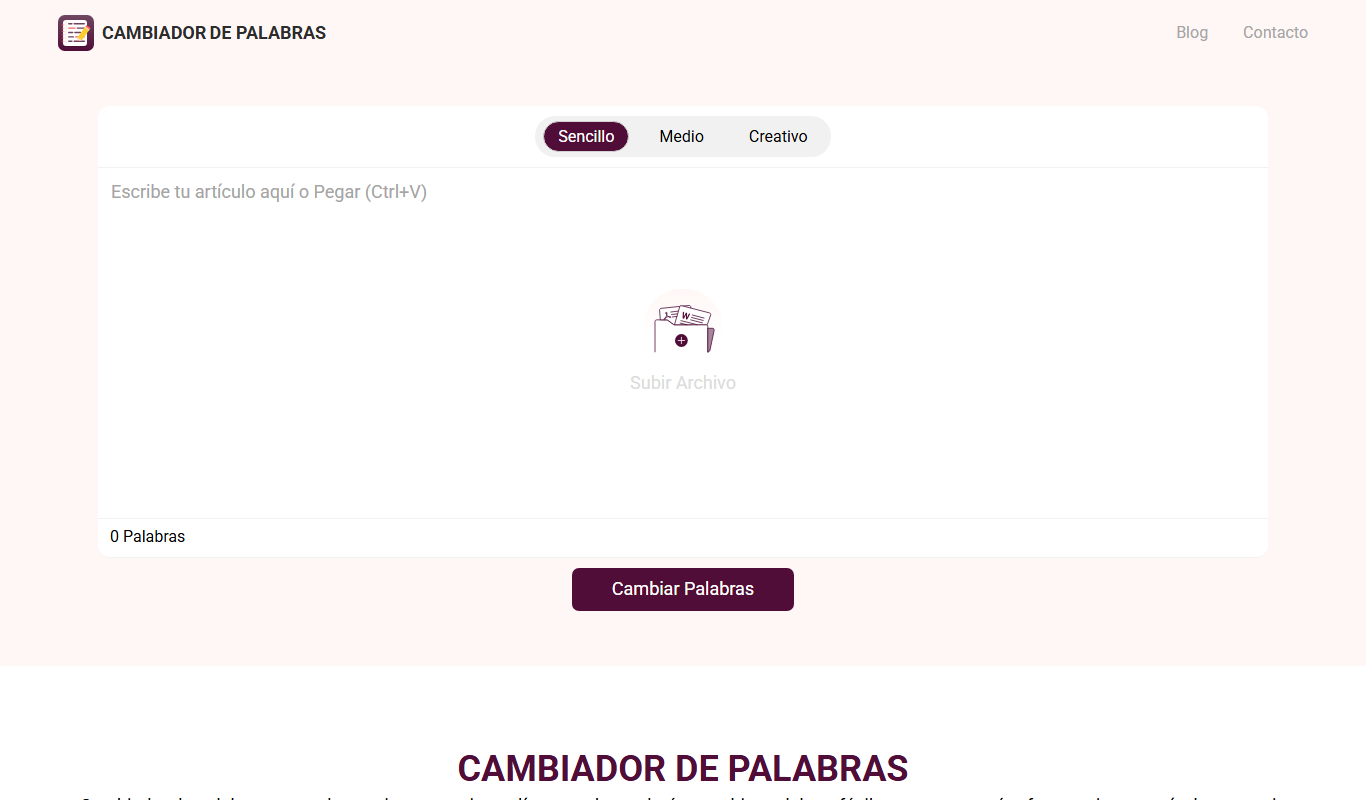
Cambiador De Palabras
Cambiador De Palabras is a free online tool that rewrites Spanish text by replacing words with synonyms and restructuring sentences to create unique content.

Freemium
CourseMind
CourseMind is an AI-driven tool that automates the creation of online courses, lesson plans, and quizzes, enabling educators and trainers to build e-learning content quickly and efficiently.

Free
Article Idea Generator
Article Idea Generator is a free web tool that helps users generate multiple article or blog post ideas based on a keyword input, ideal for content creators and marketers seeking inspiration.

Free Trial
Idea Generators – Copy Creator
Idea Generators - Copy Creator is an AI-driven web tool that helps marketers and content creators generate creative copy ideas and drafts for various marketing channels quickly and efficiently.

Custom Pricing
MyPerfectWords
MyPerfectWords is an online platform offering custom academic writing, editing, and proofreading services with qualified writers and plagiarism-free guarantees.

Free
PaperTyper.net
PaperTyper.net is a set of academic writing tools with a paid essay ordering service.

Free Trial
SermonAI
SermonAI is an AI-driven platform that assists pastors in generating sermon outlines, full sermons, and devotional content based on scripture and topics, streamlining sermon preparation.