

FeedbackFruits Collaborative Learning Platform for Education and Training
FeedbackFruits is an educational technology platform that enhances collaborative learning through tools for peer feedback, group evaluations, and interactive assignments integrated with LMS systems.
- Best for
- Higher Education
- Key capability
- Peer Review Tool
Save FeedbackFruits, follow its updates and vote on it — everything stays in your account.
Sign in or create a free account
What is FeedbackFruits?
FeedbackFruits is an educational technology platform designed to enhance collaborative learning and student engagement. It offers a suite of interactive tools that facilitate peer feedback, group assignments, and active learning in both higher education and corporate training environments. The platform integrates seamlessly with popular Learning Management Systems (LMS) to support blended and online learning models.
Key features of FeedbackFruits
FeedbackFruits provides a range of tools including peer review assignments, interactive video activities, group member evaluation, and automated feedback workflows. These features aim to foster active participation, improve learning outcomes, and streamline assessment processes.
Peer Review Tool
Facilitates structured peer feedback on assignments to enhance critical thinking.
Interactive Video Assignments
Allows students to engage with video content through comments and questions.
Group Member Evaluation
Enables fair assessment of individual contributions within group projects.
Rubric-Based Grading
Supports detailed assessment criteria for transparent and consistent grading.
Analytics Dashboard
Provides insights into student participation and learning progress.
Pros and cons of FeedbackFruits
Pros
- Enhances student engagement through interactive tools
- Seamless integration with popular LMS platforms
- Supports various collaborative learning activities
- Provides detailed analytics for educators
- Customizable to fit different educational contexts
Cons
- Pricing details are not publicly available and require contact
- Primarily designed for institutional use, less suited for individual learners
- Limited information on tech stack and API capabilities
Key use cases for FeedbackFruits
Higher Education
Enhancing student engagement and collaboration through interactive assignments and peer feedback.
Corporate Training
Facilitating employee learning and development with customizable training modules and collaborative tools.
Blended Learning
Supporting hybrid education models by integrating online and in-person learning activities.
Peer Assessment
Enabling structured peer review processes to improve critical thinking and feedback skills.
Course Design
Helping educators create interactive and engaging course content with various learning tools.
How FeedbackFruits works
- 1
Integration with LMS
Connect FeedbackFruits with your existing Learning Management System for seamless access.
- 2
Create Learning Activities
Design interactive assignments such as peer reviews, group evaluations, and video annotations.
- 3
Assign to Students
Distribute activities to learners individually or in groups to encourage collaboration.
- 4
Collect and Analyze Feedback
Gather peer and instructor feedback, then use analytics to monitor engagement and performance.
Who is using FeedbackFruits
FeedbackFruits pricing
Enterprise
Custom pricing
Tailored solutions for institutions with dedicated support and advanced features.
Plans and prices are as published by the vendor and can change. Check the official site before you buy. Open the pricing page (opens in a new tab)
Frequently asked questions about FeedbackFruits
Yes, FeedbackFruits supports integration with major LMS platforms such as Canvas, Blackboard, and Moodle.
FeedbackFruits primarily offers enterprise subscription plans; contact their sales team for trial options.
You can create peer reviews, group evaluations, interactive videos, and other collaborative assignments.
Yes, the platform supports several languages including English, Dutch, Spanish, French, and German.
It depends on your specific needs and how you plan to use the tool. The official website and documentation are the best sources for the latest details.
Yes, it can help with that use case depending on how you configure it and what features are available. You’ll get the best results with clear inputs and a defined goal.
This tool is designed to help users accomplish its core tasks more efficiently. It is typically used by individuals or teams looking to improve productivity and workflow.
Conclusion
Everything in FeedbackFruits runs through an existing learning management system, with integration for major LMS platforms such as Canvas, Blackboard and Moodle. Educators design interactive assignments like peer reviews, group evaluations and video annotations, then distribute them to learners individually or in groups. Peer and instructor feedback is gathered afterwards, and analytics monitor engagement and performance. Rubric-based grading supports detailed assessment criteria, while group member evaluation assesses individual contributions within group projects.
The platform is aimed at higher education institutions and corporate training departments, as well as course designers and instructors. It also supports hybrid education models that integrate online and in-person learning activities. Plans are enterprise subscriptions with custom pricing, and details require contacting the company. Because it is primarily designed for institutional use, it is less suited for individual learners.
Sources
Sign in to review this tool.
Sign In to ReviewNo reviews yet
Be the first to share how this tool worked for you.
Ask about pricing, limits, or how it compares — or answer someone else.
Sign In to AskNo questions yet
Have a question about using or paying for this tool? Be the first to ask.
Featured on TiorAI


More AI Workflow tools
Other tools in the same category, for when this one is not quite the fit.

Lens Protocol
Lens Protocol is a blockchain stack built for SocialFi, made up of Lens Chain, the Social Protocol and Storage Nodes, where one Lens account works across many apps.

Botkeeper
Botkeeper is an AI accounting solution purpose-built for accounting firms that automates the most manual and time-consuming bookkeeping work.

Furkot
Furkot is a web-based trip planner that helps users create multi-stop routes, optimize travel paths, schedule accommodations and activities, and share itineraries for efficient road trip planning.

Trials.ai
Trials.ai is an AI-driven platform that helps medical researchers design optimized clinical trial protocols, improve patient recruitment, and ensure regulatory compliance to accelerate trial success.

ZipBooks
ZipBooks is a cloud-based accounting software designed for small businesses and freelancers to manage invoicing, expenses, payments, and financial reporting with ease.

Lookeen
Lookeen is a Windows desktop search software that enables fast and comprehensive searching of emails, files, and documents, integrating deeply with Microsoft Outlook and supporting network drives.
Ataccama
Ataccama is an AI-driven data management platform that integrates data governance, master data management, and data quality automation to help enterprises manage and improve their data assets efficiently.
FloQast
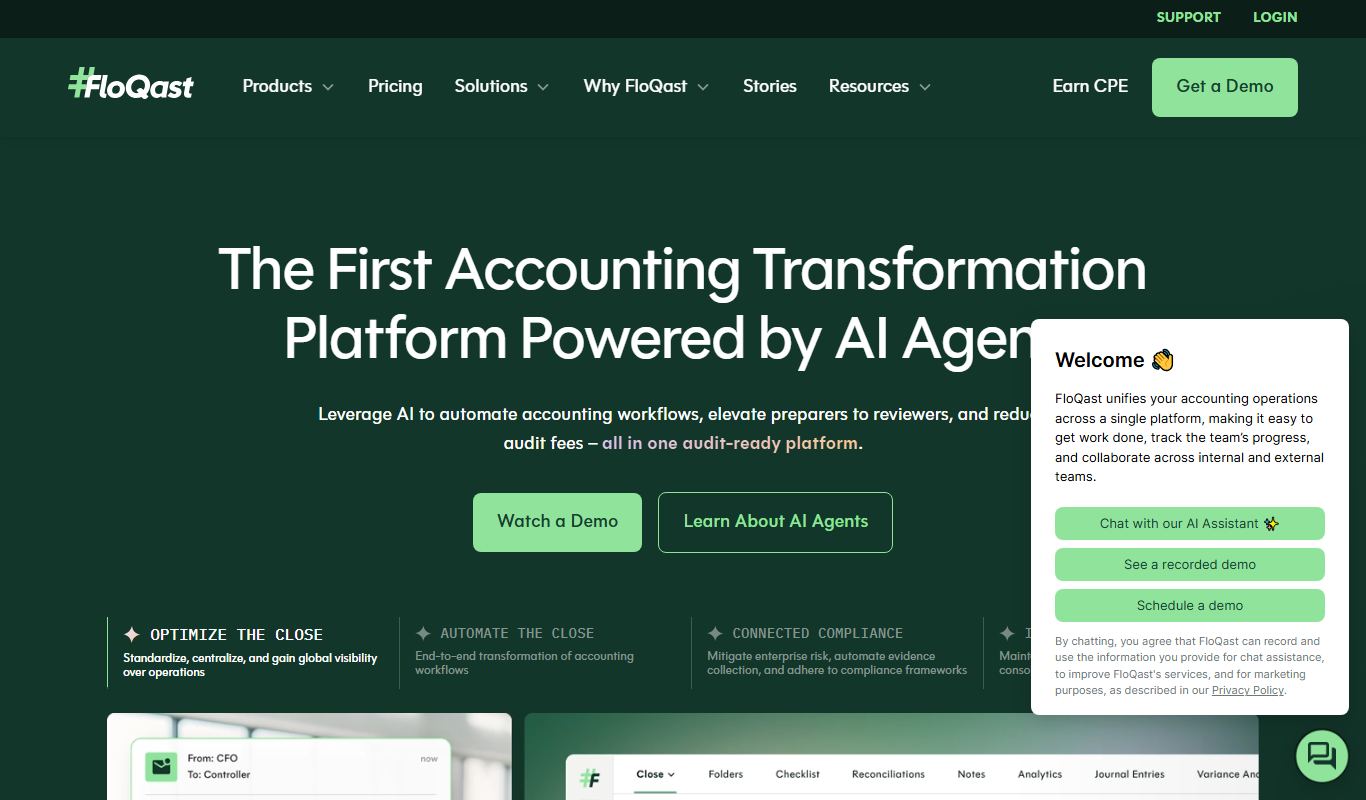
FloQast is a cloud software designed to streamline and automate the accounting month-end close process, improving accuracy and collaboration for finance teams.