
From my experience with Feedback Rivers, I found it excels at simplifying the process of collecting and analyzing customer feedback through an intuitive web platform. Its real-time feedback collection and sentiment analysis features provide valuable insights that help businesses improve customer experience effectively. The platform is particularly well-suited for small to medium-sized businesses and customer experience teams looking for an affordable, easy-to-use solution. However, the lack of a mobile app and limited language support may restrict some users. Overall, Feedback Rivers offers a solid, practical tool for managing customer feedback and enhancing brand reputation.

Feedback Rivers Review - Customer Feedback Management Software Features
Feedback Rivers is a web-based customer feedback management platform that helps businesses collect, analyze, and act on customer feedback through customizable surveys, real-time data, and sentiment analysis.
What is Feedback Rivers?
Feedback Rivers is a cloud-based customer feedback management platform designed to help businesses collect, analyze, and act on customer feedback. It enables organizations to create surveys and feedback forms, gather real-time insights, and improve customer satisfaction by addressing concerns effectively.
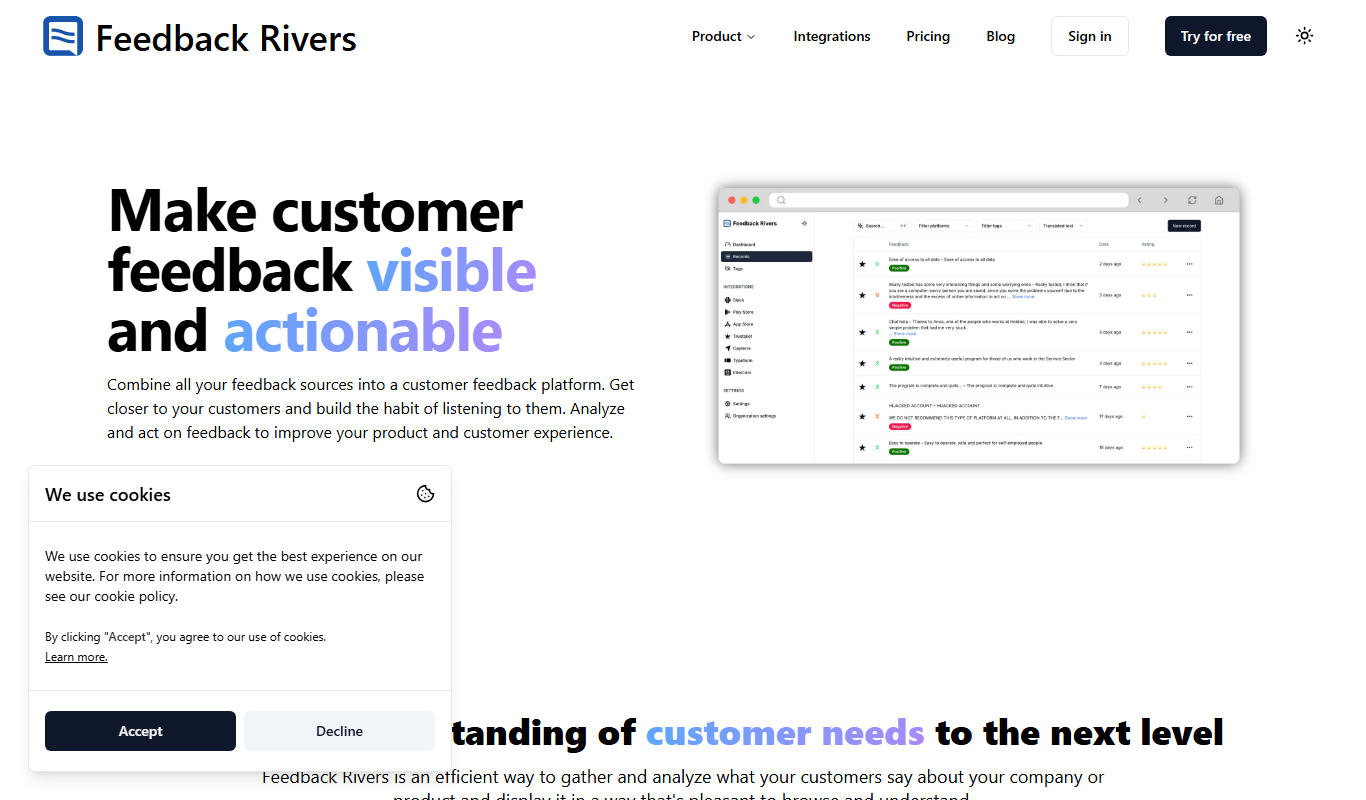
Key Features of Feedback Rivers
Customizable Surveys
Create tailored surveys with various question types to capture specific customer insights.
Real-Time Feedback Collection
Gather immediate responses to understand customer sentiment as it happens.
Sentiment Analysis
Automatically analyze feedback to gauge positive, neutral, or negative sentiment.
Detailed Reporting
Access comprehensive reports and dashboards to track feedback trends and metrics.
Integration Support
Connect with other business tools to streamline workflows and data management.
Pros and Cons of Feedback Rivers
Pros
- User-friendly interface for easy survey creation
- Real-time feedback collection and monitoring
- Sentiment analysis helps understand customer emotions
- Flexible pricing plans for different business sizes
- Good integration options with other software
Cons
- Limited language support (English only)
- No mobile app currently available
Key Use Cases for Feedback Rivers
Collect Customer Feedback
Gather real-time feedback from customers through customizable surveys and feedback forms.
Analyze Customer Sentiment
Use analytics tools to understand customer satisfaction and identify areas for improvement.
Improve Customer Experience
Leverage feedback insights to enhance products, services, and overall customer experience.
Monitor Brand Reputation
Track customer opinions and sentiment to manage and improve brand reputation.
Engage Customers
Respond to customer feedback promptly to build stronger relationships and loyalty.
How Feedback Rivers Works
-
1
Create Surveys
Design and customize surveys or feedback forms tailored to your business needs.
-
2
Distribute to Customers
Share surveys via email, website widgets, or other channels to collect responses.
-
3
Collect Feedback
Receive real-time feedback and monitor customer responses through the dashboard.
-
4
Analyze Data
Use built-in analytics tools to interpret customer sentiment and identify trends.
-
5
Take Action
Respond to feedback and implement improvements to enhance customer experience.
Who's Using Feedback Rivers
Small to medium-sized businesses
Customer experience teams
Marketing agencies
Product managers
Brand reputation managers
Feedback Rivers Pricing
Free Trial
$0 for 14 days
Access to core features to evaluate the platform.
Basic
$29/month
Suitable for small businesses with essential feedback tools.
Pro
$79/month
Advanced features including sentiment analysis and integrations.
Enterprise
Custom pricing
Tailored solutions with dedicated support and custom features.
Frequently Asked Questions About Feedback Rivers
Yes, Feedback Rivers allows you to customize surveys with your branding, including logos and colors.
Yes, Feedback Rivers offers a 14-day free trial to test the platform.
Yes, it supports integrations with popular business tools to enhance workflow.
The platform uses sentiment analysis and reporting tools to interpret feedback data.
This tool is designed to help users accomplish its core tasks more efficiently. It is typically used by individuals or teams looking to improve productivity and workflow.
It depends on your specific needs and how you plan to use the tool. The official website and documentation are the best sources for the latest details.
Some tools offer a free plan or trial with limited features. Availability can vary, so confirm on the official website.
Integration support depends on the tool and its available connectors or API. Check the official documentation or integrations page to confirm what is supported.
Share your review
Reviews are limited to one per logged-in user and are published after moderation.
You need an account to review this tool.
0.0
★
★
★
★
★
0 reviews
5 star
0
4 star
0
3 star
0
2 star
0
1 star
0
No reviews yet
Be the first to share how this tool worked for you.
Questions from the community
Read questions and answers about this tool, or ask your own.
No questions yet
Start the conversation by asking the first question about this tool.
Is this tool helpful?
Alternative Tools
Explore similar AI tools that might fit your needs
Free
SurveyMonkey
SurveyMonkey is an online survey platform that helps users create, distribute, and analyze surveys for collecting feedback, conducting market research, and measuring engagement.

Enterprise
Qualtrics
Qualtrics is an experience management platform that enables organizations to design surveys, collect feedback, and analyze data using AI-powered tools to improve customer, employee, product, and brand experiences.
Free
Typeform
Typeform is an online platform that enables users to create interactive, conversational forms and surveys to collect data, feedback, and leads with customizable templates and logic jumps.

Custom Pricing
Lava Metrics
Lava Metrics is an AI-driven platform that analyzes customer feedback from multiple sources using sentiment and emotion detection to help businesses improve customer experience.

Free Trial
ViableView
ViableView is a web-based platform that collects and analyzes customer feedback from multiple sources using AI-powered sentiment analysis and trend detection to provide actionable insights for product and customer experience teams.
Free Trial
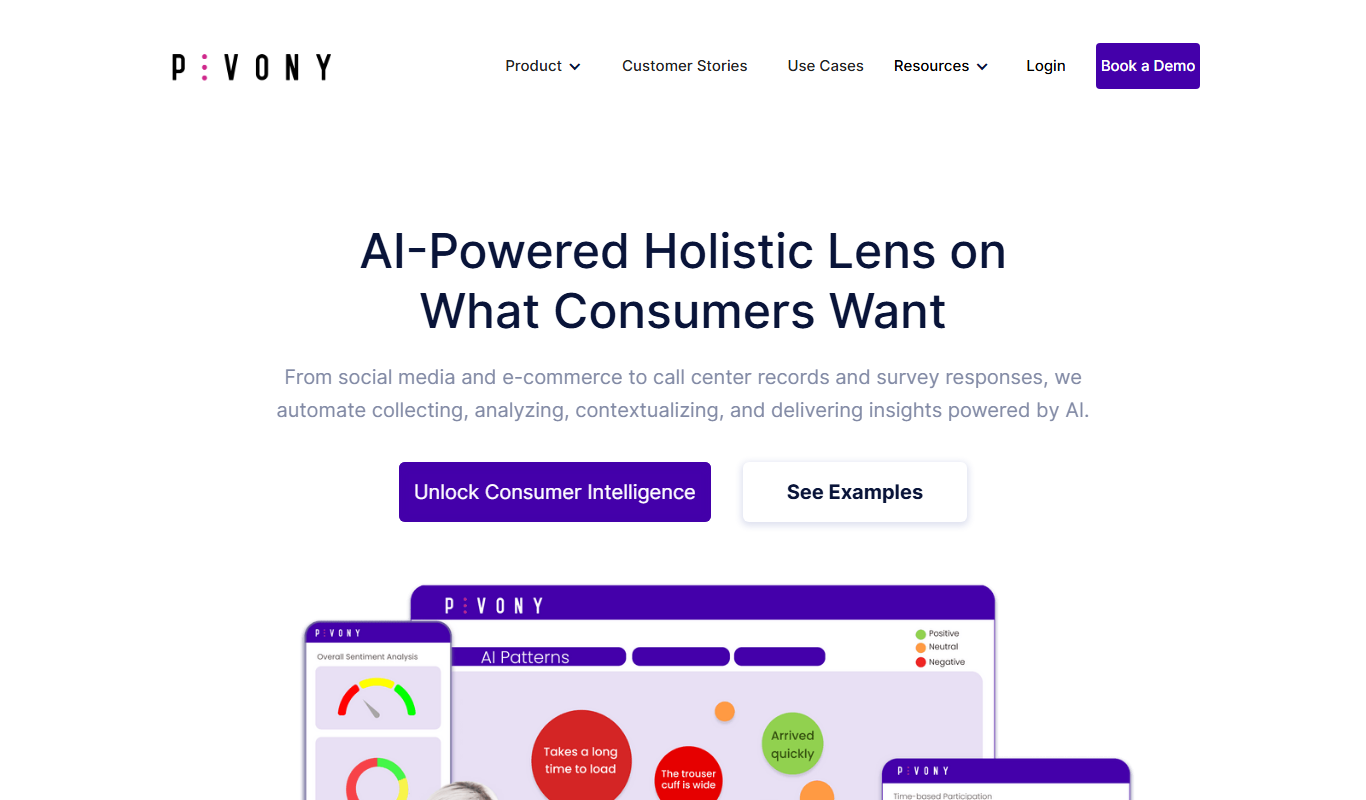
Voice of the customer by Pivony
Voice of the Customer by Pivony is a web-based platform that enables businesses to collect, analyze, and act on customer feedback through customizable surveys and sentiment analysis tools.
Free Trial
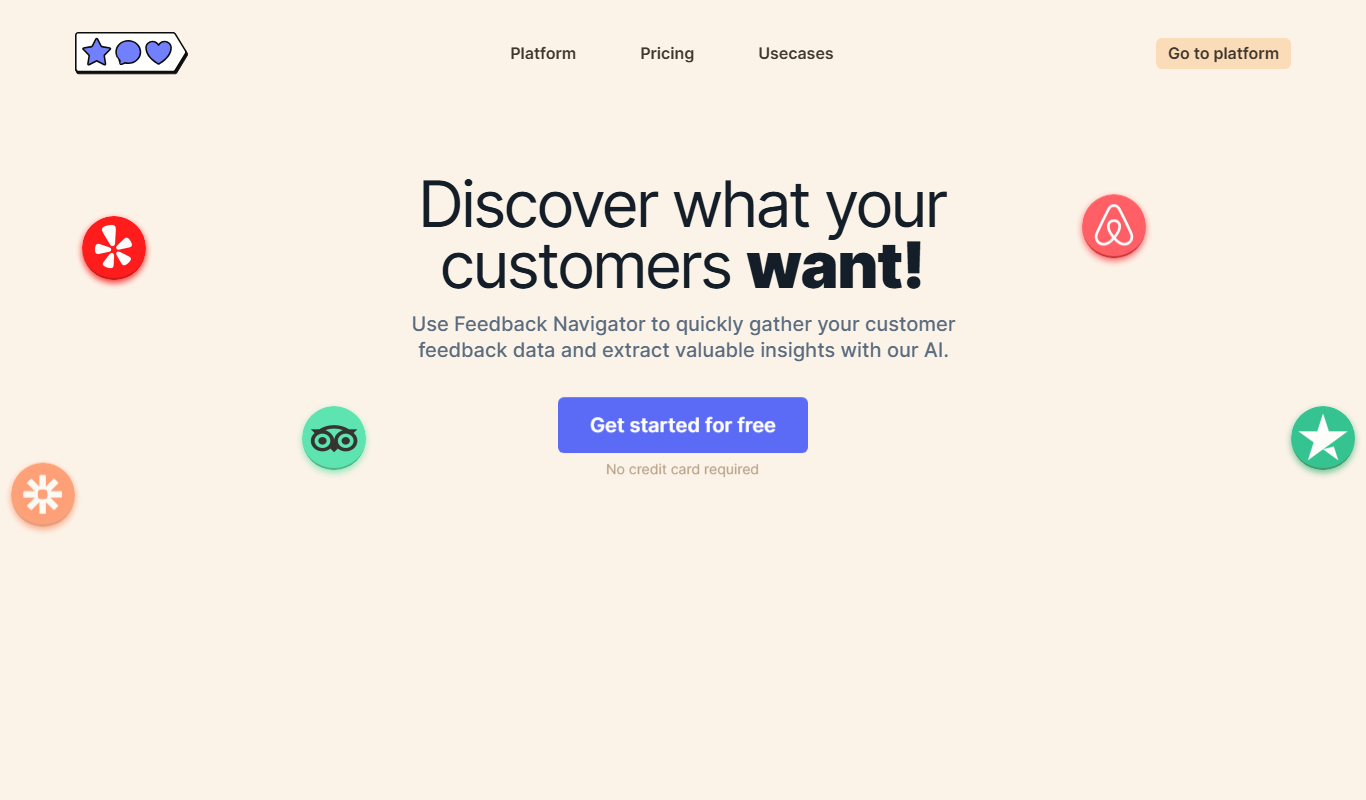
Feedback Navigator
Feedback Navigator is a web-based platform that helps businesses collect and analyze customer feedback from multiple sources using sentiment analysis and NPS tracking to improve customer experience.

Free Trial
Review Wizard
Review Wizard is a web-based tool that automates sending review requests, aggregates customer feedback from multiple platforms, and provides analytics to help businesses improve their online reputation.