
From my experience with Feedback Navigator, I found it excels at consolidating diverse customer feedback sources into a single platform with strong sentiment and text analytics. Its clear NPS tracking and customizable dashboards make it practical for teams focused on improving customer experience. However, the tool currently supports only English and lacks a mobile app, which might limit accessibility for some users. Overall, if you need a straightforward, web-based solution to analyze and act on customer feedback, Feedback Navigator delivers reliable insights with an easy-to-use interface.
Feedback Navigator Review: Customer Feedback Analysis and Insights Tool
Feedback Navigator is a web-based platform that helps businesses collect and analyze customer feedback from multiple sources using sentiment analysis and NPS tracking to improve customer experience.
What is Feedback Navigator?
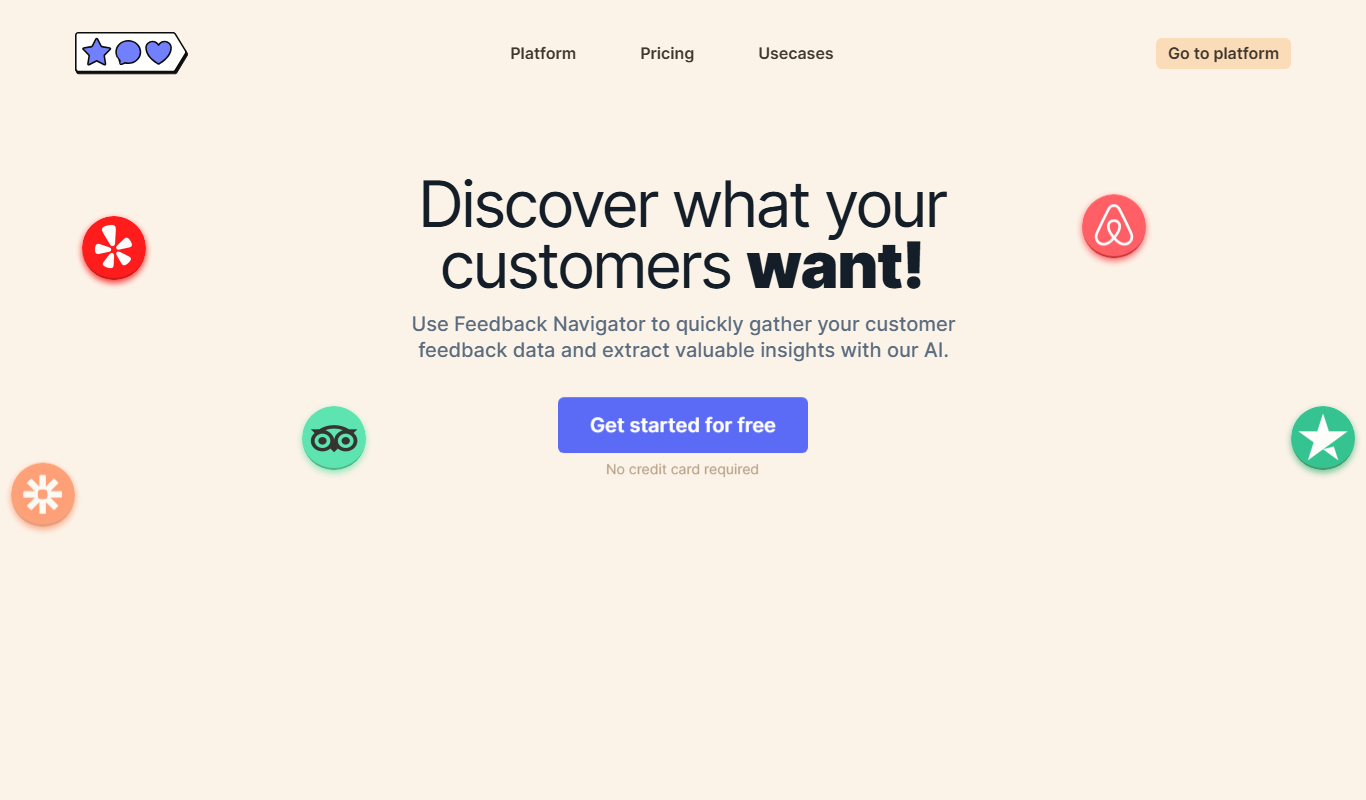
Feedback Navigator is a web-based customer feedback analysis platform designed to help businesses collect, analyze, and act on customer feedback efficiently. It consolidates feedback from multiple sources and applies analytics to uncover trends, sentiment, and actionable insights that drive customer experience improvements.
Key Features of Feedback Navigator
Multi-Source Feedback Aggregation
Collect feedback from surveys, social media, review sites, and other channels in one place.
Sentiment and Text Analytics
Automatically analyze open-ended responses to detect sentiment and categorize feedback topics.
NPS Tracking and Benchmarking
Monitor Net Promoter Scores over time and compare against industry benchmarks.
Customizable Dashboards
Create tailored dashboards to visualize key metrics and share insights with teams.
Automated Reporting
Schedule and generate reports to keep stakeholders informed on customer feedback trends.
Pros and Cons of Feedback Navigator
Pros
- Easy integration with multiple feedback sources
- Powerful sentiment and text analytics capabilities
- Customizable dashboards and automated reporting
- Clear NPS tracking and benchmarking
- User-friendly web interface
Cons
- Limited language support (English only)
- No mobile app currently available
- Pricing details for Enterprise plan require contacting sales
Key Use Cases for Feedback Navigator
Customer Feedback Analysis
Analyze customer feedback from surveys, reviews, and other sources to identify key trends and sentiments.
Net Promoter Score (NPS) Tracking
Track and visualize NPS scores over time to measure customer loyalty and satisfaction.
Customer Experience Improvement
Use insights from feedback data to prioritize improvements in products, services, and customer support.
Text Analytics and Sentiment Analysis
Automatically categorize and analyze open-ended feedback to understand customer emotions and topics.
Reporting and Dashboarding
Generate customizable reports and dashboards to share feedback insights with stakeholders.
How Feedback Navigator Works
-
1
Connect Feedback Sources
Integrate your surveys, review platforms, and other feedback channels into Feedback Navigator.
-
2
Analyze Feedback
The platform processes and categorizes feedback using sentiment analysis and text analytics.
-
3
Visualize Insights
Use dashboards and reports to explore trends, NPS scores, and customer sentiments.
-
4
Take Action
Identify key areas for improvement and prioritize initiatives based on customer feedback insights.
Who's Using Feedback Navigator
Customer experience teams
Marketing agencies
Product managers
Small to medium businesses
Customer support teams
Feedback Navigator Pricing
Free Trial
$0 for 14 days
Full access to features for two weeks to evaluate the platform.
Professional
$49/month
Access to core features with limits on feedback volume and reports.
Enterprise
Custom pricing
Advanced features, higher limits, dedicated support, and custom integrations.
Frequently Asked Questions About Feedback Navigator
You can connect surveys, social media channels, review platforms, and other customer feedback sources.
Yes, it automatically analyzes text feedback to detect positive, neutral, or negative sentiment.
Yes, the platform includes NPS tracking and benchmarking features.
Yes, a 14-day free trial is offered with full feature access.
It depends on your specific needs and how you plan to use the tool. The official website and documentation are the best sources for the latest details.
Yes, it can help with that use case depending on how you configure it and what features are available. You’ll get the best results with clear inputs and a defined goal.
Some tools offer a free plan or trial with limited features. Availability can vary, so confirm on the official website.
Yes, it can help with that use case depending on how you configure it and what features are available. You’ll get the best results with clear inputs and a defined goal.
Share your review
Reviews are limited to one per logged-in user and are published after moderation.
You need an account to review this tool.
0.0
★
★
★
★
★
0 reviews
5 star
0
4 star
0
3 star
0
2 star
0
1 star
0
No reviews yet
Be the first to share how this tool worked for you.
Questions from the community
Read questions and answers about this tool, or ask your own.
No questions yet
Start the conversation by asking the first question about this tool.
Is this tool helpful?
Alternative Tools
Explore similar AI tools that might fit your needs

Custom Pricing
Medallia
Medallia is a customer experience management platform that collects and analyzes feedback across multiple channels using AI to provide actionable insights for businesses.

Enterprise
Qualtrics
Qualtrics is an experience management platform that enables organizations to design surveys, collect feedback, and analyze data using AI-powered tools to improve customer, employee, product, and brand experiences.
Free
SurveyMonkey
SurveyMonkey is an online survey platform that helps users create, distribute, and analyze surveys for collecting feedback, conducting market research, and measuring engagement.

Free Trial
ViableView
ViableView is a web-based platform that collects and analyzes customer feedback from multiple sources using AI-powered sentiment analysis and trend detection to provide actionable insights for product and customer experience teams.
Free Trial
Voice of the customer by Pivony
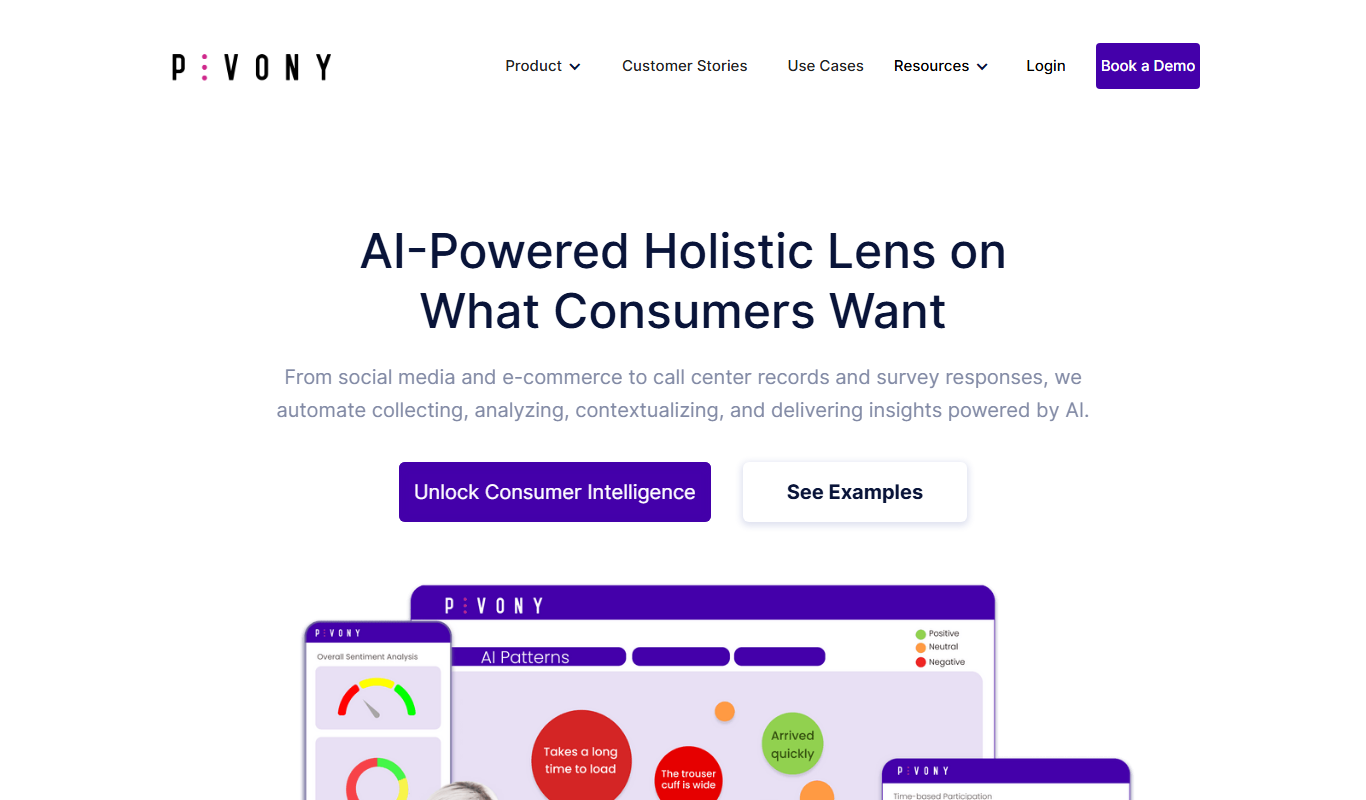
Voice of the Customer by Pivony is a web-based platform that enables businesses to collect, analyze, and act on customer feedback through customizable surveys and sentiment analysis tools.
Free Trial
Feedback Rivers
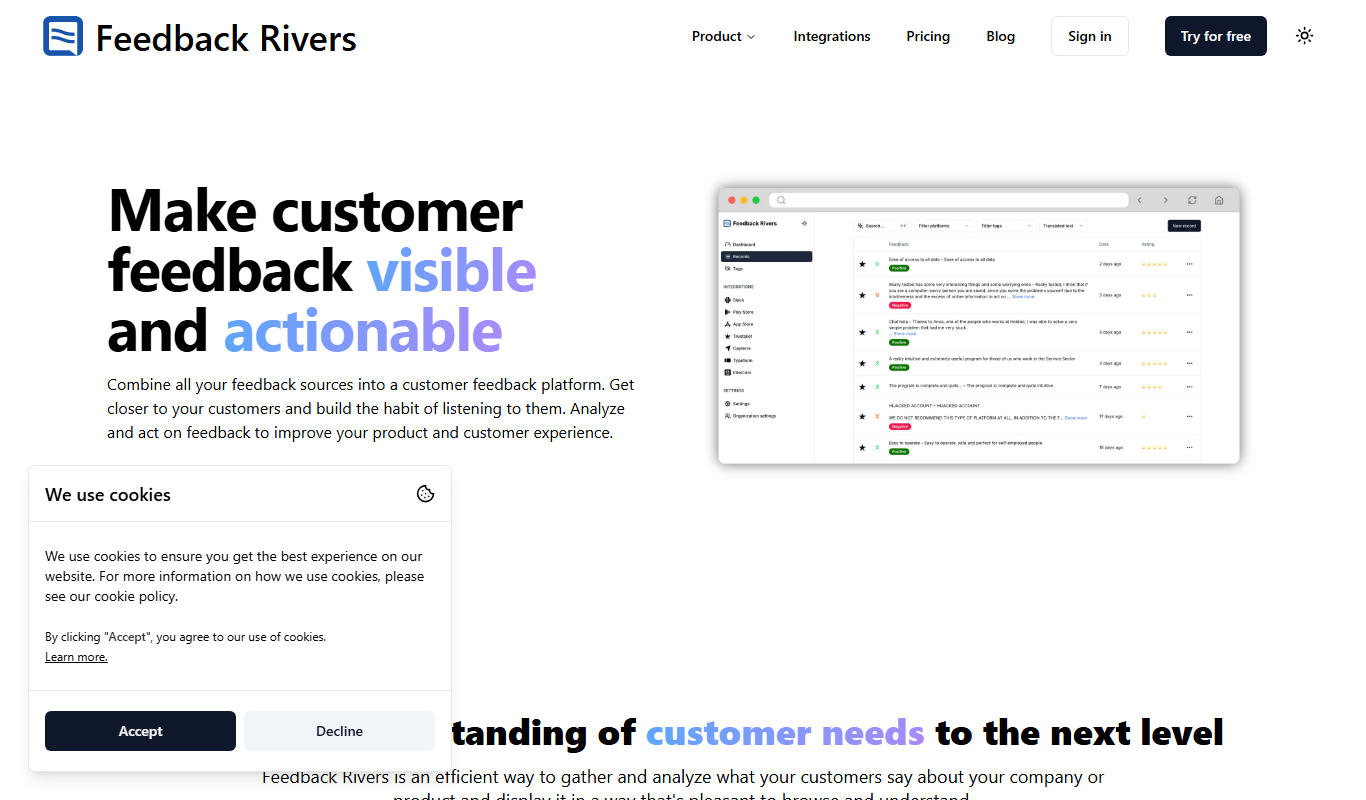
Feedback Rivers is a web-based customer feedback management platform that helps businesses collect, analyze, and act on customer feedback through customizable surveys, real-time data, and sentiment analysis.

Free Trial
Review Wizard
Review Wizard is a web-based tool that automates sending review requests, aggregates customer feedback from multiple platforms, and provides analytics to help businesses improve their online reputation.

Custom Pricing
Lava Metrics
Lava Metrics is an AI-driven platform that analyzes customer feedback from multiple sources using sentiment and emotion detection to help businesses improve customer experience.