

From my experience with Facialprint, I found it excels at providing accurate and secure facial recognition combined with robust liveness detection, which is critical for preventing identity fraud. The platform’s API integration is straightforward, making it practical for businesses looking to enhance their user onboarding and compliance processes. However, the lack of publicly available pricing information means potential users must contact the company directly to understand costs, which can slow evaluation. Overall, if you need reliable AI-driven identity verification with strong anti-spoofing measures, Facialprint is a solid choice.
Facialprint AI Identity Verification Platform for Secure User Authentication
Facialprint is an AI-driven facial recognition platform providing secure identity verification with liveness detection to prevent fraud.
- Best for
- User Onboarding
- Key capability
- AI Facial Recognition
Your actions
Save Facialprint, follow its updates and vote on it — everything stays in your account.
Sign in or create a free account

What is Facialprint?
Facialprint is an AI-powered identity verification platform that uses advanced facial recognition technology to authenticate users securely and efficiently. It enables businesses to verify identities remotely by analyzing facial biometrics, reducing fraud and streamlining onboarding processes.
Key features of Facialprint
The platform offers real-time facial recognition, liveness detection to prevent spoofing, seamless API integration, and compliance support for regulatory requirements. It is designed to provide fast and reliable identity verification for various industries.
AI Facial Recognition
Uses advanced AI algorithms to accurately identify and verify users based on facial features.
Liveness Detection
Prevents spoofing attacks by ensuring the user is physically present during verification.
API Integration
Offers easy-to-use APIs for seamless integration into existing platforms and workflows.
Compliance Support
Helps businesses meet regulatory requirements such as KYC and AML.
Pros and cons of Facialprint
Pros
- High accuracy in facial recognition
- Strong liveness detection to prevent fraud
- Flexible API for easy integration
- Supports regulatory compliance
Cons
- Pricing details not publicly available
- Limited language support currently
Key use cases for Facialprint
User Onboarding
Automate identity verification during user registration to ensure genuine users and reduce fraud.
Access Control
Secure access to sensitive systems or locations by verifying users through facial recognition.
Fraud Prevention
Detect and prevent identity fraud by matching live facial scans against stored identity data.
Compliance with KYC/AML
Help businesses comply with Know Your Customer and Anti-Money Laundering regulations by verifying identities accurately.
How Facialprint works
- 1
Integration
Integrate Facialprint’s API into your application or website to enable facial verification.
- 2
User Capture
Users capture a live selfie or video through the platform interface.
- 3
Verification
The system analyzes the facial biometrics, performs liveness detection, and compares against stored identity data.
- 4
Result
Receive instant verification results to approve or flag the user’s identity.
Who is using Facialprint
Financial institutions
Healthcare providers
E-commerce platforms
Government agencies
Security companies
Facialprint pricing
Custom Pricing
Contact for pricing
Pricing tailored to business needs based on volume and features.
Plans and prices are as published by the vendor and can change. Check the official site before you buy. Open the pricing page (opens in a new tab)
Frequently asked questions about Facialprint
Industries like finance, healthcare, e-commerce, and government services benefit from secure identity verification.
Yes, Facialprint’s technology works on mobile devices through web interfaces and API integrations.
It uses liveness detection techniques to ensure the user is real and not using photos or videos.
It depends on your specific needs and how you plan to use the tool. The official website and documentation are the best sources for the latest details.
It depends on your specific needs and how you plan to use the tool. The official website and documentation are the best sources for the latest details.
It depends on your specific needs and how you plan to use the tool. The official website and documentation are the best sources for the latest details.
Sign in to review this tool.
Sign In to ReviewNo reviews yet
Be the first to share how this tool worked for you.
Ask about pricing, limits, or how it compares — or answer someone else.
Sign In to AskNo questions yet
Have a question about using or paying for this tool? Be the first to ask.
Featured on TiorAI



Alternative Tools
Explore similar AI tools that might fit your needs

Custom Pricing
Jumio
Jumio is an AI-driven identity verification platform that uses biometric facial recognition and document authentication to help businesses comply with KYC and AML regulations while preventing fraud.
More Fraud Prevention tools
Other tools in the same category, for when this one is not quite the fit.

Pay As You Go
Shufti Pro
Shufti Pro is an AI-powered identity verification platform that provides document authentication, biometric facial recognition, and AML screening to help businesses comply with KYC and AML regulations and prevent fraud.

Contact for pricing
Precheck.ai – AI Face data
Precheck.ai is an AI-driven platform that uses facial recognition and biometric data to verify identities and prevent fraud in real-time, supporting compliance and seamless integration.
Free
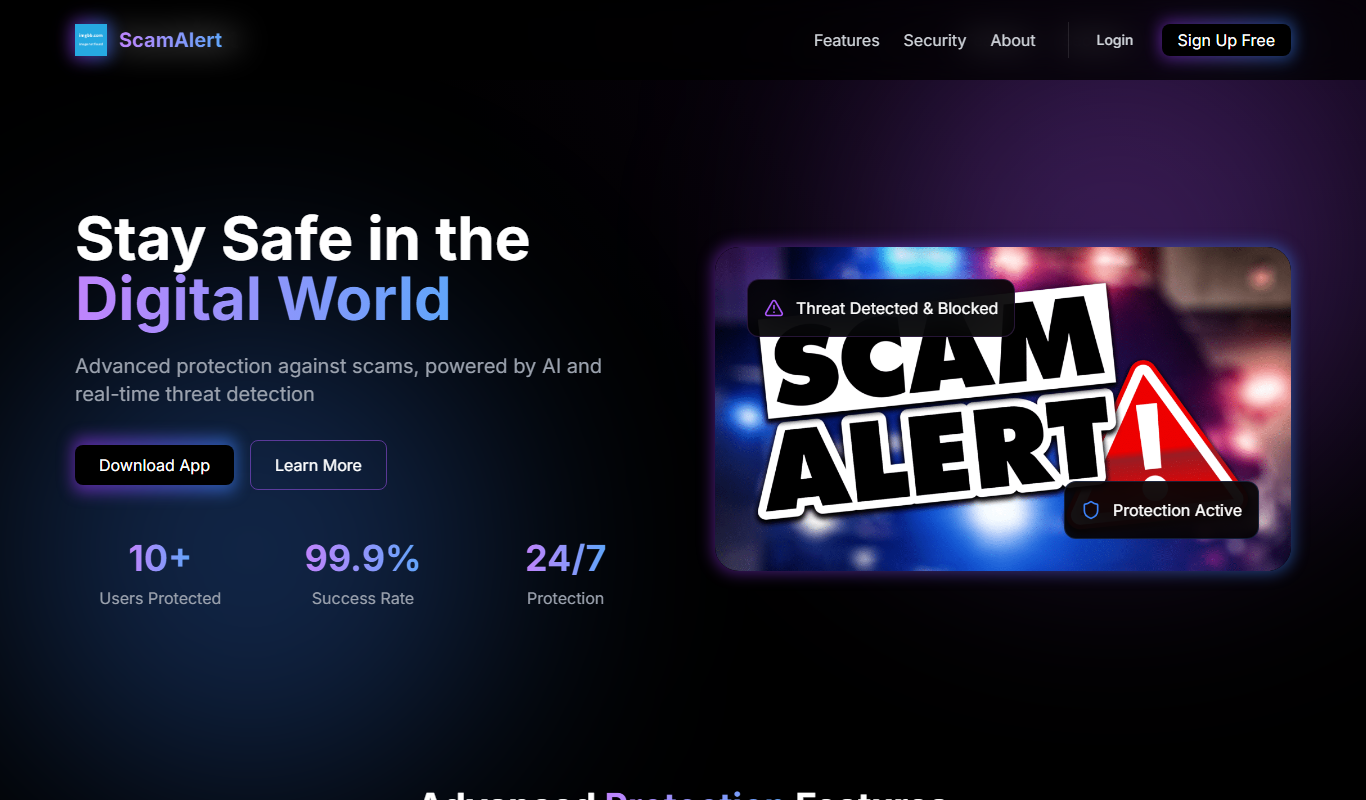
ScamAlert
ScamAlert is a web-based tool that detects scams in real-time using AI algorithms, providing instant alerts and fraud prevention features for businesses and consumers.

Custom Pricing
IDWise Identity Verification, eKYC & AML
IDWise is a digital identity verification platform offering eKYC and AML compliance solutions through biometric facial recognition, document verification, and global sanctions screening.

Custom Pricing
ComplyCube
ComplyCube is a cloud-based platform that automates identity verification and KYC/AML compliance using document checks, biometric facial recognition, and watchlist screening.