

From my experience with EZSync, I found it excels at providing straightforward and reliable cloud backup and file synchronization for users who want to keep their data safe and accessible without complexity. The platform’s automated backup and secure sharing features make it particularly well-suited for small businesses and remote teams needing consistent data management. However, the lack of advanced integrations and API access may limit customization for power users. Overall, if you need a simple yet effective solution for syncing and backing up files across devices, EZSync delivers solid performance at an affordable price.
EZSync Cloud Backup and File Sync Software for Secure Data Management
EZSync is a cloud backup and file synchronization tool that automates data backup, syncs files across devices, and provides secure sharing and recovery options.
- Best for
- Automated Cloud Backup
- Key capability
- Automated Cloud Backup
Your actions
Save EZSync, follow its updates and vote on it — everything stays in your account.
Sign in or create a free account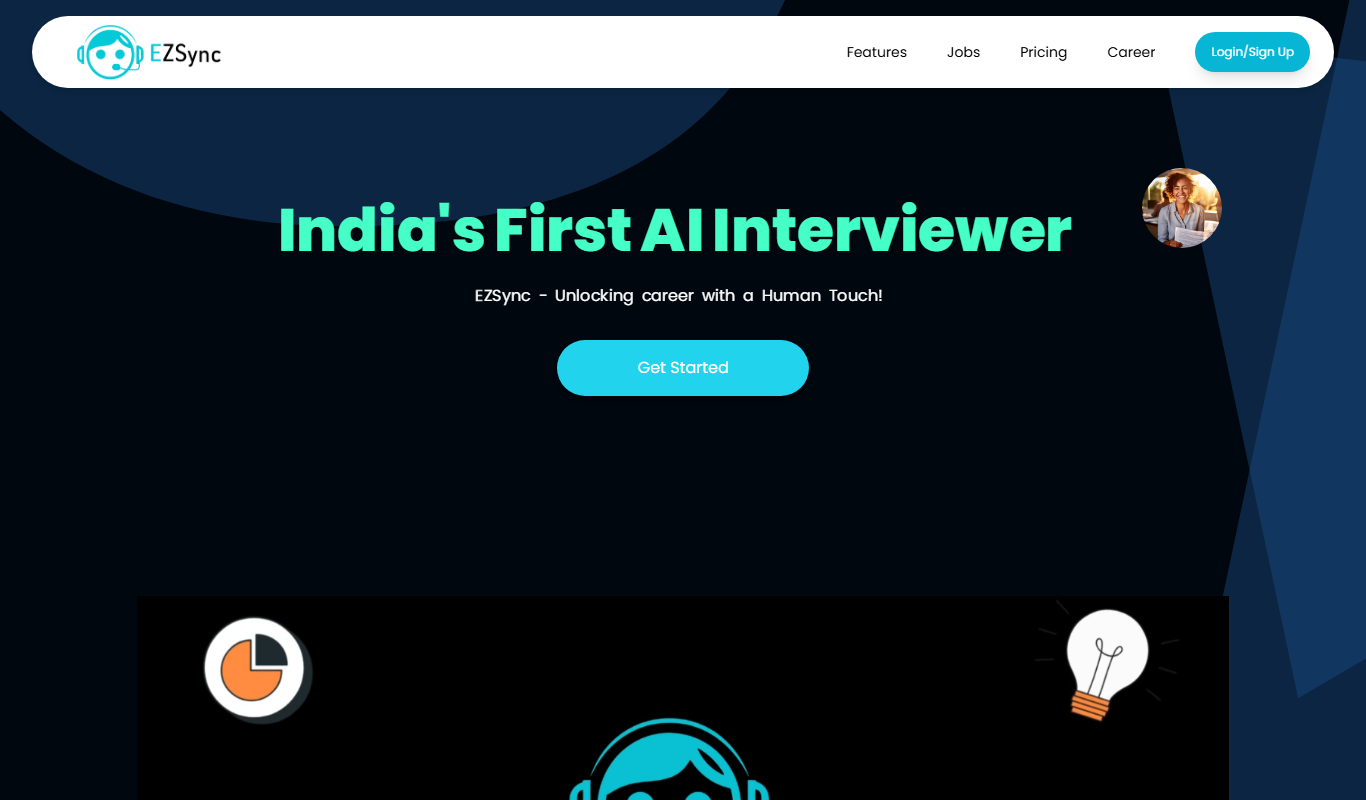
What is EZSync?
EZSync is a cloud backup and file synchronization software designed to help individuals and businesses securely store, sync, and share their data across multiple devices. It automates the backup process, ensuring data integrity and availability while providing easy recovery options.
Key features of EZSync
EZSync offers automated cloud backups, real-time file synchronization, secure file sharing, and data recovery capabilities. Its user-friendly interface supports seamless collaboration and protects data with encryption.
Automated Cloud Backup
Schedule backups to run automatically, reducing manual effort and risk of data loss.
Cross-Device Synchronization
Keep files updated and consistent across desktops, laptops, and mobile devices.
Secure File Sharing
Share files securely with customizable access controls.
Data Encryption
Protect your data with encryption during transfer and storage.
Version History and Recovery
Restore previous versions of files to recover from accidental changes or deletions.
Pros and cons of EZSync
Pros
- Easy to use with intuitive interface
- Reliable automated backups
- Secure file sharing with encryption
- Cross-platform support
- Affordable pricing plans
Cons
- Limited advanced integrations
- No disclosed API for custom workflows
Key use cases for EZSync
Automated Cloud Backup
EZSync enables users to automatically back up important files and folders to the cloud, ensuring data safety against hardware failures or accidental deletions.
File Synchronization Across Devices
Users can synchronize files seamlessly across multiple devices, keeping data consistent and accessible from anywhere.
Secure File Sharing
EZSync provides secure sharing options, allowing users to share files with colleagues or clients while maintaining control over access.
Data Recovery
In case of data loss, EZSync offers easy recovery options from backed-up versions stored securely in the cloud.
Collaboration Support
Teams can collaborate efficiently by accessing synchronized files and updates in real-time.
How EZSync works
- 1
Sign Up and Install
Create an EZSync account and install the software on your devices.
- 2
Select Files and Folders
Choose which files and folders you want to back up or synchronize.
- 3
Configure Backup and Sync Settings
Set schedules, sync preferences, and sharing permissions according to your needs.
- 4
Automatic Backup and Sync
EZSync automatically backs up and synchronizes your data across devices.
- 5
Access and Recover Data
Access your files from any device or recover previous versions if needed.
Who is using EZSync
Small and medium businesses
Freelancers and individual users
Remote teams
IT administrators
Content creators
EZSync pricing
Free Trial
$0 for 14 days
Full feature access for 14 days to evaluate the platform.
Personal Plan
$5/month
Basic backup and sync features for individual users with limited storage.
Business Plan
$15/month per user
Advanced features including increased storage, team collaboration, and priority support.
Plans and prices are as published by the vendor and can change. Check the official site before you buy. Open the pricing page (opens in a new tab)
Frequently asked questions about EZSync
EZSync supports major operating systems including Windows, macOS, Android, and iOS.
EZSync uses encryption protocols to protect data during transfer and storage, ensuring privacy and security.
Yes, EZSync maintains version history allowing you to restore deleted or previous versions of files.
Yes, the Business Plan includes collaboration tools for teams to share and work on files together.
Data handling and security practices vary by provider. Review the official privacy policy to understand how your data is stored and used.
Yes, it can help with that use case depending on how you configure it and what features are available. You’ll get the best results with clear inputs and a defined goal.
Pricing depends on the plan and included features. For the most accurate and up-to-date details, check the official pricing page.
Sign in to review this tool.
Sign In to ReviewNo reviews yet
Be the first to share how this tool worked for you.
Ask about pricing, limits, or how it compares — or answer someone else.
Sign In to AskNo questions yet
Have a question about using or paying for this tool? Be the first to ask.
Featured on TiorAI



Alternative Tools
Explore similar AI tools that might fit your needs

Free
Dropbox
Dropbox is a cloud storage service that enables secure file storage, sharing, and syncing across devices with collaboration features for teams.

Free
OneDrive
OneDrive is Microsoft's cloud storage service that allows users to store, sync, and share files securely across devices with integration to Microsoft 365 apps.
More AI Face Swap Video tools
Other tools in the same category, for when this one is not quite the fit.

Freemium
LipDub AI
LipDub AI is an AI-driven platform that automatically synchronizes lip movements with dubbed audio in multiple languages, enabling realistic video dubbing for localization and content creation.
Freemium
frantastique.com
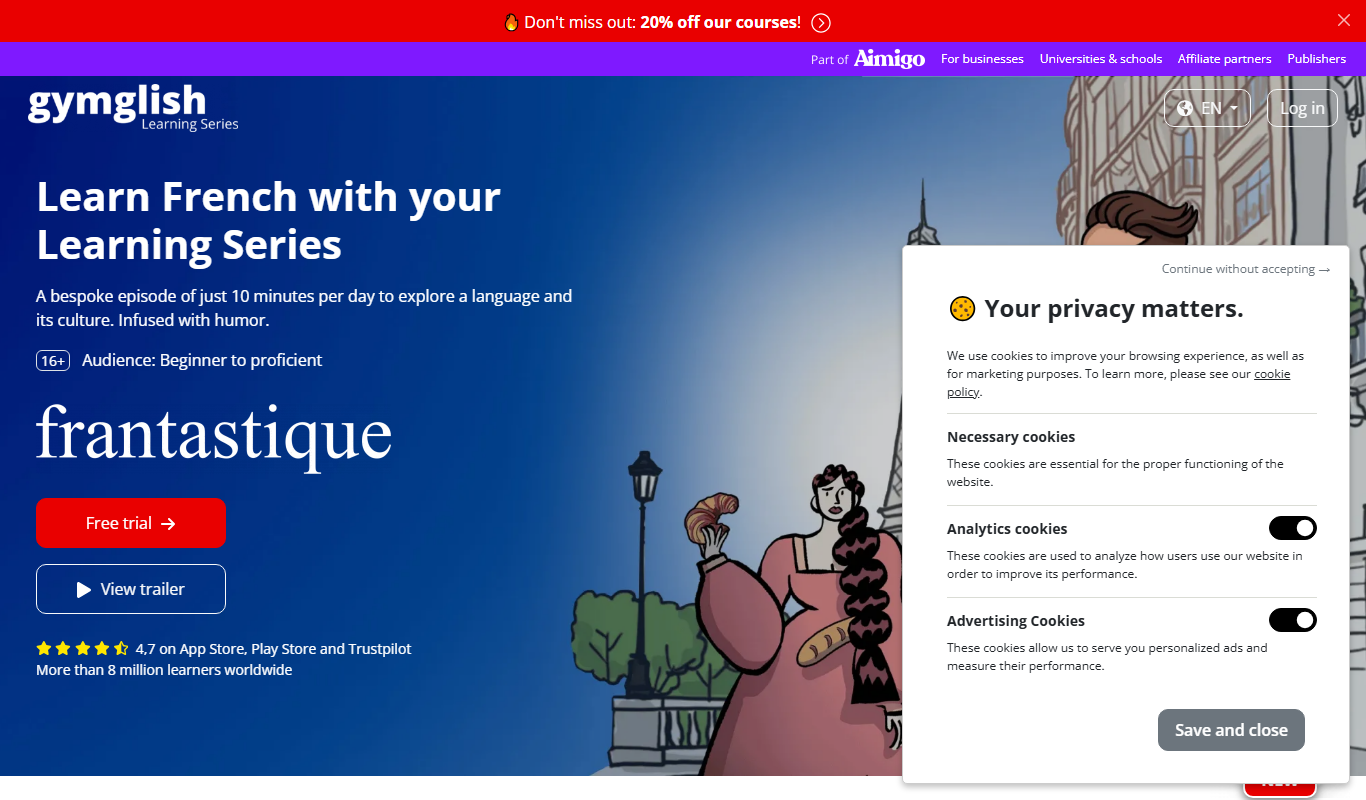
Frantastique is an online platform offering personalized French language lessons that adapt to your level and interests, using humor and cultural content to enhance learning.

Free
HeyPhoto
HeyPhoto is a web-based AI photo editing tool that specializes in automatic background removal, image enhancement, portrait retouching, and upscaling to improve photo quality quickly and easily.

Freemium
TimeSkip
TimeSkip is an AI video generation platform that automates editing by detecting highlights and producing polished videos quickly, ideal for marketers and content creators.
Freemium
Reface AI
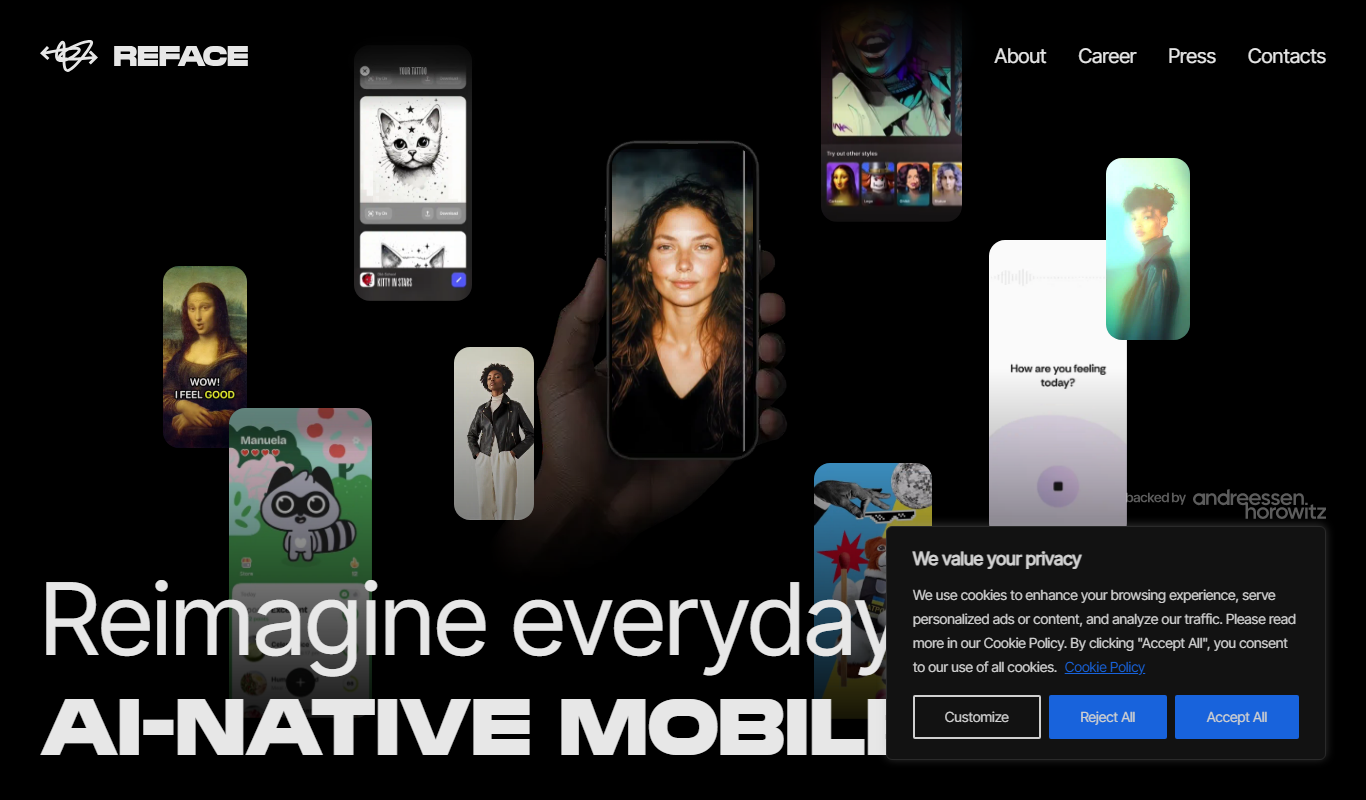
Reface AI is an AI-powered app that enables users to swap faces in videos and GIFs realistically, offering a fun and engaging way to create personalized content.

Freemium
Picsi.Ai – Powered by InsightFace
Picsi.Ai is a cloud-based face recognition API powered by InsightFace, providing developers with accurate face detection, verification, and identification services via RESTful API.

Freemium
Zeemo
Zeemo is an AI video creation platform that automates producing marketing and social media videos from text and media inputs, designed for users without video editing experience.

Freemium
Akool
Akool is an AI-powered writing assistant that helps users generate, edit, and improve written content efficiently through advanced AI suggestions and grammar correction.