

Secure Cloud Storage and File Sharing Platform for Teams and Individuals
Dropbox is a cloud storage service that enables secure file storage, sharing, and syncing across devices with collaboration features for teams.
- Best for
- File Storage and Backup
- Key capability
- Cloud Storage
Save Dropbox, follow its updates and vote on it — everything stays in your account.
Sign in or create a free account
What is Dropbox?
Dropbox is a cloud-based file storage and collaboration platform that enables individuals and teams to securely store, share, and sync files across devices. It provides an intuitive interface for managing documents, photos, and videos, while offering robust sharing controls and integration with popular productivity tools.
Key features of Dropbox
Dropbox offers secure cloud storage, real-time file syncing, team collaboration tools, file versioning, and seamless integration with third-party applications to enhance productivity and streamline file management.
Cloud Storage
Store files securely in the cloud with scalable storage options.
File Syncing
Keep files updated across all your devices automatically.
File Sharing and Permissions
Share files or folders with customizable access controls.
Collaboration Tools
Comment on files, assign tasks, and track changes within shared documents.
Third-Party Integrations
Integrate with Microsoft Office, Slack, Zoom, and other productivity apps.
File Versioning and Recovery
Access previous versions of files and recover deleted items within a retention period.
Pros and cons of Dropbox
Pros
- User-friendly interface with easy file management
- Strong cross-platform support and syncing
- Robust collaboration and sharing features
- Wide range of third-party integrations
- Reliable file versioning and recovery
Cons
- Limited free storage compared to some competitors
- Pricing can be high for larger teams
- Advanced features require higher-tier plans
Key use cases for Dropbox
File Storage and Backup
Securely store and back up files in the cloud to access them anytime from any device.
Team Collaboration
Share files and folders with team members, assign permissions, and collaborate in real time.
File Synchronization
Automatically sync files across multiple devices to keep data up to date everywhere.
Document Sharing and Review
Easily share documents with clients or colleagues and collect feedback with commenting features.
Integration with Productivity Tools
Connect Dropbox with apps like Microsoft Office, Slack, and Zoom to streamline workflows.
How Dropbox works
- 1
Create an Account
Sign up for a Dropbox account using your email or social login.
- 2
Upload Files
Add files or folders to your Dropbox via the web interface or desktop/mobile apps.
- 3
Organize and Share
Organize files into folders and share them with others by setting permissions.
- 4
Collaborate and Sync
Work collaboratively with team members, with changes syncing automatically across devices.
Who is using Dropbox
Dropbox pricing
Basic
$0/month
2 GB storage with basic sharing and syncing features.
Plus
$9.99/month
For 1 person: 2 TB of storage, 30 days to restore deleted files and transfers up to 50 GB.
Professional
$16.58/month
3 TB storage with priority support and advanced collaboration tools.
Standard
$15/user/month
For 1 person or more: starts at 3 TB for the team, 180 days to restore deleted files and transfers up to 100 GB.
Advanced
$24 / user / month
For 3 people or more: starts at 15 TB for the team, 1 year to restore deleted files, end-to-end encryption and single sign-on.
Enterprise
Contact us for pricing
Customized for the business with enterprise-grade security and live support from dedicated experts.
Plans and prices are as published by the vendor and can change. Check the official site before you buy. Open the pricing page (opens in a new tab)
Conclusion
Files and folders go in through the web interface or the desktop and mobile apps, and changes sync automatically across devices. Sharing works with permissions on each file or folder, and collaborators can comment on files, assign tasks and track changes. Integrations connect it with Microsoft Office, Slack and Zoom. Every plan uses 256-bit AES and SSL/TLS encryption, while Advanced adds end-to-end encryption, advanced key management and single sign-on.
Small to medium businesses, remote teams and freelancers, and individuals needing secure cloud backup are the intended users. The window for restoring deleted files depends on the plan: 30-day history on Plus, 180-day history on Standard and 1-year history on Advanced. A free Basic plan gives 2 GB to store and share files, and the team plans can be tried for free.
Sources
Sign in to review this tool.
Sign In to ReviewNo reviews yet
Be the first to share how this tool worked for you.
Ask about pricing, limits, or how it compares — or answer someone else.
Sign In to AskNo questions yet
Have a question about using or paying for this tool? Be the first to ask.
Featured on TiorAI



Alternative Tools
Explore similar AI tools that might fit your needs

Box
Box is a cloud-based platform that provides secure file storage, content management, collaboration tools, and workflow automation for businesses of all sizes.
More Business Management tools
Other tools in the same category, for when this one is not quite the fit.
Conceptboard
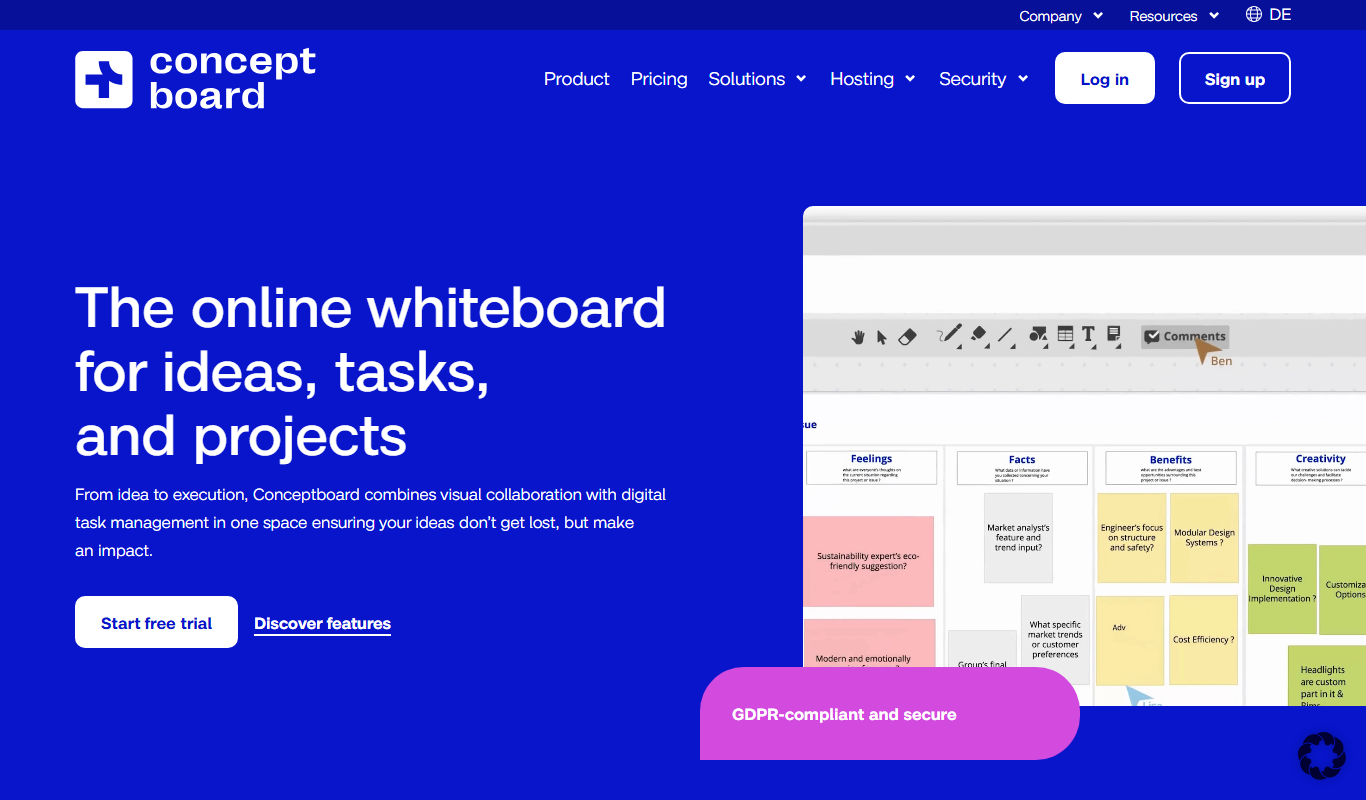
Conceptboard is a cloud-based collaborative online whiteboard that enables teams to brainstorm, plan, and manage projects visually in real time, supporting remote and hybrid work environments.

Impartner PRM
Impartner PRM is a partner relationship management platform that helps businesses manage channel partners, streamline onboarding, enable sales and marketing collaboration, and track partner performance.

ClinicalTrials.gov
ClinicalTrials.gov is a free, publicly accessible database maintained by the U.S. National Library of Medicine that provides detailed information on clinical trials worldwide, allowing users to search, register, and review study results.

Aave
Aave is a decentralized finance protocol that allows users to lend and borrow cryptocurrencies without intermediaries, featuring flash loans and community governance.

Bonusly
Bonusly is a platform that enables peer-to-peer employee recognition and rewards to improve workplace engagement and culture.
Soundtrack Your Brand
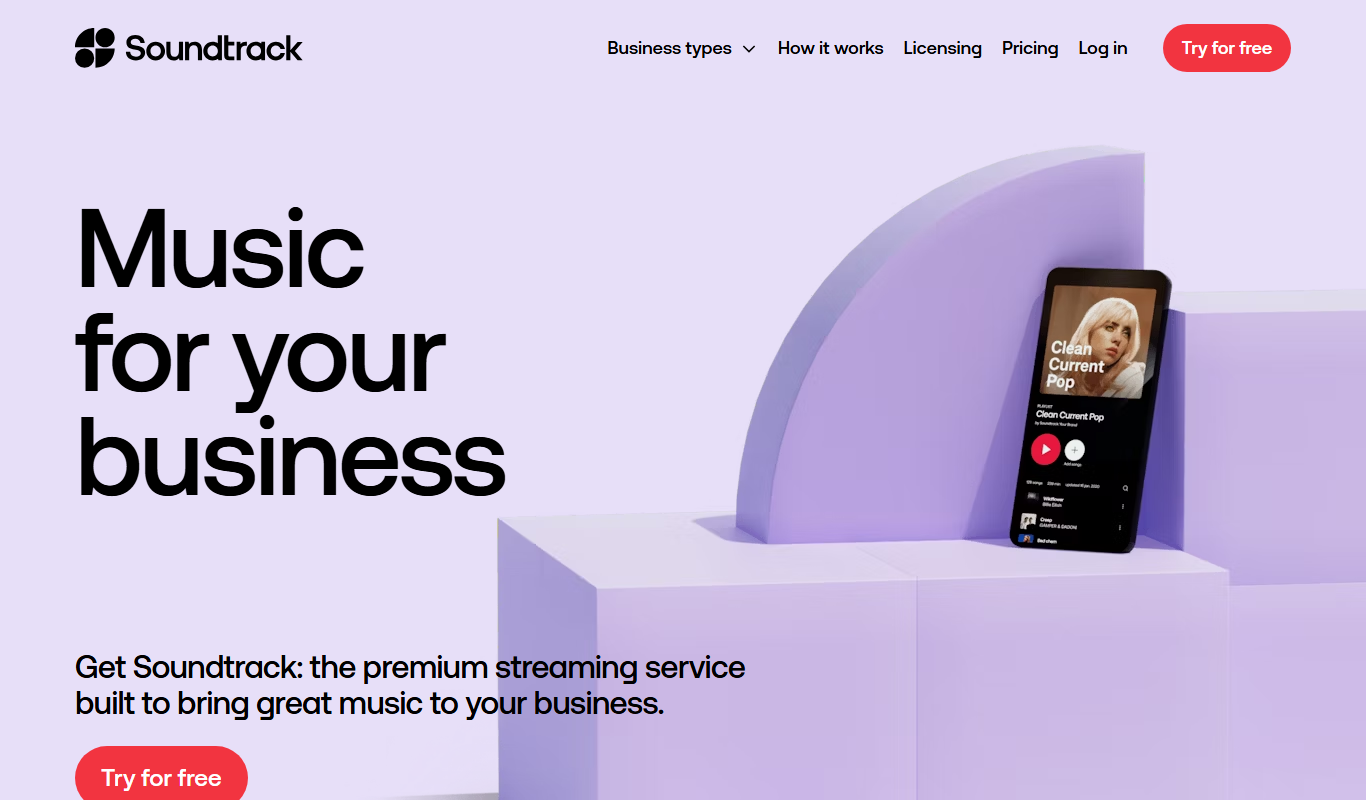
Soundtrack, formerly Soundtrack Your Brand, is a licensed music streaming service for businesses that streams curated playlists across retail, hospitality and office environments.
Reclaim.ai
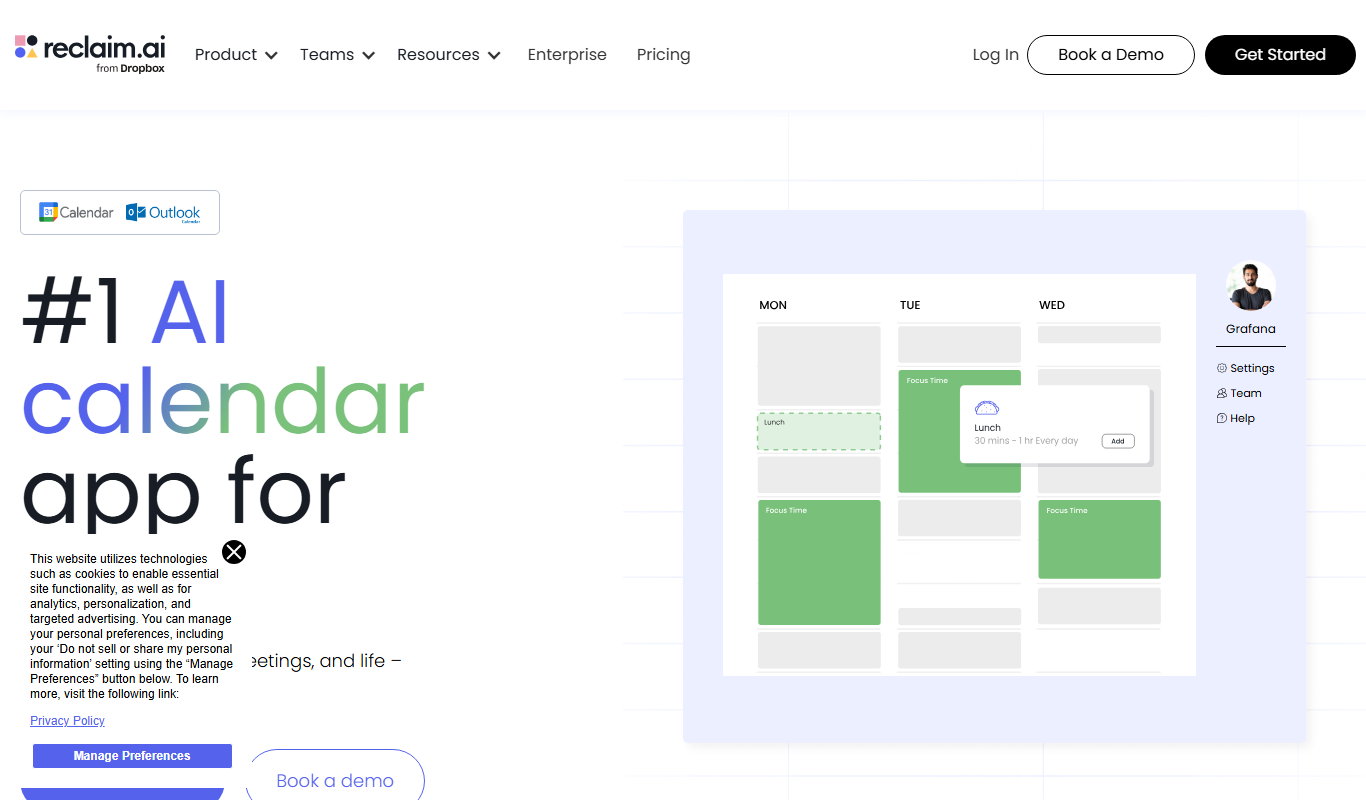
Reclaim.ai is an AI-driven calendar assistant that automates scheduling meetings, blocking focus time, and resolving conflicts to optimize your daily productivity.

Sunsama
Sunsama is a daily planner and task management software designed to help individuals and teams organize their workday using time blocking, integrations, and collaboration features.