

From my experience with Excel Formula Bot, I found it excels at translating plain English requests into accurate Excel formulas, which significantly speeds up spreadsheet work. The direct Excel add-in integration makes it convenient to insert formulas without leaving the application. It’s particularly well-suited for users who struggle with complex formulas or want to learn how formulas work. However, it requires an internet connection and the free tier limits usage, which may be a constraint for some. Overall, if you frequently build or debug Excel formulas, this tool offers practical, time-saving assistance.
Excel Formula Bot - AI-Powered Excel Formula Generator for Productivity
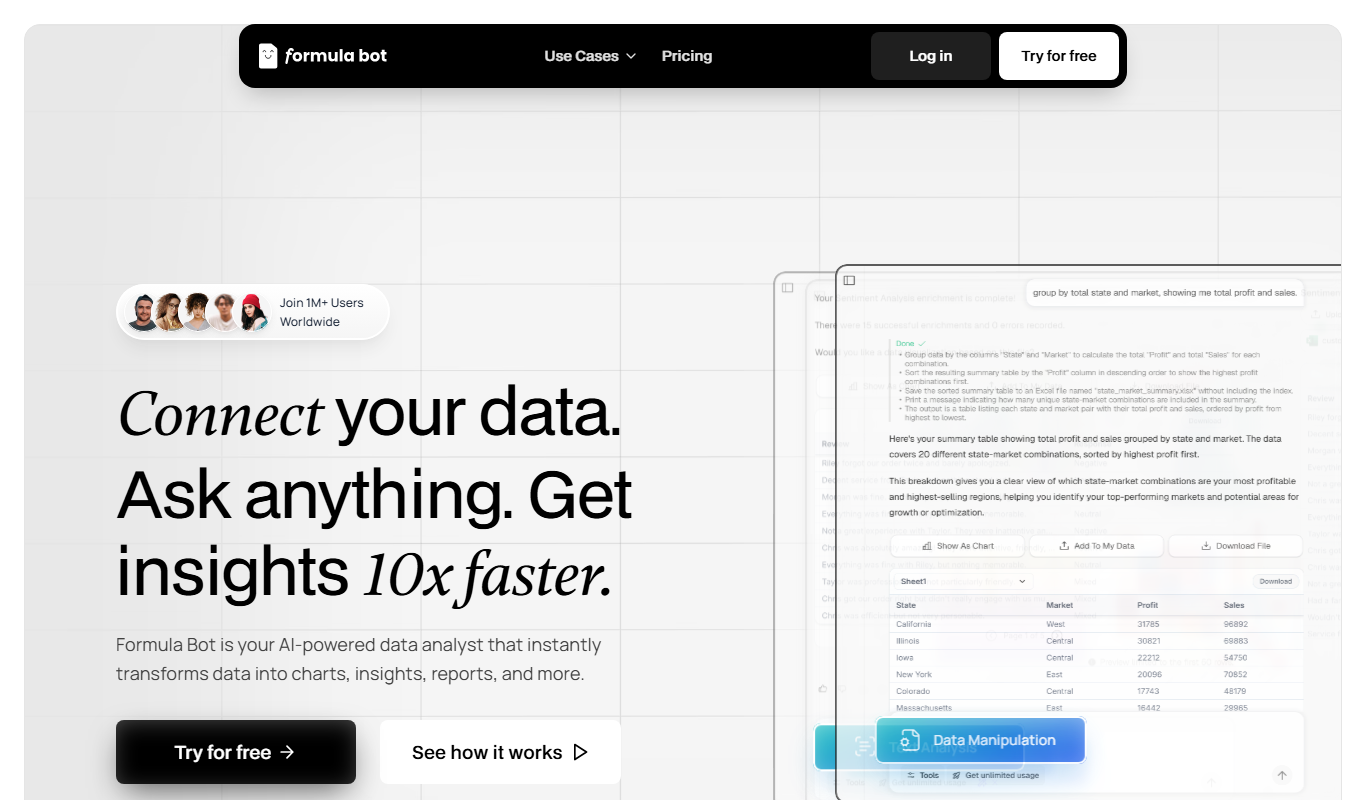
Excel Formula Bot is an AI tool that converts natural language descriptions into Excel formulas, helping users create, understand, and debug formulas efficiently.
- Best for
- Automate Excel Formula Creation
- Key capability
- Natural Language Formula Generation
Do you recommend this tool?
What is Excel Formula Bot?
Excel Formula Bot is an AI-powered assistant designed to help users create, understand, and optimize Excel formulas quickly and accurately. By simply describing the calculation or data manipulation needed in plain English, users receive the corresponding Excel formula generated automatically. This tool aims to simplify spreadsheet work, reduce manual errors, and enhance productivity for both beginners and advanced Excel users.
Key features of Excel Formula Bot
The tool offers natural language input for formula generation, supports a wide range of Excel functions, provides formula explanations, and integrates directly with Excel via an add-in. It also helps debug and optimize existing formulas, making spreadsheet management more efficient.
Natural Language Formula Generation
Convert plain English descriptions into accurate Excel formulas instantly.
Excel Add-in Integration
Use the tool directly within Excel for seamless workflow without switching apps.
Formula Explanation
Get detailed explanations of generated formulas to learn and verify their logic.
Formula Debugging Assistance
Identify and fix errors in existing formulas with AI guidance.
Support for Complex Formulas
Handle nested and advanced Excel functions to meet sophisticated spreadsheet needs.
Pros and cons of Excel Formula Bot
Pros
- Simplifies complex formula creation with natural language input
- Integrates directly with Excel via add-in
- Provides formula explanations for learning
- Helps debug and optimize existing formulas
Cons
- Requires internet connection to function
- Limited free tier usage
- May not support extremely niche Excel functions
Key use cases for Excel Formula Bot
Automate Excel Formula Creation
Generate complex Excel formulas automatically by describing the desired calculation in natural language.
Improve Spreadsheet Productivity
Save time and reduce errors by letting AI create accurate formulas instead of manual formula writing.
Learn Excel Formulas
Understand how formulas work by seeing AI-generated formulas based on your input, helping users learn Excel functions.
Debug and Optimize Formulas
Get assistance in fixing or optimizing existing Excel formulas for better performance and accuracy.
How Excel Formula Bot works
- 1
Input Your Request
Describe the calculation or data operation you want to perform in plain English.
- 2
AI Generates Formula
The AI processes your description and creates the corresponding Excel formula.
- 3
Review and Insert
Review the generated formula, understand its components, and insert it directly into your spreadsheet.
Who is using Excel Formula Bot
Excel users of all skill levels
Data analysts and accountants
Small business owners managing spreadsheets
Students learning Excel
Financial professionals
Excel Formula Bot pricing
Free
$0/month
Limited formula generations per month with basic features.
Pro
$15/month
Unlimited formula generations, Excel add-in access, and priority support.
Plans and prices are as published by the vendor and can change. Check the official site before you buy. Open the pricing page (opens in a new tab)
Frequently asked questions about Excel Formula Bot
It supports a wide range of Excel functions, including complex and nested formulas, but some very specialized functions may have limited support.
Yes, Excel Formula Bot offers an add-in that integrates directly with Microsoft Excel for easier formula insertion.
Yes, it provides explanations for generated formulas to help users understand their logic.
No, Excel Formula Bot requires an internet connection as it relies on AI processing in the cloud.
It depends on your specific needs and how you plan to use the tool. The official website and documentation are the best sources for the latest details.
Some tools offer a free plan or trial with limited features. Availability can vary, so confirm on the official website.
Yes, it can help with that use case depending on how you configure it and what features are available. You’ll get the best results with clear inputs and a defined goal.
Integration support depends on the tool and its available connectors or API. Check the official documentation or integrations page to confirm what is supported.
Sign in to review this tool.
Sign In to ReviewNo reviews yet
Be the first to share how this tool worked for you.
Ask about pricing, limits, or how it compares — or answer someone else.
Sign In to AskNo questions yet
Have a question about using or paying for this tool? Be the first to ask.
Featured on TiorAI



Alternative Tools
Explore similar AI tools that might fit your needs
Free
Sheet AI
Sheet AI is a Google Sheets add-on that enables users to automate data processing and generate insights using AI-powered custom functions without coding skills.
More AI Assistants tools
Other tools in the same category, for when this one is not quite the fit.

Free
Dubo
Dubo is an AI assistant designed for game streamers to automate chat moderation, manage alerts, and enhance viewer engagement on platforms like Twitch and YouTube Gaming.

Freemium
Meetz AI
Meetz AI is an AI-driven meeting assistant that provides real-time transcription, automated meeting summaries, and action item extraction to streamline meeting documentation and collaboration.
Free
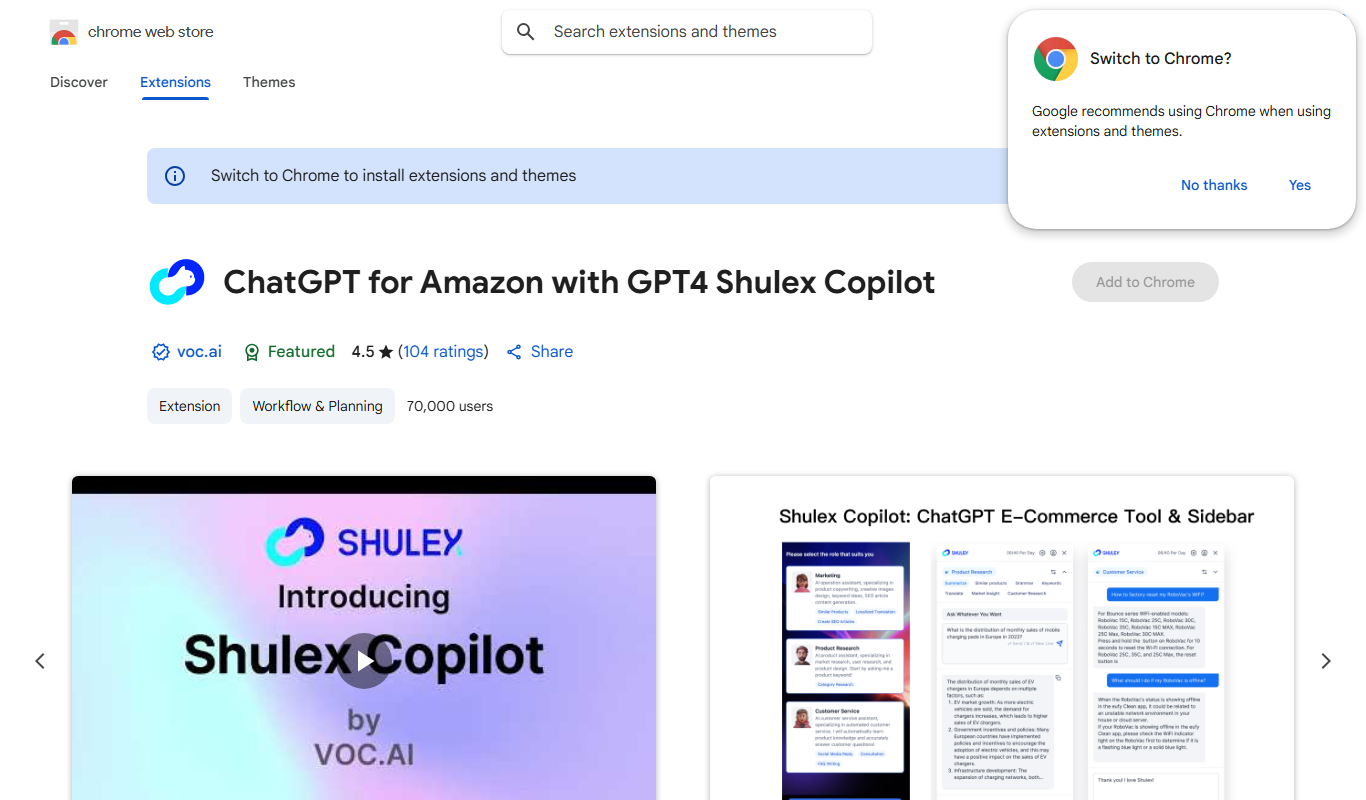
ChatGPT for Amazon – Shulex VOC
ChatGPT for Amazon - Shulex VOC is a free Chrome extension that integrates AI-powered tools directly into Amazon product pages to assist sellers with research, review summarization, and listing optimization.

Free
PokerGPT
PokerGPT is an AI assistant that helps poker players analyze hands, improve strategies, and receive real-time advice primarily for Texas Hold'em games.

Free
LangPDF
LangPDF is an AI-driven web tool that extracts text from PDFs, summarizes documents, and enables interactive Q&A to help users efficiently analyze PDF content.
Free Trial
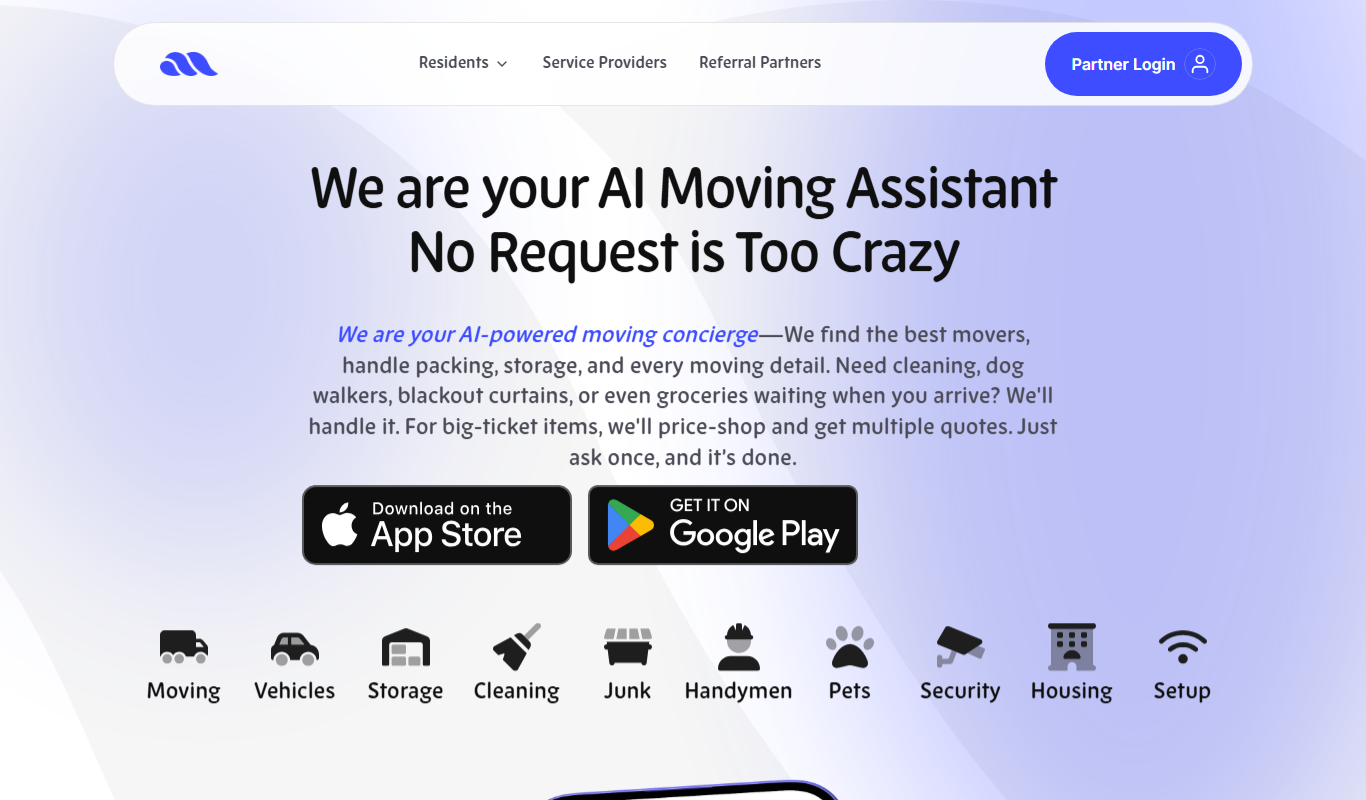
Move AI – Your AI Moving Assistant
Move AI is an AI-driven moving assistant that helps users plan, organize, and execute moves efficiently through personalized recommendations, inventory tracking, and cost estimation.
Freemium
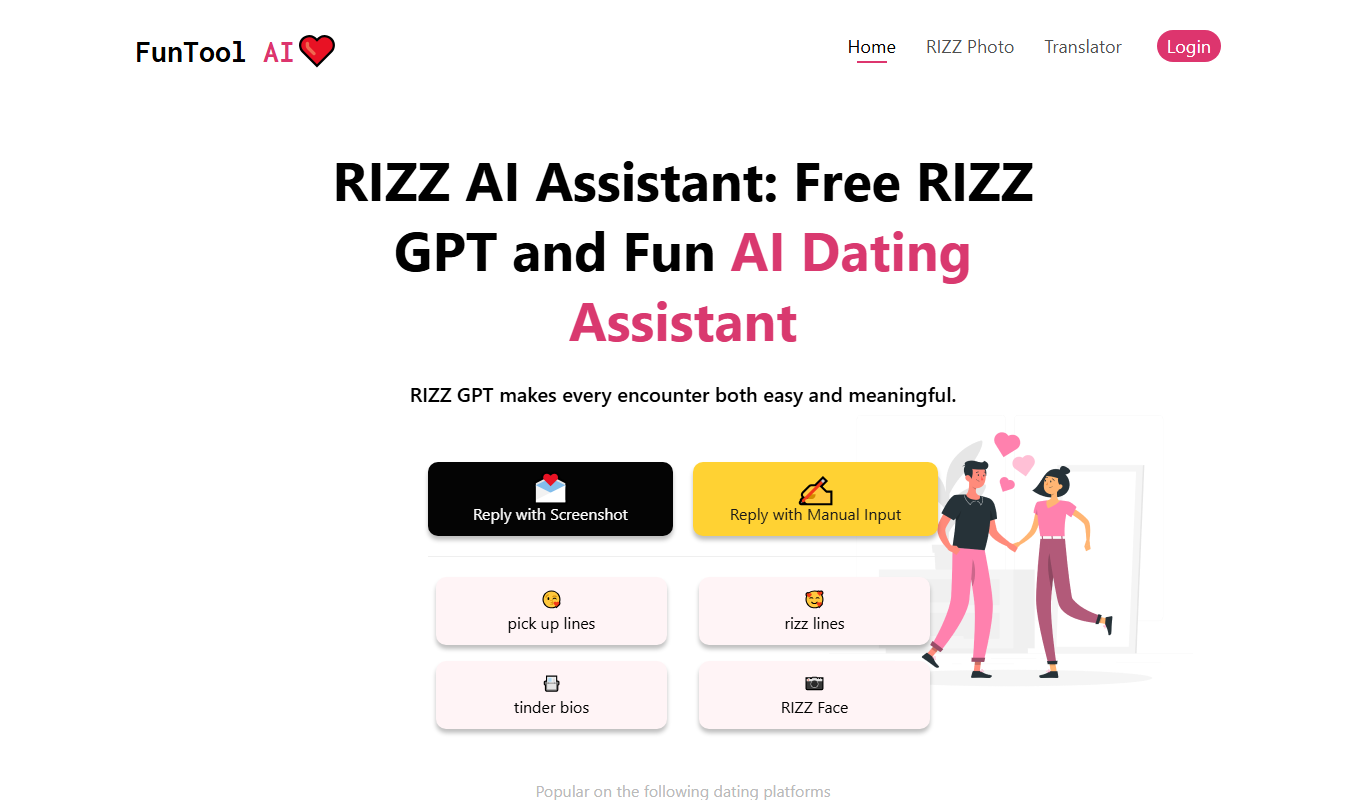
RIZZ AI
RIZZ AI is an AI-powered assistant that generates personalized messages for social media and dating platforms via a Chrome extension, helping users improve engagement and conversations.

Free Trial
ResearchPal
ResearchPal is an AI-driven research assistant that streamlines academic and professional research by providing literature search, paper summarization, and citation management tools through a web platform.