

From my experience with Enscape, I found it excels at providing architects and designers with instant, photorealistic visualizations that significantly speed up the design review process. Its seamless integration with popular BIM tools like Revit and SketchUp makes it a natural extension of existing workflows, reducing the learning curve. The ability to generate immersive VR walkthroughs adds a compelling dimension for client presentations. However, the software requires a powerful Windows-based system with a capable GPU, and the subscription pricing may be a consideration for smaller firms. Overall, if you need fast, high-quality architectural visualization with real-time feedback, Enscape delivers solid results.
Enscape 3D Visualization Software for Real-Time Architectural Rendering
Enscape is a real-time 3D rendering and visualization software that integrates with BIM and CAD platforms to produce photorealistic architectural renderings and VR walkthroughs.
- Best for
- Architectural Visualization
- Key capability
- Real-Time Rendering

Do you recommend this tool?
What is Enscape?
Enscape is a real-time 3D rendering and visualization software designed primarily for architects, designers, and engineers. It integrates directly with popular BIM and CAD software to provide instant, photorealistic visualizations, enabling users to explore and present their designs interactively. Enscape supports VR walkthroughs, animations, and high-quality still images, streamlining the design review and client communication process.
Key features of Enscape
Enscape offers real-time rendering, seamless integration with major design platforms, VR support, an extensive material library, and easy export options for images, videos, and 360-degree panoramas. Its intuitive interface allows users to visualize changes instantly without lengthy rendering times.
Real-Time Rendering
Instantly visualize changes with high-quality, photorealistic rendering.
BIM and CAD Integration
Works seamlessly with Revit, SketchUp, Rhino, Archicad, and Vectorworks.
Virtual Reality Support
Create immersive VR walkthroughs compatible with popular VR headsets.
Material and Lighting Library
Extensive library of materials and lighting presets to enhance realism.
Easy Export Options
Export images, videos, and 360 panoramas directly from the software.
Pros and cons of Enscape
Pros
- Fast real-time rendering with minimal setup
- Seamless integration with popular BIM tools
- Supports immersive VR experiences
- High-quality photorealistic output
- User-friendly interface for designers
Cons
- No native macOS support
- Subscription pricing can be costly for small firms
- Requires a powerful GPU for optimal performance
Key use cases for Enscape
Architectural Visualization
Create photorealistic real-time 3D renderings and walkthroughs to visualize architectural projects before construction.
Interior Design
Visualize interior spaces with accurate lighting and materials to help clients understand design concepts.
BIM Integration
Seamlessly integrate with BIM software like Revit to enhance design workflows with instant visualization.
Virtual Reality Presentations
Generate VR experiences for immersive client presentations and design reviews.
Marketing and Sales
Produce high-quality images and videos for marketing materials and sales pitches.
How Enscape works
- 1
Install Plugin
Add Enscape as a plugin to your preferred CAD or BIM software such as Revit or SketchUp.
- 2
Open Project
Load your architectural or design project within the host software.
- 3
Launch Enscape
Start Enscape to generate a real-time rendered view of your project.
- 4
Navigate and Adjust
Explore the model interactively, adjust lighting, materials, and settings on the fly.
- 5
Export Outputs
Create images, videos, VR experiences, or 360 panoramas for presentations or marketing.
Who is using Enscape
Architects
Interior Designers
BIM Managers
Construction Professionals
Marketing Teams in Architecture Firms
Enscape pricing
Free Trial
$0 for 14 days
Full feature access for two weeks to evaluate the software.
Subscription
Starting at $47/month
Access to all features with regular updates and support.
Plans and prices are as published by the vendor and can change. Check the official site before you buy. Open the pricing page (opens in a new tab)
Frequently asked questions about Enscape
Enscape integrates with Revit, SketchUp, Rhino, Archicad, and Vectorworks.
Yes, Enscape supports VR walkthroughs compatible with major VR headsets.
Enscape offers a 14-day free trial but does not have a permanent free version.
A Windows PC with a compatible graphics card is required; Enscape does not support macOS natively.
Integration support depends on the tool and its available connectors or API. Check the official documentation or integrations page to confirm what is supported.
This tool is designed to help users accomplish its core tasks more efficiently. It is typically used by individuals or teams looking to improve productivity and workflow.
It depends on your specific needs and how you plan to use the tool. The official website and documentation are the best sources for the latest details.
Sign in to review this tool.
Sign In to ReviewNo reviews yet
Be the first to share how this tool worked for you.
Ask about pricing, limits, or how it compares — or answer someone else.
Sign In to AskNo questions yet
Have a question about using or paying for this tool? Be the first to ask.
Featured on TiorAI



Alternative Tools
Explore similar AI tools that might fit your needs
Paid
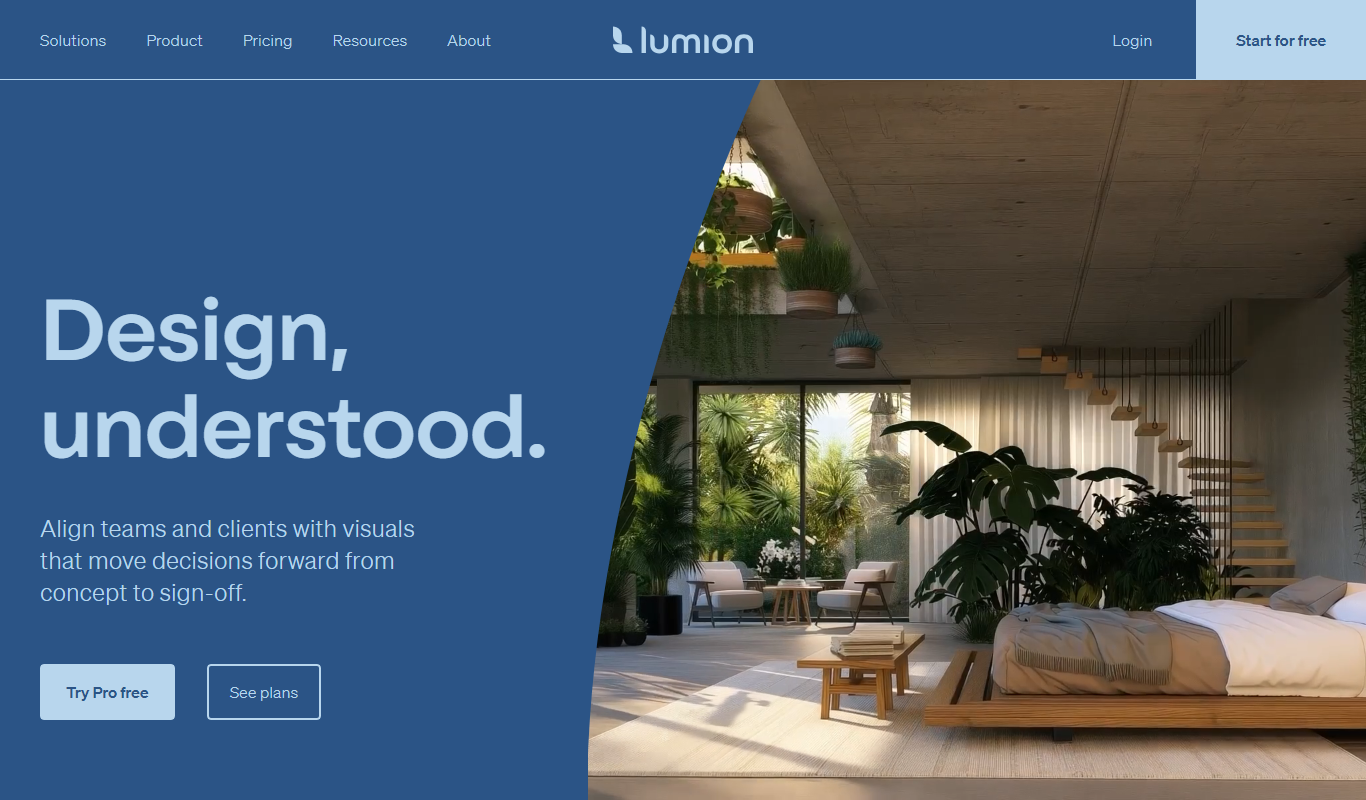
Lumion
Lumion is a Windows-based real-time 3D rendering software designed for architects and designers to create photorealistic images, videos, and panoramas from 3D models quickly and intuitively.

Perpetual License
V-Ray
V-Ray is a professional 3D rendering software by Chaos that produces photorealistic images and animations using advanced ray tracing and global illumination. It integrates with popular 3D modeling tools and supports CPU and GPU rendering.
More Art & Creative Design tools
Other tools in the same category, for when this one is not quite the fit.

Free
Runway ML
Runway ML is a cloud platform offering AI-powered video and image editing tools, enabling creators to automate complex tasks like green screen removal and style transfer, with real-time collaboration and API integration.

Free
Daz 3D
Daz 3D is a free-to-use 3D modeling and animation software that provides a vast library of customizable digital characters and assets, enabling artists and developers to create photorealistic renders and animations.

Free
Prompt Hero
Prompt Hero is a web platform that provides a marketplace and community for discovering, sharing, and selling AI prompts used in text-to-image generation with popular AI art models.

Free
Gencraft
Gencraft is an AI-powered tool that generates digital artwork from text prompts, enabling users to create unique images quickly and easily.

Freemium
Asana AI
Asana AI is an AI-powered extension of the Asana platform that automates task creation, workflow management, and provides predictive analytics to improve project efficiency.

Free Trial
Monday.com AI
monday.com AI is a work operating system that uses AI to automate workflows, enhance project management, and improve team collaboration across platforms.

Freemium
ClickUp AI
ClickUp AI is an AI assistant integrated into the ClickUp platform that automates project management tasks, generates content, and optimizes workflows to enhance team productivity.

Free
Brandmark
Brandmark is an AI-driven logo maker and brand design tool that generates unique logos and brand kits to help businesses establish a professional visual identity quickly and easily.