

Engati AI Chatbot Platform for Customer Service and Automation Solutions
Engati is an AI-powered chatbot platform that helps businesses automate customer interactions across multiple channels using no-code tools, NLP, and integrations with popular business software.
- Best for
- Customer Support Automation
- Key capability
- No-Code Chatbot Builder
Save Engati, follow its updates and vote on it — everything stays in your account.
Sign in or create a free account
What is Engati?
Engati is a comprehensive AI-powered chatbot platform designed to help businesses automate customer interactions across multiple channels such as websites, messaging apps, and social media. It enables organizations to build, deploy, and manage intelligent chatbots without requiring coding skills, facilitating improved customer engagement, lead generation, and operational efficiency.
Key features of Engati
Engati offers a no-code chatbot builder, multi-channel deployment, AI and NLP capabilities, integration with popular business tools, analytics dashboard, and multilingual support to create personalized conversational experiences.
No-Code Chatbot Builder
Create complex conversational flows using an intuitive drag-and-drop interface without programming.
Multi-Channel Deployment
Deploy chatbots across various platforms including websites, WhatsApp, Facebook Messenger, and more.
Natural Language Processing (NLP)
Leverage AI to understand user intent and provide accurate, context-aware responses.
Integration with Business Tools
Connect with CRM, helpdesk, and marketing platforms such as Salesforce, Zendesk, and HubSpot.
Analytics and Reporting
Track chatbot interactions, user engagement, and performance metrics to optimize conversations.
Multilingual Support
Communicate with users in multiple languages to serve a global audience effectively.
Pros and cons of Engati
Pros
- User-friendly no-code chatbot builder
- Supports multiple messaging platforms
- Strong AI and NLP capabilities
- Comprehensive analytics dashboard
- Multilingual chatbot support
Cons
- Advanced features require paid plans
- Customization can be complex for very specific use cases
- Limited offline support options
Key use cases for Engati
Customer Support Automation
Automate customer service interactions across multiple channels to reduce response time and improve customer satisfaction.
Lead Generation and Qualification
Engage website visitors and qualify leads automatically through conversational AI chatbots.
E-commerce Assistance
Provide product recommendations, order tracking, and FAQs support to enhance online shopping experience.
Internal Employee Support
Deploy chatbots to assist employees with HR queries, IT support, and workflow automation.
Multilingual Customer Engagement
Communicate with customers in their preferred language using AI-powered multilingual chatbots.
How Engati works
- 1
Sign Up and Create Account
Register on Engati’s platform to access the chatbot builder and dashboard.
- 2
Build Your Chatbot
Use the drag-and-drop no-code interface to design conversation flows and configure AI intents.
- 3
Integrate Channels
Connect your chatbot to multiple platforms like WhatsApp, Facebook Messenger, website chat, and more.
- 4
Deploy and Monitor
Launch your chatbot and monitor its performance through analytics and user feedback.
Who is using Engati
Engati pricing
Free
$0/month
Basic chatbot features with limited interactions and channels.
Pro
$49/month
Advanced features including more interactions, channels, and integrations.
Enterprise
Custom pricing
Tailored solutions with dedicated support, unlimited interactions, and premium features.
Plans and prices are as published by the vendor and can change. Check the official site before you buy. Open the pricing page (opens in a new tab)
Frequently asked questions about Engati
No, Engati provides a no-code drag-and-drop interface that allows anyone to build chatbots without programming knowledge.
You can deploy chatbots on websites, WhatsApp, Facebook Messenger, Telegram, Slack, and more.
Yes, Engati supports multilingual chatbots to communicate with users in various languages.
Yes, Engati offers integrations with popular business tools like Salesforce, Zendesk, and HubSpot.
This tool is designed to help users accomplish its core tasks more efficiently. It is typically used by individuals or teams looking to improve productivity and workflow.
It depends on your specific needs and how you plan to use the tool. The official website and documentation are the best sources for the latest details.
Yes, it can help with that use case depending on how you configure it and what features are available. You’ll get the best results with clear inputs and a defined goal.
Yes, it can help with that use case depending on how you configure it and what features are available. You’ll get the best results with clear inputs and a defined goal.
Conclusion
Conversation flows and AI intents are designed in a drag-and-drop builder, so no programming knowledge is needed to build a chatbot. The finished bot is then connected to channels such as websites, WhatsApp, Facebook Messenger, Telegram and Slack. Integrations with Salesforce, Zendesk and HubSpot link it to CRM and helpdesk tools, while analytics track interactions and performance metrics.
It is aimed at customer support teams, e-commerce businesses and small and medium enterprises. There is no permanent free plan: a 7-day free trial leads to WhatsApp and Omnichannel plans priced on request.
Sources
Sign in to review this tool.
Sign In to ReviewNo reviews yet
Be the first to share how this tool worked for you.
Ask about pricing, limits, or how it compares — or answer someone else.
Sign In to AskNo questions yet
Have a question about using or paying for this tool? Be the first to ask.
Featured on TiorAI



More AI Chat Generator tools
Other tools in the same category, for when this one is not quite the fit.
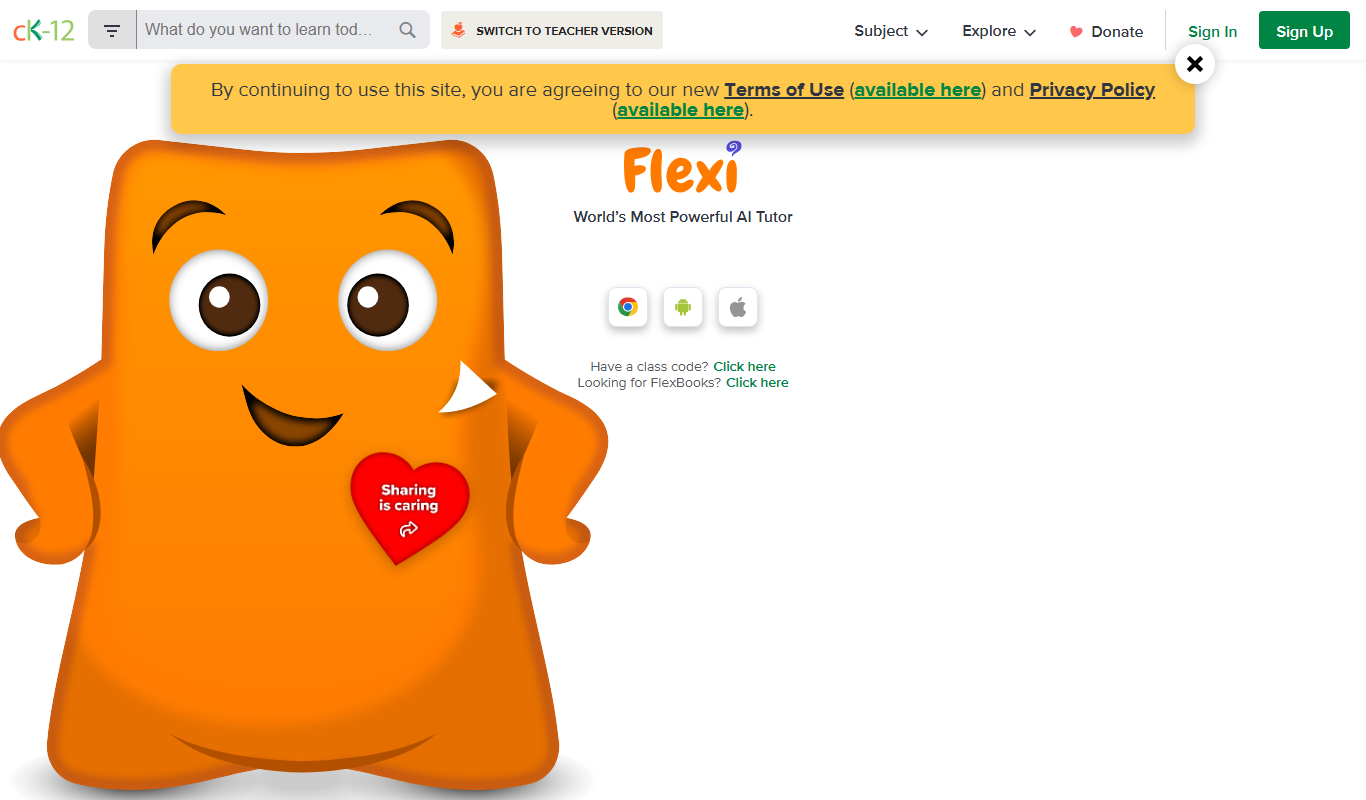
CK-12 Foundation
CK-12 Foundation is a free online platform providing customizable STEM educational resources, including digital textbooks, interactive simulations, and adaptive exercises for K-12 students and teachers.
Yellow.ai
Yellow.ai is an enterprise conversational AI platform that enables businesses to automate customer interactions across chat and voice channels with multilingual support and robust integrations.
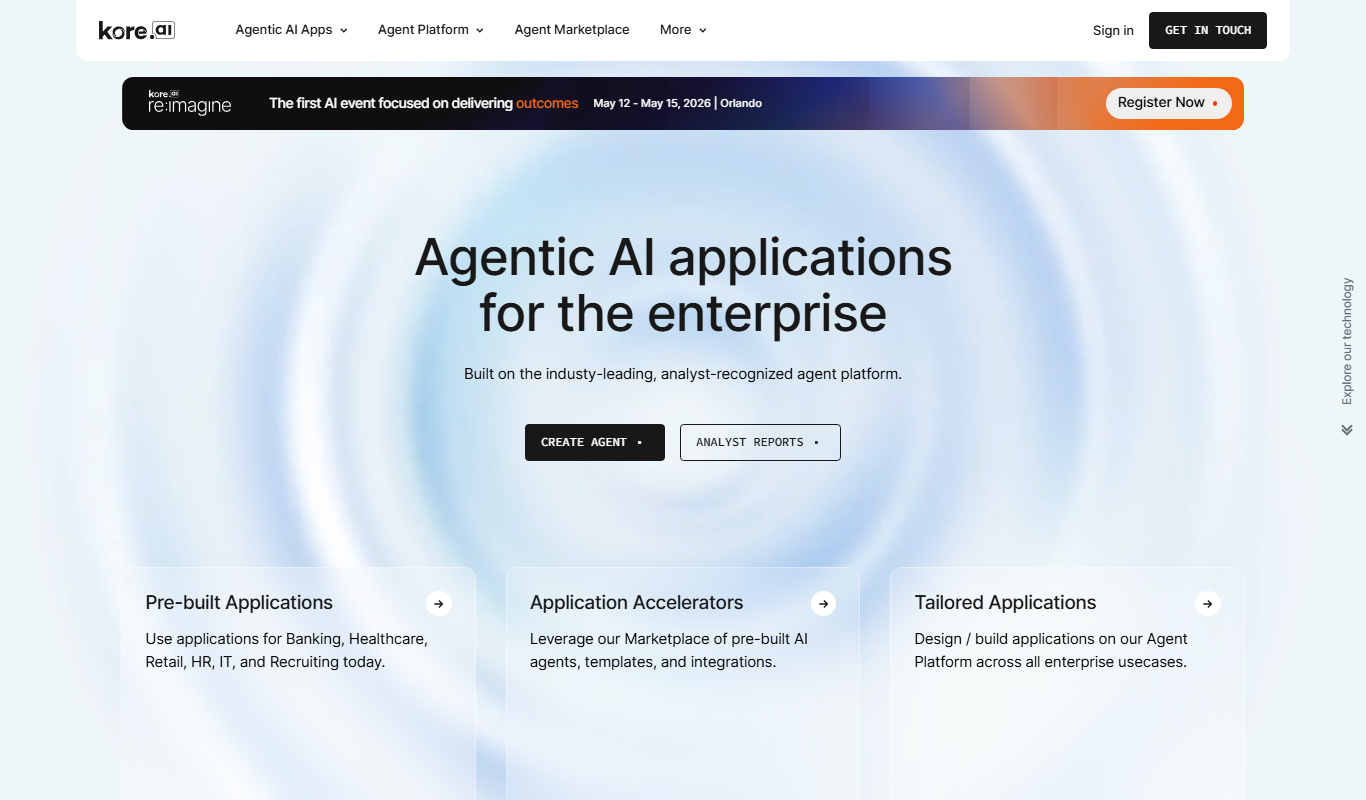
Kore.ai
Kore.ai is an enterprise conversational AI platform that enables businesses to build and deploy intelligent chatbots and virtual assistants for customer service and workflow automation across multiple channels.

HuggingChat
HuggingChat is an open-source AI chat platform by Hugging Face that enables users to interact with transformer-based language models for conversational AI applications via a free web interface.
Arguman
Arguman is a free online argument mapping tool that helps users visually structure and analyze arguments collaboratively to improve critical thinking and debate skills.

Squirrel AI
Squirrel AI is an adaptive learning system for children, offered to parents and students through learning centers, franchises and a tablet at home.

Piazza
Piazza is an online Q&A platform that facilitates collaborative learning by enabling students and instructors to ask and answer questions in real time, with features like anonymous posting and LMS integration.

Qiscus
Qiscus is a chat SDK and API platform that enables businesses to embed real-time messaging and multichannel chat features into their apps and websites, improving customer engagement and support.