

Piazza Online Q&A Platform for Education and Collaborative Learning
Piazza is an online Q&A platform that facilitates collaborative learning by enabling students and instructors to ask and answer questions in real time, with features like anonymous posting and LMS integration.
- Best for
- Classroom Q&A Management
- Key capability
- Collaborative Q&A Forum
Save Piazza, follow its updates and vote on it — everything stays in your account.
Sign in or create a free account
What is Piazza?
Piazza is an online Q&A platform designed primarily for educational environments. It facilitates real-time question and answer interactions between students and instructors, promoting collaborative learning and engagement outside of traditional classroom settings. The platform supports organized discussions, anonymous posting options, and integrates with learning management systems to streamline academic communication.
Key features of Piazza
Piazza offers features such as a collaborative Q&A forum, anonymous posting, instructor endorsements, real-time notifications, integration with LMS platforms, and analytics to track student participation and engagement.
Collaborative Q&A Forum
Enables students and instructors to ask and answer questions in a structured format.
Anonymous Posting
Allows students to post questions anonymously to encourage participation without fear.
Instructor Endorsements
Instructors can endorse answers to highlight correct or helpful responses.
Real-Time Notifications
Users receive instant updates on new posts, answers, and endorsements.
LMS Integration
Seamlessly integrates with popular learning management systems for easy access.
Pros and cons of Piazza
Pros
- Encourages active student participation and peer learning
- Supports anonymous questions to reduce student hesitation
- Easy integration with existing LMS platforms
- Real-time notifications keep users engaged
- Instructor endorsements help clarify correct answers
Cons
- Limited customization options for free plan users
- Some users report a learning curve for new users
- Advanced analytics and features require enterprise plan
Key use cases for Piazza
Classroom Q&A Management
Facilitates organized question and answer sessions between students and instructors in academic settings.
Collaborative Learning
Enables students to collaboratively answer questions, share resources, and discuss course material.
Instructor Office Hours and Support
Allows instructors to provide timely support and clarifications outside of traditional office hours.
Peer-to-Peer Assistance
Encourages students to help each other by answering questions and sharing knowledge.
Course Content Engagement
Supports interactive engagement with course content through discussions and polls.
How Piazza works
- 1
Create a Class
Instructors set up a class page on Piazza and invite students to join.
- 2
Post Questions
Students post questions or contribute answers to existing threads.
- 3
Collaborate and Answer
Students and instructors collaboratively answer questions, with instructors endorsing correct answers.
- 4
Track Participation
Instructors monitor student engagement and participation through analytics.
Who is using Piazza
Piazza pricing
Free for small classes and K-12
$0
Free only for classes of up to 25 students and for K-12.
Instructor license
$379 to $479/term
License purchased per instructor under the paid model used since 2023.
Plans and prices are as published by the vendor and can change. Check the official site before you buy. Open the pricing page (opens in a new tab)
Frequently asked questions about Piazza
Free use is limited to classes of up to 25 students and K-12; other classes need a paid license.
Yes, Piazza supports anonymous posting to encourage open participation.
Yes, Piazza integrates with LMS platforms like Canvas, Blackboard, and Moodle.
Yes, Piazza has mobile apps for both iOS and Android devices.
It depends on your specific needs and how you plan to use the tool. The official website and documentation are the best sources for the latest details.
Some tools offer a free plan or trial with limited features. Availability can vary, so confirm on the official website.
Integration support depends on the tool and its available connectors or API. Check the official documentation or integrations page to confirm what is supported.
Yes, it can help with that use case depending on how you configure it and what features are available. You’ll get the best results with clear inputs and a defined goal.
Conclusion
Instructors set up a class page and invite students, who then post questions or answer existing threads. Anonymous posting is available to encourage participation, and instructors can endorse answers to highlight correct responses. Integrations cover LMS platforms like Canvas, Blackboard and Moodle, and mobile apps exist for iOS and Android.
Its focus is higher education instructors and university students, with K-12 educators also served. Since 2023 the service has used a paid model, with a license purchased per instructor. Free use is limited to classes of up to 25 students and to K-12, while an instructor license costs $379 to $479 per term and a department license starts at $9,000 per year.
Sources
Sign in to review this tool.
Sign In to ReviewNo reviews yet
Be the first to share how this tool worked for you.
Ask about pricing, limits, or how it compares — or answer someone else.
Sign In to AskNo questions yet
Have a question about using or paying for this tool? Be the first to ask.
Featured on TiorAI



More AI Chat Generator tools
Other tools in the same category, for when this one is not quite the fit.

Chatroulette
Chatroulette is a free web-based platform that pairs users randomly for live video chats with strangers worldwide, requiring no registration and supporting multiple languages.

CustomGPT
CustomGPT is a no-code AI chat generator platform that lets you build personalized AI chatbots trained on your own data, suitable for customer support, content generation, and internal knowledge assistance.

Genius
Genius is a free platform offering song lyrics and community-driven annotations that explain the meaning behind music, with artist participation and mobile app support.

Baidu Wenxin
Baidu Wenxin is an AI-powered platform by Baidu that offers advanced Chinese language conversational AI, content generation, and copywriting tools accessible via web and API.

ChatExcel
ChatExcel is an AI-powered chat tool that allows users to analyze, automate, and generate insights from Excel spreadsheets using natural language commands without needing complex formulas.

Haptik
Haptik is an AI-powered conversational platform that enables businesses to build chatbots and voice assistants for automating customer service and enhancing engagement across multiple channels.

Seneca Learning
Seneca Learning is an AI-powered online platform that helps students revise school subjects through interactive quizzes, summaries, and personalized learning paths aligned with UK curricula.
ManyBot
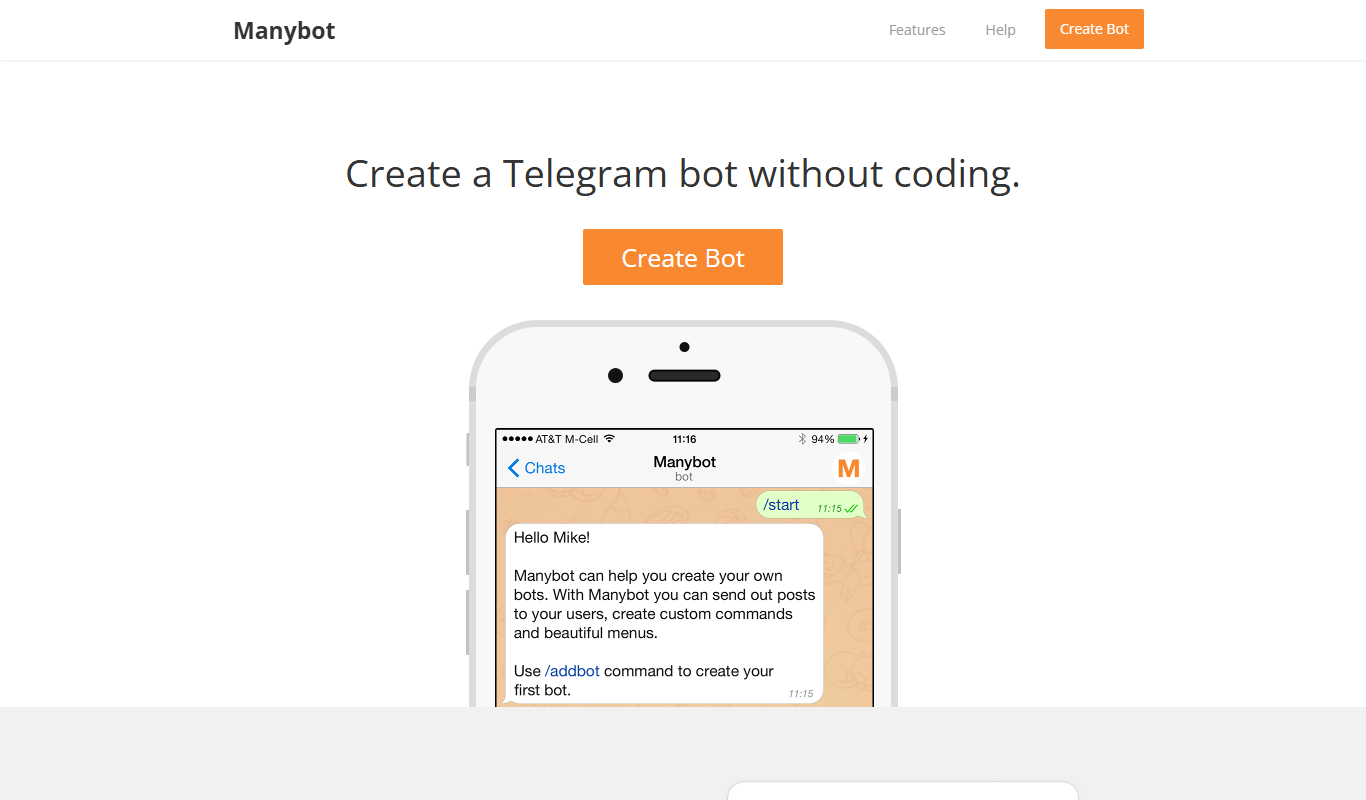
ManyBot is a no-code platform that enables users to create and manage Telegram chatbots for marketing, customer support, and automation without programming skills.