

EmojiFinder - Search and Discover Emojis Easily for Social Media and Messaging
EmojiFinder is a free web tool that allows users to search, browse, and copy emojis easily for use in social media, messaging, and content creation.
- Best for
- Social Media Content Creation
- Key capability
- Comprehensive Emoji Search
Save EmojiFinder, follow its updates and vote on it — everything stays in your account.
Sign in or create a free account
What is EmojiFinder?
EmojiFinder is a free web-based tool designed to help users search, discover, and copy emojis quickly and efficiently. It provides a searchable database of emojis categorized by themes, keywords, and meanings, making it easy to find the perfect emoji for any context.
Key features of EmojiFinder
EmojiFinder offers a simple search interface, categorized emoji listings, detailed emoji descriptions, and a copy-to-clipboard function to streamline emoji usage across social media, messaging, and content creation.
Comprehensive Emoji Search
Search emojis by name, keyword, or category to find exactly what you need.
Categorized Emoji Listings
Browse emojis grouped into intuitive categories for easier discovery.
Emoji Descriptions and Meanings
View detailed information about each emoji’s meaning and usage.
One-Click Copy Function
Quickly copy emojis to your clipboard with a single click for seamless use.
Free and No Registration Required
Access all features without any cost or sign-up process.
Pros and cons of EmojiFinder
Pros
- Simple and intuitive interface
- No registration or payment required
- Fast emoji search and copy functionality
- Organized emoji categories for easy browsing
- Accessible on any device with a browser
Cons
- Limited to emoji search and copy features only
- No mobile app or offline access
- No advanced customization or emoji creation tools
Key use cases for EmojiFinder
Social Media Content Creation
Find relevant emojis quickly to enhance posts and increase engagement on platforms like Twitter, Instagram, and Facebook.
Messaging and Communication
Easily search and copy emojis to enrich personal or professional messages across various chat apps.
Content Writing and Editing
Incorporate appropriate emojis into articles, blogs, or marketing copy to add tone and emotion.
Marketing and Advertising
Discover trending or thematic emojis to use in campaigns and advertisements for better audience connection.
How EmojiFinder works
- 1
Access the Website
Open the EmojiFinder website on any web browser without the need for registration.
- 2
Search for Emojis
Type keywords or emoji names into the search bar to find matching emojis.
- 3
Browse Categories
Explore emojis organized by categories such as smileys, animals, food, and activities.
- 4
Copy Emoji
Click on the desired emoji to copy it to your clipboard for easy pasting.
Who is using EmojiFinder
EmojiFinder pricing
Free
$0
Full access to all emoji search and copy features without any limitations.
Plans and prices are as published by the vendor and can change. Check the official site before you buy. Open the pricing page (opens in a new tab)
Frequently asked questions about EmojiFinder
Yes, EmojiFinder is completely free and does not require any registration.
Yes, EmojiFinder is a web-based tool accessible on any device with a web browser.
EmojiFinder includes a comprehensive database of standard emojis supported across major platforms.
Yes, you can copy any emoji with a single click for easy pasting.
It depends on your specific needs and how you plan to use the tool. The official website and documentation are the best sources for the latest details.
Some tools offer a free plan or trial with limited features. Availability can vary, so confirm on the official website.
Yes, it can help with that use case depending on how you configure it and what features are available. You’ll get the best results with clear inputs and a defined goal.
This tool is designed to help users accomplish its core tasks more efficiently. It is typically used by individuals or teams looking to improve productivity and workflow.
Conclusion
EmojiFinder runs in any web browser without registration, which also makes it accessible on mobile devices. A search starts by typing keywords or emoji names into the search bar, while browsing works through categories such as smileys, animals, food and activities. A click on an emoji copies it to the clipboard for easy pasting, and each emoji comes with information about its meaning and usage. The database covers standard emojis supported across major platforms, grouped into intuitive categories for easier discovery.
Its use cases center on adding emojis to posts on Twitter, Instagram and Facebook, enriching messages across chat apps, and adding tone and emotion to articles, blogs or marketing copy. Marketing professionals can also look for trending or thematic emojis to use in campaigns and advertisements. It is aimed at social media managers and content writers as well as customer support teams and casual users looking for emojis.
All features are free, with the single plan giving full access to all emoji search and copy features without limitations. The trade-off is scope: the tool is limited to emoji search and copy, with no advanced customization or emoji creation tools.
Sources
Sign in to review this tool.
Sign In to ReviewNo reviews yet
Be the first to share how this tool worked for you.
Ask about pricing, limits, or how it compares — or answer someone else.
Sign In to AskNo questions yet
Have a question about using or paying for this tool? Be the first to ask.
Featured on TiorAI



Alternative Tools
Explore similar AI tools that might fit your needs
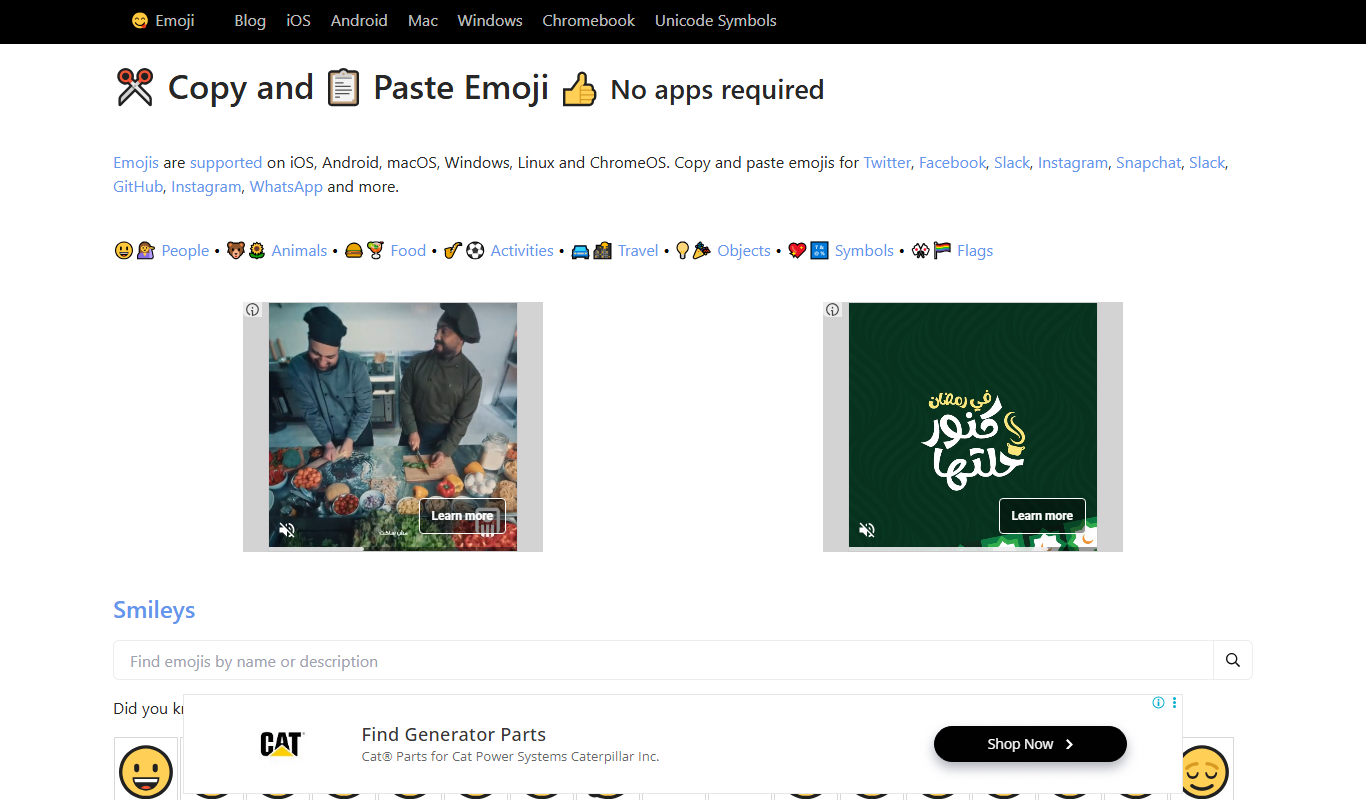
GetEmoji
GetEmoji is a free online platform that lets you browse and copy Unicode emojis quickly for use in social media, messaging, and other digital content.
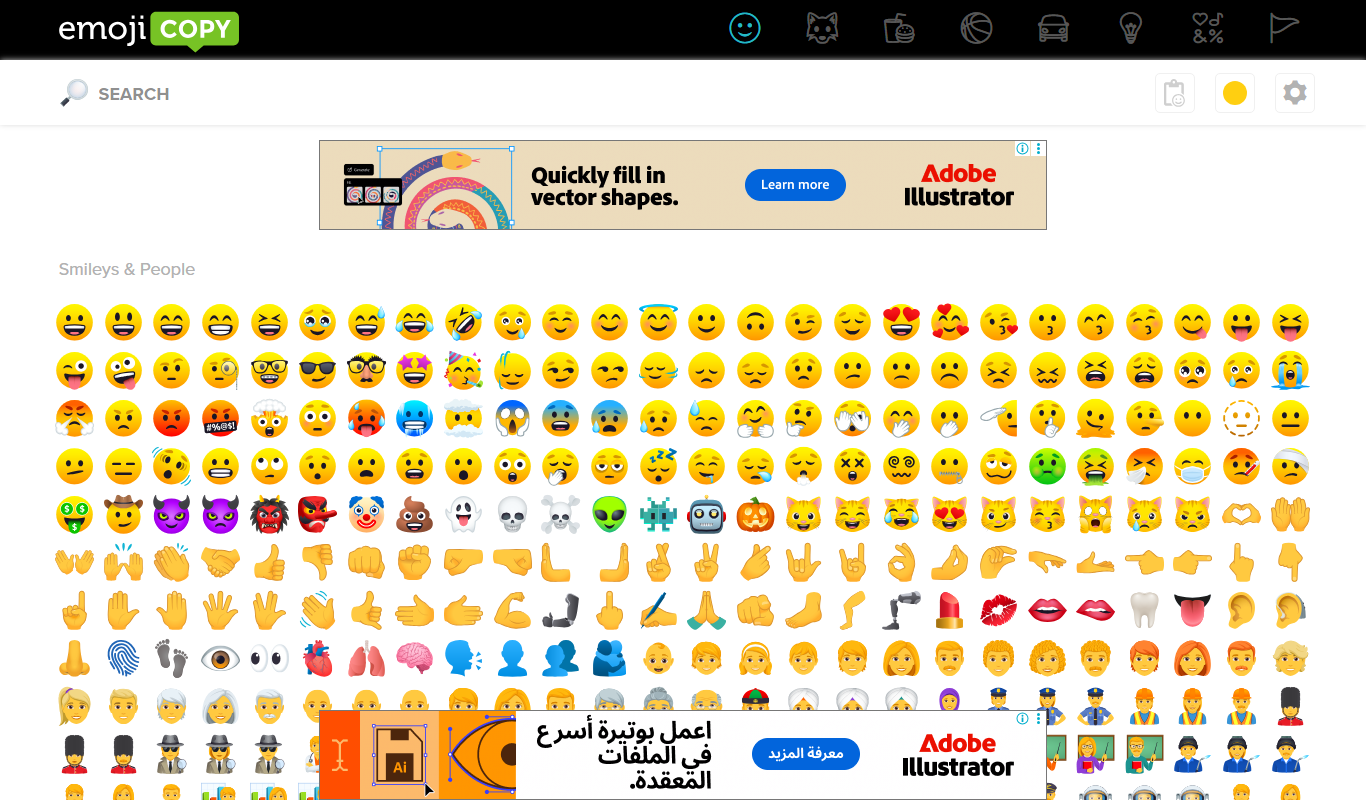
EmojiCopy
EmojiCopy is a free web tool that allows users to browse, select, and copy emojis quickly for use in messages, social media, and other digital content.

Emojipedia
Emojipedia is a free online emoji encyclopedia that provides detailed meanings, usage, and updates about emojis across platforms.
More Marketing & Advertising tools
Other tools in the same category, for when this one is not quite the fit.

Veraset
Veraset provides privacy-compliant, high-quality location data via API and web platform to support marketing, retail, and urban planning analytics.

Zebra Technologies
Zebra Technologies offers enterprise-grade hardware and software solutions for barcode scanning, RFID, mobile computing, and real-time asset tracking to optimize industrial and supply chain operations.

Cambridge Mobile Telematics
Cambridge Mobile Telematics provides a mobile telematics platform that uses smartphone sensors and AI to analyze driver behavior, enabling insurers and fleet managers to assess risk, improve safety, and reduce accidents.

Ion Interactive
Ion Interactive is a web-based platform that enables marketers to create interactive content like quizzes and assessments to engage audiences and generate leads without coding.

Travelport API
Travelport API is a global travel technology platform that provides access to flights, hotels, car rentals, and other travel services through a unified API, enabling travel agencies and corporations to integrate comprehensive booking and management capabilities.
Liquidnet
Liquidnet is a global institutional trading platform that connects asset managers and brokers to execute large block equity trades anonymously via a dark pool, providing liquidity and advanced analytics to optimize trade execution.

Comscore Video Metrix
Comscore Video Metrix is a cross-platform video audience measurement tool that provides detailed analytics on video consumption across desktop, mobile, and connected TV devices to help media professionals optimize advertising and content strategies.

Yearn Finance
Yearn Finance is a decentralized finance platform that automates yield farming strategies using smart contracts to maximize returns on Ethereum-based crypto assets.