

Comprehensive Emojipedia Guide – Emoji Meanings, Updates & Search Tool
Emojipedia is a free online emoji encyclopedia that provides detailed meanings, usage, and updates about emojis across platforms.
- Best for
- Emoji Reference and Meaning Lookup
- Key capability
- Comprehensive Emoji Database
Save Emojipedia, follow its updates and vote on it — everything stays in your account.
Sign in or create a free account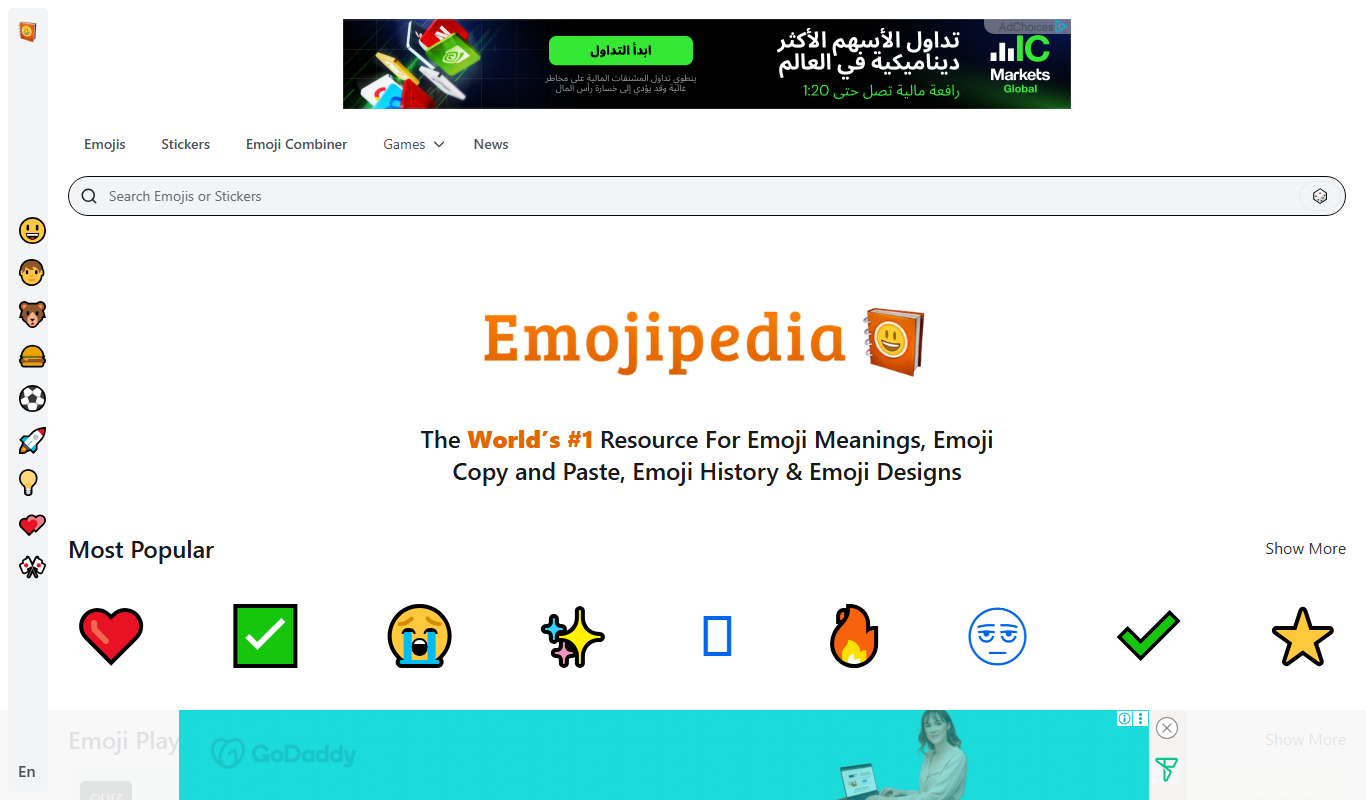
What is Emojipedia?
Emojipedia is the leading online emoji encyclopedia that provides comprehensive information about emojis, including their meanings, history, and usage. It serves as a searchable database and reference guide for all Unicode emojis, helping users understand and use emojis effectively across platforms.
Key features of Emojipedia
Emojipedia offers an extensive emoji dictionary, detailed descriptions, Unicode update tracking, platform-specific emoji renderings, and a user-friendly search interface to quickly find emojis by name or category.
Comprehensive Emoji Database
Access detailed information on thousands of emojis including meanings and variants.
Unicode Version Tracking
Track emoji additions and changes aligned with Unicode Consortium releases.
Platform-Specific Renderings
See how emojis appear on different platforms like Apple, Google, Microsoft, and Samsung.
User-Friendly Search and Navigation
Quickly find emojis by name, category, or keyword with intuitive search tools.
Pros and cons of Emojipedia
Pros
- Extensive and detailed emoji information
- Up-to-date with Unicode Consortium releases
- Free and easy to use
- Platform-specific emoji renderings
- Helpful for both casual users and professionals
Cons
- Limited to English language content
- No mobile app version available
- Does not generate or create emojis
Key use cases for Emojipedia
Emoji Reference and Meaning Lookup
Users can search and explore detailed meanings, usage examples, and history of thousands of emojis.
Tracking Emoji Updates and Unicode Releases
Stay informed about new emoji additions, changes, and Unicode Consortium announcements.
Social Media and Messaging Enhancement
Find the perfect emoji to enhance social media posts, messages, and marketing content.
Educational Resource for Emoji Usage
Learn about emoji origins, cultural significance, and proper usage in digital communication.
How Emojipedia works
- 1
Search Emojis
Enter keywords or emoji names in the search bar to find detailed entries.
- 2
Explore Emoji Details
View meanings, usage examples, Unicode versions, and platform renderings.
- 3
Stay Updated
Check the latest emoji releases and Unicode announcements on the site.
Who is using Emojipedia
Emojipedia pricing
Free
$0
Full access to all emoji information and updates without any cost.
Plans and prices are as published by the vendor and can change. Check the official site before you buy. Open the pricing page (opens in a new tab)
Frequently asked questions about Emojipedia
Yes, Emojipedia provides free access to its entire emoji database and resources.
Emojipedia is regularly updated to reflect new emoji releases and Unicode changes.
Absolutely, it is designed to help users understand and select emojis for social media and messaging.
This tool is designed to help users accomplish its core tasks more efficiently. It is typically used by individuals or teams looking to improve productivity and workflow.
Some tools offer a free plan or trial with limited features. Availability can vary, so confirm on the official website.
It depends on your specific needs and how you plan to use the tool. The official website and documentation are the best sources for the latest details.
Conclusion
A search on Emojipedia takes a keyword or emoji name and returns an entry with meanings, usage examples, Unicode versions and platform renderings. Those renderings show how an emoji appears on platforms like Apple, Google, Microsoft and Samsung. Emojis can also be found by name, category or keyword, and entries explain meanings, history and variants. Educational content covers emoji origins, cultural significance and proper usage in digital communication.
The site serves as a searchable database and reference guide for all Unicode emojis. Beyond the reference entries, the site tracks emoji additions and changes aligned with Unicode Consortium releases and is regularly updated to reflect new emoji releases. It is designed to help users understand and select emojis for social media and messaging, including posts, messages and marketing content. The intended audience runs from social media users and marketers to educators, linguists, developers and designers.
Access to the entire emoji database and resources is free. The information is described as helpful for both casual users and professionals. The site works only as a reference: it does not generate or create emojis.
Sources
Sign in to review this tool.
Sign In to ReviewNo reviews yet
Be the first to share how this tool worked for you.
Ask about pricing, limits, or how it compares — or answer someone else.
Sign In to AskNo questions yet
Have a question about using or paying for this tool? Be the first to ask.
Featured on TiorAI



Alternative Tools
Explore similar AI tools that might fit your needs
EmojiCopy
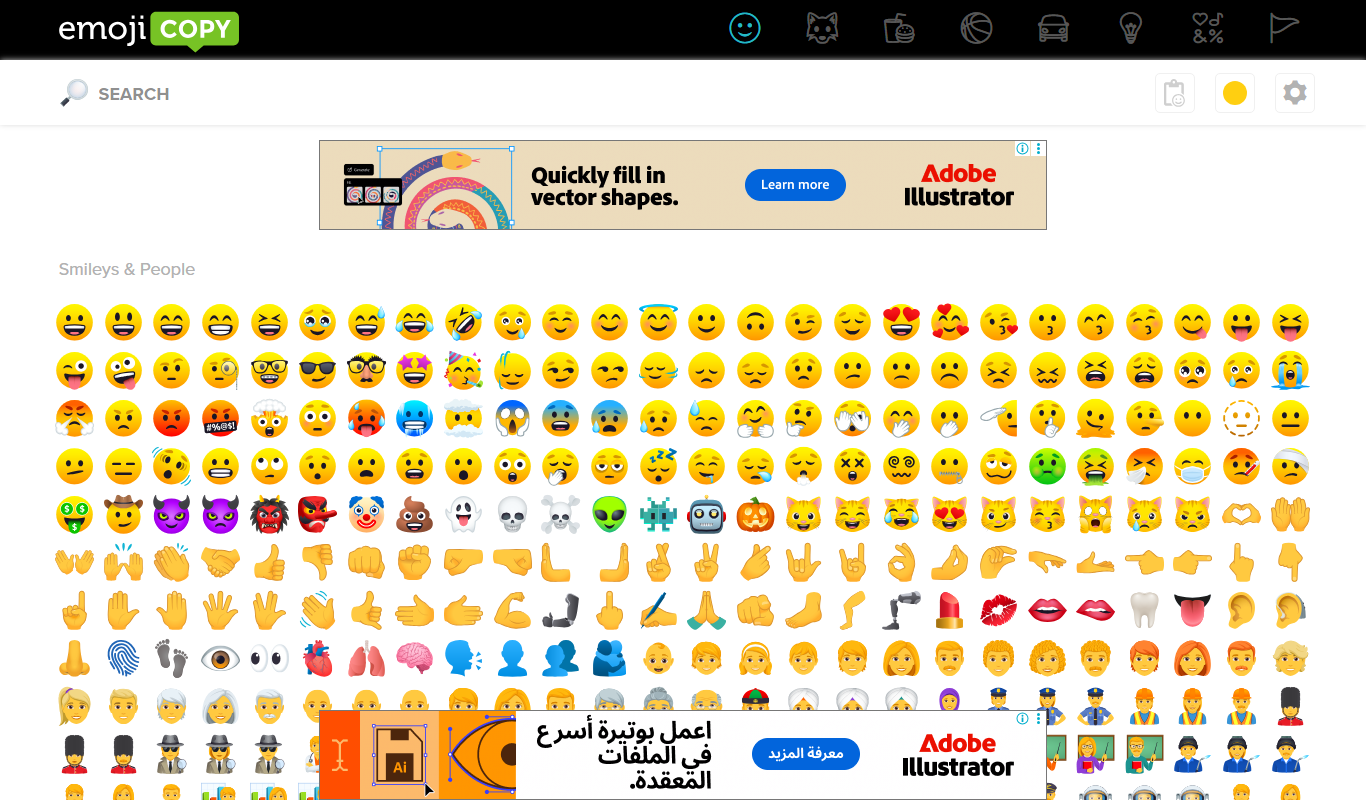
EmojiCopy is a free web tool that allows users to browse, select, and copy emojis quickly for use in messages, social media, and other digital content.
More Marketing & Advertising tools
Other tools in the same category, for when this one is not quite the fit.

Airbnb Experiences
Airbnb Experiences is a platform for booking unique local tours and activities hosted by locals worldwide, offering travelers authentic cultural and adventure experiences beyond traditional accommodations.

Veraset
Veraset provides privacy-compliant, high-quality location data via API and web platform to support marketing, retail, and urban planning analytics.

Zebra Technologies
Zebra Technologies offers enterprise-grade hardware and software solutions for barcode scanning, RFID, mobile computing, and real-time asset tracking to optimize industrial and supply chain operations.

Cambridge Mobile Telematics
Cambridge Mobile Telematics provides a mobile telematics platform that uses smartphone sensors and AI to analyze driver behavior, enabling insurers and fleet managers to assess risk, improve safety, and reduce accidents.

Ion Interactive
Ion Interactive is a web-based platform that enables marketers to create interactive content like quizzes and assessments to engage audiences and generate leads without coding.

Travelport API
Travelport API is a global travel technology platform that provides access to flights, hotels, car rentals, and other travel services through a unified API, enabling travel agencies and corporations to integrate comprehensive booking and management capabilities.
Liquidnet
Liquidnet is a global institutional trading platform that connects asset managers and brokers to execute large block equity trades anonymously via a dark pool, providing liquidity and advanced analytics to optimize trade execution.

Comscore Video Metrix
Comscore Video Metrix is a cross-platform video audience measurement tool that provides detailed analytics on video consumption across desktop, mobile, and connected TV devices to help media professionals optimize advertising and content strategies.