

From my experience with EmojiCopy, I found it excels at providing a straightforward and efficient way to find and copy emojis without distractions or unnecessary features. The tool’s simplicity makes it ideal for anyone needing quick emoji access, whether for social media, messaging, or content creation. However, it is limited strictly to emoji copying and does not offer additional customization or integration features. Overall, if you want a no-frills, free emoji picker that works instantly in your browser, EmojiCopy delivers exactly that.
EmojiCopy Free Online Emoji Picker and Clipboard Tool for Quick Copying
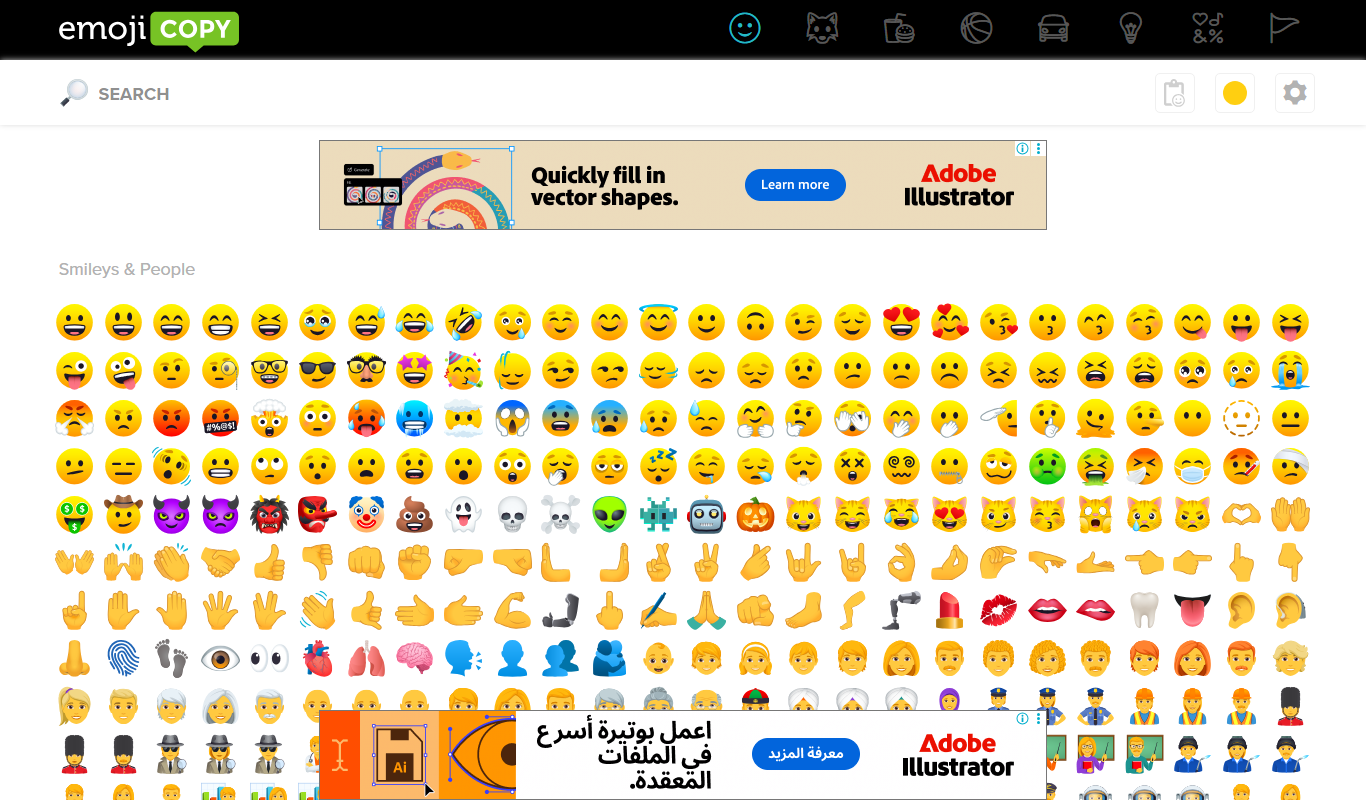
EmojiCopy is a free web tool that allows users to browse, select, and copy emojis quickly for use in messages, social media, and other digital content.
- Best for
- Quick Emoji Copying
- Key capability
- Extensive Emoji Library
What is EmojiCopy?
EmojiCopy is a free, web-based emoji picker and clipboard tool that allows users to quickly browse, select, and copy emojis for use across various digital platforms. It simplifies the process of finding the right emoji without needing to remember keyboard shortcuts or search through device-specific emoji keyboards.
Key features of EmojiCopy
EmojiCopy offers a clean, user-friendly interface with categorized emojis, a search function, and a clipboard feature that lets users copy multiple emojis at once. It supports quick copying with a single click and works entirely in the browser without requiring downloads or sign-ups.
Extensive Emoji Library
Access a wide range of emojis categorized for easy browsing.
Search Functionality
Quickly find emojis by typing keywords.
Clipboard Management
Select multiple emojis and copy them all at once.
No Installation Required
Fully web-based tool accessible from any modern browser.
Pros and cons of EmojiCopy
Pros
- Simple and intuitive interface
- No sign-up or installation needed
- Supports batch emoji copying
- Free to use without limitations
Cons
- Limited to emoji copying only
- No mobile app or offline version
Key use cases for EmojiCopy
Quick Emoji Copying
Easily find and copy emojis to paste into messages, social media posts, or documents.
Social Media Content Enhancement
Add emojis to social media posts to increase engagement and express emotions visually.
Messaging and Communication
Use emojis to enhance chats, emails, and other forms of digital communication.
Creative Writing and Blogging
Incorporate emojis into blog posts or creative writing to add personality and tone.
How EmojiCopy works
-
1
Browse Emojis
Navigate through categorized emoji lists or use the search bar to find specific emojis.
-
2
Select Emojis
Click on emojis to add them to your clipboard area for batch copying.
-
3
Copy to Clipboard
Use the copy button to copy selected emojis and paste them anywhere you like.
Who is using EmojiCopy
Social media users
Content creators
Marketers
Bloggers
Anyone who frequently uses emojis
EmojiCopy pricing
Free
$0
Unlimited access to all emojis and features without any cost.
Plans and prices are as published by the vendor and can change. Check the official site before you buy. Open the pricing page (opens in a new tab)
Frequently asked questions about EmojiCopy
Yes, EmojiCopy is completely free with no hidden charges.
No account or sign-up is required to use EmojiCopy.
Yes, EmojiCopy works on mobile browsers as well as desktop browsers.
Yes, you can select multiple emojis and copy them together.
It depends on your specific needs and how you plan to use the tool. The official website and documentation are the best sources for the latest details.
Yes, it can help with that use case depending on how you configure it and what features are available. You’ll get the best results with clear inputs and a defined goal.
It depends on your specific needs and how you plan to use the tool. The official website and documentation are the best sources for the latest details.
Sign in to review this tool.
No reviews yet
Be the first to share how this tool worked for you.
Ask about pricing, limits, or how it compares — or answer someone else.
No questions yet
Have a question about using or paying for this tool? Be the first to ask.
Featured on TiorAI



Alternative Tools
Explore similar AI tools that might fit your needs
Free
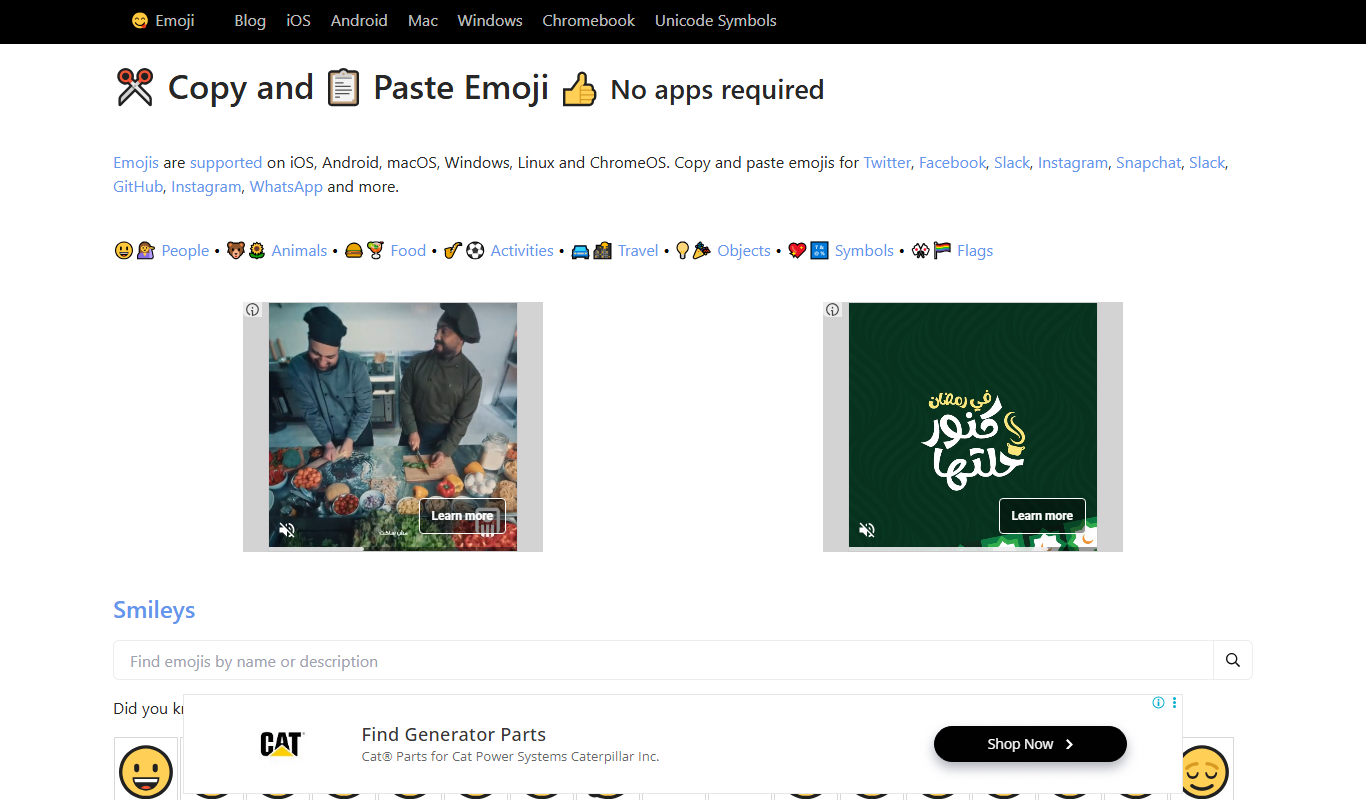
GetEmoji
GetEmoji is a free online platform that lets you browse and copy Unicode emojis quickly for use in social media, messaging, and other digital content.
More Daily Life tools
Other tools in the same category, for when this one is not quite the fit.

Free
Roadtrippers
Roadtrippers is a travel planning app that helps users create detailed road trip itineraries by mapping routes, discovering attractions, and optimizing travel plans.

Free
TripIt
TripIt is a travel app that automatically organizes your travel plans into a single itinerary by parsing confirmation emails, providing real-time flight alerts, and allowing itinerary sharing.

Freemium
Tailor Brands
Tailor Brands is an AI-driven platform that helps small businesses create custom logos and brand identities with easy-to-use design tools and affordable pricing.

Free
AI Dungeon
AI Dungeon is an AI-driven platform that generates interactive text-based stories and roleplaying adventures dynamically based on user input.

Free
Gaia GPS
Gaia GPS is an outdoor navigation app providing detailed topographic maps, offline access, and GPS tracking for hiking, backpacking, and other outdoor activities.

Freemium
Komoot
Komoot is an outdoor navigation app that helps users plan and follow hiking, cycling, and other adventure routes with detailed maps, offline access, and voice guidance.
Free
AllTrails
AllTrails is an app that helps users find, navigate, and track hiking and outdoor trails with GPS, offline maps, and community reviews.

Airbnb Experiences
Airbnb Experiences is a platform for booking unique local tours and activities hosted by locals worldwide, offering travelers authentic cultural and adventure experiences beyond traditional accommodations.