

From my experience with Edulastic, I found it excels at providing educators with a user-friendly platform to create interactive assessments and gain real-time insights into student learning. The detailed analytics and standards alignment features make it particularly well-suited for K-12 teachers aiming to implement data-driven instruction. However, the platform’s advanced capabilities require a paid subscription, and pricing details are not fully transparent upfront. Overall, if you need a comprehensive tool to support formative assessments and remote learning, Edulastic delivers solid, practical functionality.
Edulastic Online Assessment Platform for Interactive Student Learning
Edulastic is an online platform that enables educators to create interactive assessments, track student performance in real-time, and analyze data to improve instruction.
- Best for
- Formative Assessments
- Key capability
- Interactive Question Types

Do you recommend this tool?
What is Edulastic?
Edulastic is an online assessment platform designed for K-12 educators to create, assign, and analyze formative and summative assessments. It offers a wide variety of question types, real-time student performance tracking, and detailed analytics to support data-driven instruction. The platform integrates with popular learning management systems and supports remote and in-person learning environments.
Key features of Edulastic
Edulastic provides interactive assessment creation tools, automatic grading, standards alignment, detailed student analytics, and integration with LMS platforms. It enables educators to deliver personalized learning experiences and monitor student growth effectively.
Interactive Question Types
Supports multiple formats including multiple choice, drag-and-drop, technology-enhanced items, and more.
Real-Time Analytics
Instant insights into student performance and question-level data.
Standards Alignment
Align assessments with Common Core and other educational standards.
LMS Integration
Seamlessly integrates with platforms like Google Classroom, Canvas, and Schoology.
Automatic Grading
Automates scoring for objective questions to save educators time.
Pros and cons of Edulastic
Pros
- User-friendly interface for educators
- Robust analytics for data-driven instruction
- Wide variety of interactive question types
- Supports standards alignment
- Integrates with major LMS platforms
Cons
- Advanced features require paid subscription
- Limited language support (English only)
- Pricing details not publicly listed
Key use cases for Edulastic
Formative Assessments
Teachers can create interactive quizzes and assignments to monitor student progress in real-time.
Data-Driven Instruction
Educators use detailed analytics and reports to tailor instruction based on student performance.
Remote Learning Support
Edulastic supports online assessments for remote or hybrid classroom environments.
Standards-Aligned Testing
Create assessments aligned with Common Core and other educational standards.
Student Engagement
Interactive question types and immediate feedback help keep students engaged during assessments.
How Edulastic works
- 1
Sign Up
Create a free educator account on Edulastic’s website.
- 2
Create Assessments
Use the platform’s tools to build quizzes, tests, or assignments with various question types.
- 3
Assign to Students
Distribute assessments to students via direct links or LMS integration.
- 4
Monitor Performance
Track student responses and scores in real-time through dashboards.
- 5
Analyze Results
Access detailed reports to identify learning gaps and inform instruction.
Who is using Edulastic
K-12 educators
School administrators
Instructional coaches
Education technology coordinators
Remote and hybrid learning facilitators
Edulastic pricing
Free
$0/month
Basic access with limited assessments and features.
Pro
Contact for pricing
Full access to all features, unlimited assessments, and premium support.
Plans and prices are as published by the vendor and can change. Check the official site before you buy. Open the pricing page (opens in a new tab)
Frequently asked questions about Edulastic
Edulastic offers a free plan with basic features and limited assessments. Advanced features require a paid subscription.
Yes, Edulastic integrates with popular LMS platforms such as Google Classroom, Canvas, and Schoology.
Edulastic primarily supports K-12 education but can be adapted for other educational levels.
Yes, it is designed to support both in-person and remote learning environments.
Yes, it can help with that use case depending on how you configure it and what features are available. You’ll get the best results with clear inputs and a defined goal.
Yes, it can help with that use case depending on how you configure it and what features are available. You’ll get the best results with clear inputs and a defined goal.
Some tools offer a free plan or trial with limited features. Availability can vary, so confirm on the official website.
Sign in to review this tool.
Sign In to ReviewNo reviews yet
Be the first to share how this tool worked for you.
Ask about pricing, limits, or how it compares — or answer someone else.
Sign In to AskNo questions yet
Have a question about using or paying for this tool? Be the first to ask.
Featured on TiorAI



Alternative Tools
Explore similar AI tools that might fit your needs
Free
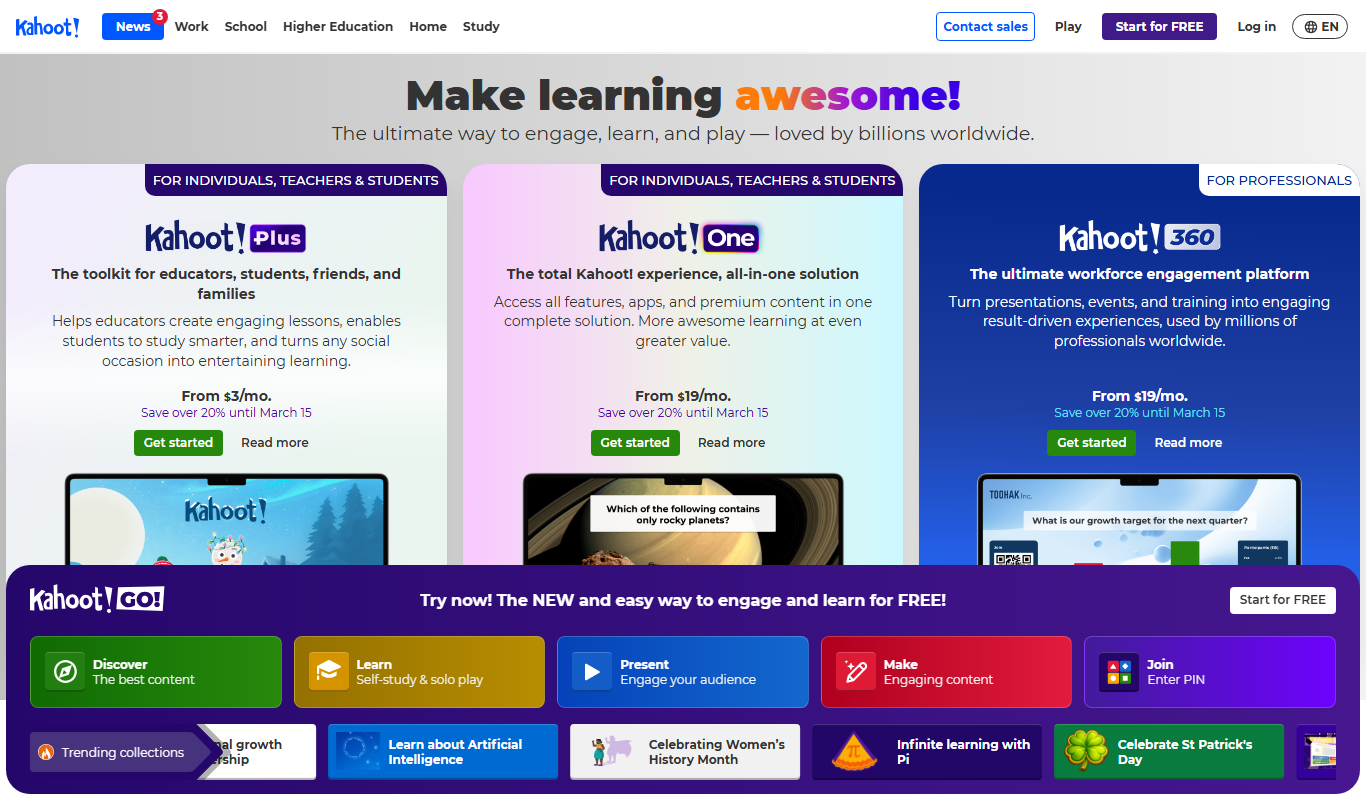
Kahoot
Kahoot is a game-based learning platform that enables users to create and play interactive quizzes and games to boost engagement in education, training, and events.

Free
Quizizz
Quizizz is an online platform that enables educators and trainers to create gamified quizzes for live or asynchronous learning, enhancing engagement and assessment.

Free
Socrative
Socrative is an interactive student response system that enables educators to create real-time quizzes and assessments to engage students and provide instant feedback.
More AI Analytics Assistant tools
Other tools in the same category, for when this one is not quite the fit.

Custom Pricing
Veraset
Veraset provides privacy-compliant, high-quality location data via API and web platform to support marketing, retail, and urban planning analytics.

Custom Pricing
Cambridge Mobile Telematics
Cambridge Mobile Telematics provides a mobile telematics platform that uses smartphone sensors and AI to analyze driver behavior, enabling insurers and fleet managers to assess risk, improve safety, and reduce accidents.

Free
RadarBox
RadarBox is a real-time flight tracking platform offering live aircraft positions, flight history, and aviation data accessible via web and mobile apps.

Free
DeFiChain
DeFiChain is a blockchain platform focused on decentralized finance, enabling fast, secure, and low-cost DeFi applications integrated with Bitcoin.
Custom Pricing
Liquidnet
Liquidnet is a global institutional trading platform that connects asset managers and brokers to execute large block equity trades anonymously via a dark pool, providing liquidity and advanced analytics to optimize trade execution.

Free
Yearn Finance
Yearn Finance is a decentralized finance platform that automates yield farming strategies using smart contracts to maximize returns on Ethereum-based crypto assets.
Free
Stock Rover
Stock Rover is an investment research platform that provides advanced stock screening, portfolio analytics, and comprehensive financial data to help investors analyze and manage their investments effectively.

Free
Exolyt
Exolyt is a TikTok analytics tool that helps marketers and influencers track video performance, analyze competitors, and monitor follower growth to optimize TikTok marketing strategies.