

From my experience with Edit on the Spot, it stands out for making content editing straightforward by allowing inline changes directly on the live website. This eliminates the need to navigate the WordPress backend, which is a significant time saver for non-technical users and content teams. The plugin’s role-based permissions and version history add important layers of control and security. However, users with highly customized themes might face some compatibility challenges, and advanced features require a paid plan. Overall, if you want to simplify website content updates and empower your team with easy editing tools, Edit on the Spot is a practical choice.
Edit on the Spot - Inline Content Editing Plugin for WordPress Websites
Edit on the Spot is a WordPress plugin that allows users to edit website content directly on the live page, streamlining content updates without accessing the backend.
- Best for
- Inline Content Editing
- Key capability
- Real-Time Inline Editing

What is Edit on the Spot?
Edit on the Spot is a WordPress plugin designed to simplify website content management by enabling inline editing directly on the live site. Instead of navigating through the WordPress admin dashboard, users can click on text or images on the front end and edit them instantly. This approach streamlines content updates, making it accessible for users with limited technical skills and improving workflow efficiency.
Key features of Edit on the Spot
The plugin offers real-time inline editing of text and images, a user-friendly interface that integrates seamlessly with WordPress, role-based access control, and versioning to track changes. It supports editing of various content types and works well with most WordPress themes and page builders.
Real-Time Inline Editing
Edit text and images directly on the live website, providing a WYSIWYG experience.
Role-Based Access Control
Define which users or roles can edit content inline to ensure security and workflow management.
Compatibility with WordPress Themes
Works smoothly with most WordPress themes and page builders without disrupting site design.
Version History
Track changes and revert to previous versions if needed, ensuring content integrity.
User-Friendly Interface
Intuitive editing tools that require no coding knowledge, ideal for content editors and marketers.
Pros and cons of Edit on the Spot
Pros
- Simplifies content editing by enabling inline changes
- Reduces reliance on backend WordPress admin
- User-friendly for non-technical users
- Supports role-based permissions for security
- Tracks changes with version history
Cons
- May have limited compatibility with highly customized themes
- Advanced features require paid subscription
Key use cases for Edit on the Spot
Inline Content Editing
Allows website owners and editors to modify website content directly on the live page without accessing the WordPress backend.
Simplified Website Management
Enables non-technical users to update text, images, and other content elements easily, reducing dependency on developers.
Collaborative Editing
Supports teams by allowing multiple users to edit content inline, streamlining the content update workflow.
Content Review and Approval
Facilitates quick content review and approval processes by showing changes directly on the live site.
How Edit on the Spot works
-
1
Install and Activate
Add the Edit on the Spot plugin to your WordPress site and activate it through the plugins menu.
-
2
Configure User Permissions
Set which user roles can access inline editing features to maintain control over content changes.
-
3
Edit Content Inline
Navigate to your website’s front end, click on editable elements like text or images, and make changes directly.
-
4
Save and Publish
Save your edits instantly; changes reflect immediately on the live site without needing to reload the backend.
Who is using Edit on the Spot
Small business owners
Content editors and marketers
Web agencies managing client sites
Non-technical WordPress users
Teams requiring collaborative content updates
Edit on the Spot pricing
Free
$0/month
Basic inline editing features with limited user roles and support.
Pro
$15/month
Advanced features including role management, version history, and priority support.
Agency
$45/month
Includes all Pro features plus multi-site support and premium integrations.
Plans and prices are as published by the vendor and can change. Check the official site before you buy. Open the pricing page (opens in a new tab)
Frequently asked questions about Edit on the Spot
Edit on the Spot is designed to work with most WordPress themes and page builders, but compatibility may vary depending on custom theme structures.
Yes, the plugin supports collaborative editing with role-based permissions to manage access.
No, the plugin is built for users without technical skills, providing an intuitive inline editing interface.
Yes, a free version with basic features is available to get started.
It depends on your specific needs and how you plan to use the tool. The official website and documentation are the best sources for the latest details.
Some tools offer a free plan or trial with limited features. Availability can vary, so confirm on the official website.
Yes, it can help with that use case depending on how you configure it and what features are available. You’ll get the best results with clear inputs and a defined goal.
Sign in to review this tool.
Sign In to ReviewNo reviews yet
Be the first to share how this tool worked for you.
Ask about pricing, limits, or how it compares — or answer someone else.
Sign In to AskNo questions yet
Have a question about using or paying for this tool? Be the first to ask.
Featured on TiorAI



More AI Video Editor tools
Other tools in the same category, for when this one is not quite the fit.

Free Trial
Vidon.ai
Vidon.ai is an AI-driven video creation platform that automates scriptwriting, editing, and video production to help marketers and creators produce engaging videos efficiently.

Freemium
Neuralarts
Neuralarts is an AI art generation platform that creates images and videos from text prompts and style inputs using neural networks.
Free Trial
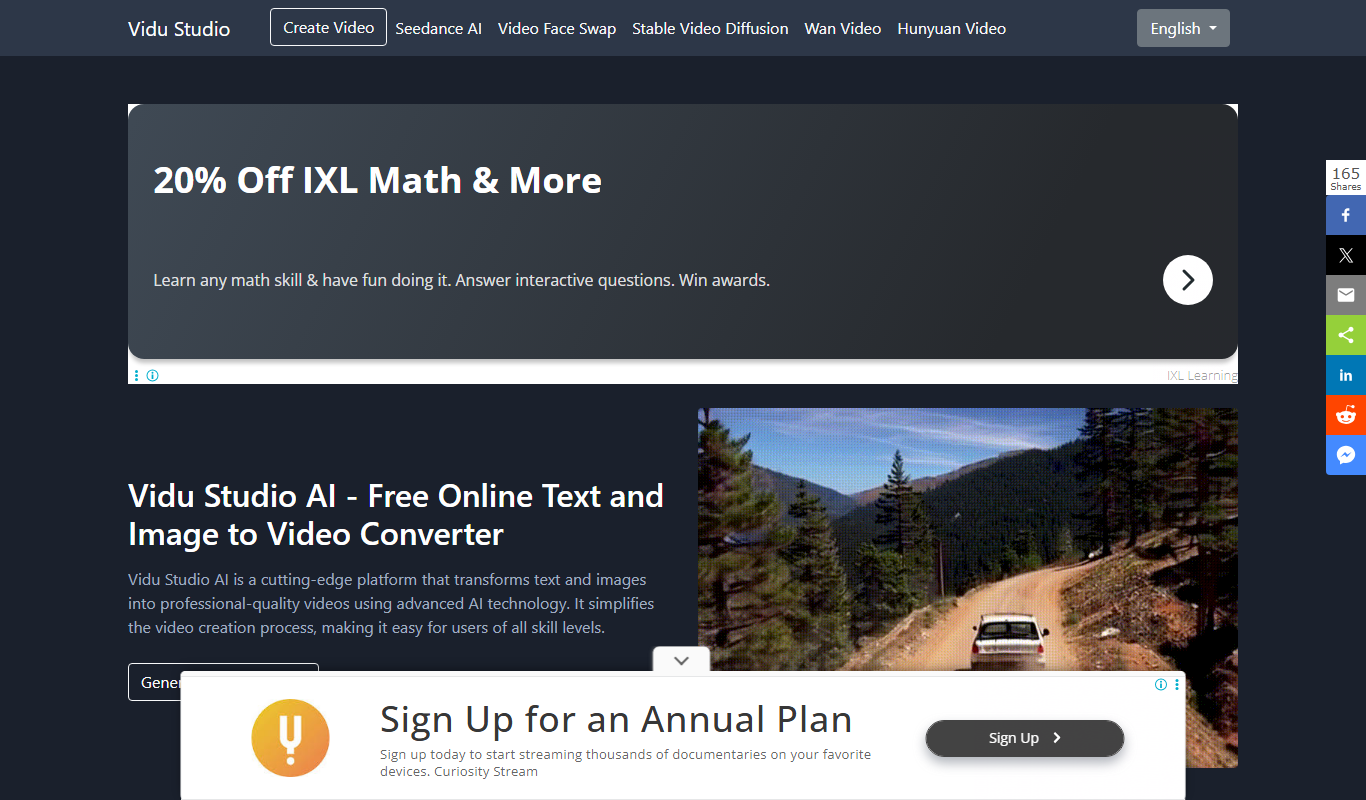
Video Studio AI
Video Studio AI is a web-based platform that uses artificial intelligence to automate video editing tasks, enabling users to create professional videos quickly without advanced skills.

Free
Expression Editor
Expression Editor is an online tool that allows users to build, edit, and evaluate mathematical and logical expressions in real time with syntax highlighting and error detection.

Free Trial
Wondershare Filmora ES
Wondershare Filmora ES is a Spanish-language video editing software designed for beginners and intermediate users, offering easy-to-use tools, effects, and export options for Windows and macOS.

Freemium
AskVideo.ai
AskVideo.ai is an AI-driven platform that enables users to ask questions within videos and receive instant, context-aware answers, enhancing engagement in learning and support scenarios.

Freemium
Vinteo AI
Vinteo AI is a web-based platform that uses artificial intelligence to help users create marketing, social media, and training videos quickly without requiring video editing skills.

Freemium
I Have a Dream
I Have a Dream AI is a web-based tool that uses artificial intelligence to generate personalized images representing your goals and dreams, helping you visualize and stay motivated.