

AskVideo.ai AI Video Q&A Platform for Interactive Learning and Support
AskVideo.ai lets users chat with any YouTube video and learn from it by asking questions and getting answers with timestamps.
- Best for
- Customer Support
- Key capability
- Contextual AI Q&A
Save AskVideo.ai, follow its updates and vote on it — everything stays in your account.
Sign in or create a free account
What is AskVideo.ai?
AskVideo.ai is an AI tool for chatting with any YouTube video: users ask any question about a video and get instant answers with timestamps instead of scrubbing through hours of content.
Key features of AskVideo.ai
The platform offers AI-driven video Q&A, real-time interaction, easy integration with existing video content, and analytics to track user engagement and question trends.
Contextual AI Q&A
AI understands video content context to provide accurate and relevant answers to user questions.
Seamless Video Integration
Easily embed interactive videos into websites or apps without disrupting user experience.
Real-Time Interaction
Users can ask questions and get responses instantly while watching the video.
Analytics Dashboard
Track user questions, engagement metrics, and popular topics to optimize content.
Pros and cons of AskVideo.ai
Pros
- Enhances video engagement with interactive Q&A
- Easy to embed and integrate with websites
- Provides valuable analytics on user interactions
Cons
- Limited language support currently
- AI may not handle very complex or ambiguous questions perfectly
- Pricing may be high for small businesses
Key use cases for AskVideo.ai
Customer Support
Provide instant video-based answers to customer inquiries, improving engagement and reducing support load.
Interactive Learning
Enable learners to ask questions directly within videos and receive AI-generated responses for enhanced understanding.
Product Demonstrations
Create interactive product videos where viewers can ask questions and get real-time answers to better understand features.
Employee Training
Facilitate training sessions with interactive videos that respond to employee questions, increasing retention and engagement.
How AskVideo.ai works
- 1
Upload or Link Video
Add your video content to the AskVideo.ai platform by uploading or linking existing videos.
- 2
AI Processing
The AI analyzes the video content to understand context and prepare for interactive Q&A.
- 3
Embed Interactive Player
Integrate the interactive video player into your website or platform.
- 4
User Interaction
Viewers watch the video and ask questions at any point, receiving AI-generated answers instantly.
Who is using AskVideo.ai
AskVideo.ai pricing
Free
$0 forever
180 minutes of YouTube indexing, 30 minutes of video upload transcription, 100 AI messages per month, AI-powered Q&A with timestamps and video transcripts.
Premium
$8 per month
For regular learners: 1,200 minutes of YouTube indexing, 60 minutes of video upload transcription, 1,000 AI messages per month, video and audio file uploads, CLI access with API key and priority support.
Pro
$29 per month
Everything in Premium, up to 2 collections (playlists/channels), 4,800 minutes of YouTube indexing, 2,500 AI messages per month, an embeddable chatbot widget and cross-video AI search.
Business
$99 per month
For teams and large content libraries: everything in Pro, unlimited collections, 18,000 minutes of YouTube indexing, 8,000 AI messages per month, priority processing and dedicated support.
Plans and prices are as published by the vendor and can change. Check the official site before you buy. Open the pricing page (opens in a new tab)
Frequently asked questions about AskVideo.ai
Yes, you can upload your own videos or link to existing ones to make them interactive.
Currently, the platform supports English; additional languages may be added in the future.
The Premium plan includes CLI access with an API key, so videos can be chatted with from the command line.
The AI provides context-aware answers based on video content, but complex questions may require human support.
It depends on your specific needs and how you plan to use the tool. The official website and documentation are the best sources for the latest details.
Integration support depends on the tool and its available connectors or API. Check the official documentation or integrations page to confirm what is supported.
Pricing depends on the plan and included features. For the most accurate and up-to-date details, check the official pricing page.
It depends on your specific needs and how you plan to use the tool. The official website and documentation are the best sources for the latest details.
Conclusion
Pasting a YouTube URL is the whole setup: the AI transcribes and indexes the video, usually within 30 to 60 seconds, and then answers questions with timestamps. Lectures, tutorials, webinars and documentaries appear among its use cases, and any public YouTube video works. For terminal users, a command line interface installed through npm offers the same chat without a browser.
The free plan stays free forever with 180 minutes of YouTube indexing and 100 AI messages per month. Premium adds uploads of video and audio files and CLI access with an API key. Higher tiers bring an embeddable chatbot widget for a website and collections that import whole playlists or channels for cross-video search. A lifetime deal with limited seats is also advertised on the site.
Sources
Sign in to review this tool.
Sign In to ReviewNo reviews yet
Be the first to share how this tool worked for you.
Ask about pricing, limits, or how it compares — or answer someone else.
Sign In to AskNo questions yet
Have a question about using or paying for this tool? Be the first to ask.
Featured on TiorAI



Alternative Tools
Explore similar AI tools that might fit your needs

Vidyard
Vidyard is a video platform that helps businesses create, host, and share personalized videos for marketing, sales, and customer engagement with detailed analytics and CRM integrations.
More AI Customer Support Tools tools
Other tools in the same category, for when this one is not quite the fit.

Snoooz AI
Snoooz is an AI email agent for teams and shared inboxes that drafts, sends, routes, labels, escalates and follows up across Gmail, Outlook and other providers.

Convertlyio
Convertlyio is an AI lead generation quiz funnel builder that creates no-code quizzes to capture, qualify and recommend products to leads.
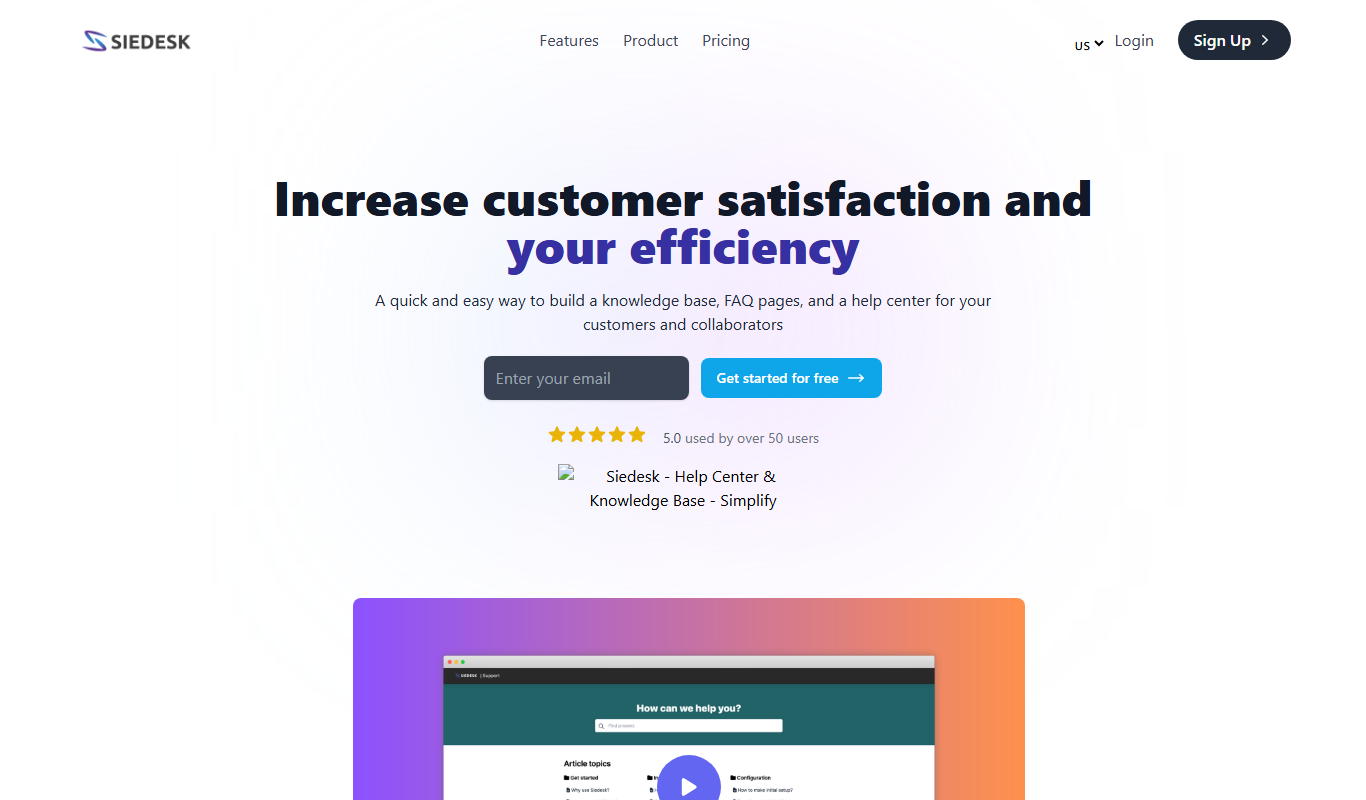
Siedesk – Help Center & Knowledge Base
Siedesk is a tool with AI assistance for building internal and external knowledge bases, FAQ pages and a help center for customers and staff.

miitel.com
MiiTel is a voice analysis AI that records, transcribes and analyzes business conversations on the phone, in web meetings and face to face.

Mumble
Mumble is a web platform integrated with WhatsApp that helps businesses manage customer interactions, automate sales processes, warm up leads and track customer journeys.

Emly Labs
Emly Labs offers a no-code AI framework to build AI chatbots and predictive AI models and to prepare data.

Voyageraid
VoyagerAid is end-to-end disruption management software that helps airlines handle rebooking, passenger communication and disruptions with predictive analytics.

HubSpot
HubSpot is a comprehensive CRM platform offering marketing automation, sales pipeline management, and customer support tools to help businesses attract, engage, and retain customers.