

Snoooz AI Email Agent for Teams and Shared Inboxes
Snoooz is an AI email agent for teams and shared inboxes that drafts, sends, routes, labels, escalates and follows up across Gmail, Outlook and other providers.
- Best for
- Customer success
- Key capability
- AI replies from your knowledge
Save Snoooz AI, follow its updates and vote on it — everything stays in your account.
Sign in or create a free account

What is Snoooz AI?
Snoooz is an AI email agent that drafts, sends, routes, labels, escalates and follows up across Gmail, Outlook, shared inboxes and team workflows. It is trained on your own knowledge base, starts in review mode for approval, and can be switched to full autopilot.
Key features of Snoooz AI
Snoooz offers AI email drafting and auto-replies trained on your knowledge base, email filtering and routing, escalation to a person, review mode before autopilot, and integrations with email providers, CRM, helpdesk and calendars.
AI replies from your knowledge
Trained on your FAQs, help center, documents, policies and past replies to answer in your voice.
Email filtering and routing
Automatically sort, label and route incoming emails.
Review mode
Snoooz drafts every reply for your team to approve before anything is sent.
Autopilot with escalation
Replies, routes and follows up on its own, and sends anything unusual, sensitive or unfamiliar to a person.
Works with every email provider
Gmail, Outlook, Yahoo, Apple Mail and any IMAP or SMTP inbox connect in minutes.
Pros and cons of Snoooz AI
Pros
- Review mode before switching on autopilot
- Works with Gmail, Outlook, Yahoo, Apple Mail and IMAP or SMTP inboxes
- SOC 2 Type 2, ISO 27001, GDPR and HIPAA compliance
- 14-day free trial with no credit card required
- Email data is never used to train general models
Cons
- No permanent free plan; paid plans start after the trial
- Usage is limited by monthly credits on Pro and Teams
Key use cases for Snoooz AI
Customer success
Answer the FAQs your team fields every day from your help docs and route complex cases to the right person.
Sales lead replies
Reply to inbound leads instantly and never miss an opportunity.
Order status questions
Pull live order status from your store and answer customer questions automatically.
Real estate inquiries
Respond to real estate inquiries, qualify buyers and sellers and book showings around the clock.
How Snoooz AI works
- 1
Connect your inboxes
Connect Gmail, Outlook or any IMAP/SMTP mailbox, including shared addresses like support@ and sales@.
- 2
Train it on your knowledge
Point Snoooz at your FAQs, help center, documents, policies and past replies.
- 3
Start in review mode
Snoooz drafts every reply for your team to approve.
- 4
Switch on autopilot
Snoooz replies, routes and follows up on its own and sends unusual or sensitive emails to a person.
Who is using Snoooz AI
Snoooz AI pricing
Pro
$19/month, billed monthly
For your own inbox: 1 seat and 1,000 credits per month, AI drafts, inbox sorting and personal email automation.
Teams
$49/month, billed monthly
For shared workflows: 1 seat and 3,000 shared credits per month, shared inboxes, lead replies, routing and support.
Enterprise
From $299/month, billed monthly
Starting price with custom seats and terms, for larger teams that need onboarding, contracts, security and custom integrations.
Plans and prices are as published by the vendor and can change. Check the official site before you buy. Open the pricing page (opens in a new tab)
Frequently asked questions about Snoooz AI
Gmail, Outlook, Yahoo, Apple Mail and any IMAP or SMTP inbox.
Only if you allow it. You start in review mode, approve what it drafts, then switch on full autopilot when you’re ready.
No. Your data is used only to run your workflows, never used to train general models and never shared.
Your FAQs, help center, documents, policies and past replies, so it answers the way your team does.
Yes. You can connect shared addresses like support@ and sales@ as well as personal mailboxes.
Yes. Plans come with a 14-day free trial, and no credit card is required.
Conclusion
Shared inboxes such as support@ and sales@ are the main target: the agent reads every incoming email, answers the repetitive majority from the company’s own knowledge and brings a person in when needed. That knowledge comes from FAQs, help center pages, documents, policies and past replies, so answers follow the team’s voice. Gmail, Outlook, Yahoo, Apple Mail and any IMAP or SMTP inbox can be connected alongside CRM and helpdesk tools.
Rollout is gradual: drafts go to the team for approval in review mode, and autopilot is switched on only when they are ready, with unusual or sensitive messages still sent to a person. Customer success, sales leads, e-commerce orders and real estate inquiries are typical cases, wherever inbound email is repetitive, high-volume and time-sensitive. Pro and Teams start with a 14-day free trial that needs no credit card, while Enterprise adds custom seats, terms and integrations.
Sources
Sign in to review this tool.
Sign In to ReviewNo reviews yet
Be the first to share how this tool worked for you.
Ask about pricing, limits, or how it compares — or answer someone else.
Sign In to AskNo questions yet
Have a question about using or paying for this tool? Be the first to ask.
Featured on TiorAI



Alternative Tools
Explore similar AI tools that might fit your needs

SleepCycle
SleepCycle is a smart alarm clock app that tracks your sleep patterns using your phone or wearable sensors and wakes you up during your lightest sleep phase to help you feel more refreshed.

Pzizz
Pzizz is an app that combines AI-generated music and voice guidance to help users fall asleep quickly, take effective naps, and improve overall sleep quality.
More AI Customer Support Tools tools
Other tools in the same category, for when this one is not quite the fit.

Convertlyio
Convertlyio is an AI lead generation quiz funnel builder that creates no-code quizzes to capture, qualify and recommend products to leads.
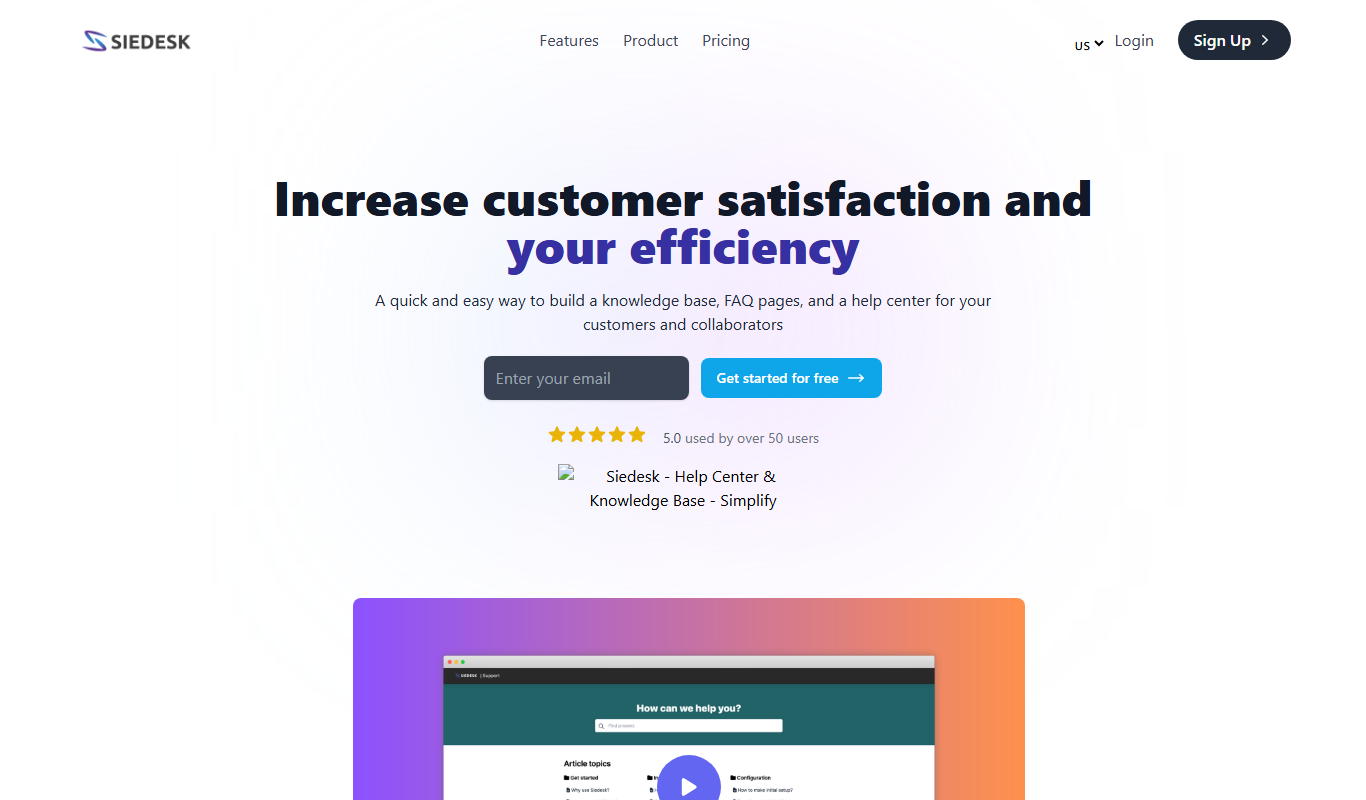
Siedesk – Help Center & Knowledge Base
Siedesk is a tool with AI assistance for building internal and external knowledge bases, FAQ pages and a help center for customers and staff.

miitel.com
MiiTel is a voice analysis AI that records, transcribes and analyzes business conversations on the phone, in web meetings and face to face.

Mumble
Mumble is a web platform integrated with WhatsApp that helps businesses manage customer interactions, automate sales processes, warm up leads and track customer journeys.

Emly Labs
Emly Labs offers a no-code AI framework to build AI chatbots and predictive AI models and to prepare data.

Voyageraid
VoyagerAid is end-to-end disruption management software that helps airlines handle rebooking, passenger communication and disruptions with predictive analytics.

HubSpot
HubSpot is a comprehensive CRM platform offering marketing automation, sales pipeline management, and customer support tools to help businesses attract, engage, and retain customers.
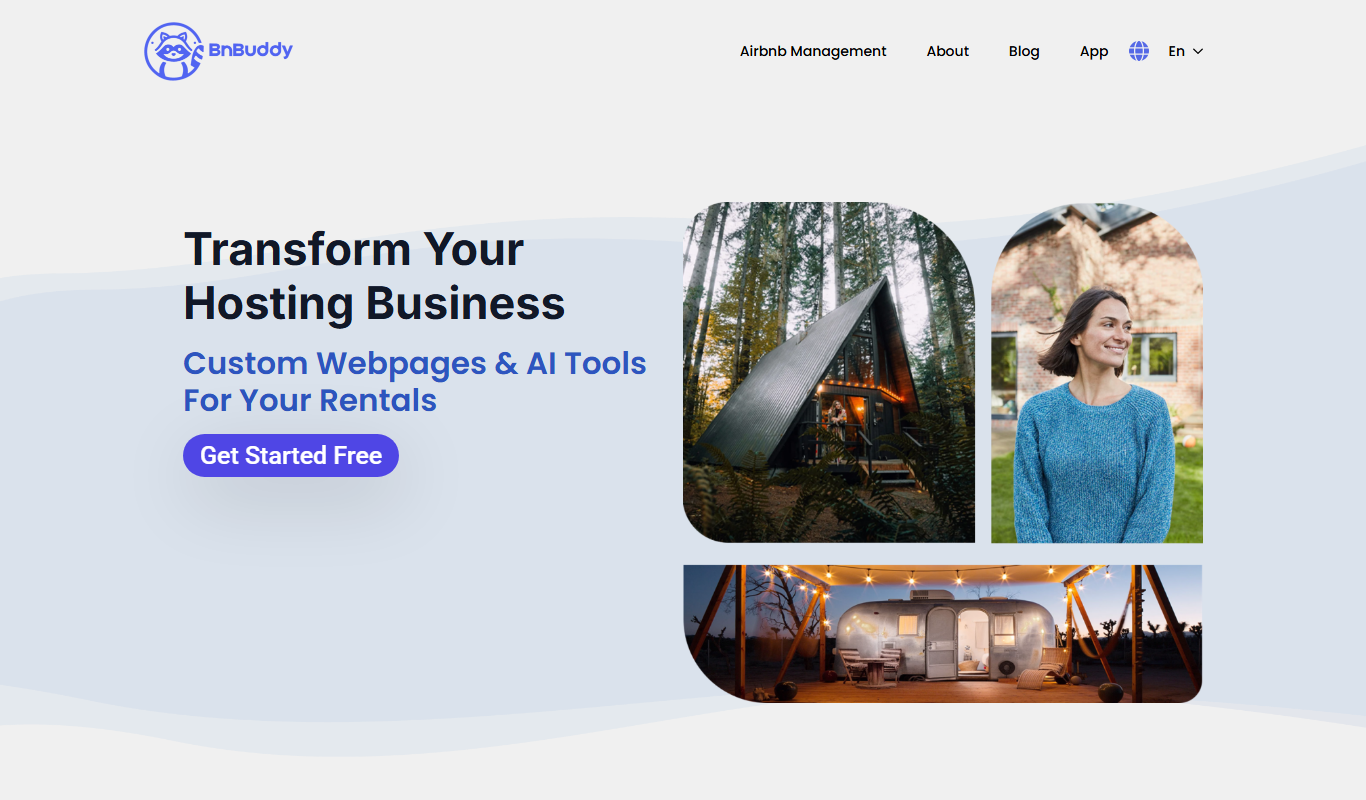
BnBuddy
BnBuddy gives short-term rental hosts AI guest messaging, digital guidebooks and their own booking site.