

From my experience with Expression Editor, I found it excels at simplifying the creation and evaluation of complex mathematical and logical expressions through its real-time feedback and clear interface. After spending time with the platform, I can say it’s particularly well-suited for developers, students, and analysts who need to test formulas quickly without coding overhead. However, there’s a trade-off: the free plan limits saving and export capabilities, which may require upgrading for heavy users. Overall, if you need a straightforward, web-based expression builder and evaluator, this tool delivers solid results efficiently.
Expression Editor - Advanced Online Expression Builder and Evaluator Tool
Expression Editor is an online tool that allows users to build, edit, and evaluate mathematical and logical expressions in real time with syntax highlighting and error detection.
- Best for
- Mathematical Expression Evaluation
- Key capability
- Real-Time Evaluation
Your actions
Save Expression Editor, follow its updates and vote on it — everything stays in your account.
Sign in or create a free account

What is Expression Editor?
Expression Editor is an online tool designed to help users create, edit, and evaluate mathematical and logical expressions with ease. It provides a user-friendly interface to build complex expressions without the need for manual coding, making it accessible for developers, students, and professionals who work with formulas and calculations.
Key features of Expression Editor
The tool offers real-time expression evaluation, syntax highlighting, error detection, and support for a wide range of mathematical and logical operators. It simplifies the process of testing and validating expressions, improving productivity and accuracy.
Real-Time Evaluation
Instantly evaluates expressions as you type, providing immediate feedback.
Syntax Highlighting and Error Detection
Highlights syntax and alerts users to errors to ensure expression correctness.
Support for Complex Expressions
Handles nested functions, logical operators, and various mathematical operations.
User-Friendly Interface
Clean and intuitive design that simplifies expression creation for all skill levels.
Pros and cons of Expression Editor
Pros
- Easy-to-use interface for building complex expressions
- Real-time evaluation with immediate feedback
- Supports a broad range of mathematical and logical operators
- Free plan available for basic needs
Cons
- Limited saving and export options on the free plan
- No mobile app currently available
Key use cases for Expression Editor
Mathematical Expression Evaluation
Users can build and evaluate complex mathematical expressions quickly and accurately.
Code and Formula Testing
Developers and engineers can test formulas and expressions before integrating them into applications.
Educational Tool
Students and educators can use the tool to understand and visualize mathematical expressions.
Data Analysis Preparation
Data analysts can prepare and verify expressions used in data transformation and analysis.
How Expression Editor works
- 1
Access the Web Interface
Open the Expression Editor website on any modern web browser.
- 2
Build Your Expression
Use the intuitive editor to input or construct your mathematical or logical expression.
- 3
Evaluate and Test
Run the expression to see immediate results and check for errors or syntax issues.
- 4
Save or Export
Save your expressions for future use or export them for integration into other projects.
Who is using Expression Editor
Software developers
Data analysts
Students and educators
Engineers
Mathematicians
Expression Editor pricing
Free
$0/month
Basic access with core features and limited expression saves.
Pro
$9/month
Advanced features including unlimited saves, priority support, and enhanced export options.
Plans and prices are as published by the vendor and can change. Check the official site before you buy. Open the pricing page (opens in a new tab)
Frequently asked questions about Expression Editor
Yes, there is a free plan that includes core features suitable for most users.
Yes, saving expressions is available on both free and Pro plans, with unlimited saves on Pro.
Yes, the tool supports a wide range of logical and mathematical operators.
Pro plan users receive priority customer support.
It depends on your specific needs and how you plan to use the tool. The official website and documentation are the best sources for the latest details.
Yes, it can help with that use case depending on how you configure it and what features are available. You’ll get the best results with clear inputs and a defined goal.
Some tools offer a free plan or trial with limited features. Availability can vary, so confirm on the official website.
Sign in to review this tool.
Sign In to ReviewNo reviews yet
Be the first to share how this tool worked for you.
Ask about pricing, limits, or how it compares — or answer someone else.
Sign In to AskNo questions yet
Have a question about using or paying for this tool? Be the first to ask.
Featured on TiorAI



Alternative Tools
Explore similar AI tools that might fit your needs
Free
Mathway
Mathway is an AI-powered math solver that provides instant answers and detailed step-by-step solutions for a wide range of math problems across multiple platforms.

Free
Wolfram Alpha
Wolfram Alpha is a computational knowledge engine that answers factual queries by performing computations on curated data, offering detailed solutions, visualizations, and an API for developers.

Free
Symbolab
Symbolab is an online math solver that provides step-by-step solutions for algebra, calculus, and other math problems, available on web and mobile platforms.
More AI Productivity Tools tools
Other tools in the same category, for when this one is not quite the fit.

Freemium
Wanderlust Browser Extension V2
Wanderlust Browser Extension V2 is a travel planning tool that integrates with Chrome and Firefox browsers, enabling users to save travel ideas, build itineraries, and collaborate on trip plans directly from their browsing experience.

Freemium
EasyTrip AI
EasyTrip AI is an AI-driven travel planner that generates customized trip itineraries based on your travel dates, destinations, and preferences, helping you organize your trip efficiently.

Freemium
PlaninGo
PlaninGo is an AI travel planning tool that generates personalized trip itineraries and guides based on your preferences, helping you plan efficient and enjoyable trips.

Freemium
Travel Itinerary AI
Travel Itinerary AI is an AI-powered web tool that creates personalized travel itineraries based on your preferences, helping you plan and manage trips efficiently.

Free
aigclist
AIGCList is a free online directory that aggregates and categorizes AI tools, providing detailed information, user reviews, and AI industry news to help users discover and compare AI solutions.

Freemium
SAiY™
SAiY™ is an AI-powered writing assistant that helps users generate and improve written content efficiently with features like AI content generation, real-time editing, and customizable writing styles.
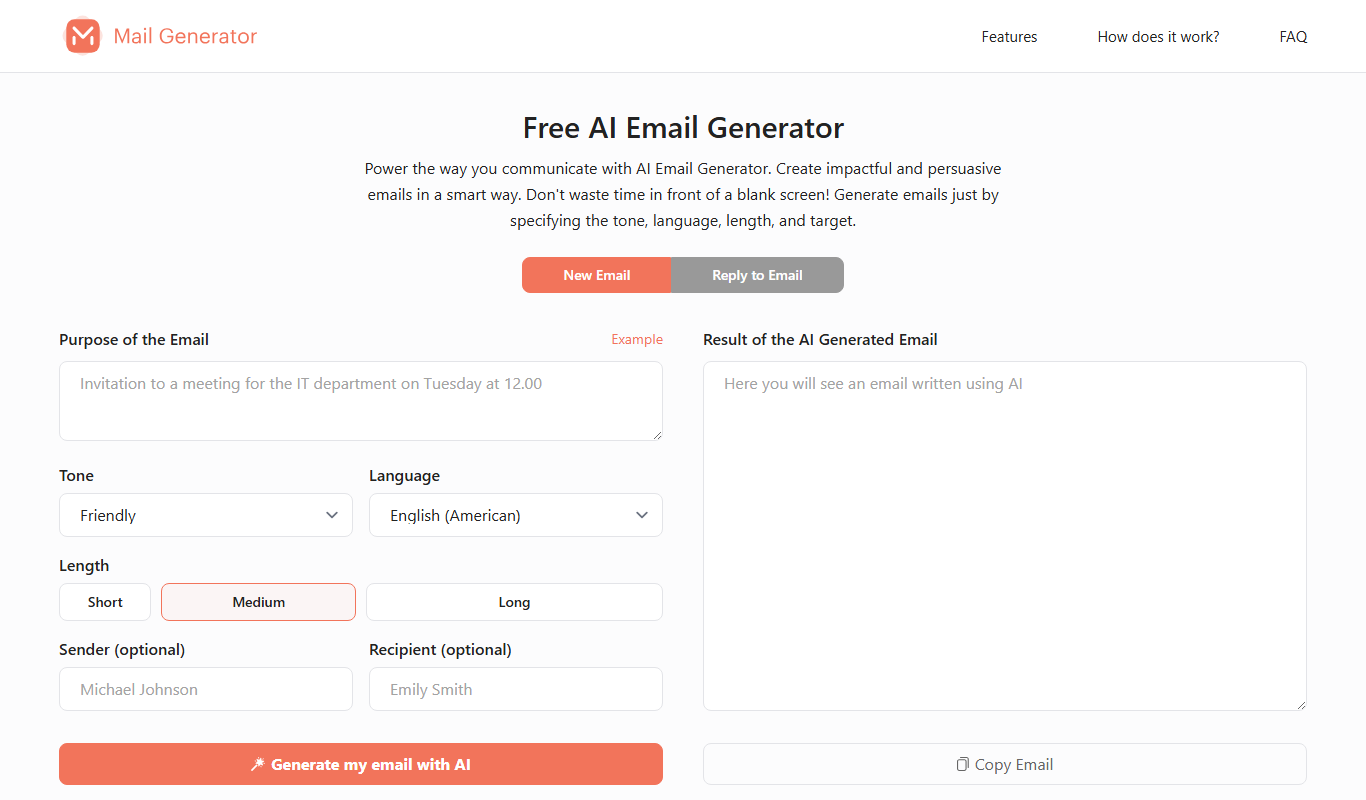
Free
MailGenerator
MailGenerator is a free online tool that instantly creates temporary disposable email addresses to help users protect their privacy and avoid spam without requiring registration.

Free
Textie AI
Textie AI is a web-based AI writing assistant that helps users generate and edit content such as blog posts, emails, and social media posts by leveraging natural language processing technology.