

From my experience with I Have a Dream AI, I found it excels at transforming abstract personal goals into vivid visual representations that enhance motivation. The platform’s straightforward interface makes it accessible even for users without technical skills, which is a big plus for personal development enthusiasts. However, the customization options for images are somewhat limited, and the lack of a mobile app may restrict on-the-go use. Overall, if you want to create inspiring digital vision boards or visualize your dreams clearly, this tool offers a practical and engaging solution.
I Have a Dream AI Tool for Personalized Goal Setting and Visualization
I Have a Dream AI is a web-based tool that uses artificial intelligence to generate personalized images representing your goals and dreams, helping you visualize and stay motivated.
- Best for
- Personal Goal Visualization
- Key capability
- AI-Powered Image Generation

Do you recommend this tool?
What is I Have a Dream?
I Have a Dream AI is a web-based tool that leverages artificial intelligence to help users visualize their personal goals and dreams. By generating customized images based on user input, it transforms abstract aspirations into tangible visual representations, aiding motivation and focus.
Key features of I Have a Dream
The tool offers AI-powered image generation tailored to individual goals, easy-to-use interfaces for inputting dreams, and options to save or share the generated visuals. It serves as a digital vision board assistant to support personal development.
AI-Powered Image Generation
Transforms textual descriptions of dreams into vivid, personalized images.
User-Friendly Interface
Simple input and navigation designed for users of all technical levels.
Vision Board Support
Enables users to compile and organize images as part of a digital vision board.
Sharing Capabilities
Allows easy sharing of generated visuals on social media or with friends.
Pros and cons of I Have a Dream
Pros
- Easy to use for all skill levels
- Helps clarify and visualize personal goals
- Supports motivation through visual reinforcement
Cons
- Limited customization of images
- No mobile app available
- Free plan has usage restrictions
Key use cases for I Have a Dream
Personal Goal Visualization
Users can create vivid AI-generated images representing their personal goals to enhance motivation and clarity.
Motivational Support
The tool helps users stay motivated by visually reinforcing their dreams and aspirations.
Creative Brainstorming
Users can explore creative ways to visualize abstract ideas or future ambitions using AI-generated imagery.
Vision Board Creation
Facilitates the creation of digital vision boards by generating personalized images aligned with user goals.
How I Have a Dream works
- 1
Enter Your Dream
Users input a description of their personal goal or dream into the platform.
- 2
AI Generates Visuals
The AI processes the input and creates unique images that represent the user’s dream.
- 3
Review and Customize
Users can review the generated images and make adjustments or regenerate if desired.
- 4
Save or Share
Final images can be saved for personal use or shared to inspire others.
Who is using I Have a Dream
Individuals seeking personal development
Coaches and motivational speakers
Creative professionals
Students and goal-oriented users
I Have a Dream pricing
Free
$0/month
Access to basic AI image generation with limited daily uses.
Premium
$9.99/month
Unlimited image generation, higher resolution downloads, and priority support.
Plans and prices are as published by the vendor and can change. Check the official site before you buy. Open the pricing page (opens in a new tab)
Frequently asked questions about I Have a Dream
Yes, it offers a free plan with limited daily image generations and a premium plan for extended features.
Users can regenerate images and adjust input descriptions but direct image editing is limited.
Currently, it is available as a web-based application accessible via modern browsers.
It depends on your specific needs and how you plan to use the tool. The official website and documentation are the best sources for the latest details.
Some tools offer a free plan or trial with limited features. Availability can vary, so confirm on the official website.
Yes, it can help with that use case depending on how you configure it and what features are available. You’ll get the best results with clear inputs and a defined goal.
Sign in to review this tool.
Sign In to ReviewNo reviews yet
Be the first to share how this tool worked for you.
Ask about pricing, limits, or how it compares — or answer someone else.
Sign In to AskNo questions yet
Have a question about using or paying for this tool? Be the first to ask.
Featured on TiorAI



More AI Data Visualization Tools tools
Other tools in the same category, for when this one is not quite the fit.

Freemium
ReRoom
ReRoom is an AI-powered web tool that transforms room photos into virtually staged interiors with various furniture and decor styles, ideal for real estate marketing and interior design visualization.

Freemium
Zetane Systems
Zetane Systems is an AI platform that enables interactive 3D visualization, explainability, and deployment of machine learning models, supporting multiple frameworks and facilitating collaboration.
Free
AI VisionBoard
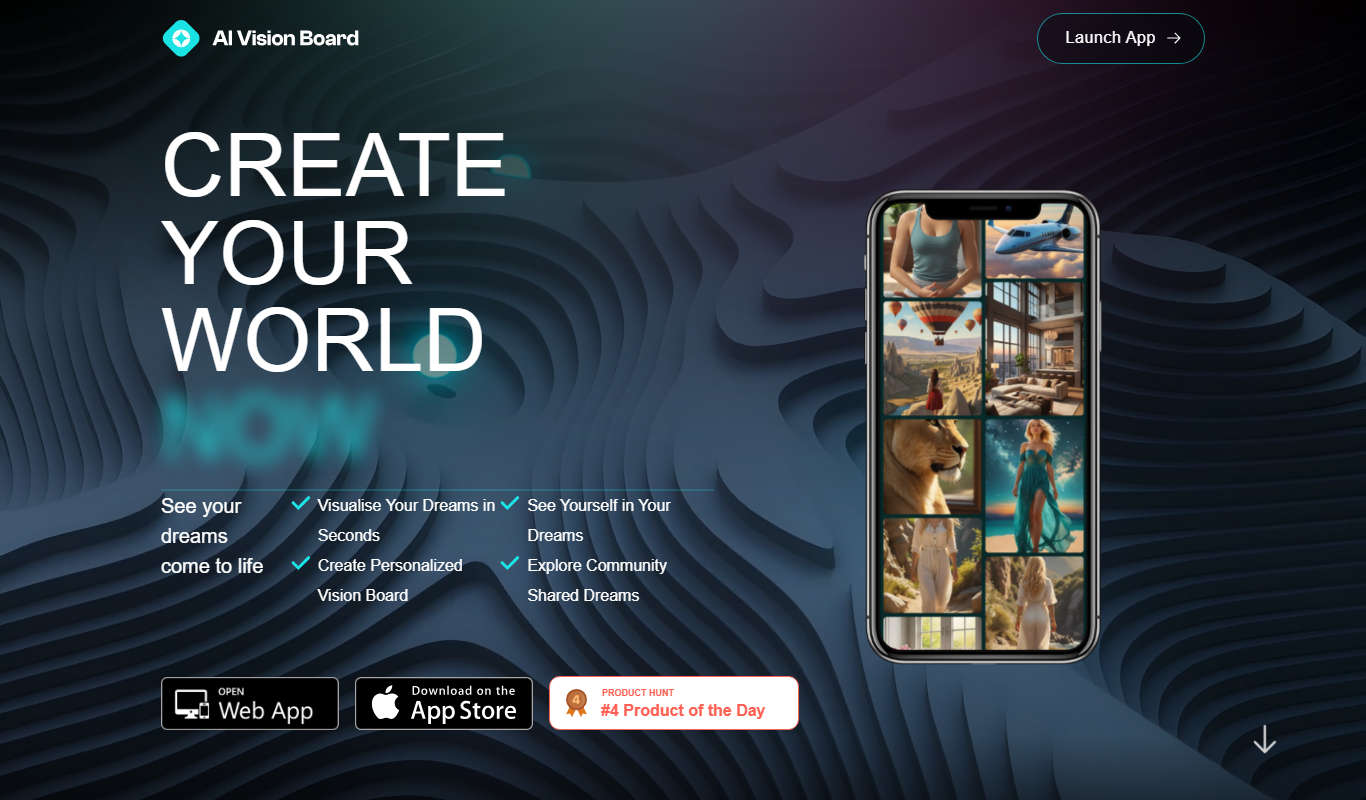
AI VisionBoard is a web-based tool that uses AI to generate images and layouts for creating personalized vision boards, helping users visualize and achieve their goals.

Free
History Timeline Generator
History Timeline Generator is a free web tool that lets users create interactive, customizable timelines by adding events with dates, descriptions, and images. It is ideal for educational and project planning purposes and allows exporting timelines as images or PDFs.

Free Trial
Industrial Render AI
Industrial Render AI is a web-based platform that uses artificial intelligence to create photorealistic 3D renderings of industrial products quickly and easily without requiring powerful local hardware.

Freemium
Meshy
Meshy is a web-based AI-powered platform that enables real-time collaborative 3D design and visualization, allowing teams to work together seamlessly on 3D models through a browser without software installation.
Freemium
MidReal
MidReal is an AI-driven platform that transforms 2D images into realistic 3D models, enabling users to create detailed digital assets for VR, gaming, and product visualization.
Free
changeroomcolor.com
ChangeRoomColor.com is a free web-based tool that lets users upload room photos and virtually apply different paint colors to walls, helping visualize color choices before painting.