

From my experience with ebookmaker.ai, I found it excels at simplifying the ebook creation process by leveraging AI to generate structured content quickly. The platform is particularly well-suited for marketers, authors, and educators who want to produce professional ebooks without investing extensive time in writing and formatting. However, the tool currently supports only English and may feel pricey for casual users. Overall, if you need to create ebooks efficiently with AI assistance and customizable templates, ebookmaker.ai delivers solid results.
ebookmaker.ai - AI-Powered Ebook Creator for Fast Content Generation
ebookmaker.ai is an AI-driven platform that helps users quickly generate, customize, and export professional ebooks using artificial intelligence and customizable templates.
- Best for
- Ebook Creation
- Key capability
- AI-Powered Content Generation
Your actions
Save ebookmaker.ai, follow its updates and vote on it — everything stays in your account.
Sign in or create a free account
What is ebookmaker.ai?
ebookmaker.ai is an AI-driven platform designed to simplify and accelerate the process of creating ebooks. By leveraging artificial intelligence, it helps users generate structured, well-written ebook content from scratch or based on user inputs. The tool is aimed at marketers, authors, educators, and businesses looking to produce digital books efficiently without extensive manual writing.
Key features of ebookmaker.ai
ebookmaker.ai offers features such as AI content generation, customizable ebook templates, automatic formatting, and export options to popular ebook formats. It streamlines the ebook creation workflow by combining content ideation, writing, and design in one platform.
AI-Powered Content Generation
Automatically create coherent and relevant ebook content using advanced AI models.
Customizable Templates
Choose from a variety of ebook templates to match your branding and style preferences.
Automatic Formatting
The platform formats text, images, and layout to produce professional-looking ebooks.
Multi-Format Export
Export your ebook in multiple formats including PDF and EPUB for wide compatibility.
Pros and cons of ebookmaker.ai
Pros
- Speeds up ebook creation with AI-generated content
- User-friendly interface with customizable templates
- Supports multiple export formats
- No advanced writing skills required
Cons
- Limited language support (English only)
- Pricing may be high for casual users
Key use cases for ebookmaker.ai
Ebook Creation
Generate professional-quality ebooks quickly using AI-powered content generation.
Content Marketing
Create ebooks to support marketing campaigns and lead generation efforts.
Self-Publishing
Produce ready-to-publish ebooks for distribution on various digital platforms.
Educational Materials
Develop educational ebooks and guides for training or instructional purposes.
How ebookmaker.ai works
- 1
Start a New Project
Sign up and initiate a new ebook project by selecting a topic or providing keywords.
- 2
Generate Content
Use AI to automatically generate chapters, sections, and text based on your inputs.
- 3
Customize and Edit
Modify the generated content, adjust the structure, and apply design templates.
- 4
Export Ebook
Download the finished ebook in formats like PDF or EPUB for publishing or sharing.
Who is using ebookmaker.ai
Content marketers
Self-publishing authors
Small business owners
Educators and trainers
Digital marketers
ebookmaker.ai pricing
Free Trial
$0
Limited access to features to test ebook creation capabilities.
Monthly Subscription
$29/month
Full access to all features with monthly billing.
Annual Subscription
$290/year
Discounted yearly plan with full feature access.
Plans and prices are as published by the vendor and can change. Check the official site before you buy. Open the pricing page (opens in a new tab)
Frequently asked questions about ebookmaker.ai
Yes, you can edit and modify all AI-generated content to suit your needs.
You can export ebooks in PDF and EPUB formats.
Yes, ebookmaker.ai offers a free trial with limited features.
No, the AI assists with content creation, making it accessible for users without writing experience.
It depends on your specific needs and how you plan to use the tool. The official website and documentation are the best sources for the latest details.
Yes, it can help with that use case depending on how you configure it and what features are available. You’ll get the best results with clear inputs and a defined goal.
It depends on your specific needs and how you plan to use the tool. The official website and documentation are the best sources for the latest details.
Sign in to review this tool.
Sign In to ReviewNo reviews yet
Be the first to share how this tool worked for you.
Ask about pricing, limits, or how it compares — or answer someone else.
Sign In to AskNo questions yet
Have a question about using or paying for this tool? Be the first to ask.
Featured on TiorAI



Alternative Tools
Explore similar AI tools that might fit your needs
Free Trial
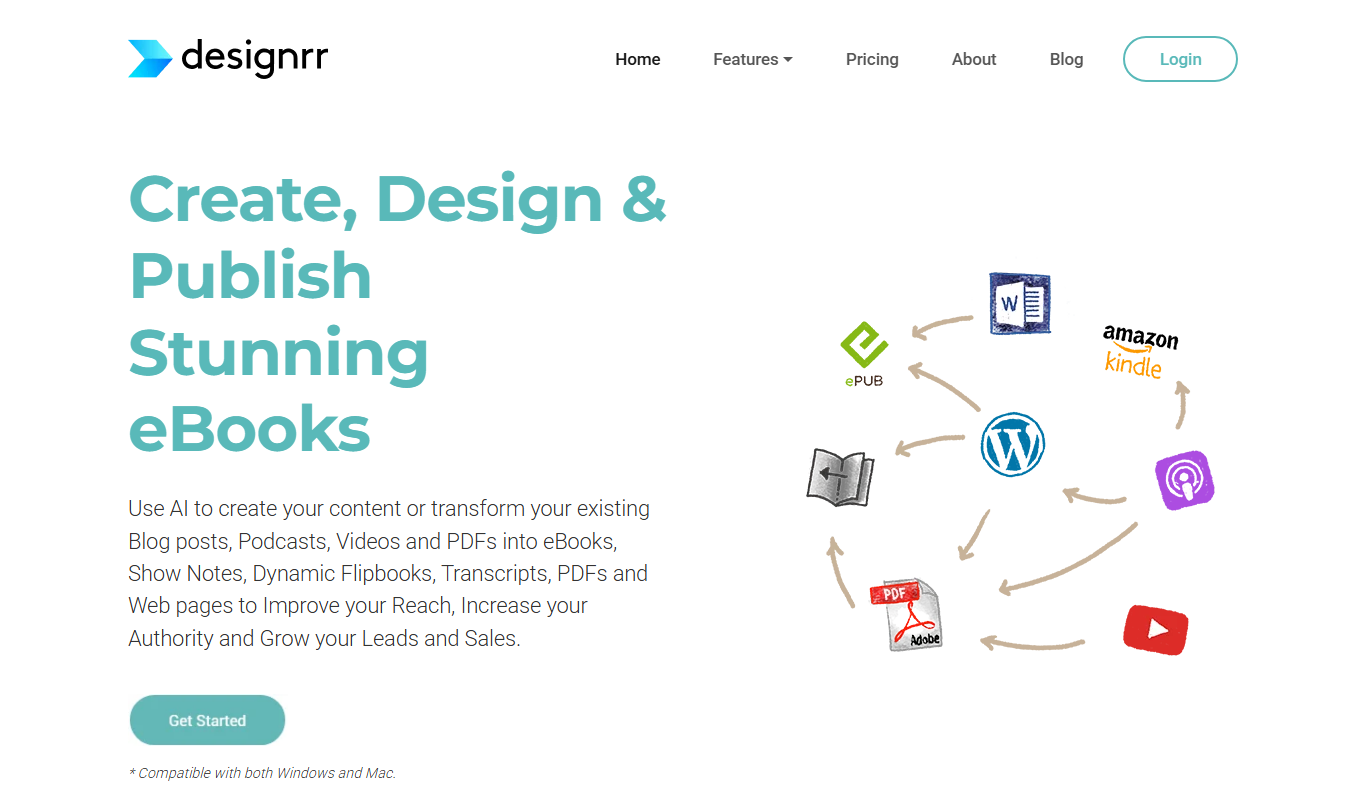
Designrr
Designrr is an AI-driven platform that helps users convert existing content like blogs and podcasts into professional ebooks, reports, and lead magnets with customizable templates and multi-format export options.

Free
Beacon
Beacon is an AI-powered content generation platform that helps marketers create professional lead magnets and marketing materials quickly using customizable templates and AI assistance.
More AI Book Cover Generator tools
Other tools in the same category, for when this one is not quite the fit.

Free
GPT Book Club
GPT Book Club is a free web-based AI platform that enables users to engage in interactive book discussions, receive summaries, and enhance their reading experience through GPT-powered conversations.

Subscription
BookBrush
BookBrush is a web-based design platform that helps authors create professional book covers, 3D mockups, and marketing images using customizable templates and easy drag-and-drop tools.

Enterprise
Octoparse AI
Octoparse AI is a no-code web scraping tool that uses artificial intelligence to automate data extraction from websites, supporting dynamic content and offering cloud-based scraping and API integration.
Free
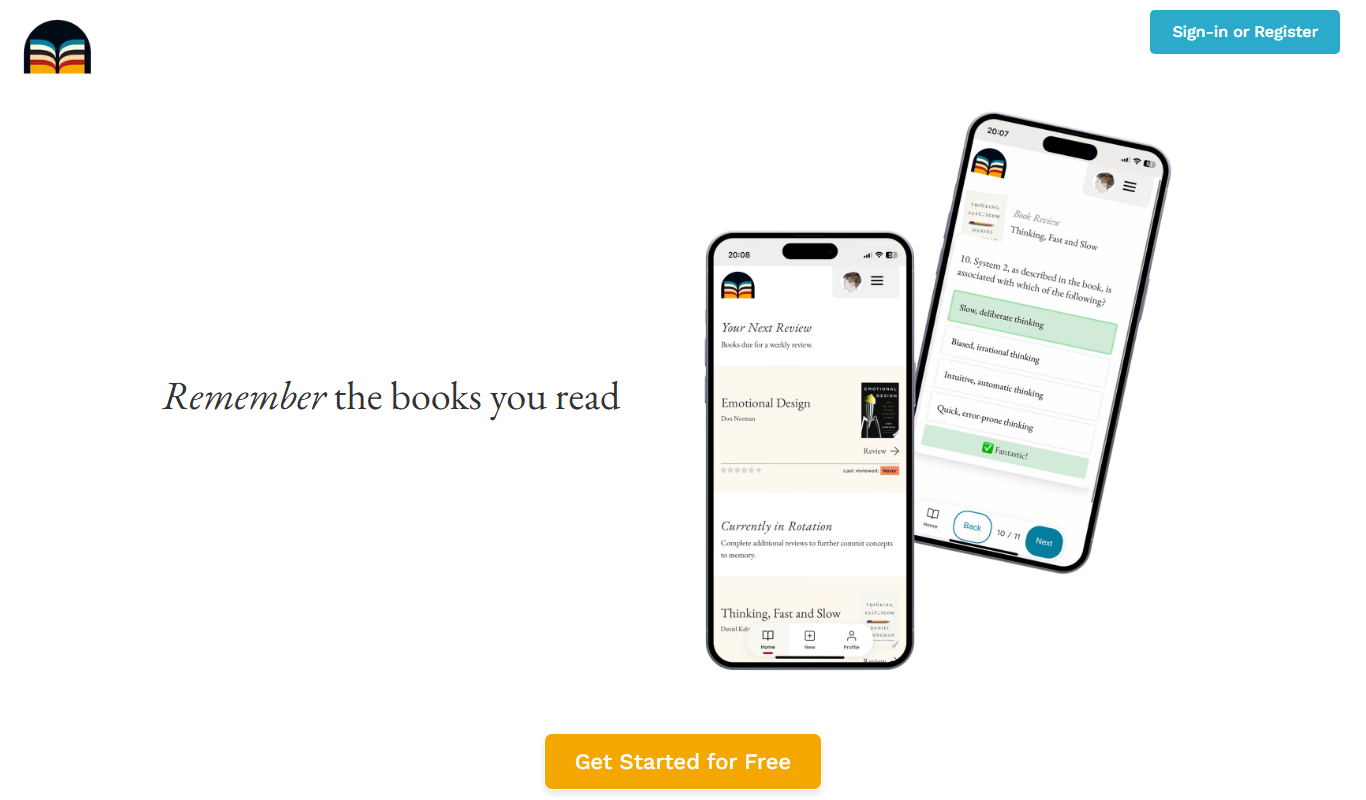
Bookwield
Bookwield is an AI writing assistant that helps users create and edit content by providing grammar corrections, style improvements, and creative suggestions through a web-based platform.

Free
Automateed
Automateed is a no-code AI automation platform that helps users create workflows to automate tasks, integrate apps, and schedule operations efficiently.

Freemium
Openfabric AI
Openfabric AI is a modular platform that enables users to deploy, integrate, and automate AI models and workflows through a visual interface and API, supporting both pre-built and custom AI models.
Free
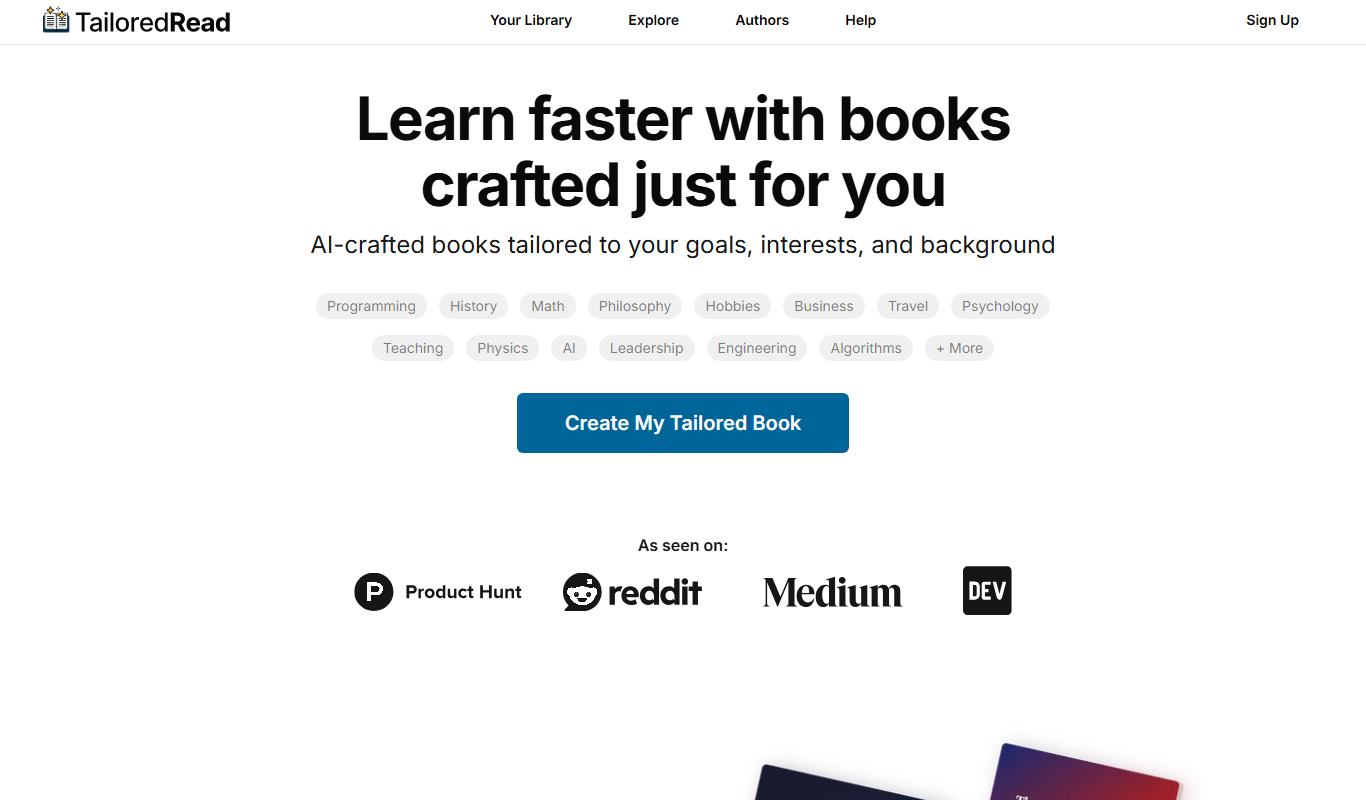
TailoredRead
TailoredRead is an AI reading assistant that creates personalized summaries of articles and documents, helping users save time and focus on key information.