

Duo Security Multi-Factor Authentication and Zero Trust Security Platform
Duo Security is a cloud-based platform providing multi-factor authentication and zero trust security to verify user identities and devices before granting access to applications.
- Best for
- Multi-Factor Authentication
- Key capability
- Multi-Factor Authentication
Save Duo Security, follow its updates and vote on it — everything stays in your account.
Sign in or create a free account
What is Duo Security?
Duo Security is a cloud-based multi-factor authentication (MFA) and zero trust security platform designed to protect organizations from data breaches and unauthorized access. It verifies user identities and device health before granting access to applications, ensuring secure authentication across cloud and on-premises environments.
Key features of Duo Security
Duo Security offers adaptive MFA, device trust, single sign-on (SSO), endpoint visibility, and secure access policies to help organizations implement zero trust security frameworks effectively.
Multi-Factor Authentication
Supports push notifications, biometrics, hardware tokens, and SMS for secure user verification.
Device Trust
Ensures only trusted and compliant devices can access sensitive applications.
Single Sign-On (SSO)
Simplifies user access by allowing one set of credentials for multiple applications.
Adaptive Access Policies
Customizable policies that adapt based on user behavior, location, and device status.
Endpoint Visibility
Provides insights into device security posture to inform access decisions.
Pros and cons of Duo Security
Pros
- Robust multi-factor authentication options
- Easy integration with existing infrastructure
- Strong device trust and endpoint visibility
- Flexible and adaptive access policies
- Backed by Cisco’s security expertise
Cons
- Pricing can be high for small businesses
- Some advanced features require higher-tier plans
- Learning curve for complex policy configurations
Key use cases for Duo Security
Multi-Factor Authentication
Enhance login security by requiring multiple verification methods to confirm user identities.
Zero Trust Security Implementation
Apply zero trust principles to verify every user and device before granting access to applications.
Access Management
Control and monitor user access to corporate resources and applications in real time.
Remote Workforce Security
Secure remote employee access to cloud and on-premises applications with adaptive authentication.
Compliance and Risk Reduction
Meet regulatory requirements and reduce risk by enforcing strong authentication policies.
How Duo Security works
- 1
Integrate Duo with Applications
Connect Duo Security to your existing applications and infrastructure via APIs or native integrations.
- 2
Enroll Users and Devices
Users register their devices for authentication, enabling multi-factor verification.
- 3
Configure Access Policies
Set adaptive policies based on user roles, device health, location, and risk factors.
- 4
Authenticate Access Requests
When users attempt to access resources, Duo verifies identity and device compliance before granting access.
Who is using Duo Security
Duo Security pricing
Duo Free
$0 per user/month
For teams of 10 or fewer users: strong MFA, integrations and a free authenticator app.
Duo Essentials
$3 per user/month
Everything in Free plus Duo Directory, phishing-resistant MFA, complete passwordless authentication, single sign-on, Trusted Endpoints and unlimited applications.
Duo Advantage
$6 per user/month
Everything in Essentials plus Cisco Identity Intelligence (cross-identity visibility, ISPM and ITDR), Duo Passport, session theft protection, Active Directory Defense and risk-based authentication.
Duo Premier
$9 per user/month
Everything in Advantage plus complete Zero Trust access, VPN-less remote access to private resources and complete device trust with an endpoint protection check.
Plans and prices are as published by the vendor and can change. Check the official site before you buy. Open the pricing page (opens in a new tab)
Frequently asked questions about Duo Security
Duo Security is used to provide multi-factor authentication and zero trust security to protect user identities and control access to applications.
Yes, Duo offers APIs and native integrations to connect with a wide range of cloud and on-premises applications.
Yes, Duo supports authentication via mobile apps on iOS and Android devices.
Yes. Duo Free is free for teams of 10 or fewer users, and Duo can be tried free for 30 days.
Data handling and security practices vary by provider. Review the official privacy policy to understand how your data is stored and used.
Data handling and security practices vary by provider. Review the official privacy policy to understand how your data is stored and used.
Some tools offer a free plan or trial with limited features. Availability can vary, so confirm on the official website.
Data handling and security practices vary by provider. Review the official privacy policy to understand how your data is stored and used.
Conclusion
Access decisions hinge on both the person and the device: users register their devices, and each access attempt is checked against identity and device compliance before it is granted. Admins can set access policies based on user role, location, application, network and device health. Verification methods can be mixed, from biometrics and passcodes to tokens and Duo Push, and users can enroll themselves in a few clicks. Coverage reaches legacy Active Directory resources, VPNs, SaaS tools and custom apps, on-premises or in the cloud.
Its intended users range from enterprise IT security teams and managed service providers to companies with remote or hybrid workforces. Paid editions are priced per user per month, while Duo Free covers teams of 10 or fewer users at no cost. The top Premier edition adds VPN-less remote access to private resources and complete device trust, and a 30-day free trial is available.
Sources
Sign in to review this tool.
Sign In to ReviewNo reviews yet
Be the first to share how this tool worked for you.
Ask about pricing, limits, or how it compares — or answer someone else.
Sign In to AskNo questions yet
Have a question about using or paying for this tool? Be the first to ask.
Featured on TiorAI


Alternative Tools
Explore similar AI tools that might fit your needs

Okta
Okta is a cloud-based identity and access management platform that provides secure single sign-on, multi-factor authentication, and user lifecycle management to help organizations control access to applications and APIs.
More AI Workflow tools
Other tools in the same category, for when this one is not quite the fit.

Lens Protocol
Lens Protocol is a blockchain stack built for SocialFi, made up of Lens Chain, the Social Protocol and Storage Nodes, where one Lens account works across many apps.

Botkeeper
Botkeeper is an AI accounting solution purpose-built for accounting firms that automates the most manual and time-consuming bookkeeping work.

Furkot
Furkot is a web-based trip planner that helps users create multi-stop routes, optimize travel paths, schedule accommodations and activities, and share itineraries for efficient road trip planning.

Trials.ai
Trials.ai is an AI-driven platform that helps medical researchers design optimized clinical trial protocols, improve patient recruitment, and ensure regulatory compliance to accelerate trial success.

ZipBooks
ZipBooks is a cloud-based accounting software designed for small businesses and freelancers to manage invoicing, expenses, payments, and financial reporting with ease.

Lookeen
Lookeen is a Windows desktop search software that enables fast and comprehensive searching of emails, files, and documents, integrating deeply with Microsoft Outlook and supporting network drives.
Ataccama
Ataccama is an AI-driven data management platform that integrates data governance, master data management, and data quality automation to help enterprises manage and improve their data assets efficiently.
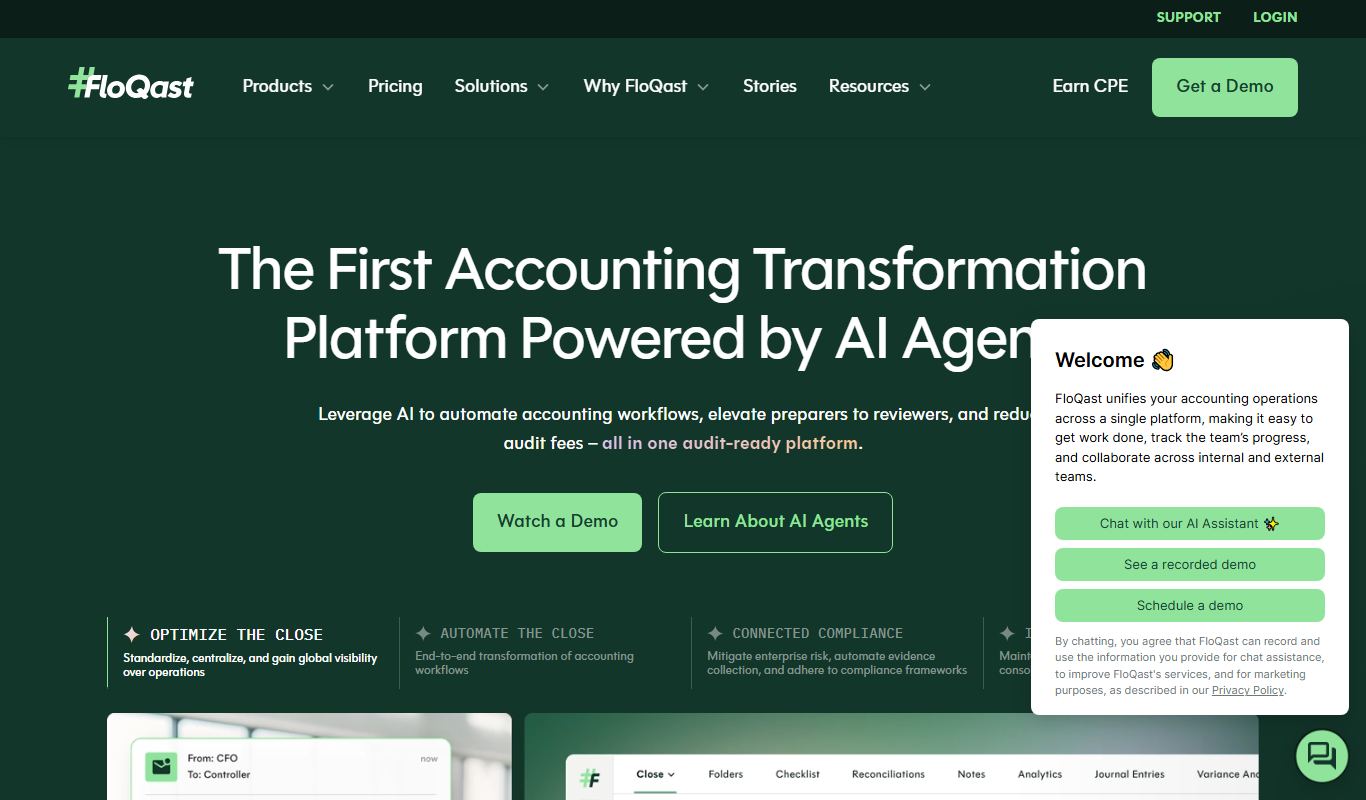
FloQast
FloQast is a cloud software designed to streamline and automate the accounting month-end close process, improving accuracy and collaboration for finance teams.