

From my experience with Dubsado, it stands out as a robust all-in-one client management and automation platform tailored for freelancers and small businesses. The ability to customize workflows and automate repetitive tasks like invoicing and contract sending significantly reduces administrative overhead. While the mobile app is somewhat limited compared to the web version, the overall user experience is intuitive and efficient. If you are a service-based entrepreneur looking to streamline client communications and business processes, Dubsado offers a solid, scalable solution.
Dubsado Client Management Software for Small Business Automation
Dubsado is a client management and business automation software designed for freelancers and small businesses to streamline workflows, invoicing, contracts, and scheduling.
- Best for
- Client Relationship Management
- Key capability
- Custom Workflows
Your actions
Save Dubsado, follow its updates and vote on it — everything stays in your account.
Sign in or create a free accountWhat is Dubsado?
Dubsado is a comprehensive client management and business automation platform designed primarily for small businesses and freelancers. It helps users streamline client workflows by integrating CRM, invoicing, contracts, scheduling, and automation tools into a single interface. The platform aims to reduce administrative overhead and improve client communication and project management.
Key features of Dubsado
Dubsado offers features such as customizable workflows, automated email sequences, contract and form templates, invoicing with payment processing, scheduling tools, and client portals. These features work together to automate business processes and enhance client experience.
Custom Workflows
Design automated sequences for onboarding, payments, and communication.
Contract and Form Templates
Create legally binding contracts and customizable forms for client approvals.
Invoicing and Payment Processing
Generate invoices and accept payments via integrated gateways.
Scheduling Tools
Manage appointments with calendar syncing and client self-scheduling.
Client Portal
Provide clients with a dedicated space to view contracts, invoices, and project updates.
Pros and cons of Dubsado
Pros
- Comprehensive all-in-one client management solution
- Highly customizable workflows and automation
- Integrated invoicing and payment processing
- User-friendly interface with client portal
- Strong support and community resources
Cons
- No free plan beyond trial period
- Limited integrations compared to some competitors
- Mobile app has fewer features than web version
Key use cases for Dubsado
Client Relationship Management
Manage client information, communication, and project details in one centralized platform.
Workflow Automation
Automate repetitive tasks such as sending contracts, invoices, and follow-ups to save time.
Invoicing and Payments
Create and send professional invoices, accept payments, and track financial transactions.
Contract and Form Management
Generate customizable contracts and forms to streamline client onboarding and approvals.
Scheduling and Calendar Integration
Schedule appointments and sync calendars to manage meetings and deadlines efficiently.
How Dubsado works
- 1
Create an Account
Sign up for Dubsado and set up your business profile.
- 2
Customize Workflows
Build automated workflows tailored to your business processes.
- 3
Add Clients and Projects
Input client details and create projects to organize your work.
- 4
Send Contracts and Invoices
Use templates to send contracts and invoices directly through the platform.
- 5
Automate Follow-ups
Set up automated emails and reminders to keep clients engaged.
Who is using Dubsado
Freelancers
Small business owners
Creative professionals
Consultants
Service-based entrepreneurs
Dubsado pricing
Free Trial
$0 for 14 days
Access all features with a limit of 3 clients to test the platform.
Starter
$35/month
Unlimited clients, full feature access for small businesses.
Plans and prices are as published by the vendor and can change. Check the official site before you buy. Open the pricing page (opens in a new tab)
Frequently asked questions about Dubsado
Yes, Dubsado offers a 14-day free trial with access to all features and a limit of 3 clients.
Yes, it integrates with payment gateways like Stripe and PayPal to accept client payments.
Absolutely, it is designed to help freelancers and small businesses manage clients and automate workflows.
Yes, Dubsado provides customizable templates for contracts and forms to fit your business needs.
This tool is designed to help users accomplish its core tasks more efficiently. It is typically used by individuals or teams looking to improve productivity and workflow.
Pricing depends on the plan and included features. For the most accurate and up-to-date details, check the official pricing page.
Some tools offer a free plan or trial with limited features. Availability can vary, so confirm on the official website.
Integration support depends on the tool and its available connectors or API. Check the official documentation or integrations page to confirm what is supported.
Sign in to review this tool.
Sign In to ReviewNo reviews yet
Be the first to share how this tool worked for you.
Ask about pricing, limits, or how it compares — or answer someone else.
Sign In to AskNo questions yet
Have a question about using or paying for this tool? Be the first to ask.
Featured on TiorAI



Alternative Tools
Explore similar AI tools that might fit your needs

Free Trial
HoneyBook
HoneyBook is a client management software designed for freelancers and small businesses, combining CRM, project workflows, invoicing, contracts, and scheduling into one platform.
Free Trial
17hats
17hats is a cloud-based business management software designed for freelancers and small businesses to manage clients, projects, invoicing, and automate workflows.
More AI CRM tools
Other tools in the same category, for when this one is not quite the fit.
Subscription
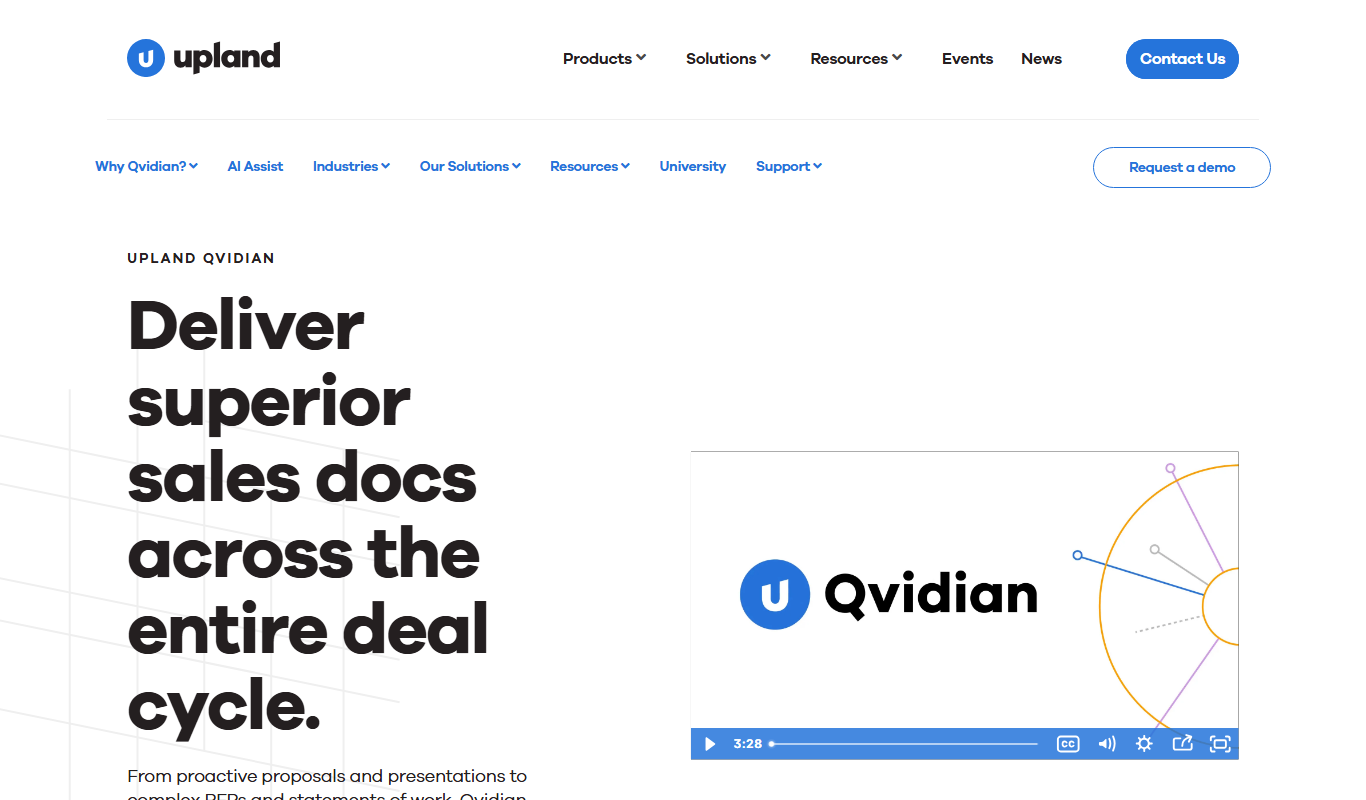
Qvidian
Qvidian is a cloud-based proposal automation software that helps sales and proposal teams create, manage, and deliver proposals and RFP responses efficiently by centralizing content and automating workflows.

Subscription
Loopio
Loopio is a cloud platform that automates and streamlines RFP responses by providing a centralized content library, AI-powered answer suggestions, and collaborative workflows to improve proposal quality and speed.
Custom Pricing
Coveo
Coveo is an AI-driven enterprise search and personalization platform that improves content discovery and customer experience by delivering relevant search results and recommendations.

Free
Apollo.io
Apollo.io is a sales engagement platform that combines a large contact database, email automation, and CRM tools to help businesses find leads, automate outreach, and manage customer relationships efficiently.
Custom Pricing
Gainsight
Gainsight is a customer success platform that uses data analytics and automation to help SaaS and enterprise companies manage customer relationships, reduce churn, and increase revenue.
Custom Pricing
ChurnZero
ChurnZero is a customer success platform designed to help SaaS and subscription businesses reduce churn by providing real-time customer health scoring, automated workflows, and subscription analytics.

Free
Voila Norbert
Voila Norbert is a web-based tool that helps users find and verify professional email addresses to improve lead generation and outreach campaigns.

Custom Pricing
Genesys Cloud
Genesys Cloud is a cloud-based contact center platform that uses AI to provide omnichannel customer service, workforce engagement, and real-time analytics for businesses of all sizes.