

From my experience with Drawstory, I found it excels at blending AI-generated text with visual storytelling elements, making it a valuable tool for creative writers and educators alike. The platform’s intuitive interface helps overcome writer’s block by providing fresh story ideas and easy editing options. However, the free plan has some limitations in customization and usage, and the tool currently supports only English, which might restrict non-English users. Overall, if you want to create engaging stories enhanced with visuals quickly, Drawstory offers a practical and accessible solution.
Drawstory AI Storytelling Tool for Creative Writing and Visual Narratives
Drawstory is an AI-driven platform that assists users in generating creative stories by combining text and visual elements, ideal for writers, educators, and content creators.
- Best for
- Creative Writing
- Key capability
- AI-Powered Story Generation
Your actions
Save Drawstory, follow its updates and vote on it — everything stays in your account.
Sign in or create a free account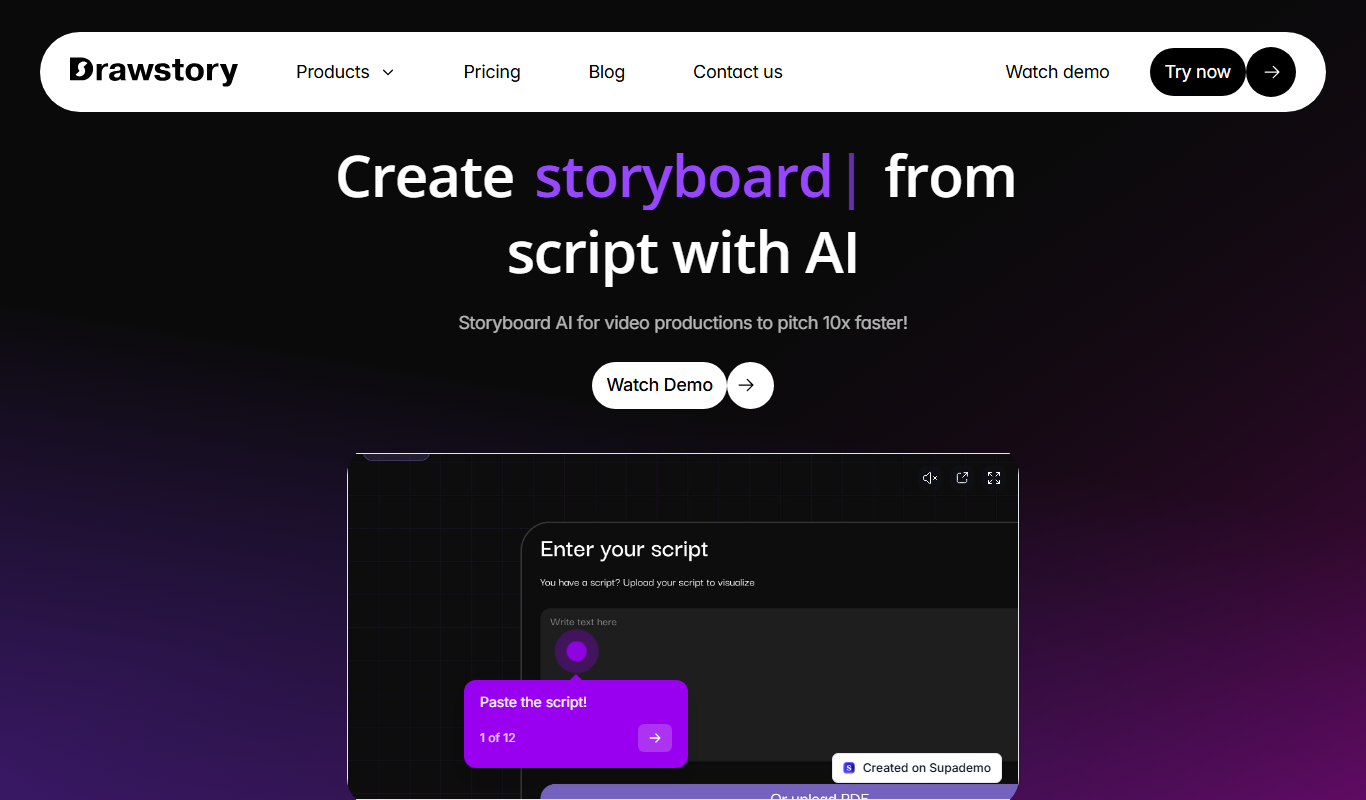

What is Drawstory?
Drawstory is an AI-powered storytelling platform designed to help users create compelling narratives by combining text generation with visual storytelling elements. It leverages artificial intelligence to assist writers, educators, and content creators in producing unique stories enhanced with visuals, making storytelling more accessible and engaging.
Key features of Drawstory
Drawstory offers AI-driven story generation, visual narrative integration, easy-to-use editing tools, and options to export or share stories. It supports creative workflows by providing inspiration and structure for stories, blending text and imagery seamlessly.
AI-Powered Story Generation
Automatically generate story ideas and narratives from simple prompts.
Visual Story Integration
Combine text with images to create engaging visual stories.
User-Friendly Editing Interface
Edit and customize stories easily with intuitive tools.
Export and Sharing Options
Download stories or share them directly on social platforms.
Pros and cons of Drawstory
Pros
- Easy-to-use interface for story creation
- Combines text and visuals effectively
- AI assistance helps overcome writer's block
- Flexible export and sharing options
Cons
- Limited advanced customization in free plan
- Currently supports only English language
Key use cases for Drawstory
Creative Writing
Generate unique story ideas and narratives using AI assistance to overcome writer's block and enhance creativity.
Visual Storytelling
Create illustrated stories by combining AI-generated text with visual elements for engaging narratives.
Content Creation for Social Media
Produce compelling story-based content quickly for social media posts and campaigns.
Educational Storytelling
Assist educators and students in crafting stories that support learning and engagement.
How Drawstory works
- 1
Start a New Story
Begin by entering a prompt or idea to guide the AI in generating your story.
- 2
AI Generates Story Content
The AI produces narrative text based on your input, offering suggestions and story progression.
- 3
Add Visual Elements
Incorporate images or illustrations to complement the story and enhance visual appeal.
- 4
Edit and Customize
Refine the text and visuals using the platform’s editing tools to match your creative vision.
- 5
Export or Share
Save your story in various formats or share it directly through social media or other channels.
Who is using Drawstory
Creative writers
Educators and students
Social media content creators
Marketing professionals
Storytelling enthusiasts
Drawstory pricing
Free
$0/month
Access basic story generation features with limited usage.
Pro
$9.99/month
Unlock advanced features, higher usage limits, and priority support.
Plans and prices are as published by the vendor and can change. Check the official site before you buy. Open the pricing page (opens in a new tab)
Frequently asked questions about Drawstory
Yes, Drawstory offers a free plan with basic features and limited story generation.
You can create a wide range of stories including fiction, educational narratives, and social media content.
Yes, you can export your stories in various formats for sharing or printing.
Absolutely, the platform is designed to be user-friendly for writers of all experience levels.
Yes, it can help with that use case depending on how you configure it and what features are available. You’ll get the best results with clear inputs and a defined goal.
Some tools offer a free plan or trial with limited features. Availability can vary, so confirm on the official website.
Yes, it can help with that use case depending on how you configure it and what features are available. You’ll get the best results with clear inputs and a defined goal.
Yes, it can help with that use case depending on how you configure it and what features are available. You’ll get the best results with clear inputs and a defined goal.
Sign in to review this tool.
Sign In to ReviewNo reviews yet
Be the first to share how this tool worked for you.
Ask about pricing, limits, or how it compares — or answer someone else.
Sign In to AskNo questions yet
Have a question about using or paying for this tool? Be the first to ask.
Featured on TiorAI



More AI Book Writing tools
Other tools in the same category, for when this one is not quite the fit.

Free
My Storybook
My Storybook is an online picture book making tool where writers of all ages create and share storybooks with writing, illustrations and characters, with optional printed copies.

Freemium
LitCharts
LitCharts is an online platform providing detailed literature summaries, analyses, and educational resources to help students and educators understand and teach literary works effectively.

Subscription
Sumizeit
Sumizeit is an AI-powered platform that generates concise summaries of nonfiction books to help users quickly understand key concepts without reading the full text.

One-time payment
Sqribble
Sqribble is a web-based AI ebook generator that enables users to create professional ebooks quickly using customizable templates, drag-and-drop editing, and content import features, exporting in multiple formats like PDF and Kindle.

Free
Campfire
Campfire is writing and worldbuilding software for authors, with modules such as Manuscript, Characters, Timeline, Maps, Calendar and Encyclopedia.

Free
KidsAIStory
KidsAIStory is a tool for parents to create personalized illustrated children's books, not a platform where children write their own stories.
Free
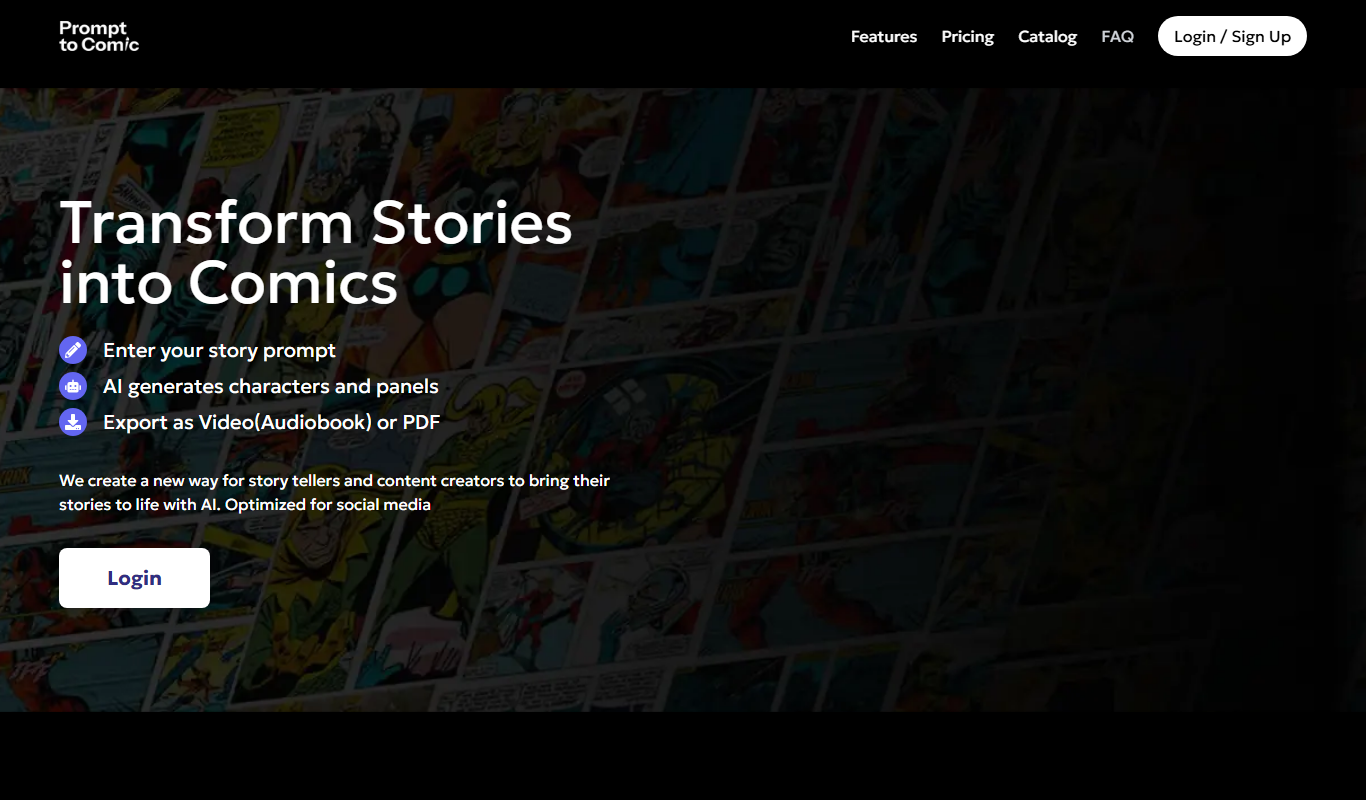
PromptToComicAI
PromptToComicAI is an AI-powered web tool that converts text prompts into comic-style images, enabling users to create visual stories without drawing skills.

Free
InstaNovel AI
InstaNovel AI is a mini-novel generator that produces 4-6 chapters with illustrations, with a waiting queue for free users.