

Dotfuscator .NET Code Obfuscation and Application Security Tool for Developers
Dotfuscator is a .NET code obfuscation and application security tool that protects software from reverse engineering, tampering, and debugging by transforming assemblies and integrating with development pipelines.
- Best for
- Code Obfuscation
- Key capability
- Code Obfuscation
Save Dotfuscator, follow its updates and vote on it — everything stays in your account.
Sign in or create a free account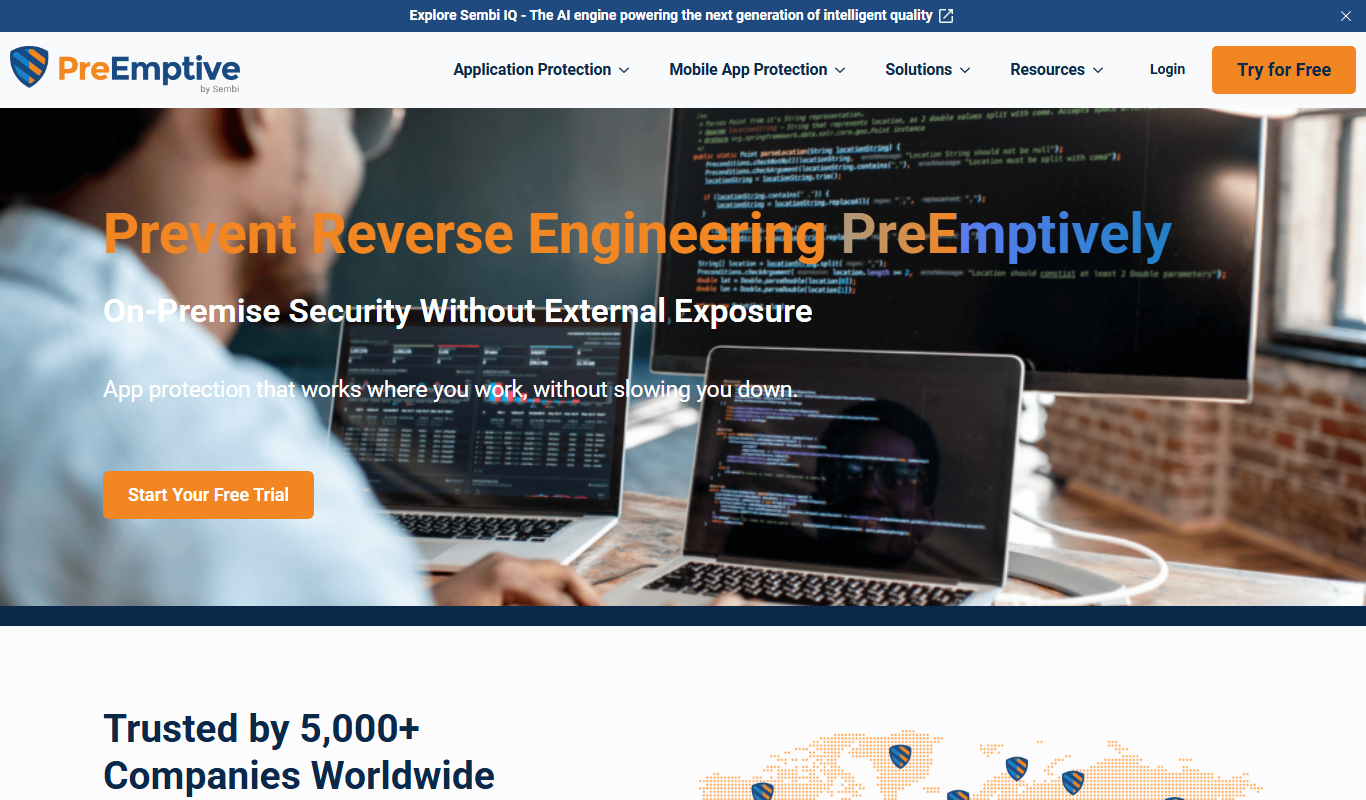
What is Dotfuscator?
Dotfuscator is a robust .NET code obfuscation and application security tool designed to protect software from reverse engineering, tampering, and unauthorized debugging. It transforms compiled .NET assemblies to make the code difficult to understand or modify, thereby safeguarding intellectual property and enhancing application security. It integrates with Visual Studio and build pipelines to provide automated protection during development.
Key features of Dotfuscator
Dotfuscator offers comprehensive features including code obfuscation, control flow obfuscation, string encryption, tamper detection, debugging prevention, and application analytics. These features work together to harden .NET applications against common attack vectors while maintaining application functionality.
Code Obfuscation
Renames symbols and alters code structure to prevent reverse engineering.
Control Flow Obfuscation
Transforms the logical flow of code to make decompiled output confusing.
String Encryption
Encrypts literal strings in assemblies to protect sensitive data.
Tamper Detection and Response
Detects unauthorized modifications and can trigger protective responses.
Debugging Prevention
Blocks debugging tools to prevent runtime analysis.
Application Analytics
Collects runtime data to monitor application usage and detect anomalies.
Pros and cons of Dotfuscator
Pros
- Comprehensive .NET code protection features
- Seamless integration with Visual Studio and build tools
- Includes tamper detection and debugging prevention
- Offers free Community Edition for basic needs
- Supports application analytics for runtime monitoring
Cons
- Primarily supports Windows and .NET platforms only
- Advanced features require paid Professional Edition
- Learning curve for configuring complex protection settings
Key use cases for Dotfuscator
Code Obfuscation
Protect .NET applications by transforming code to make reverse engineering and tampering difficult.
Application Security
Add layers of security to software to prevent unauthorized access, debugging, and code injection.
Software Intellectual Property Protection
Safeguard proprietary algorithms and business logic embedded in .NET assemblies.
Compliance and Risk Management
Help meet security compliance requirements by hardening applications against attacks.
Integration with Development Pipelines
Seamlessly integrate obfuscation into build processes using MSBuild and Visual Studio.
How Dotfuscator works
- 1
Integrate with Build Process
Add Dotfuscator to your Visual Studio project or MSBuild pipeline to automate protection.
- 2
Configure Protection Settings
Select obfuscation and security features such as renaming, control flow obfuscation, and string encryption.
- 3
Build and Obfuscate
Compile your application; Dotfuscator processes the assemblies to apply the configured protections.
- 4
Deploy Protected Application
Distribute the obfuscated and secured application to end users, reducing risk of reverse engineering.
Who is using Dotfuscator
Dotfuscator pricing
Community Edition
Free
Basic obfuscation features for individual developers and small projects.
Professional Edition
Contact for pricing
Advanced security features and support for enterprise applications.
Plans and prices are as published by the vendor and can change. Check the official site before you buy. Open the pricing page (opens in a new tab)
Frequently asked questions about Dotfuscator
Dotfuscator supports .NET Framework and .NET Core applications running primarily on Windows.
Yes, it integrates with MSBuild and Visual Studio to automate obfuscation during builds.
Minimal performance impact is expected; Dotfuscator is designed to maintain runtime efficiency.
Yes, the Community Edition offers basic obfuscation features at no cost.
It depends on your specific needs and how you plan to use the tool. The official website and documentation are the best sources for the latest details.
Some tools offer a free plan or trial with limited features. Availability can vary, so confirm on the official website.
Yes, it can help with that use case depending on how you configure it and what features are available. You’ll get the best results with clear inputs and a defined goal.
Conclusion
Protection is applied at build time: Dotfuscator is added to a Visual Studio project or MSBuild pipeline and processes the assemblies when the application is compiled. Developers select which protections to apply, such as renaming, control flow obfuscation and string encryption. Beyond obfuscation, it detects unauthorized modifications, blocks debugging tools and collects runtime data to monitor usage.
It supports .NET Framework and .NET Core applications, which puts it in front of .NET developers, security teams focused on application hardening and DevOps engineers integrating security into CI/CD. PreEmptive offers a free Community Edition with basic obfuscation, while advanced features require the Professional Edition, which is priced on request.
Sources
Sign in to review this tool.
Sign In to ReviewNo reviews yet
Be the first to share how this tool worked for you.
Ask about pricing, limits, or how it compares — or answer someone else.
Sign In to AskNo questions yet
Have a question about using or paying for this tool? Be the first to ask.
Featured on TiorAI



More AI Developer Tools tools
Other tools in the same category, for when this one is not quite the fit.
Infosys
Infosys is a global IT services and consulting company specializing in AI, cloud, automation, and digital transformation solutions for enterprises.

PlantUML
PlantUML is an open-source tool that creates UML diagrams from simple text descriptions, supporting various diagram types and integration with development tools.

Tailscale
Tailscale is a VPN service that creates a secure, private mesh network using WireGuard, enabling easy and encrypted remote access for teams and developers.

OpenZeppelin
OpenZeppelin is a platform offering open-source smart contract libraries, security auditing, and developer tools to build secure blockchain applications primarily on Ethereum.

OpenDaylight
OpenDaylight is an open source software-defined networking platform that provides a modular controller framework to enable network automation, programmability, and support for multiple protocols like OpenFlow and NETCONF.

ONAP
ONAP is an open-source platform that automates the orchestration and lifecycle management of telecom networks, supporting 5G, SDN, and NFV technologies.

Friendly Captcha
Friendly Captcha is a privacy-focused human verification tool that uses cryptographic proof-of-work challenges running in the browser to distinguish humans from bots without tracking or user friction.
1inch
1inch is a decentralized exchange aggregator that optimizes cryptocurrency token swaps by sourcing liquidity from multiple DEXs to provide the best prices and reduce gas fees.