

From my experience with DoodleTale, I found it excels at engaging children in creative drawing while seamlessly integrating AI to generate imaginative stories. The app’s child-friendly design and multi-platform availability make it accessible and enjoyable for young users. It’s particularly well-suited for parents and educators looking to encourage creativity and storytelling skills in children aged 4 to 12. However, the reliance on internet connectivity for AI features and occasional generic story outputs are practical limitations to consider. Overall, DoodleTale offers a unique blend of art and narrative development that supports creative learning effectively.
DoodleTale AI Creativity App for Kids Drawing and Storytelling
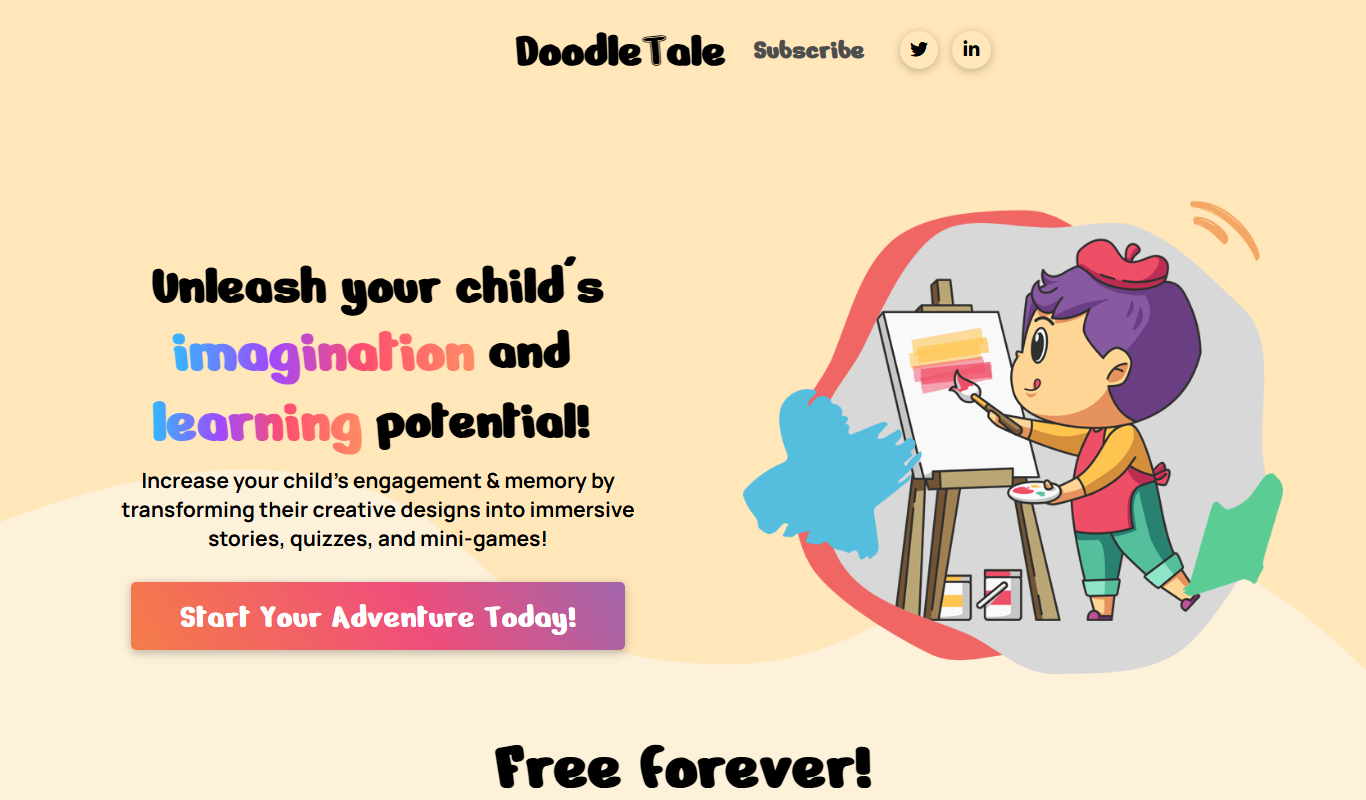
DoodleTale is an AI-driven creativity app that enables children to draw and automatically generates stories based on their artwork, promoting creativity and storytelling skills.
- Best for
- Creative Drawing for Kids
- Key capability
- AI-Powered Storytelling
Do you recommend this tool?
What is DoodleTale – AI Children Creativity App?
DoodleTale is an AI-powered creativity app designed specifically for children. It enables kids to draw freely and then uses artificial intelligence to transform their drawings into imaginative stories. The app aims to nurture creativity, storytelling skills, and artistic confidence in young users through an engaging and interactive digital environment.
Key features of DoodleTale – AI Children Creativity App
DoodleTale offers an intuitive drawing interface tailored for children, AI-driven story generation based on their artwork, and a safe, child-friendly platform. It supports multiple devices including web and mobile apps, making creativity accessible anywhere.
AI-Powered Storytelling
Automatically creates engaging stories based on children’s drawings.
Child-Friendly Drawing Tools
Simple and intuitive interface designed for young users to express creativity.
Multi-Platform Access
Available on web browsers and mobile devices (iOS and Android).
Safe Environment
Privacy and safety features ensure a secure experience for children.
Pros and cons of DoodleTale – AI Children Creativity App
Pros
- Encourages creativity and storytelling in children
- User-friendly interface tailored for kids
- Multi-platform availability
- Affordable premium plan with expanded features
Cons
- Limited offline functionality
- AI story generation may sometimes produce generic narratives
Key use cases for DoodleTale – AI Children Creativity App
Creative Drawing for Kids
Allows children to create drawings enhanced by AI, encouraging artistic expression.
Storytelling and Imagination
Transforms kids’ drawings into stories, fostering imagination and narrative skills.
Educational Entertainment
Combines fun with learning by engaging children in interactive creative activities.
Parent-Child Interaction
Provides a platform for parents and children to collaborate on creative projects.
How DoodleTale – AI Children Creativity App works
- 1
Create an Account
Parents or guardians sign up to create a safe profile for their child.
- 2
Draw with AI Assistance
Children use the app’s drawing tools to create artwork, with AI enhancing or suggesting elements.
- 3
Generate Stories
The AI analyzes the drawing and generates a unique story inspired by the artwork.
- 4
Share and Save
Users can save their creations and share stories with family or friends.
Who is using DoodleTale – AI Children Creativity App
Parents seeking creative educational apps
Early childhood educators
Children aged 4-12
After-school programs
Creative learning centers
DoodleTale – AI Children Creativity App pricing
Free
$0/month
Basic drawing and story generation features with limited usage.
Premium
$4.99/month
Unlimited access to all features, additional story styles, and priority support.
Plans and prices are as published by the vendor and can change. Check the official site before you buy. Open the pricing page (opens in a new tab)
Frequently asked questions about DoodleTale – AI Children Creativity App
Yes, DoodleTale is designed with child safety and privacy in mind, complying with relevant regulations.
The app is best suited for children aged 4 to 12 years old.
Yes, parents can create and manage profiles and oversee their child’s creative projects.
Yes, internet access is needed for AI story generation and syncing creations.
It depends on your specific needs and how you plan to use the tool. The official website and documentation are the best sources for the latest details.
It depends on your specific needs and how you plan to use the tool. The official website and documentation are the best sources for the latest details.
Yes, it can help with that use case depending on how you configure it and what features are available. You’ll get the best results with clear inputs and a defined goal.
Sign in to review this tool.
Sign In to ReviewNo reviews yet
Be the first to share how this tool worked for you.
Ask about pricing, limits, or how it compares — or answer someone else.
Sign In to AskNo questions yet
Have a question about using or paying for this tool? Be the first to ask.
Featured on TiorAI



Alternative Tools
Explore similar AI tools that might fit your needs

Free
KidloLand
KidloLand is an educational app providing interactive games, songs, stories, and videos designed for children aged 0-8 to support early learning and development.
More AI Education & Learning Tools tools
Other tools in the same category, for when this one is not quite the fit.

Free
bentolingo
BentoLingo is an AI-driven language learning platform that provides personalized speaking practice and real-time feedback to help users improve fluency in multiple languages.

Free Trial
Testnut
Testnut is an online exam platform that enables secure, scalable assessments with remote proctoring, automated grading, and detailed analytics, suitable for education and corporate use.

Freemium
Testbook.ai
Testbook.ai is an AI-driven platform offering personalized study plans, mock tests, and live classes to help students prepare effectively for competitive exams.

Free
AICamp
AICamp is an AI education platform offering project-based learning to teach AI, machine learning, and data science through hands-on projects and community mentorship.
Free
KidTales
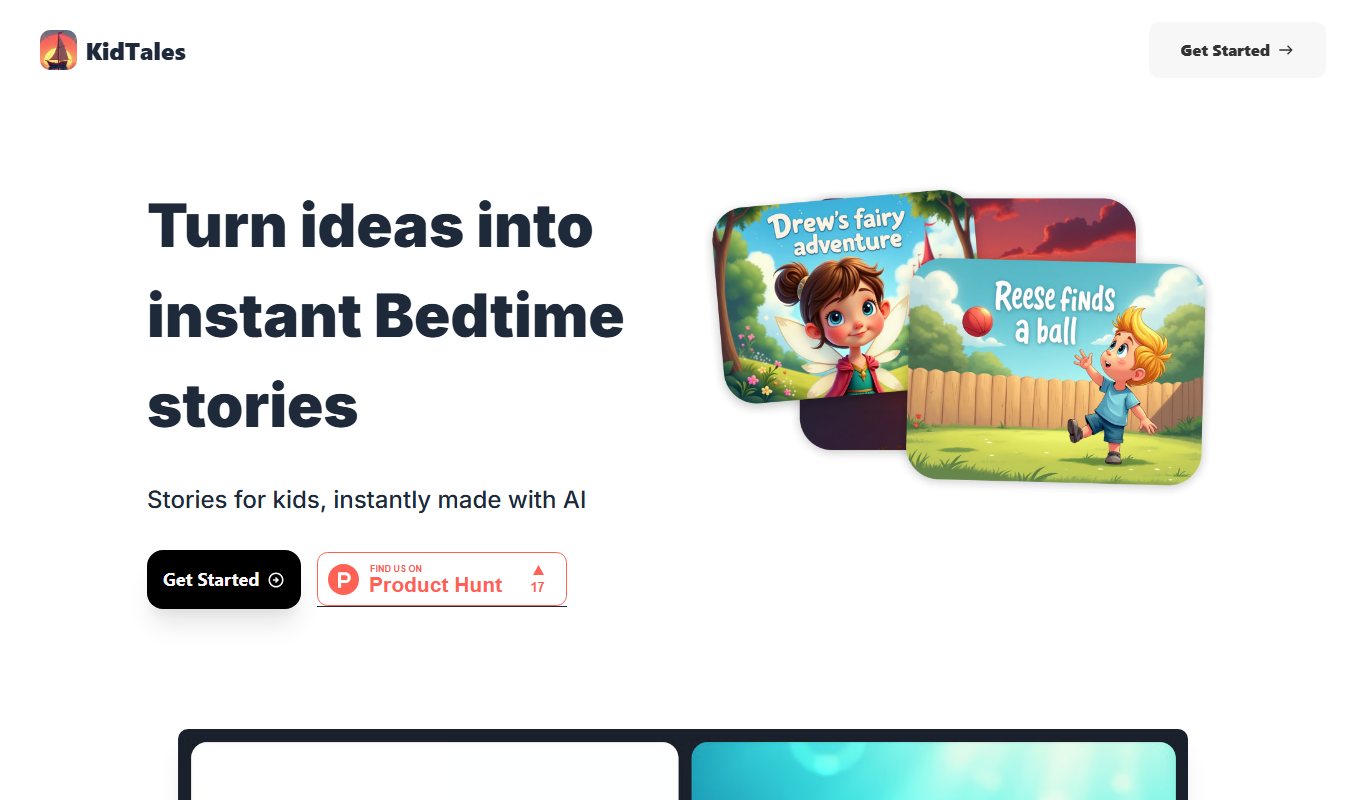
KidTales AI is an online tool that generates personalized, age-appropriate stories for children to support creativity and learning.

Freemium
Mi Cuento Digital
Mi Cuento Digital is an online platform that lets you create personalized digital storybooks for children by adding names, photos, and custom details to engage young readers.

Free
Kidgeni
Kidgeni is an AI-powered tutoring platform designed to provide personalized learning and homework help for children, focusing on core subjects like math and reading through interactive sessions.

Freemium
flAI
flAI is an AI-driven language learning app that provides personalized speaking and writing practice with real-time feedback to help users improve fluency and confidence in multiple languages.