

From my experience with Dinnerfy, it stands out for its straightforward approach to personalized meal planning and grocery list generation. The platform is especially helpful for users who want to organize their weekly meals efficiently while considering dietary preferences. Although Dinnerfy is primarily web-based and some features require a subscription, its ease of use and practical tools make it a solid choice for busy individuals and families aiming to streamline meal preparation. If you want a simple, customizable meal planner with integrated grocery lists, Dinnerfy delivers reliable functionality without unnecessary complexity.
Dinnerfy Meal Planning App for Personalized Weekly Menus and Recipes
Dinnerfy is a web-based meal planning tool that helps users create personalized weekly menus, discover recipes, and generate grocery lists to simplify meal preparation.
- Best for
- Personalized Weekly Meal Planning
- Key capability
- Personalized Meal Plans
Your actions
Save Dinnerfy, follow its updates and vote on it — everything stays in your account.
Sign in or create a free account
What is Dinnerfy?
Dinnerfy is a web-based meal planning application designed to help users create personalized weekly menus. It simplifies meal preparation by allowing users to select recipes, generate grocery lists, and manage their nutrition goals all in one platform.
Key features of Dinnerfy
Dinnerfy offers personalized meal planning, recipe discovery, automatic grocery list creation, and nutritional tracking to support healthy eating habits and efficient meal preparation.
Personalized Meal Plans
Tailor weekly menus to fit individual dietary needs and preferences.
Recipe Library
Access a diverse collection of recipes for various cuisines and diets.
Automatic Grocery Lists
Generate shopping lists that correspond to your meal plan ingredients.
Nutritional Information
View detailed nutrition facts for each recipe to monitor intake.
Pros and cons of Dinnerfy
Pros
- Easy-to-use interface for meal planning
- Personalized meal plans based on dietary needs
- Automatic grocery list generation saves time
Cons
- Limited mobile app presence; primarily web-based
- Some advanced features require a paid subscription
Key use cases for Dinnerfy
Personalized Weekly Meal Planning
Users can create customized weekly meal plans based on their dietary preferences and goals.
Recipe Discovery and Management
Discover new recipes and save favorites for easy access and meal preparation.
Grocery List Generation
Automatically generate grocery shopping lists from planned meals to streamline shopping.
Dietary and Nutritional Tracking
Track nutritional information and adjust meal plans to meet specific dietary needs.
How Dinnerfy works
- 1
Create an Account
Sign up on the Dinnerfy website to start planning your meals.
- 2
Set Preferences
Input dietary restrictions, preferences, and goals to personalize your meal plan.
- 3
Select Recipes
Browse and choose recipes to include in your weekly menu.
- 4
Generate Grocery List
Automatically create a shopping list based on your selected meals.
- 5
Plan and Cook
Use the meal plan and grocery list to prepare your meals efficiently.
Who is using Dinnerfy
Busy individuals seeking meal planning help
Health-conscious users tracking nutrition
Families wanting organized weekly menus
People with specific dietary restrictions
Dinnerfy pricing
Free
$0/month
Basic access to meal planning and recipe browsing with limited features.
Premium
$7.99/month
Full access to all features including advanced meal planning and nutritional tracking.
Plans and prices are as published by the vendor and can change. Check the official site before you buy. Open the pricing page (opens in a new tab)
Frequently asked questions about Dinnerfy
Dinnerfy offers a free plan with basic features and a premium subscription for full access.
Yes, Dinnerfy allows you to set dietary preferences and restrictions to personalize your meal plans.
Yes, it automatically creates grocery lists based on your selected recipes and meal plans.
It depends on your specific needs and how you plan to use the tool. The official website and documentation are the best sources for the latest details.
Some tools offer a free plan or trial with limited features. Availability can vary, so confirm on the official website.
Yes, it can help with that use case depending on how you configure it and what features are available. You’ll get the best results with clear inputs and a defined goal.
Sign in to review this tool.
Sign In to ReviewNo reviews yet
Be the first to share how this tool worked for you.
Ask about pricing, limits, or how it compares — or answer someone else.
Sign In to AskNo questions yet
Have a question about using or paying for this tool? Be the first to ask.
Featured on TiorAI



Alternative Tools
Explore similar AI tools that might fit your needs
One-time purchase
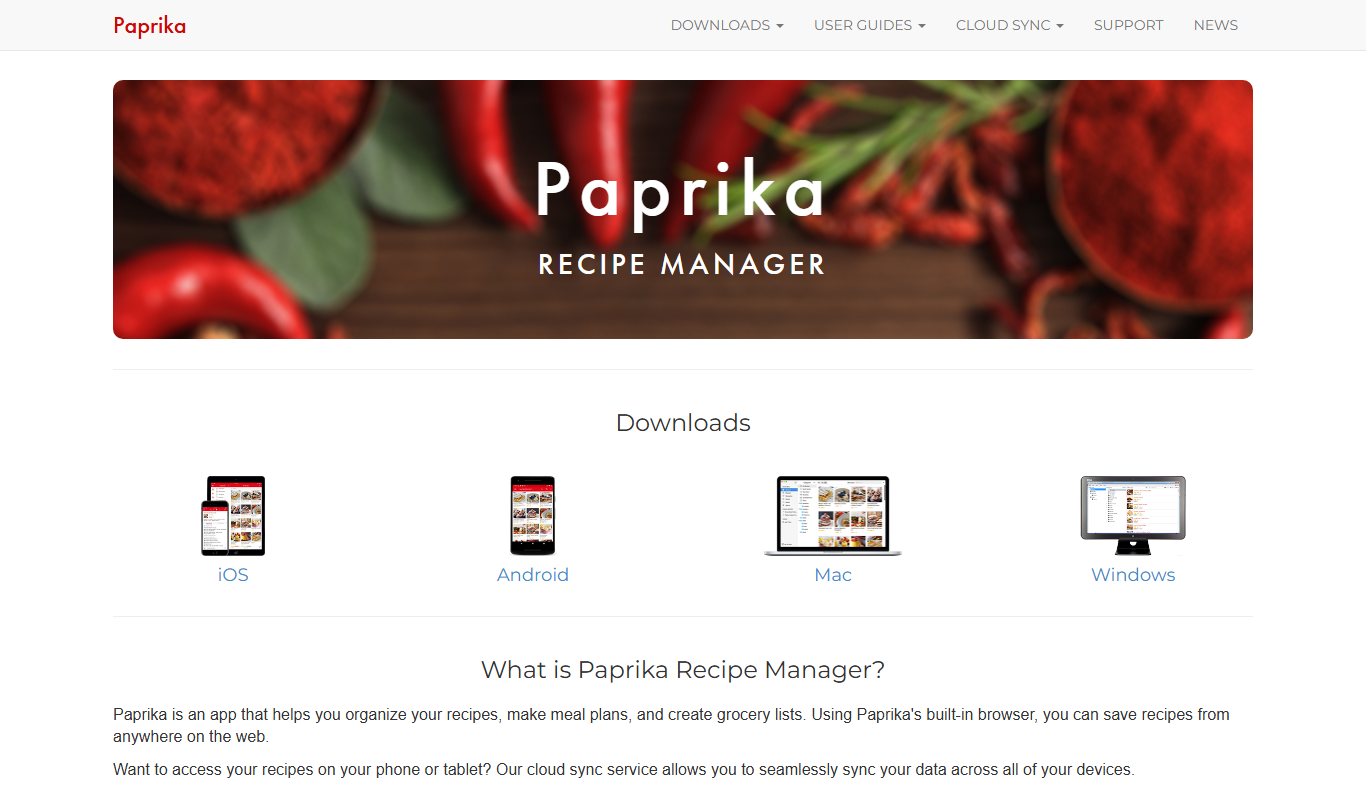
Paprika Recipe Manager
Paprika Recipe Manager is a multi-platform app that helps users collect, organize, and plan recipes and meals, featuring recipe importing, meal planning calendar, grocery list automation, and cross-device syncing.
More AI Kitchen Design Tools tools
Other tools in the same category, for when this one is not quite the fit.

Free
Indesignify
Indesignify is an AI-powered web tool that converts images of design layouts into editable Adobe InDesign files, enabling designers to quickly recreate and edit layouts without manual redrawing.
Free
Recipee
Recipee is a personalized meal planning app that helps users create customized meal plans, organize recipes, and generate grocery lists based on dietary preferences and nutritional goals.

Free
MealsAI
MealsAI is an AI-powered platform that generates personalized meal plans and recipes based on your dietary preferences, restrictions, and nutritional goals.

Subscription
POS Dish
POS Dish is a cloud-based restaurant point of sale system that streamlines order taking, billing, inventory management, and sales reporting accessible via web and mobile apps.