

From my experience with POS Dish, I found it excels at providing an all-in-one restaurant management solution that balances ease of use with powerful features. The cloud-based platform and mobile apps make it flexible for various restaurant types, from small cafes to larger chains. However, the reliance on internet connectivity can be a limitation in areas with unstable networks. Overall, if you need a streamlined POS system that integrates order processing, inventory tracking, and sales analytics, POS Dish delivers a solid, user-friendly option.
POS Dish Restaurant POS System for Efficient Order & Inventory Management
POS Dish is a cloud-based restaurant point of sale system that streamlines order taking, billing, inventory management, and sales reporting accessible via web and mobile apps.
- Best for
- Order Management
- Key capability
- Cloud-Based Access
Your actions
Save POS Dish, follow its updates and vote on it — everything stays in your account.
Sign in or create a free account

What is POS Dish?
POS Dish is a cloud-based restaurant point of sale (POS) system designed to simplify restaurant operations. It integrates order management, billing, inventory tracking, and reporting into a single platform accessible via web and mobile devices. The tool aims to improve efficiency, reduce errors, and provide actionable insights for restaurant owners and staff.
Key features of POS Dish
POS Dish offers features such as real-time order processing, inventory management, multi-mode billing, table and staff management, and comprehensive sales analytics. Its mobile-friendly design supports Android and iOS devices, enabling flexibility for restaurant operations.
Cloud-Based Access
Access your POS system anytime from any device with internet connectivity.
Multi-Platform Support
Available on web browsers, Android, and iOS devices for operational flexibility.
Inventory Management
Real-time tracking of stock levels to prevent shortages and reduce waste.
Table and Staff Management
Organize table assignments and monitor staff performance efficiently.
Detailed Reporting
Generate comprehensive sales and inventory reports to inform business decisions.
Pros and cons of POS Dish
Pros
- User-friendly interface suitable for all skill levels
- Comprehensive restaurant management features in one platform
- Mobile apps provide operational flexibility
- Real-time inventory tracking reduces waste
- Detailed analytics help optimize business performance
Cons
- Requires internet connection for most features
- Limited third-party integrations compared to some competitors
- Pricing details are not fully transparent without contacting sales
Key use cases for POS Dish
Order Management
Streamline order taking and processing for dine-in, takeaway, and delivery services.
Inventory Tracking
Monitor stock levels in real-time to reduce wastage and optimize purchasing.
Billing and Payments
Generate bills quickly and accept multiple payment methods including cash, card, and digital wallets.
Table Management
Manage table assignments and reservations to improve customer seating efficiency.
Sales Reporting
Access detailed sales reports and analytics to make informed business decisions.
How POS Dish works
- 1
Sign Up
Create an account on the POS Dish website or app to start setting up your restaurant profile.
- 2
Configure Menu and Tables
Input your menu items, prices, and configure table layouts to match your restaurant.
- 3
Start Taking Orders
Use the POS interface to take customer orders, send them to the kitchen, and manage billing.
- 4
Track Inventory
Monitor ingredient usage and stock levels automatically as orders are processed.
- 5
Analyze Sales
Review sales reports and analytics to optimize operations and improve profitability.
Who is using POS Dish
Small to medium-sized restaurants
Cafes and quick service outlets
Food trucks and pop-up eateries
Restaurant chains seeking centralized management
Hospitality businesses needing integrated POS and inventory
POS Dish pricing
Starter
$19/month
Basic POS features suitable for small restaurants with limited needs.
Professional
$49/month
Advanced features including inventory management and detailed reporting.
Enterprise
Custom pricing
Tailored solutions for large restaurants or chains with dedicated support.
Plans and prices are as published by the vendor and can change. Check the official site before you buy. Open the pricing page (opens in a new tab)
Frequently asked questions about POS Dish
POS Dish primarily operates as a cloud-based system and requires internet connectivity for full functionality.
Yes, it supports cash, credit/debit cards, and various digital wallets.
Yes, POS Dish offers mobile apps for both Android and iOS devices.
Yes, the system allows full customization of menu items, prices, and modifiers.
It depends on your specific needs and how you plan to use the tool. The official website and documentation are the best sources for the latest details.
It depends on your specific needs and how you plan to use the tool. The official website and documentation are the best sources for the latest details.
Yes, it can help with that use case depending on how you configure it and what features are available. You’ll get the best results with clear inputs and a defined goal.
Sign in to review this tool.
Sign In to ReviewNo reviews yet
Be the first to share how this tool worked for you.
Ask about pricing, limits, or how it compares — or answer someone else.
Sign In to AskNo questions yet
Have a question about using or paying for this tool? Be the first to ask.
Featured on TiorAI



More AI Inventory Management Tools tools
Other tools in the same category, for when this one is not quite the fit.

Free Trial
T-Rex Label
T-Rex Label is a Windows desktop software that enables businesses to design, customize, and print barcode and product labels efficiently, supporting multiple barcode types and database integration.
Free
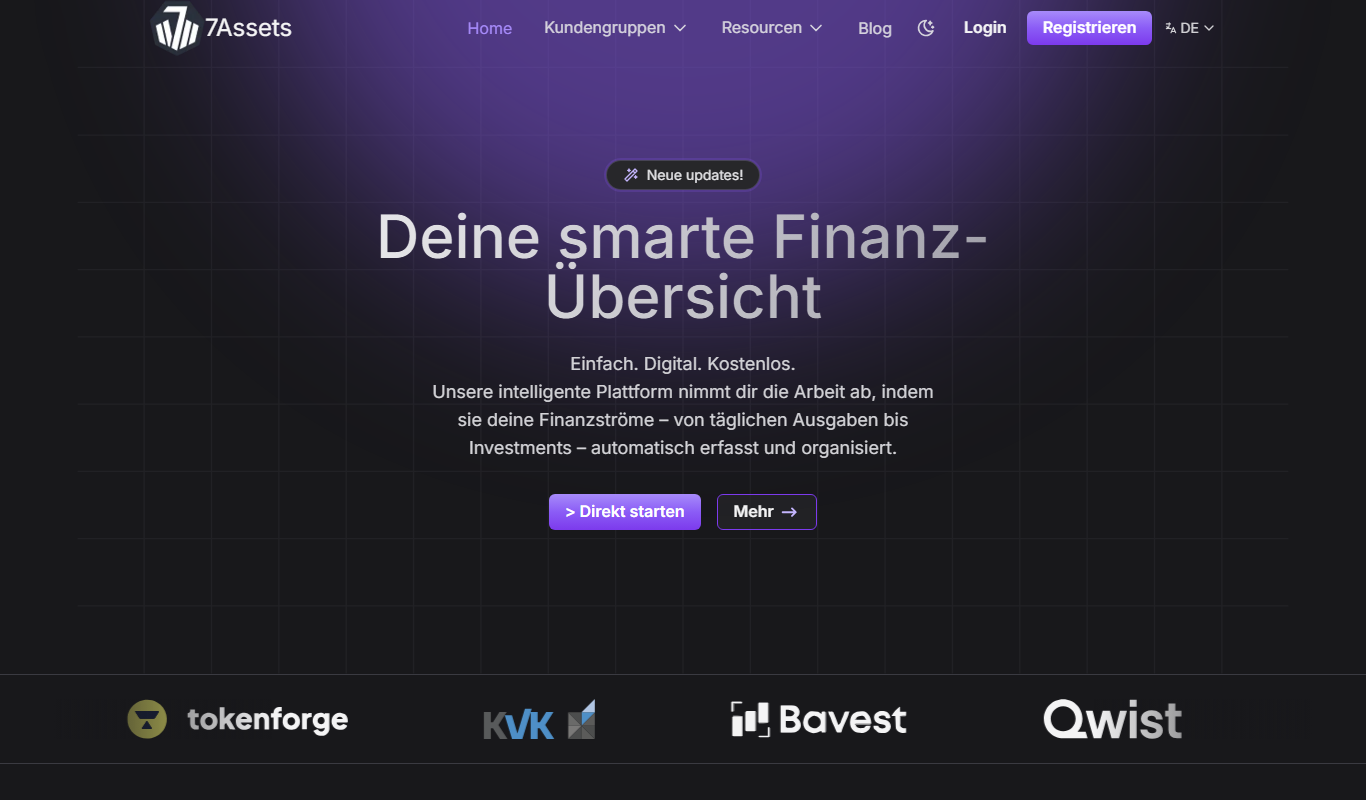
7Assets
7Assets is a cloud-based asset management tool designed to help businesses track, maintain, and audit physical assets efficiently through web and mobile platforms.

Free Trial
PantryLab
PantryLab is a cloud-based inventory management software tailored for food businesses to track inventory, manage suppliers, control costs, and reduce waste efficiently.

Free Trial
Roborder.ai
Roborder.ai is an AI-driven order management platform that automates order processing, inventory updates, and shipping label creation for e-commerce businesses selling across multiple channels.

Freemium
Easylist
Easylist is an AI-driven platform that automates product listing creation and inventory management for e-commerce sellers across multiple marketplaces.

Contact for pricing
Grainient
Grainient is a supply chain management platform that provides real-time inventory tracking, order management, and logistics coordination to optimize business operations.