
From my experience with Digest AI, I found it excels at automating the tedious task of meeting note-taking by providing accurate transcriptions and concise summaries. Its ability to extract action items helps keep teams aligned and accountable. The seamless integration with popular video conferencing platforms makes it easy to incorporate into existing workflows. However, the tool currently supports only English and limits usage on the free plan, which may be restrictive for some users. Overall, if you want to save time and improve meeting productivity, Digest AI offers a practical and user-friendly solution.

Digest AI Review: AI-Powered Meeting Summaries and Insights Tool
Digest AI is an AI-powered tool that automatically transcribes, summarizes, and extracts key insights from meetings to save time and improve collaboration.
Tech Stack:
JavaScript
Machine Learning
Python
What is Digest AI?
Digest AI is an AI-powered meeting assistant designed to automatically transcribe, summarize, and extract key insights from virtual meetings. It integrates with popular video conferencing platforms and uses advanced natural language processing to deliver concise meeting notes, action items, and analytics, helping teams save time and improve productivity.

Key Features of Digest AI
Automated Meeting Transcription
Accurate speech-to-text conversion for clear, searchable meeting transcripts.
Smart Summarization
AI-generated concise summaries highlighting the most important discussion points.
Action Item & Decision Extraction
Automatically identifies tasks and decisions to keep teams aligned.
Integration with Video Conferencing
Seamless connection with platforms like Zoom and Google Meet for live or recorded meetings.
Collaboration Tools
Easy sharing and commenting features to enhance team communication.
Pros and Cons of Digest AI
Pros
- Saves time by automating meeting notes
- Accurate transcription and summarization
- Easy integration with popular conferencing tools
- Highlights action items to improve follow-up
- User-friendly interface with collaboration features
Cons
- Limited language support (English only)
- Free plan has restricted meeting minutes
- No dedicated mobile app currently
Key Use Cases for Digest AI
Meeting Summaries
Automatically generate concise and accurate summaries of meetings to save time on note-taking.
Action Item Extraction
Identify and highlight key action items and decisions from meeting conversations.
Collaboration Enhancement
Share meeting insights and summaries easily with team members to improve communication.
Transcription Services
Convert spoken meeting content into searchable and editable text transcripts.
Meeting Analytics
Analyze meeting data to gain insights on participation, topics, and engagement.
How Digest AI Works
-
1
Connect Your Meeting Platform
Integrate Digest AI with your preferred video conferencing tool such as Zoom or Google Meet.
-
2
Record or Upload Meeting
Start recording your meeting or upload recorded audio/video files to the platform.
-
3
AI Processes the Content
The AI transcribes the meeting, summarizes key points, and extracts action items automatically.
-
4
Review and Share
Access the meeting summary and insights, edit if needed, and share with your team.
Who's Using Digest AI
Remote teams
Project managers
Sales and customer success teams
Consultants and freelancers
Small to medium-sized businesses
Digest AI Pricing
Free
$0/month
Basic transcription and summary features with limited meeting minutes per month.
Pro
$20/month
Unlimited meeting minutes, advanced analytics, and priority support.
Frequently Asked Questions About Digest AI
Digest AI currently supports Zoom, Google Meet, and Microsoft Teams integrations.
Yes, users can review and edit summaries before sharing them with their team.
Digest AI uses encryption and follows industry best practices to ensure data privacy and security.
At this time, Digest AI supports English only.
It depends on your specific needs and how you plan to use the tool. The official website and documentation are the best sources for the latest details.
Integration support depends on the tool and its available connectors or API. Check the official documentation or integrations page to confirm what is supported.
Data handling and security practices vary by provider. Review the official privacy policy to understand how your data is stored and used.
Share your review
Reviews are limited to one per logged-in user and are published after moderation.
You need an account to review this tool.
0.0
★
★
★
★
★
0 reviews
5 star
0
4 star
0
3 star
0
2 star
0
1 star
0
No reviews yet
Be the first to share how this tool worked for you.
Questions from the community
Read questions and answers about this tool, or ask your own.
No questions yet
Start the conversation by asking the first question about this tool.
Is this tool helpful?
Alternative Tools
Explore similar AI tools that might fit your needs
Free
Fathom.video
Fathom.video is an AI meeting assistant that records, transcribes, and summarizes Zoom calls automatically to enhance productivity and collaboration.

Free Trial
AutoCaption
AutoCaption is an AI-driven online platform that automatically generates accurate captions and subtitles for videos, supporting multiple languages and easy editing.

Free Trial
Adpollo
Adpollo is an AI-driven platform that helps marketers create, manage, and optimize Facebook and Instagram ads by generating ad creatives and providing performance analytics.

Freemium
Spikes Studio
Spikes Studio is an AI-driven video editing tool that automates the creation of social media optimized videos by clipping, captioning, and formatting content efficiently.
Freemium
Digital First AI
Digital First AI is a web-based AI content generation tool designed to help marketers and businesses create SEO-optimized articles, marketing copy, and social media content efficiently.
Freemium
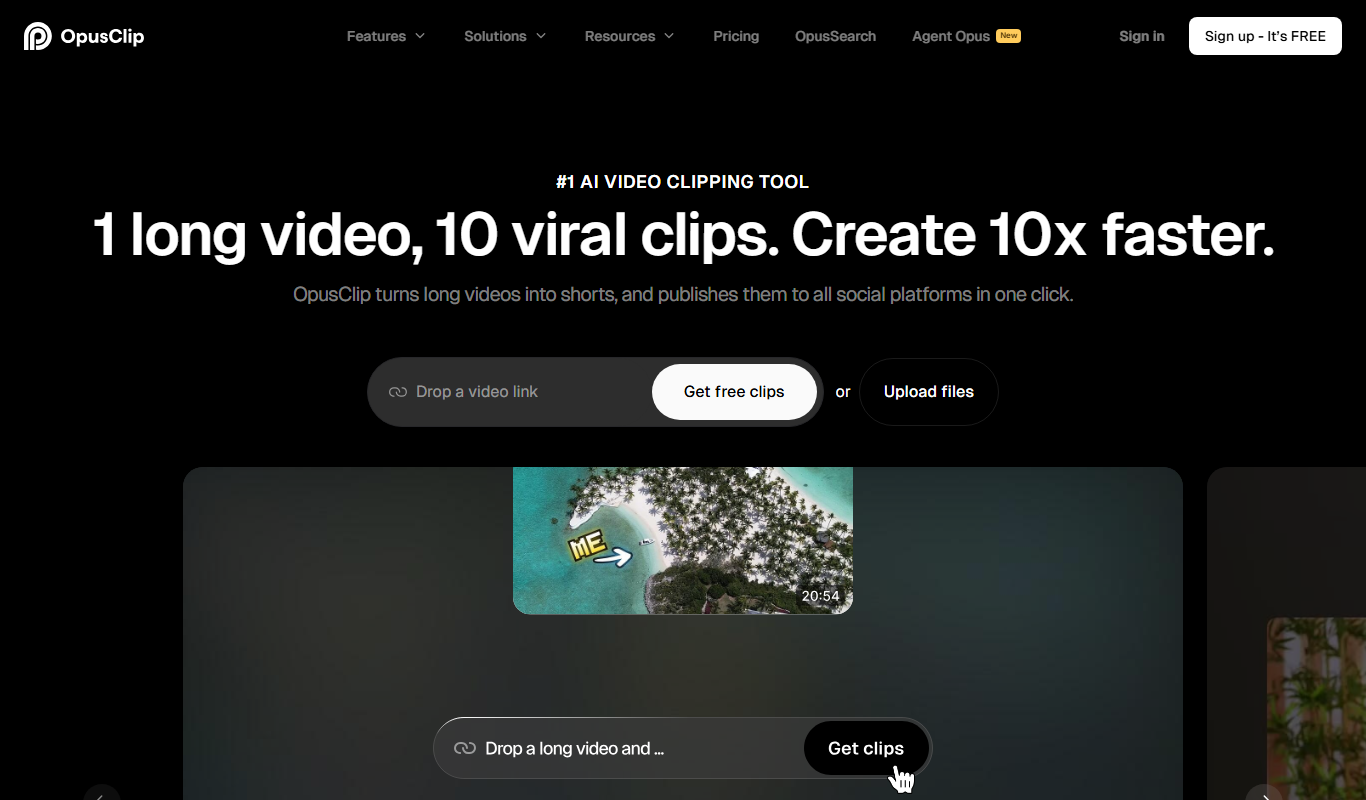
Opus Clip AI
Opus Clip AI is an AI-driven video editing tool that automatically generates short highlight clips from longer videos, simplifying content repurposing for social media.

Freemium
PenParrot
PenParrot is an AI-powered writing assistant that helps users generate and improve creative and professional content through an easy-to-use web platform.

Free
Code Language Converter
Code Language Converter is a free web-based tool that translates code snippets between multiple programming languages, helping developers convert syntax quickly and learn language differences.

Free
freeadcopy.com
FreeAdCopy.com is a free AI tool that generates marketing ad copy instantly without requiring sign-up, helping marketers create persuasive ads quickly.