

From my experience with Did You Learn, I found it excels at providing simple yet effective reminders that help reinforce recently acquired knowledge. The extension’s integration within Chrome makes it easy to capture and revisit learning points without disrupting workflow. It’s particularly well-suited for students and professionals who want a lightweight tool to boost memory retention without complex setups. However, the lack of mobile support and advanced features means it may not fully replace dedicated spaced repetition apps for power users. Overall, if you want a straightforward, free tool to help you remember what you learn daily, Did You Learn delivers solid value.
Did You Learn Chrome Extension for Efficient Knowledge Retention and Review
Did You Learn is a free Chrome extension that helps users improve knowledge retention by prompting timely review of learned material through customizable reminders and note-taking features.
- Best for
- Knowledge Retention
- Key capability
- Review Reminders
Do you recommend this tool?
What is Did You Learn?
Did You Learn is a Chrome extension designed to enhance knowledge retention by prompting users to review information they have recently learned. It acts as a personal learning assistant that helps users remember and reinforce new knowledge through timely reminders and review prompts.
Key features of Did You Learn
The extension offers features such as customizable review intervals, easy note-taking, and simple interface integration within the browser to facilitate continuous learning and memory reinforcement.
Review Reminders
Customizable notifications to prompt users to revisit learned material.
Note Taking
Quickly capture and organize important points directly within the browser.
Simple User Interface
Minimalistic design that integrates seamlessly with Chrome for ease of use.
Pros and cons of Did You Learn
Pros
- Easy to install and use within Chrome
- Helps improve long-term knowledge retention
- Free with no hidden costs
Cons
- Limited to Chrome browser only
- No mobile app or cross-platform support
- Basic feature set without advanced analytics
Key use cases for Did You Learn
Knowledge Retention
Helps users retain information by prompting regular review of learned content.
Study Aid
Supports students and learners in organizing and revisiting key concepts efficiently.
Content Review
Allows professionals to quickly review important information to reinforce learning.
How Did You Learn works
- 1
Install Extension
Add the Did You Learn extension to your Chrome browser from the Chrome Web Store.
- 2
Capture Learning Points
Use the extension to note down key information or concepts you want to remember.
- 3
Receive Review Prompts
The extension reminds you at set intervals to review your notes and reinforce your memory.
Who is using Did You Learn
Students
Lifelong learners
Professionals needing quick review tools
Educators
Content creators
Did You Learn pricing
Free
$0
Full access to all features with no cost.
Plans and prices are as published by the vendor and can change. Check the official site before you buy. Open the pricing page (opens in a new tab)
Frequently asked questions about Did You Learn
Yes, the extension is completely free with no paid plans.
Currently, it is available only as a Chrome extension.
Yes, users can set their preferred timing for review reminders.
Yes, it can help with that use case depending on how you configure it and what features are available. You’ll get the best results with clear inputs and a defined goal.
Yes, it can help with that use case depending on how you configure it and what features are available. You’ll get the best results with clear inputs and a defined goal.
Sign in to review this tool.
Sign In to ReviewNo reviews yet
Be the first to share how this tool worked for you.
Ask about pricing, limits, or how it compares — or answer someone else.
Sign In to AskNo questions yet
Have a question about using or paying for this tool? Be the first to ask.
Featured on TiorAI



Alternative Tools
Explore similar AI tools that might fit your needs

Free
Anki
Anki is an open-source spaced repetition flashcard program that helps users memorize information efficiently by scheduling reviews at optimal intervals to enhance long-term retention.
More AI Browsers tools
Other tools in the same category, for when this one is not quite the fit.
Free
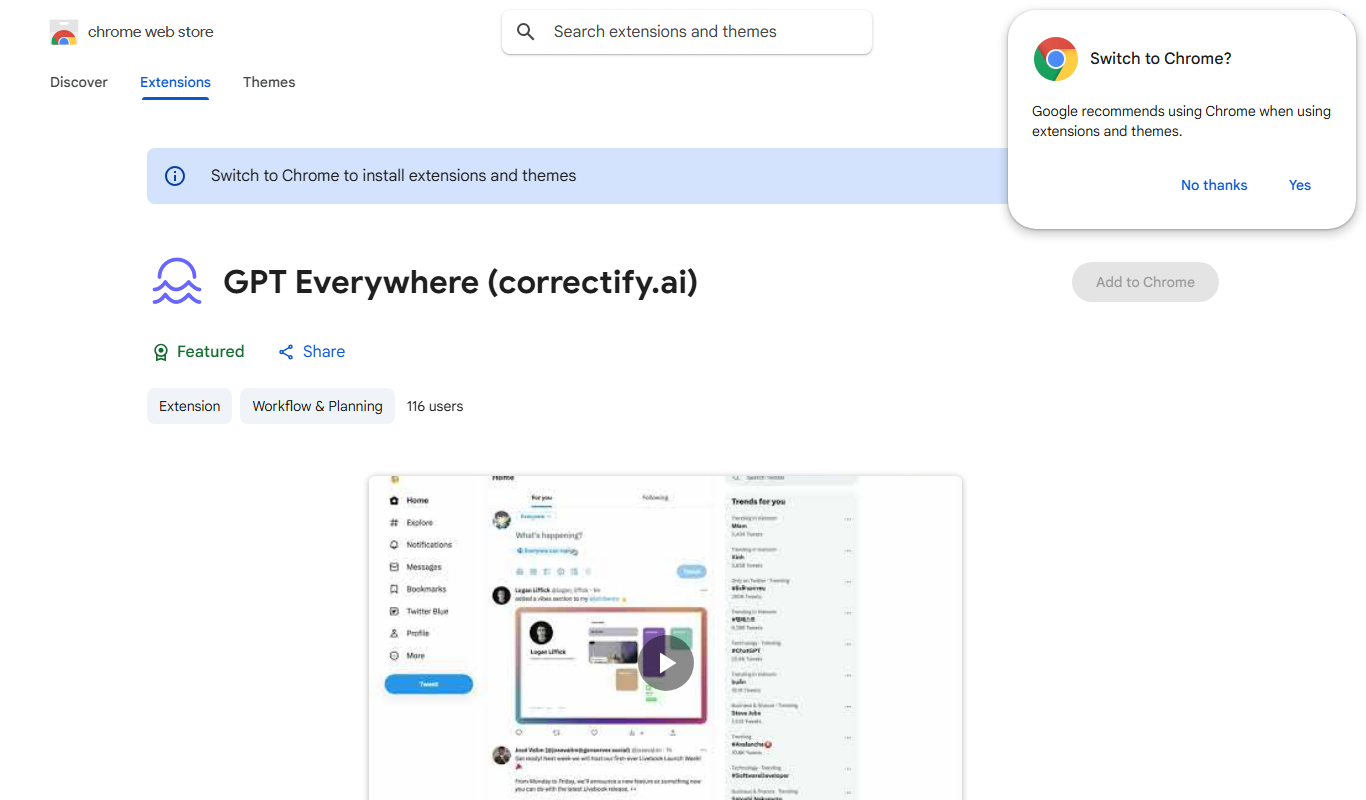
GPTEverywhere
GPTEverywhere is a free Chrome extension that provides AI-powered text generation and correction directly within web text fields, helping users improve their writing efficiently.
Free
universally.chat
Universally.chat is an AI-powered chatbot platform that enables businesses to automate customer support and engagement with multilingual, no-code chatbot building and easy integration.

Free
xPage
xPage is an AI-powered no-code website builder that helps users create responsive, SEO-optimized websites quickly without coding skills.
Free
AYCD
AYCD is a web-based AI content detection tool that identifies AI-generated and plagiarized text to ensure content authenticity.

Free
Marble for Google Chrome
Marble is a free Google Chrome extension that visually organizes browser tabs into groups, allowing users to save and restore sessions to improve productivity and reduce tab clutter.

Free
OpenAI expenses checker
OpenAI Expenses Checker is a free Chrome extension that helps users monitor their OpenAI API usage expenses in real time directly from their browser.
Free
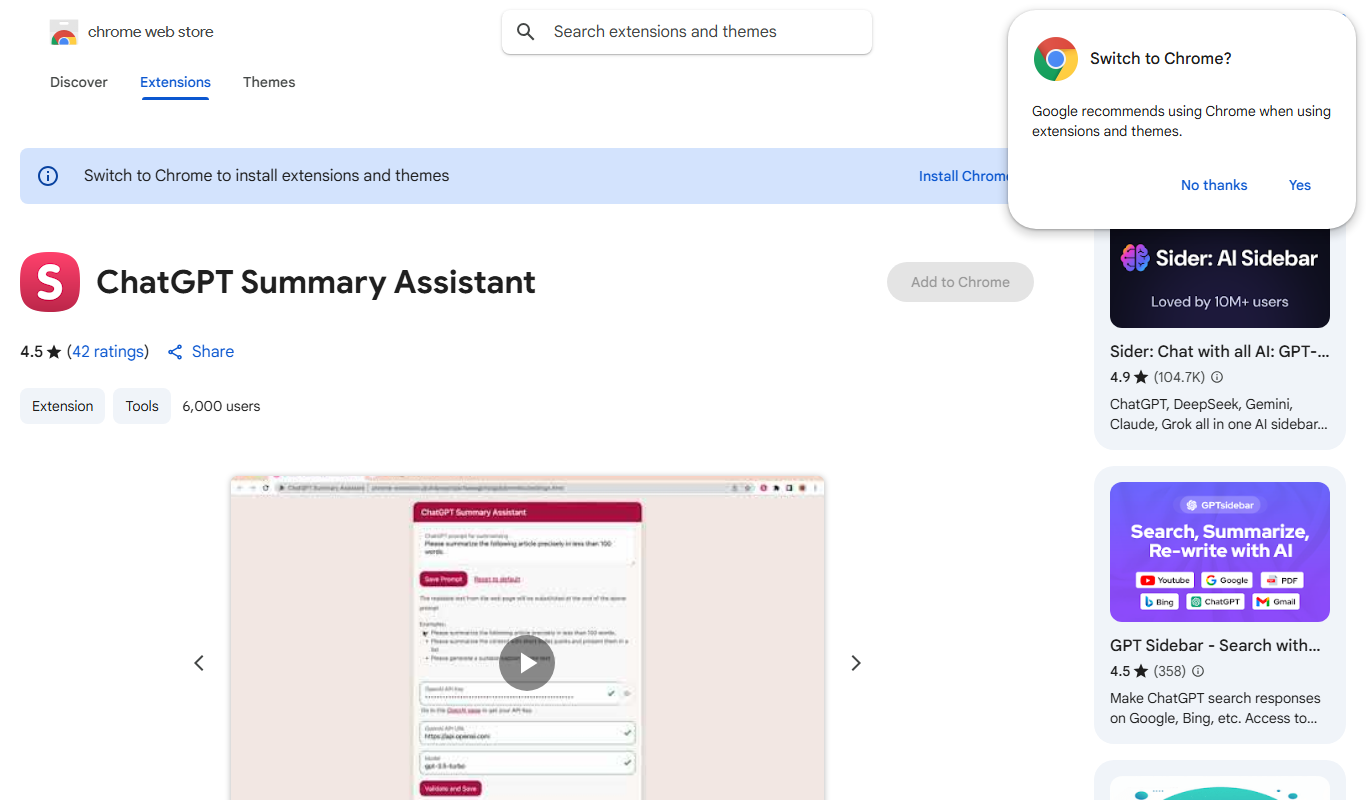
ChatGPT Summary Assistant
ChatGPT Summary Assistant is a free Chrome extension that uses AI to generate concise summaries of selected text on web pages, helping users quickly understand content.

Free
Lion Accountability Browser
Lion Accountability Browser is a free desktop web browser focused on privacy and accountability, featuring tracker blocking and browsing activity logging to promote responsible internet use.